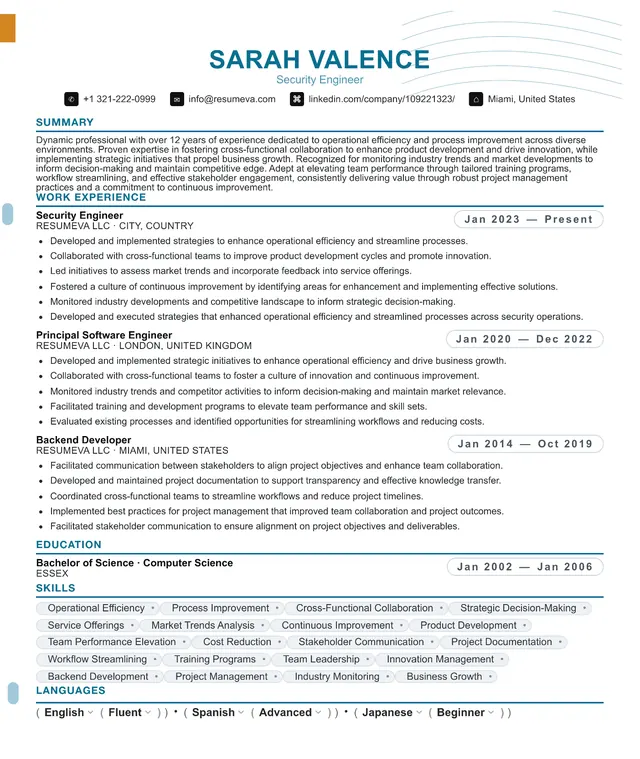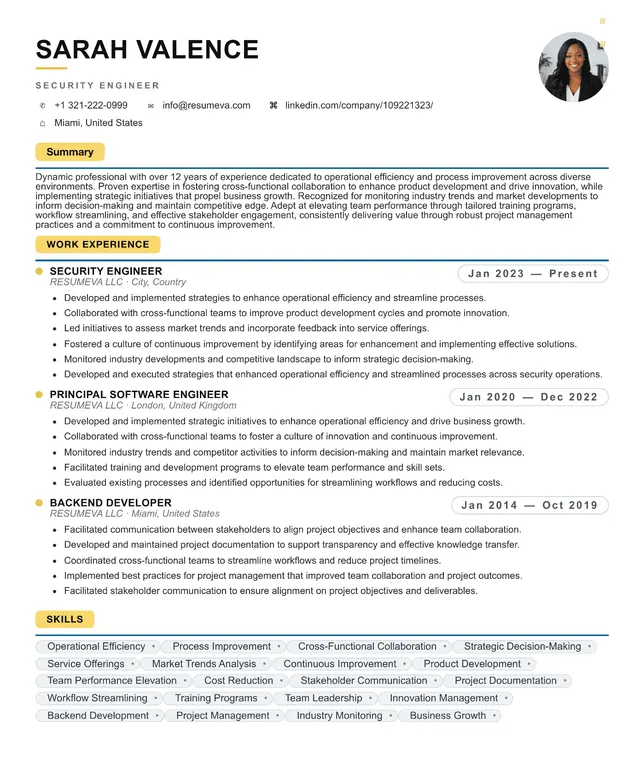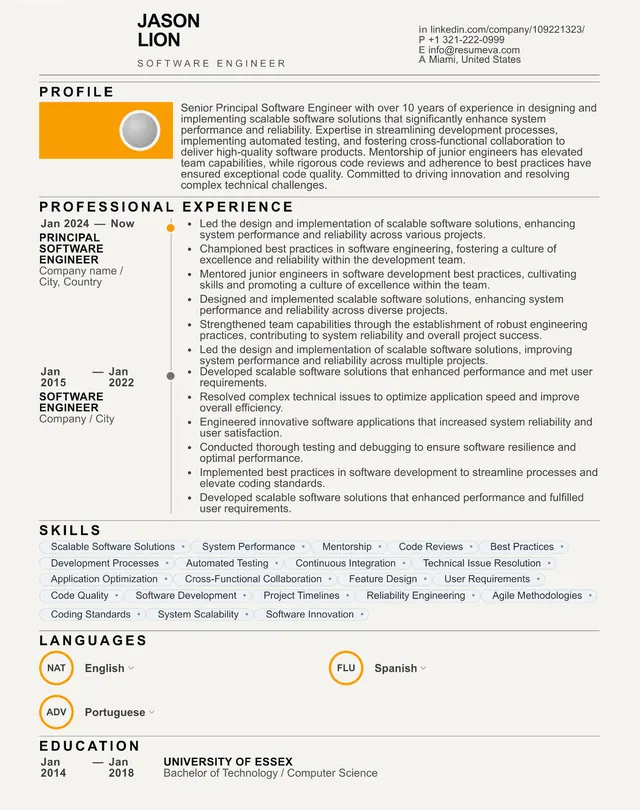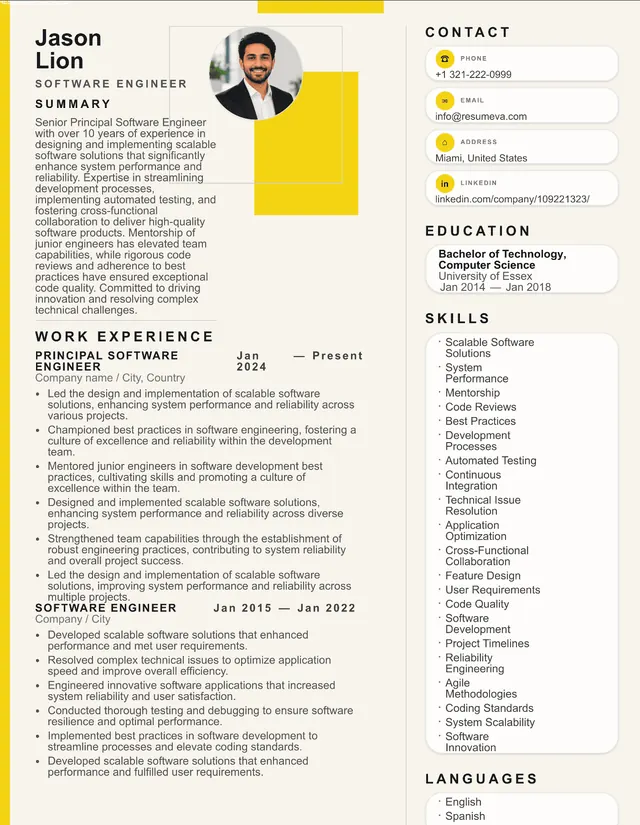
Google Docs Resume Template

Google Docs Resume Template — Free, ATS-Friendly, Recruiter-Approved

Build a polished resume in Google Docs without fighting margins, columns, or broken ATS parsing. This guide walks through the best free Google Docs resume templates, how to customize them for your role, and when to graduate to a dedicated builder.

Why Google Docs is the most popular resume tool in 2026

Google Docs has quietly become the default resume tool for most job seekers under 35. It's free, autosaves to the cloud, opens on any device, and produces a clean PDF without buying a Microsoft 365 subscription. For people who write a new resume every few years, it is the path of least friction.

The trade-off is that Google Docs is a general-purpose word processor. It was never designed for the specific demands of a resume — narrow margins, dense bullets, multi-column layouts, and parser-safe exports. That mismatch is why so many beautiful Google Docs resumes silently fail in Applicant Tracking Systems. The document looks great on screen and disappears in the recruiter's inbox.

The good news: with the right template, a handful of formatting rules, and a 10-minute review against an ATS checker, a Google Docs resume can compete with anything built in a paid tool. This guide shows you exactly how.
The 5 free Google Docs resume templates that ship with your account

Open Google Docs, click Template gallery, and scroll to the Resumes row. You'll see five options: Swiss, Serif, Coral, Spearmint, and Modern Writer. They are all free, all editable, and all built by Google's own team. Here's the short verdict on each:

  • Swiss — clean, single-column, blue accent header. The strongest ATS pass-through of the five. Best default choice.
  • Serif — traditional academic feel. Great for legal, education, and finance roles. Parses cleanly.
  • Coral — pink sidebar with contact info. Parses if you keep experience in the main column.
  • Spearmint — narrow left sidebar with skills. Be careful: some parsers drop sidebar text.
  • Modern Writer — typewriter aesthetic. Visually distinctive but the cursive heading font reduces ATS confidence.

Step-by-step: turning a blank Google Doc into a recruiter-ready resume

If you'd rather build from scratch than start with one of Google's templates, follow this exact recipe. It produces a single-column, parser-safe layout in about 20 minutes.

1. Set the page. File → Page setup → Margins 0.6 inches on all sides, Letter size, white background. 2. Set the type. Body in Arial or Calibri 10.5pt. Headings in the same font at 12pt bold, all caps, with a 1pt bottom border. 3. Build the header. Name at 22pt bold. Below it on one line: city, state · phone · email · linkedin.com/in/yourname. No text boxes, no icons, no photo.

4. Write the summary. 2–4 lines naming your role, years of experience, and one quantified accomplishment. 5. Add Experience. Company name bold, role on the line below, dates right-aligned with a tab. 3–6 bullets per role, each starting with a strong verb and ending with a number. 6. Add Education, Skills, Certifications. Single-line entries where possible. 7. Export. File → Download → PDF Document (.pdf). Open the PDF and confirm you can highlight your name with the cursor. If you can, the text is selectable and ATS-readable.

The 7 formatting choices that kill a Google Docs resume

Most Google Docs resume failures trace back to the same handful of decisions. Avoid these and you eliminate 80% of ATS rejection risk.

  • Text boxes — the parser reads them in unpredictable order or skips them entirely. Use plain paragraphs instead.
  • Tables for layout — many older ATS read tables column-first, scrambling dates with bullets.
  • Headers and footers — some parsers ignore content placed in the document header/footer area. Keep contact info in the body.
  • Custom fonts — fonts not installed on the recruiter's machine fall back unpredictably. Stick to Arial, Calibri, Helvetica, Georgia, or Times New Roman.
  • Images and icons — never carry parseable text. The ATS sees a blank space where your skills section should be.
  • Two-column layouts where experience is in a side column — the most common silent killer. Keep experience in the main flow.
  • Exporting as .docx instead of PDF — .docx can re-flow on the recruiter's machine and break alignment. PDF is the safer default unless the listing explicitly asks for .docx.

Customizing a Google Docs template for your role

A template is a starting point, not a finished resume. The 30 minutes you spend customizing it for your target role does more for your interview rate than any design tweak. Start by re-reading the job description and highlighting every noun and verb that names a tool, methodology, or measurable outcome. Those are your ATS keywords.

Mirror that language in three places: the summary line, the top three bullets of your most recent role, and the skills section. Don't keyword-stuff — write naturally — but make sure that if a recruiter searches the ATS for Python, roadmap, or SOC 2, your resume surfaces. Then rewrite each bullet using the Action + What + Result formula: Reduced support ticket volume 38% by automating top-10 issue categories with a Zapier-Linear integration beats Worked on support automation every time.

Finally, tailor the file name. Save it as FirstName-LastName-Role-2026.pdf. Recruiters often sort by file name, and a clear, role-specific name is a small but real signal of professionalism.

When to graduate from Google Docs to a dedicated resume builder

Google Docs is the right tool for one or two resumes. Past that, it starts to cost more time than it saves. The moment you find yourself maintaining three role-specific versions, fighting bullet alignment after a paste, or wondering whether your two-column design will parse, you've outgrown it.

A dedicated builder like Resumeva fixes the three pain points Google Docs cannot. First, every template is pre-tested against real ATS parsers (Greenhouse, Workday, Lever, iCIMS) — you don't have to guess. Second, content moves between layouts with one click, so trying a new design takes seconds, not an afternoon. Third, the built-in ATS checker scans your resume the same way a recruiter's system would and tells you exactly what to fix before you apply.

If your job search is casual, stay on Google Docs. If you're actively interviewing or pivoting careers, the leverage from a purpose-built tool pays for itself in the first callback.

Google Docs vs. Resumeva — side-by-side

Both tools can produce a great resume. They optimize for different things. Use the comparison below to decide which fits your situation.

  • Free tier — both are free for basic use.
  • Templates — Google Docs: 5 generic. Resumeva: 20+ ATS-tested templates spanning Modern, Classic, Executive, and Technical.
  • ATS parsing — Google Docs: depends on your design choices. Resumeva: tested against the major ATS systems with a built-in checker.
  • Switching designs — Google Docs: rebuild from scratch. Resumeva: one click, same content.
  • Tailoring per role — Google Docs: duplicate the file and edit. Resumeva: maintain one resume with AI-suggested rewrites per job description.
  • Collaboration — Google Docs: best-in-class real-time editing. Resumeva: shareable preview links plus PDF export.
  • Best for — Google Docs: one-off resume or a single role. Resumeva: active job search across multiple roles.

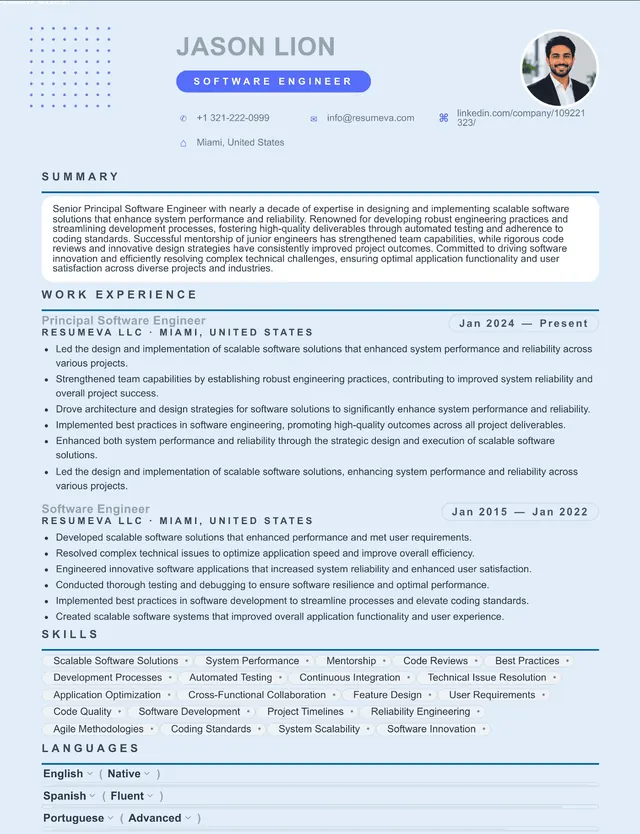
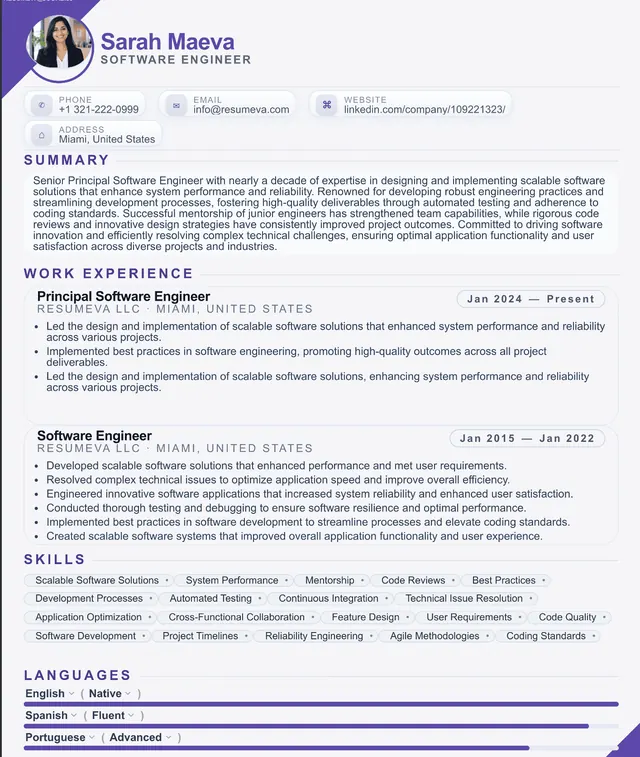
Prefer a designed template? Pick one and import your Google Docs content

Each Resumeva template below is single-column, parser-safe, and accepts copy-pasted Google Docs content in seconds. Pick a style, drop in your text, and export a PDF that beats anything you can build manually.

Free
1. Marketing Manager resume template preview
Use this template →

1. Marketing Manager

ATS Ready
Free
2. Product Manager resume template preview
Use this template →

2. Product Manager

ATS Ready
Free
3. Administrative Assistant resume template preview
Use this template →

3. Administrative Assistant

ATS Ready
Premium
4. Financial Analyst resume template preview
Use this template →

4. Financial Analyst

ATS Ready
Premium
5. Customer Success Manager resume template preview
Use this template →

5. Customer Success Manager

ATS Ready
Premium
6. Construction Manager resume template preview
Use this template →

6. Construction Manager

ATS Ready
Premium
7. Architect resume template preview
Use this template →

7. Architect

ATS Ready
Premium
8. Civil Engineer resume template preview
Use this template →

8. Civil Engineer

ATS Ready
Premium
9. Data Engineer resume template preview
Use this template →

9. Data Engineer

ATS Ready
Premium
10. SEO Specialist resume template preview
Use this template →

10. SEO Specialist

ATS Ready
Premium
11. Business Development Manager resume template preview
Use this template →

11. Business Development Manager

ATS Ready
Premium
12. Team Lead resume template preview
Use this template →

12. Team Lead

ATS Ready
Premium
13. Web Designer resume template preview
Use this template →

13. Web Designer

ATS Ready
Premium
14. Mechanical Engineer resume template preview
Use this template →

14. Mechanical Engineer

ATS Ready
Premium
15. Marketing Director resume template preview
Use this template →

15. Marketing Director

ATS Ready
Premium
16. Client Support Specialist resume template preview
Use this template →

16. Client Support Specialist

ATS Ready
Premium
17. Management Consultant resume template preview
Use this template →

17. Management Consultant

ATS Ready
Premium
18. Project Manager resume template preview
Use this template →

18. Project Manager

ATS Ready
Premium
19. Photographer resume template preview
Use this template →

19. Photographer

ATS Ready
Premium
20. Personal Assistant resume template preview
Use this template →

20. Personal Assistant

ATS Ready
Premium
21. HR Manager resume template preview
Use this template →

21. HR Manager

ATS Ready
Premium
22. Business Analyst resume template preview
Use this template →

22. Business Analyst

ATS Ready
Premium
23. Sales Manager resume template preview
Use this template →

23. Sales Manager

ATS Ready
Premium
24. Software Engineer resume template preview
Use this template →

24. Software Engineer

ATS Ready
Premium
25. Data Analyst resume template preview
Use this template →

25. Data Analyst

ATS Ready
Premium
26. Cybersecurity Specialist resume template preview
Use this template →

26. Cybersecurity Specialist

ATS Ready
Premium
27. IT Support Specialist resume template preview
Use this template →

27. IT Support Specialist

ATS Ready
Premium
28. UX/UI Designer resume template preview
Use this template →

28. UX/UI Designer

ATS Ready
Premium
29. Registered Nurse resume template preview
Use this template →

29. Registered Nurse

ATS Ready
Premium
30. Physician resume template preview
Use this template →

30. Physician

ATS Ready
Premium
31. Nurse Practitioner resume template preview
Use this template →

31. Nurse Practitioner

ATS Ready
Premium
32. Pharmacist resume template preview
Use this template →

32. Pharmacist

ATS Ready
Premium
33. Medical Assistant resume template preview
Use this template →

33. Medical Assistant

ATS Ready
Premium
34. Lead Teacher resume template preview
Use this template →

34. Lead Teacher

ATS Ready
Premium
35. Graphic Designer resume template preview
Use this template →

35. Graphic Designer

ATS Ready
Premium
36. Marketing Specialist resume template preview
Use this template →

36. Marketing Specialist

ATS Ready
Premium
37. Social Media Manager resume template preview
Use this template →

37. Social Media Manager

ATS Ready
Premium
38. Auto Mechanic resume template preview
Use this template →

38. Auto Mechanic

ATS Ready
Premium
39. Backend Engineer resume template preview
Use this template →

39. Backend Engineer

ATS Ready
Premium
40. Program Manager resume template preview
Use this template →

40. Program Manager

ATS Ready
Premium
41. Research Analyst resume template preview
Use this template →

41. Research Analyst

ATS Ready
Premium
42. Operations Manager resume template preview
Use this template →

42. Operations Manager

ATS Ready
Premium
43. Operations Director resume template preview
Use this template →

43. Operations Director

ATS Ready
Premium
44. Chief Operating Officer resume template preview
Use this template →

44. Chief Operating Officer

ATS Ready
Premium
45. HR Director resume template preview
Use this template →

45. HR Director

ATS Ready
Premium
46. Business Intelligence Analyst resume template preview
Use this template →

46. Business Intelligence Analyst

ATS Ready
Premium
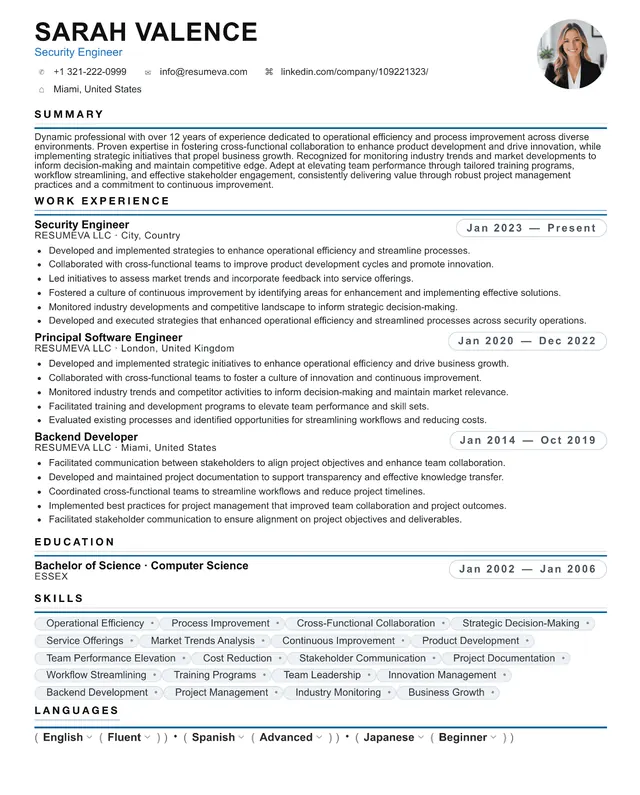
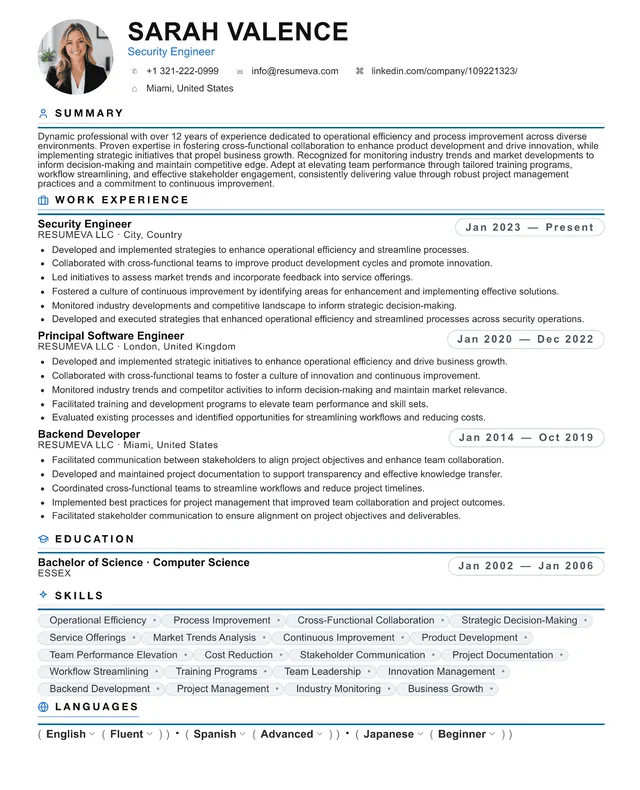
47. Security Engineer resume template preview
Use this template →

47. Security Engineer

ATS Ready
Premium
48. ICU Nurse resume template preview
Use this template →

48. ICU Nurse

ATS Ready
Premium
49. Physical Therapist resume template preview
Use this template →

49. Physical Therapist

ATS Ready
Premium
50. School Counselor resume template preview
Use this template →

50. School Counselor

ATS Ready
Premium
51. Corporate Trainer resume template preview
Use this template →

51. Corporate Trainer

ATS Ready
Premium
52. Visual Designer resume template preview
Use this template →

52. Visual Designer

ATS Ready
Premium
53. Content Writer resume template preview
Use this template →

53. Content Writer

ATS Ready
Premium
54. Full Stack Developer resume template preview
Use this template →

54. Full Stack Developer

ATS Ready
Premium
55. Brand Designer resume template preview
Use this template →

55. Brand Designer

ATS Ready
Premium
56. Strategy Director resume template preview
Use this template →

56. Strategy Director

ATS Ready
Premium
57. Community Manager resume template preview
Use this template →

57. Community Manager

ATS Ready
Premium
58. Chief Strategy Officer resume template preview
Use this template →

58. Chief Strategy Officer

ATS Ready
Premium
59. Executive Assistant resume template preview
Use this template →

59. Executive Assistant

ATS Ready
Premium
60. Recruiter resume template preview
Use this template →

60. Recruiter

ATS Ready
Premium
61. Accountant resume template preview
Use this template →

61. Accountant

ATS Ready
Premium
62. Auditor resume template preview
Use this template →

62. Auditor

ATS Ready
Premium
63. Quality Assurance Lead resume template preview
Use this template →

63. Quality Assurance Lead

ATS Ready
Premium
64. Investment Analyst resume template preview
Use this template →

64. Investment Analyst

ATS Ready
Premium
65. Bank Manager resume template preview
Use this template →

65. Bank Manager

ATS Ready
Premium
66. Sales Director resume template preview
Use this template →

66. Sales Director

ATS Ready
Premium
67. Real Estate Agent resume template preview
Use this template →

67. Real Estate Agent

ATS Ready
Premium
68. Insurance Broker resume template preview
Use this template →

68. Insurance Broker

ATS Ready
Premium
69. QA Test Lead resume template preview
Use this template →

69. QA Test Lead

ATS Ready
Premium
70. Hotel Manager resume template preview
Use this template →

70. Hotel Manager

ATS Ready
Premium
71. Event Planner resume template preview
Use this template →

71. Event Planner

ATS Ready
Premium
72. Solutions Architect resume template preview
Use this template →

72. Solutions Architect

ATS Ready
Premium
73. DevOps Engineer resume template preview
Use this template →

73. DevOps Engineer

ATS Ready
Premium
74. Cloud Engineer resume template preview
Use this template →

74. Cloud Engineer

ATS Ready
Premium
75. QA Engineer resume template preview
Use this template →

75. QA Engineer

ATS Ready
Premium
76. Public Relations Manager resume template preview
Use this template →

76. Public Relations Manager

ATS Ready
Premium
77. Copywriter resume template preview
Use this template →

77. Copywriter

ATS Ready
Premium
78. Legal Counsel resume template preview
Use this template →

78. Legal Counsel

ATS Ready
Premium
79. Paralegal resume template preview
Use this template →

79. Paralegal

ATS Ready
Premium
80. Journalist resume template preview
Use this template →

80. Journalist

ATS Ready
Premium
81. Editor resume template preview
Use this template →

81. Editor

ATS Ready
Premium
82. Communications Director resume template preview
Use this template →

82. Communications Director

ATS Ready
Premium
83. Brand Manager resume template preview
Use this template →

83. Brand Manager

ATS Ready
Premium
84. Sustainability Manager resume template preview
Use this template →

84. Sustainability Manager

ATS Ready
Premium
85. Product Designer resume template preview
Use this template →

85. Product Designer

ATS Ready
Premium
86. Interior Designer resume template preview
Use this template →

86. Interior Designer

ATS Ready
Premium
87. Fashion Designer resume template preview
Use this template →

87. Fashion Designer

ATS Ready
Premium
88. Video Editor resume template preview
Use this template →

88. Video Editor

ATS Ready
Premium
89. Animator resume template preview
Use this template →

89. Animator

ATS Ready
Premium
90. Translator resume template preview
Use this template →

90. Translator

ATS Ready
Premium
91. Logistics Manager resume template preview
Use this template →

91. Logistics Manager

ATS Ready
Premium
92. Supply Chain Analyst resume template preview
Use this template →

92. Supply Chain Analyst

ATS Ready
Premium
93. Procurement Manager resume template preview
Use this template →

93. Procurement Manager

ATS Ready
Premium
94. Warehouse Manager resume template preview
Use this template →

94. Warehouse Manager

ATS Ready
Premium
95. Quality Manager resume template preview
Use this template →

95. Quality Manager

ATS Ready
Premium
96. Office Manager resume template preview
Use this template →

96. Office Manager

ATS Ready
Premium
97. Receptionist resume template preview
Use this template →

97. Receptionist

ATS Ready
Premium
98. Sales Representative resume template preview
Use this template →

98. Sales Representative

ATS Ready
Premium
99. Account Executive resume template preview
Use this template →

99. Account Executive

ATS Ready
Premium
100. Account Manager resume template preview
Use this template →

100. Account Manager

ATS Ready
Premium
101. Risk Analyst resume template preview
Use this template →

101. Risk Analyst

ATS Ready
Premium
102. Compliance Officer resume template preview
Use this template →

102. Compliance Officer

ATS Ready
10 ATS rules for any Google Docs resume
  • Use a single-column main flow — sidebars only for contact details.
  • Stick to standard section names: Summary, Experience, Education, Skills, Certifications.
  • Body font 10.5pt in Arial, Calibri, Helvetica, or Times New Roman.
  • Headings in bold + ALL CAPS — never in images or unusual fonts.
  • Dates right-aligned with a tab stop, not a table.
  • Bullets with the round disc character — avoid emoji or custom glyphs.
  • Spell out abbreviations once: Software as a Service (SaaS) on first mention.
  • Quantify at least 60% of bullets with a number, percentage, or dollar value.
  • Save the file as FirstName-LastName-Role.pdf.
  • Run the final PDF through the Resumeva ATS checker before submitting.

Frequently asked questions

Is Google Docs a good place to build a resume?

Google Docs is excellent for drafting and collaborating but limited for ATS-optimized formatting and design polish. It works for a clean, single-column resume; for designed templates, a dedicated builder like Resumeva produces stronger results.

Where can I find free Google Docs resume templates?

Google's built-in template gallery has five free options (Swiss, Serif, Coral, Spearmint, Modern Writer). Resumeva offers free downloadable Google Docs-compatible templates that are tested against real ATS parsers.

Do recruiters know if I used a Google Docs template?

No — once you export to PDF the source tool is invisible. What recruiters notice is layout quality, content density, and keyword relevance, not the editor you used.

Should I share my resume as a Google Docs link?

No. Always export to PDF before applying. Live Google Docs links expose your edit history, can break if permissions change, and confuse most ATS systems that expect a static file.

How do I make a Google Docs resume ATS-friendly?

Use one column, standard headings (Summary, Experience, Education, Skills), no text boxes or images, 10–11pt body in Arial or Calibri, and export to PDF with selectable text.

Can I edit a downloaded Google Docs resume on mobile?

Yes. The Google Docs mobile app handles all native templates. Avoid heavy formatting edits on mobile — text-box positioning often shifts unexpectedly.

Does Resumeva import from Google Docs?

Yes. Paste your existing content or upload a .docx export and Resumeva will restructure it into an ATS-safe layout in under a minute.

Skip the formatting fights. Build it in Resumeva instead.

Same content, a tested template, and a built-in ATS check before you hit send. Free to start — no credit card required.

Build my resume free