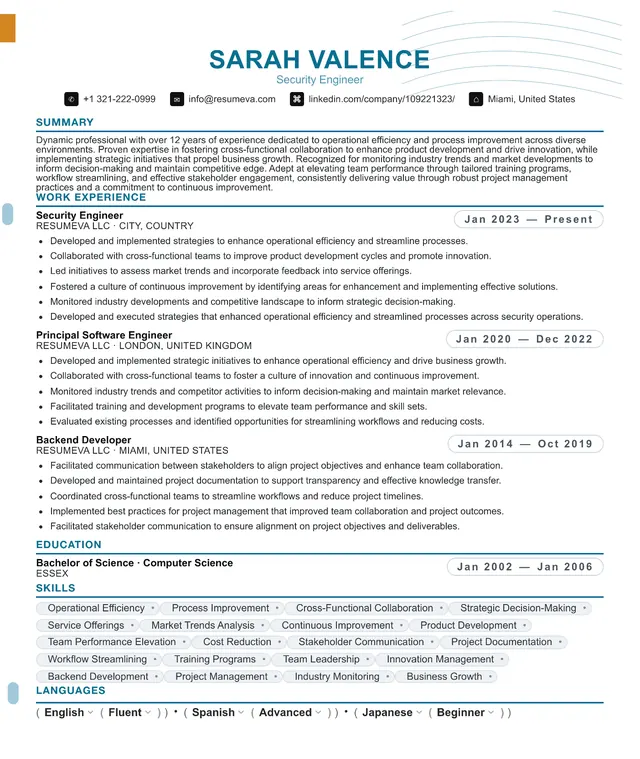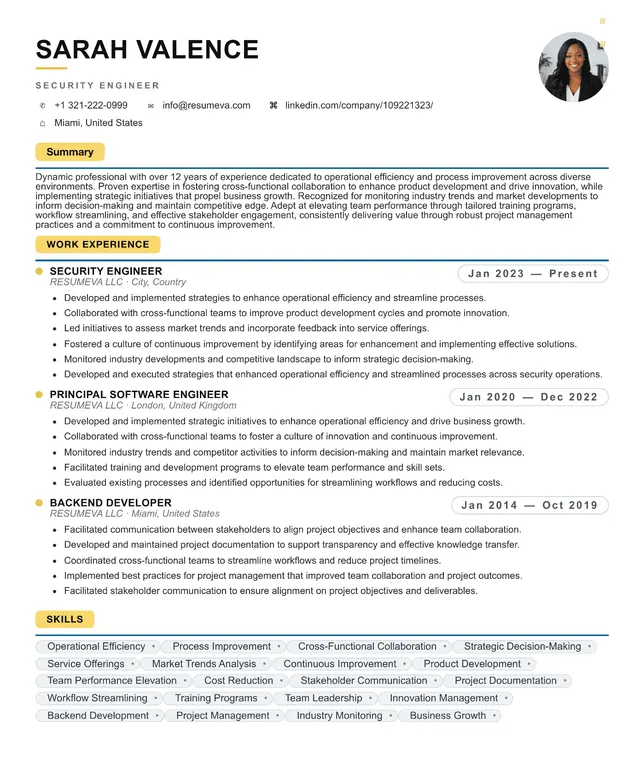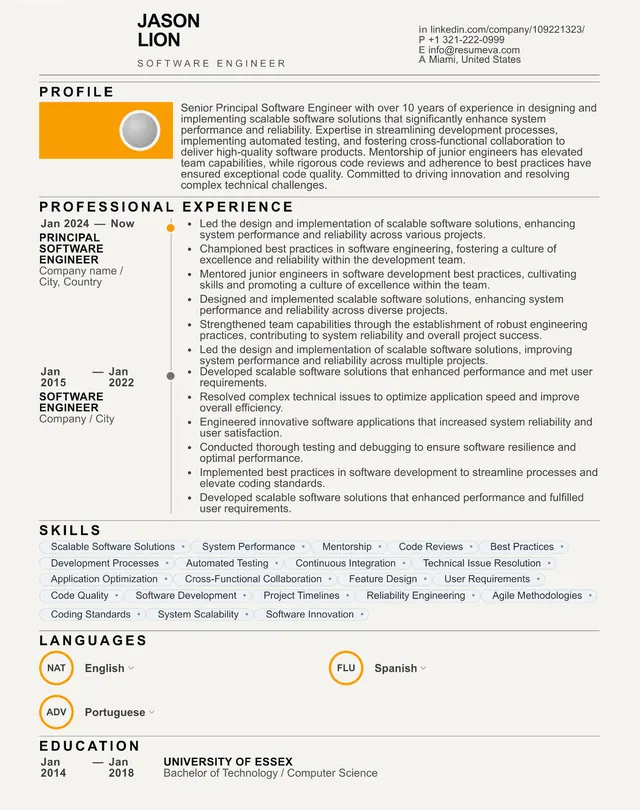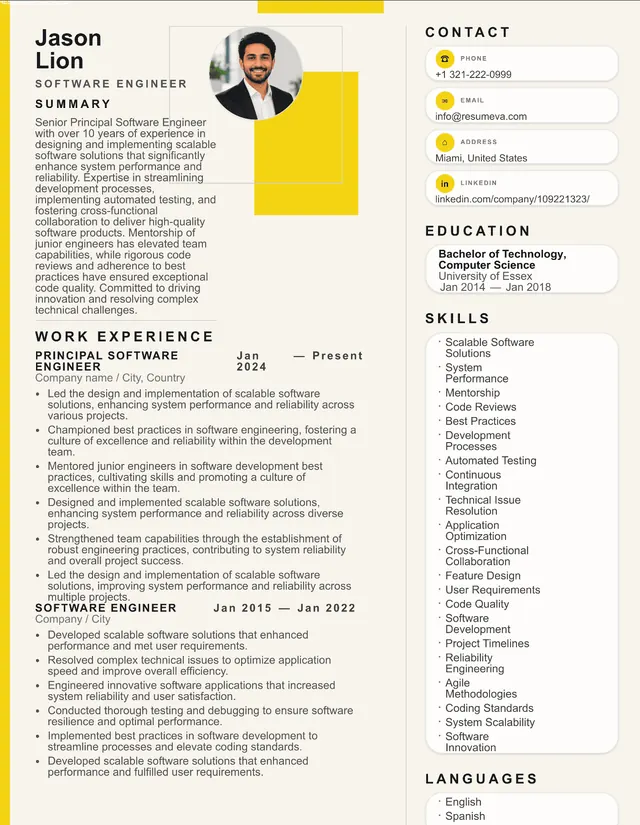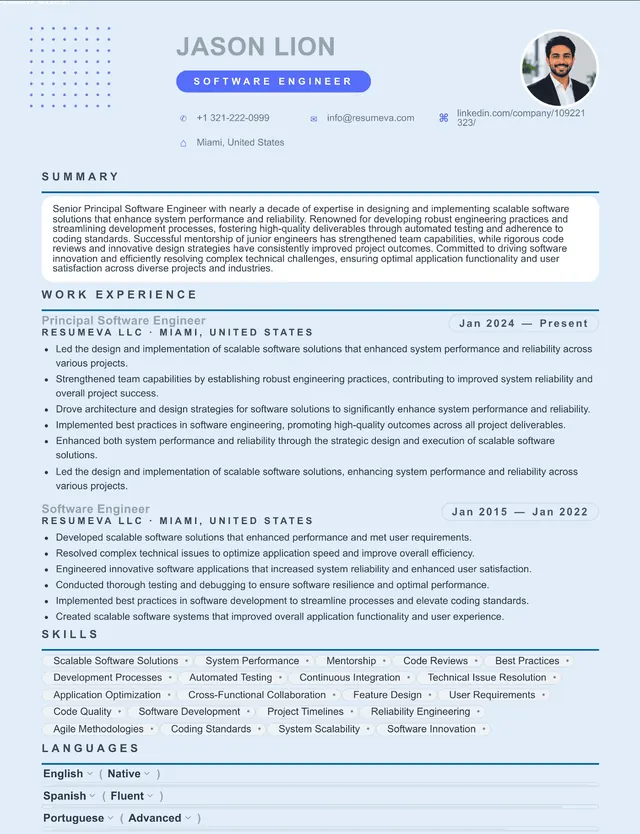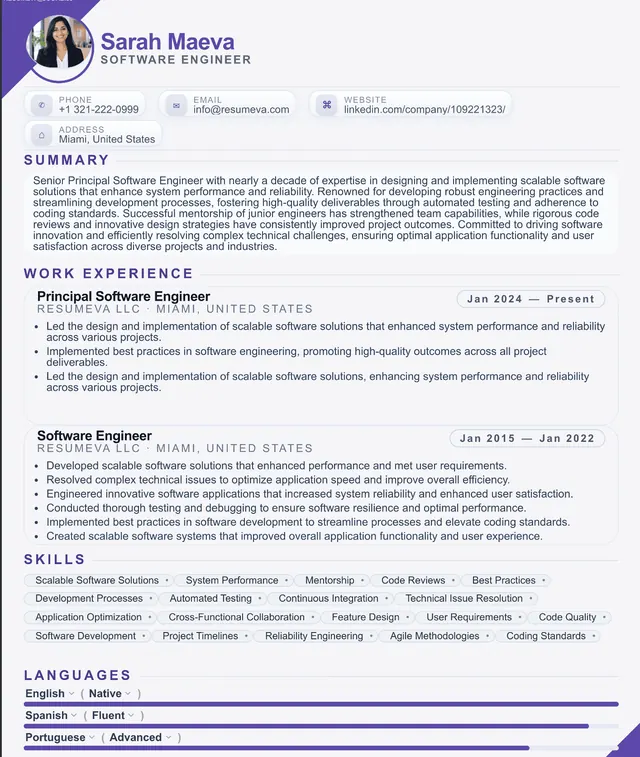
ATS Resume Template

ATS Resume Template — The Format That Actually Gets Read

Most resumes never reach a human. Before a recruiter ever sees your name, an Applicant Tracking System reads your file, extracts what it can, and decides whether you're worth surfacing. An ATS resume template is built so the machine reads every section correctly — and then the human reads a document that looks like it belongs in 2026. This guide covers what an ATS template is, why it matters, and how to pick the right one.

What an ATS resume template actually is

An ATS resume template is a pre-built layout designed so an Applicant Tracking System can parse every section of your resume into structured data. The visual layout looks like a normal, modern document; the underlying structure — section order, heading names, column flow, text rendering — is engineered for machine reading.

When you upload a resume, the ATS doesn't see your document the way you see it. It runs the file through a parser that extracts text in reading order, looks for known section headers (Summary, Experience, Education, Skills), assigns each line of content to a field, and writes the structured result into a database. The recruiter then searches that database for candidates, often filtered by job title, years of experience, skills, or specific keywords.

If the parser can't find your most recent job title because it sat in a sidebar text box, you don't appear in the search. If your skills section is rendered as an image, the parser sees nothing. An ATS template removes every one of those silent failures.
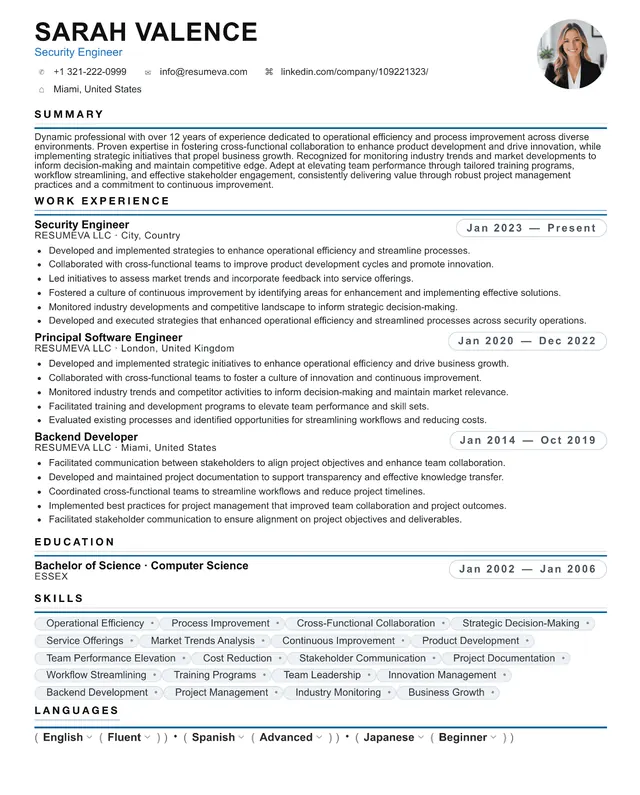
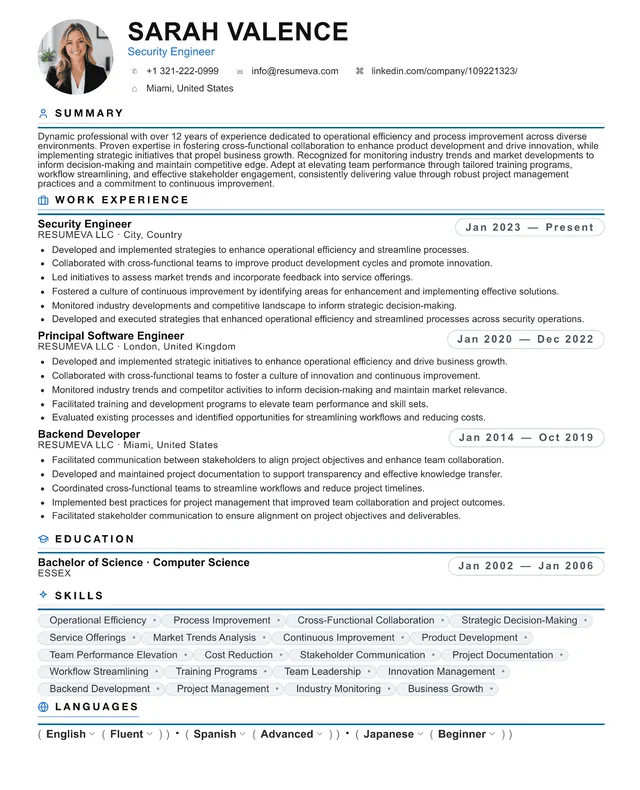
Why an ATS template matters in 2026

Over 95% of Fortune 500 companies and the majority of mid-size employers use an ATS to screen candidates. A 2025 industry survey found that the average corporate job posting receives 250+ applications, and recruiters spend less than 7 seconds on each resume that does make it through. The math is simple: if the parser can't read your file, the 7-second scan never happens.

Older advice told you to strip everything down to Times New Roman black text on a white page to be 'safe.' That advice is outdated and counterproductive. Modern ATS render color, handle bold and italic, accept two-page resumes, and parse standard PDFs without issue. The candidates winning in 2026 use templates that are visibly modern and structurally clean.

The 5 rules every ATS template follows

Strip away the noise and a true ATS template follows the same five structural rules. Every Resumeva template enforces these by default — you can't break them by accident.

  • One main column for content. Experience, education, projects, and certifications flow top to bottom in a single column. A narrow header strip or contact-only sidebar is fine.
  • Standard section names. Summary, Experience, Education, Skills, Certifications, Projects. The parser looks for known labels — get creative with headings and entire sections vanish from the database.
  • Real, selectable text. Everything important — your name, contact info, headings, skills — is rendered as text. No images, no graphics, no scanned PDFs.
  • Standard, installed fonts. Arial, Calibri, Helvetica, Georgia, Times New Roman, Inter, Source Sans. Display and script fonts fall back unpredictably and confuse the parser.
  • No structural traps. No text boxes, no tables for layout, no icons in section headings, no graphical skill bars, no document headers carrying contact info.

ATS template vs. resume builder vs. designer template

There are three categories of resume layout you'll see online, and they are not interchangeable. Understanding the difference saves you the painful experience of building a beautiful resume that never gets surfaced.

Designer templates (Canva, Etsy, Behance) prioritize visual impact. Two-column layouts with experience in a sidebar, decorative icons, colored backgrounds behind text, photographs, and graphical skill bars are common. They look stunning. They fail in ATS at high rates because every one of those choices breaks one of the five rules above.

Generic resume builders often produce single-column documents that pass ATS but look like every other resume in the database. You won't get filtered out by the parser, but you also won't stand out in the 7-second scan that follows.

ATS resume templates sit in the middle: structurally engineered to pass every major parser, visually polished enough to win the recruiter's attention. This is the category every Resumeva template falls into.

How to pick the right ATS template for your role

Different industries reward different degrees of polish. Use the rough guidance below — but remember every option here is ATS-safe.

  • Tech, product, design, marketing. Modern Minimal templates with one accent color signal current standards without overdoing it.
  • Finance, legal, accounting, consulting. Classic Professional templates, conservative type, no color. Restraint reads as competence.
  • Engineering, data science, DevOps. Technical templates with monospace section headings and dense bullet structure surface tech stack clearly.
  • Healthcare, education, government. Classic Professional with explicit Certifications and Licenses sections.
  • Executive and C-level. Executive templates with wider margins, larger name treatment, and impact-focused Summary.
  • Career change or returnship. Functional-leaning templates that elevate Skills and Projects above a strict reverse-chronological Experience block.

What goes inside an ATS template

The template handles structure. You handle content. To turn a blank ATS template into a resume that earns callbacks, fill each section with content that's tailored to the role.

  • Header. Full name, location (city + state or 'Remote'), phone, email, LinkedIn URL. Skip the photograph.
  • Summary. 2–4 lines summarizing your target role, years of experience, and your single strongest differentiator.
  • Experience. Reverse chronological. Each role: Job Title, Company, Location, Start–End dates, then 3–6 bullets emphasizing outcomes with numbers wherever possible.
  • Skills. A short, focused list of the technical and functional skills that match the job description. No skill bars, no rating dots.
  • Education. Degree, institution, graduation year (or omit the year if it's older than 15 years).
  • Certifications and Projects. Optional but valuable for roles where credentials or portfolio links matter (engineering, healthcare, certain marketing roles).

The most common mistakes that break an otherwise good template

Even with a clean template, candidates introduce parser failures by overriding the defaults. The most common mistakes we see:

  • Pasting in a logo or photograph 'to personalize' the document. Both should be removed.
  • Replacing section headings with creative versions ('Where I've Made an Impact' instead of 'Experience'). The parser will miss the section entirely.
  • Adding decorative icons next to contact details. The parser sees them as glyph noise and sometimes drops the adjacent text.
  • Exporting from Word as an image-based PDF (rare but happens with 'Print to PDF' on some setups). Always export via File → Save As → PDF.
  • Dropping contact info into the document header. Some older ATS skip header/footer text entirely.
  • Submitting a .pages file from Apple Pages. Most ATS can't open it. Convert to PDF or .docx first.

From template to interview: the full workflow

An ATS template is one part of a process that ends with a callback. The complete workflow:

Step 1: Pick a template from the grid below, based on the industry guidance earlier on this page.

Step 2: Fill the structure with your real experience. Reverse chronological, quantified bullets, focused skills list.

Step 3: Tailor per application. For each job, rewrite the Summary and the top 2 bullets of your most recent role to mirror the language in the posting.

Step 4: Run the ATS check. Submit your final PDF to the Resumeva ATS checker. Address any structural flags before applying.

Step 5: Apply. Upload the PDF directly to the company's portal. Keep a .docx export in reserve for the small number of postings that require it.

ATS resume templates — free and ready to use

Every template below follows all five structural rules above and exports as a clean, selectable-text PDF. Pick a style and start building — no signup wall, no watermark, no credit card.

Free
1. Marketing Manager resume template preview
Use this template →

1. Marketing Manager

ATS Ready
Free
2. Product Manager resume template preview
Use this template →

2. Product Manager

ATS Ready
Free
3. Administrative Assistant resume template preview
Use this template →

3. Administrative Assistant

ATS Ready
Premium
4. Financial Analyst resume template preview
Use this template →

4. Financial Analyst

ATS Ready
Premium
5. Customer Success Manager resume template preview
Use this template →

5. Customer Success Manager

ATS Ready
Premium
6. Construction Manager resume template preview
Use this template →

6. Construction Manager

ATS Ready
Premium
7. Architect resume template preview
Use this template →

7. Architect

ATS Ready
Premium
8. Civil Engineer resume template preview
Use this template →

8. Civil Engineer

ATS Ready
Premium
9. Data Engineer resume template preview
Use this template →

9. Data Engineer

ATS Ready
10 quick checks before you submit
  • Open your exported PDF and try to highlight your name. If it highlights, the parser can read it.
  • Copy your full resume into a plain-text editor. The order text appears in = the order the parser sees it.
  • Confirm Summary, Experience, Education, and Skills section headings are present and spelled normally.
  • Verify your most recent job title appears in plain text within the first half of page one.
  • Replace every text box with a regular paragraph.
  • Remove every icon next to a heading, skill, or contact line.
  • Keep all main content (experience, education) in one column.
  • Use one of: Arial, Calibri, Helvetica, Georgia, Times New Roman, Inter, Source Sans — 10–11pt.
  • Format dates consistently: Jan 2023 – Mar 2026.
  • Run your final file through the Resumeva ATS check and fix any flags.

Frequently asked questions

What is an ATS resume template?

A resume layout engineered for Applicant Tracking Systems — software like Greenhouse, Workday, Lever, iCIMS, Taleo, and Ashby — to parse cleanly into structured data. The template uses one main column, standard section names, real selectable text, and standard fonts so the parser captures every job, skill, and credential correctly.

Are ATS resume templates free?

Yes, every Resumeva ATS template is free to use. You can build, download, and apply with a complete ATS-friendly resume without entering a credit card.

Do I need a different template for each application?

No. One well-built ATS template works for every job. What you tailor per application is the content inside — Summary, top bullets, and skills — not the template itself.

Word, Google Docs, or PDF — which format should I submit?

PDF, unless the job posting explicitly requires .docx. Modern ATS handle PDFs from designed templates without issue, and PDF locks your formatting on the recruiter's screen.

Will an ATS template look generic?

Not if the template is well-designed. A good ATS template uses color, type hierarchy, and section dividers — all of which parse fine — to look like a 2026 document, not a 1998 one.

How is an ATS resume template different from a regular template?

A regular template is designed for humans first. An ATS template is designed for both: it follows specific structural rules (single column for content, standard headings, no text boxes or icons) that machines need, while still looking polished to a recruiter.

Can I customize the colors and fonts in an ATS template?

Yes. Color, accent rules, name treatment, and font choice within the standard system fonts (Arial, Calibri, Helvetica, Georgia, Times New Roman, Inter, Source Sans) are all parser-safe.

Does an ATS template guarantee I'll get an interview?

No template guarantees interviews — content does. An ATS template guarantees your resume gets read in the first place. Pair it with tailored bullets and the right keywords, and your callback rate climbs.

Start with an ATS template that actually looks like 2026.

Free, parser-tested, and modern. Build your resume in minutes and run it through the ATS checker before you apply.

Build your resume free