Modern Resume Templates
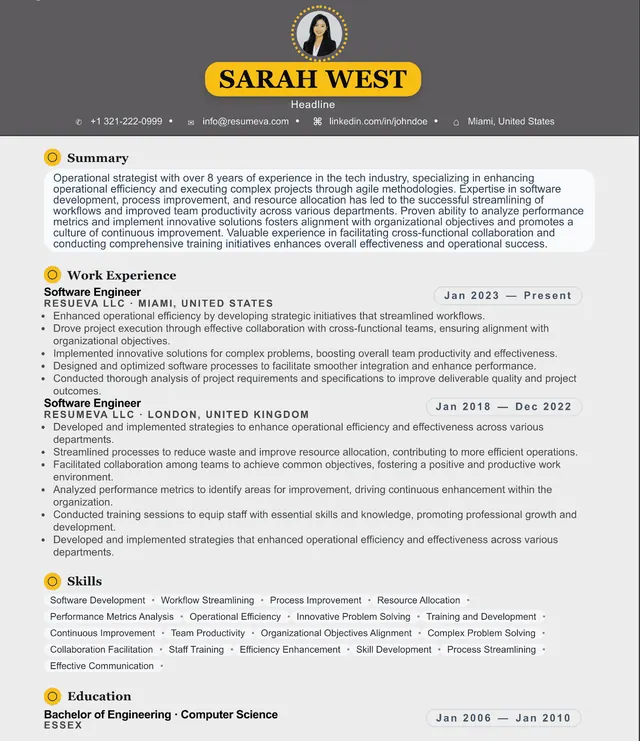
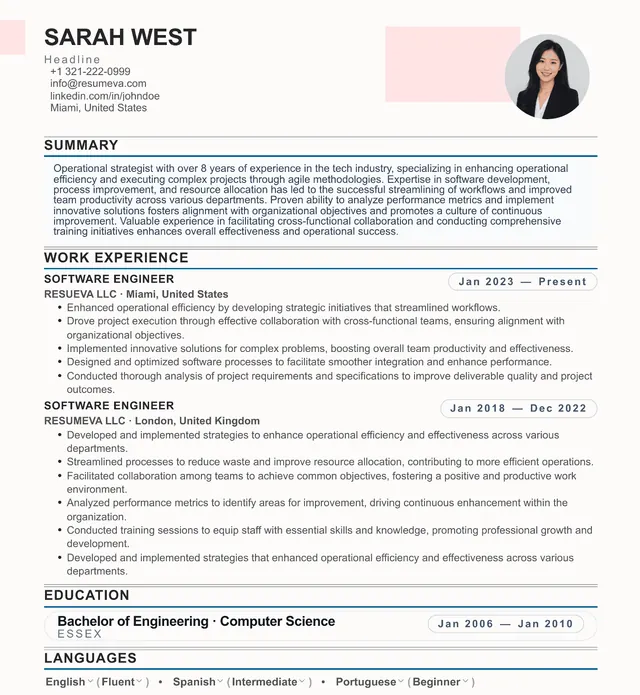
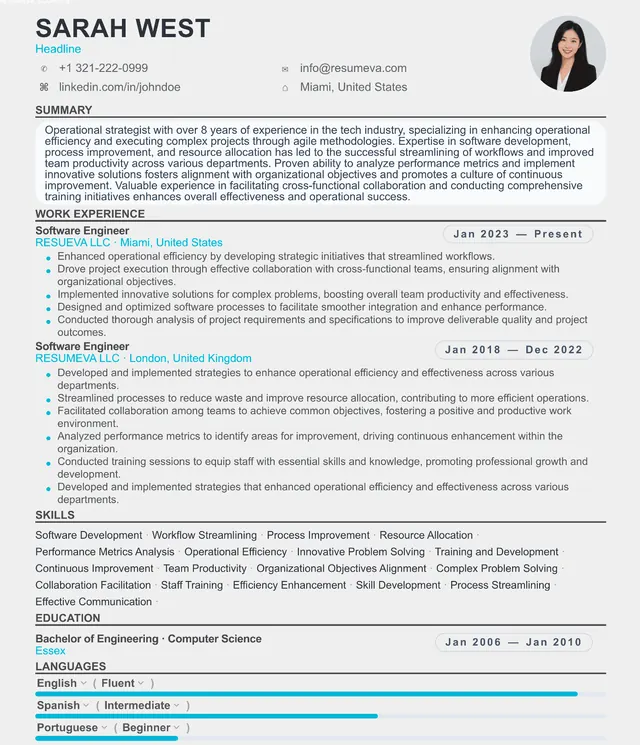
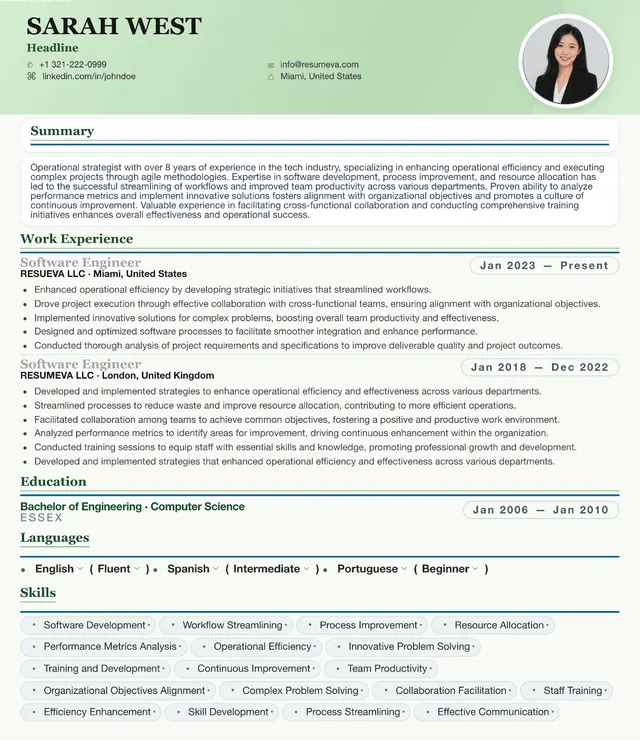
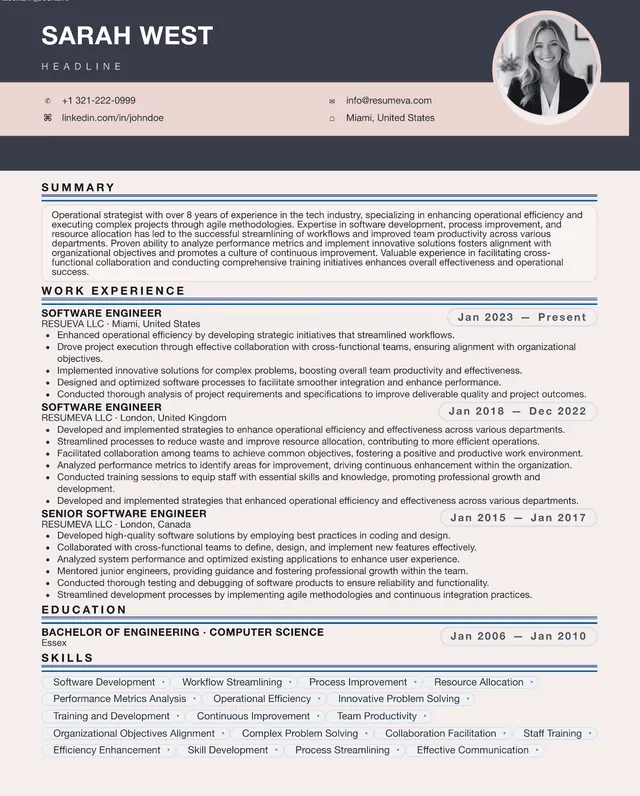
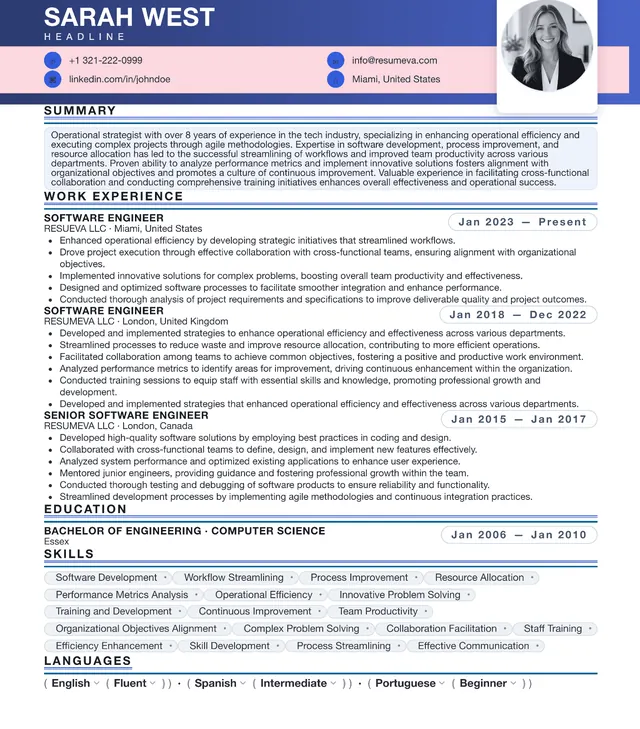
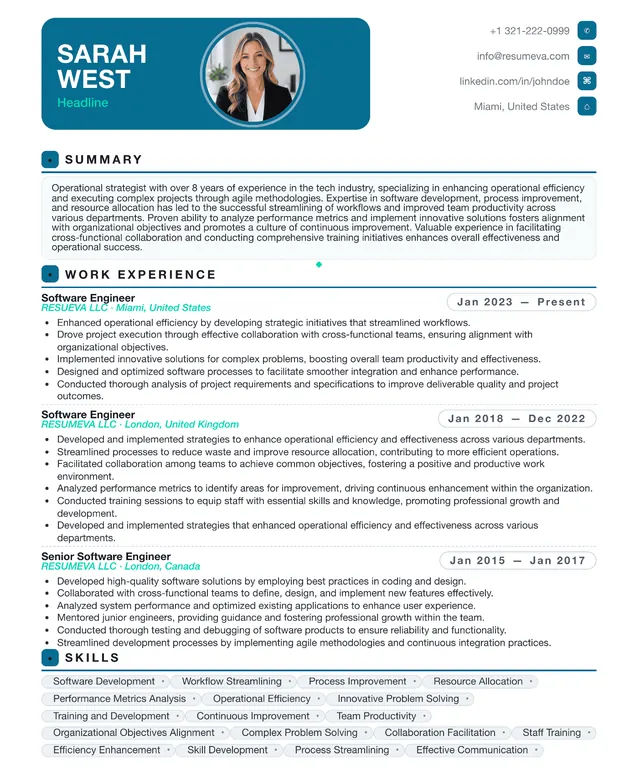
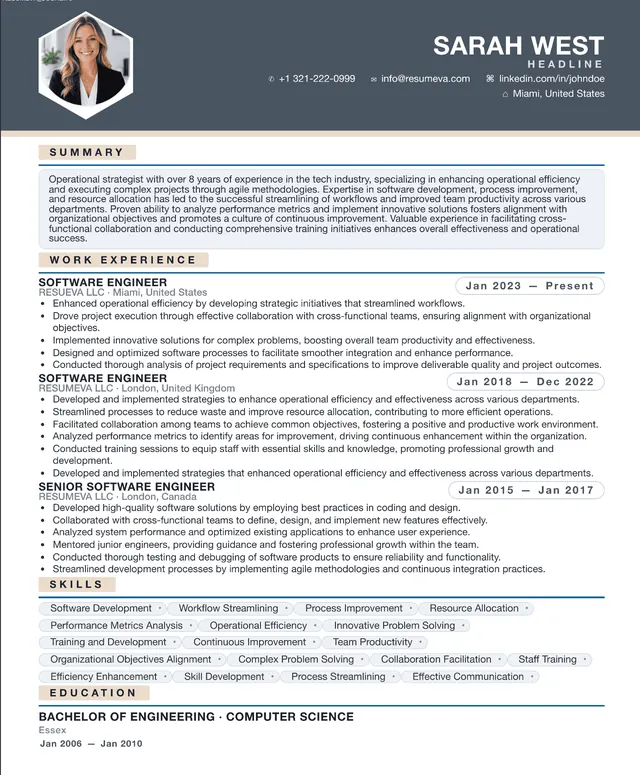
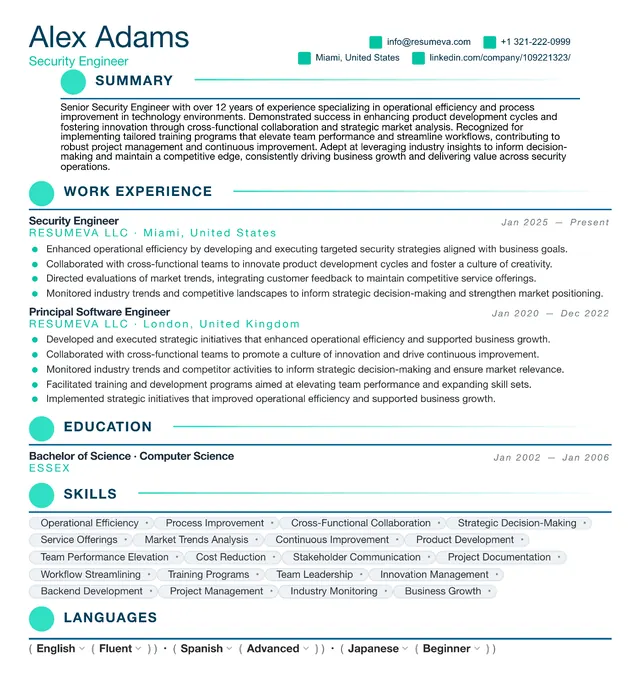
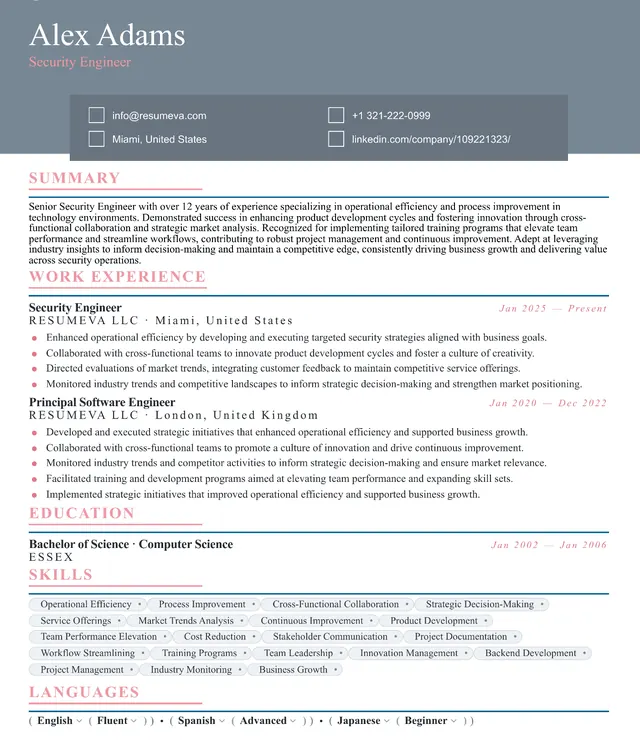
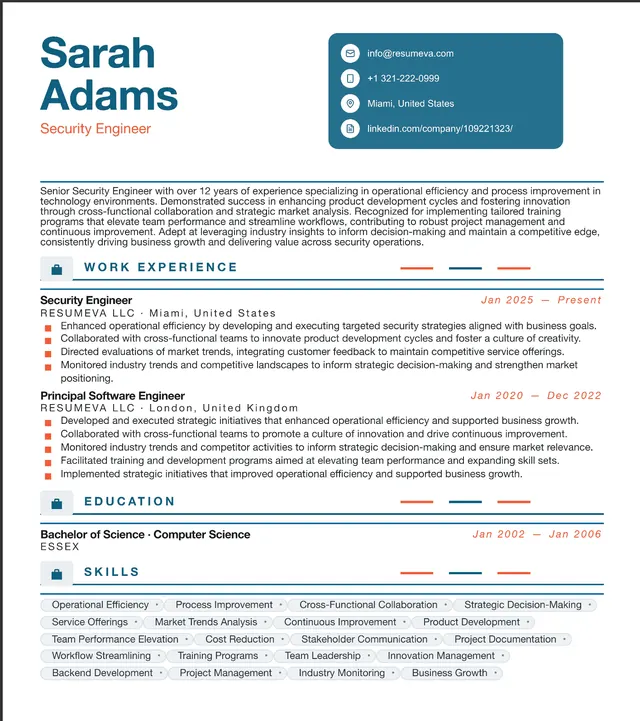
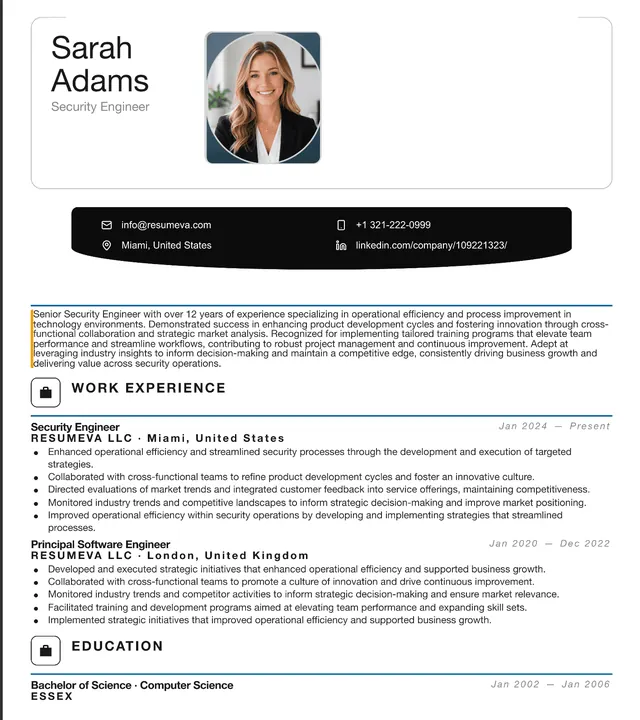
Contemporary layouts with clean typography, generous whitespace, and subtle accents for a current professional presentation.
May suit
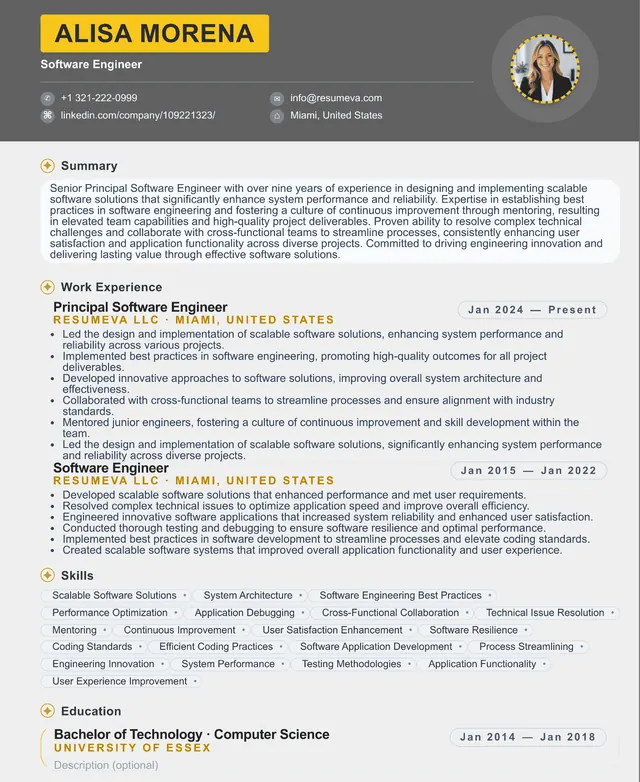
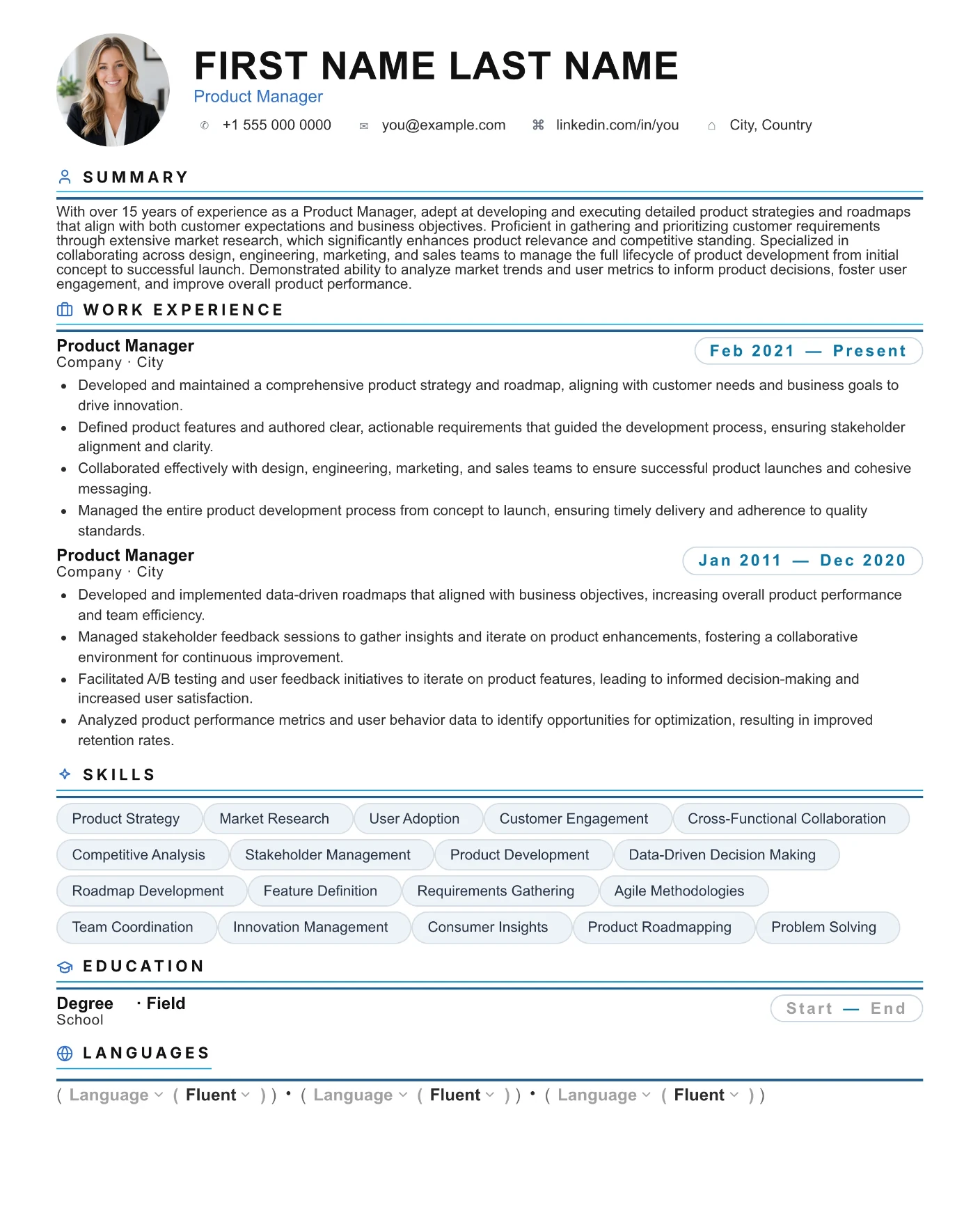
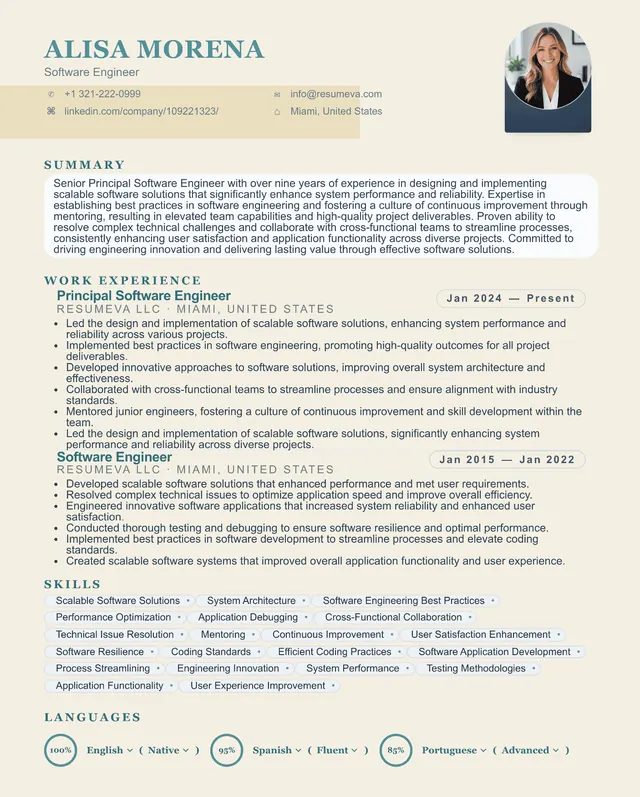
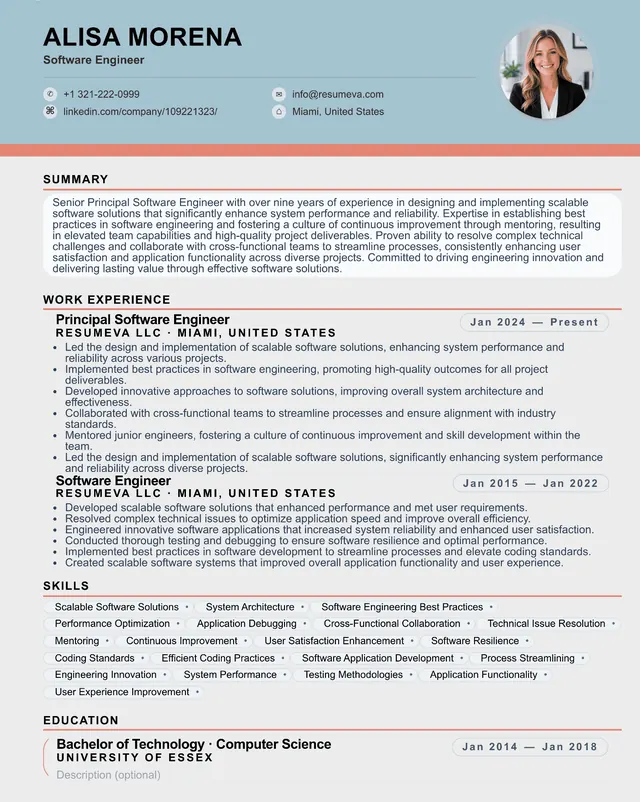
Preview content is fictional. Choosing a template starts a blank resume.
“Popular recently” identifies up to six templates by distinct customers with a saved resume using that template updated during the previous 30 days; it appears only when six templates and at least 20 counted customer-template uses are available. “Featured” is an editorial label, not a popularity ranking.
Browse all templates
112 designs with clear structure and editable content.
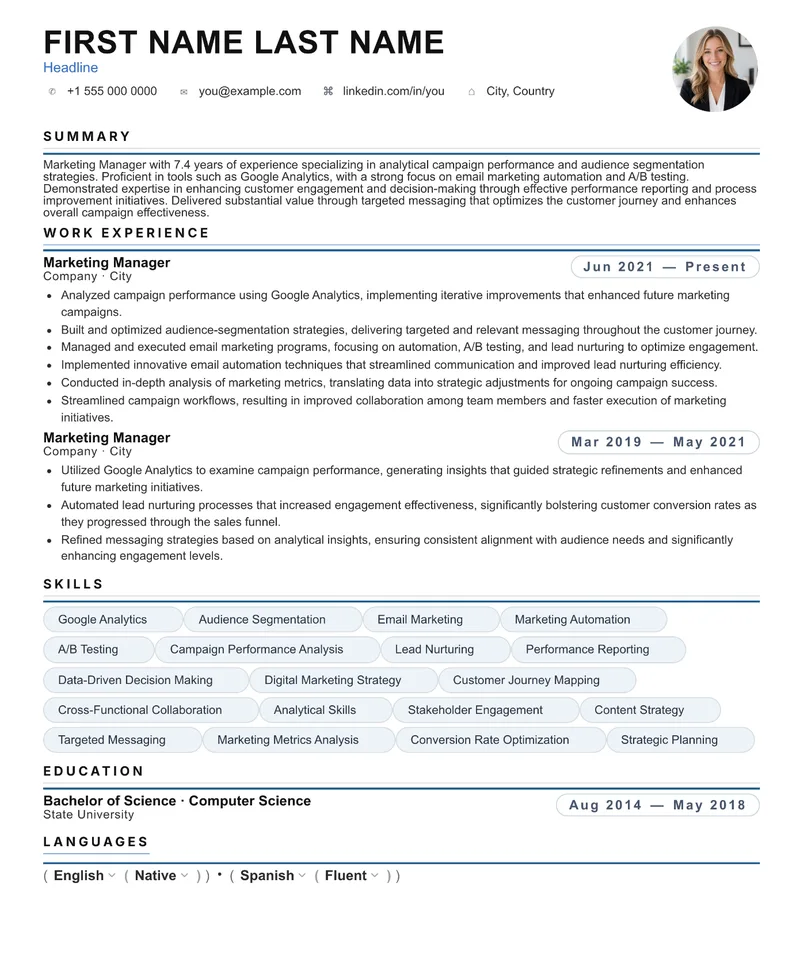
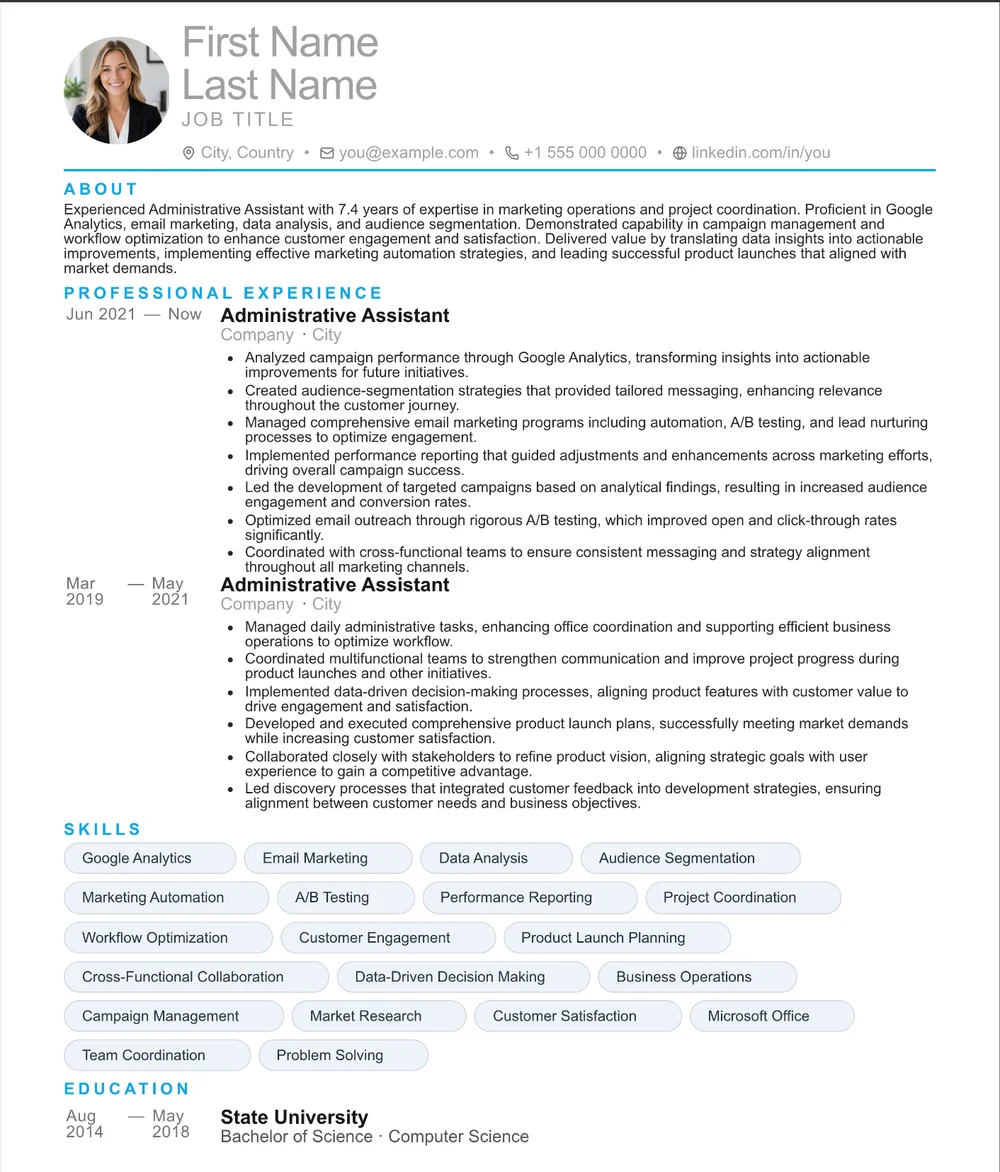
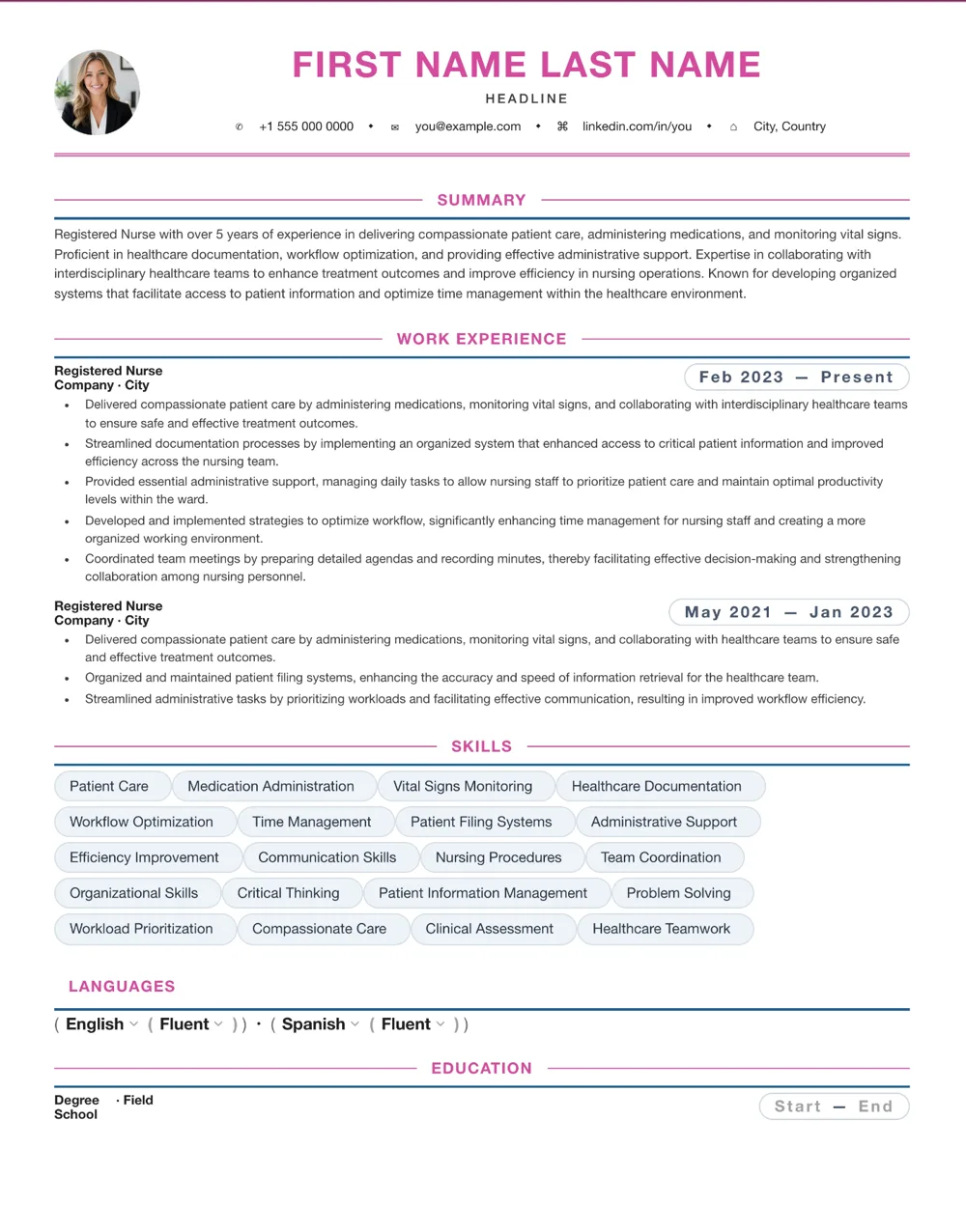
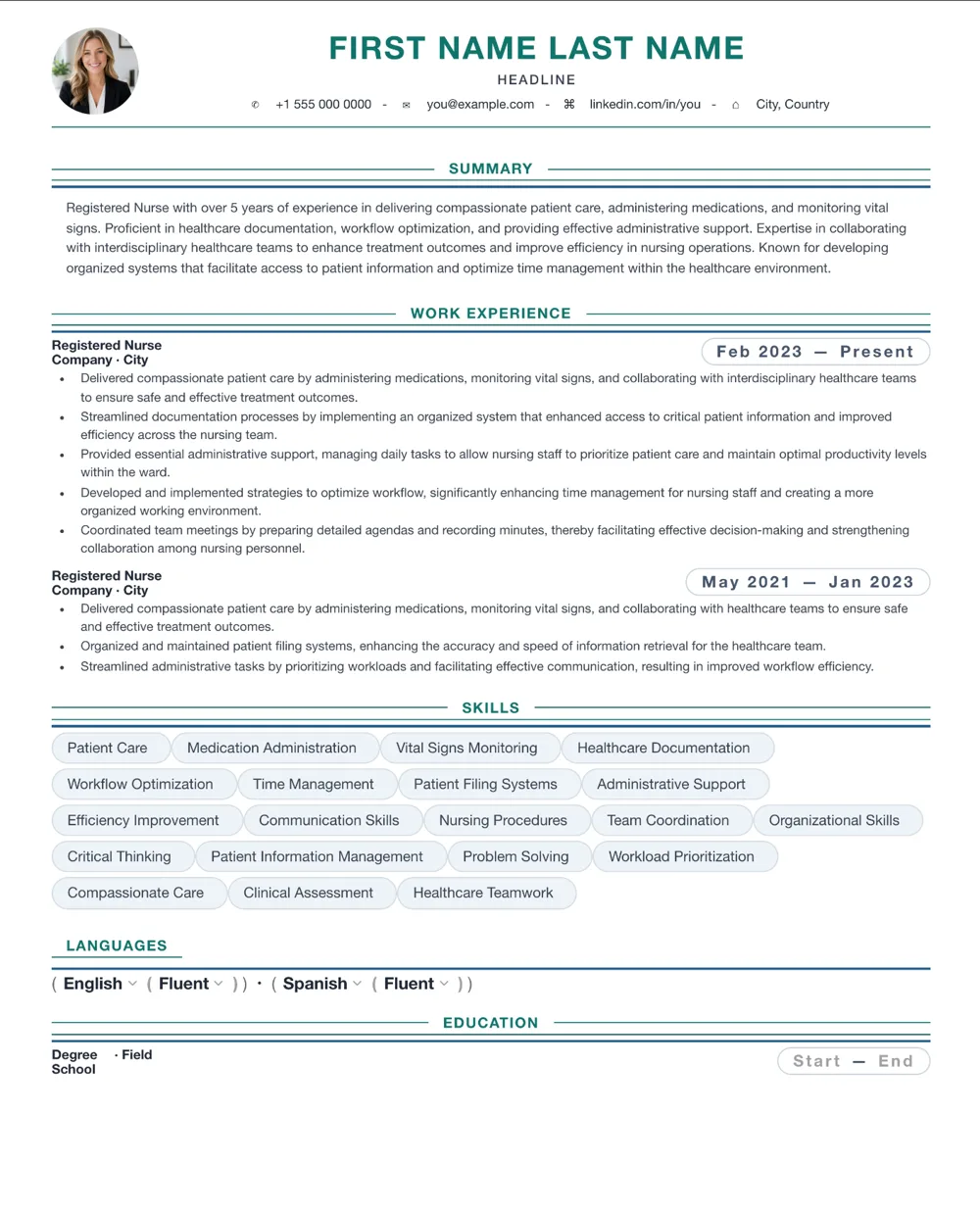
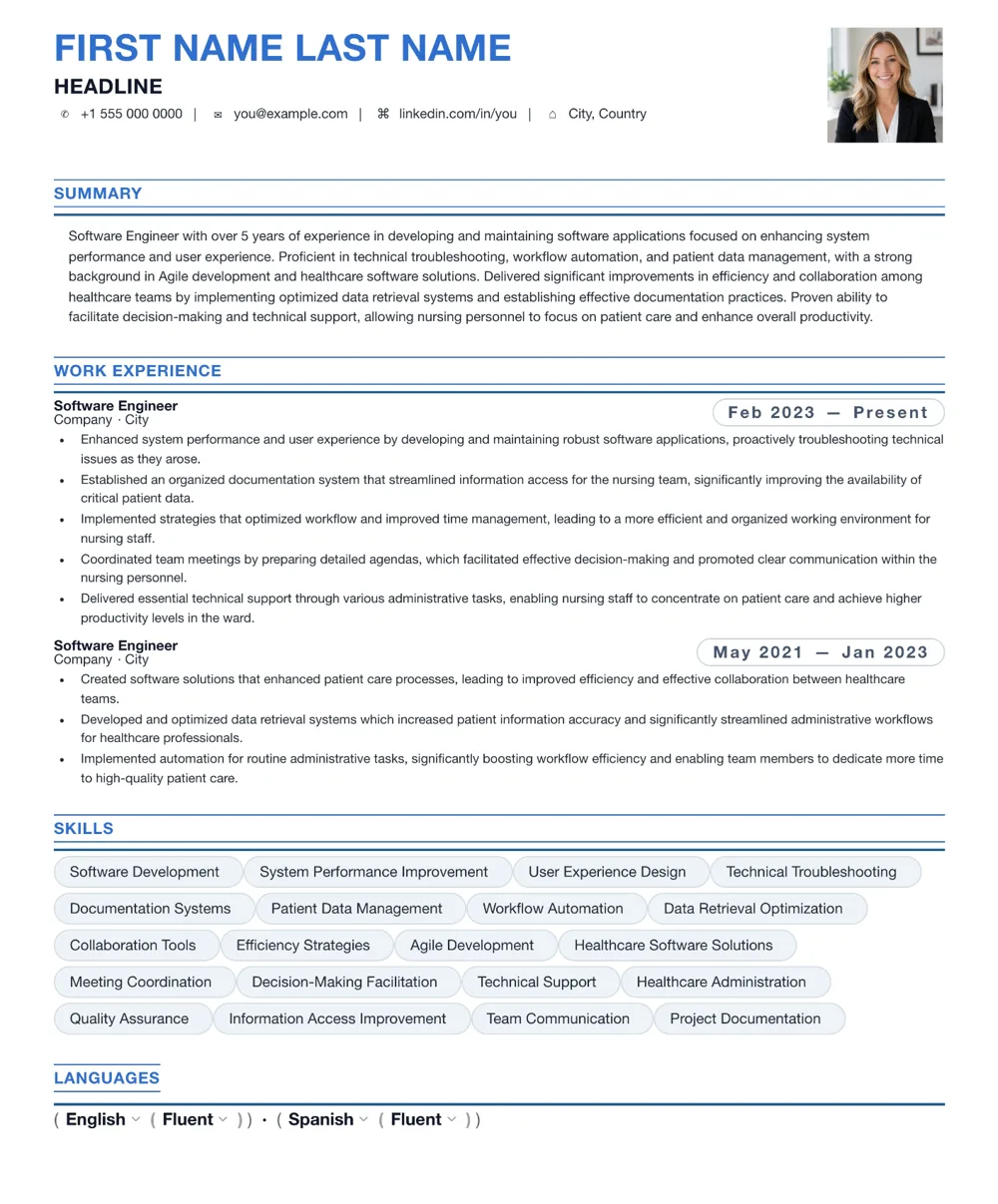
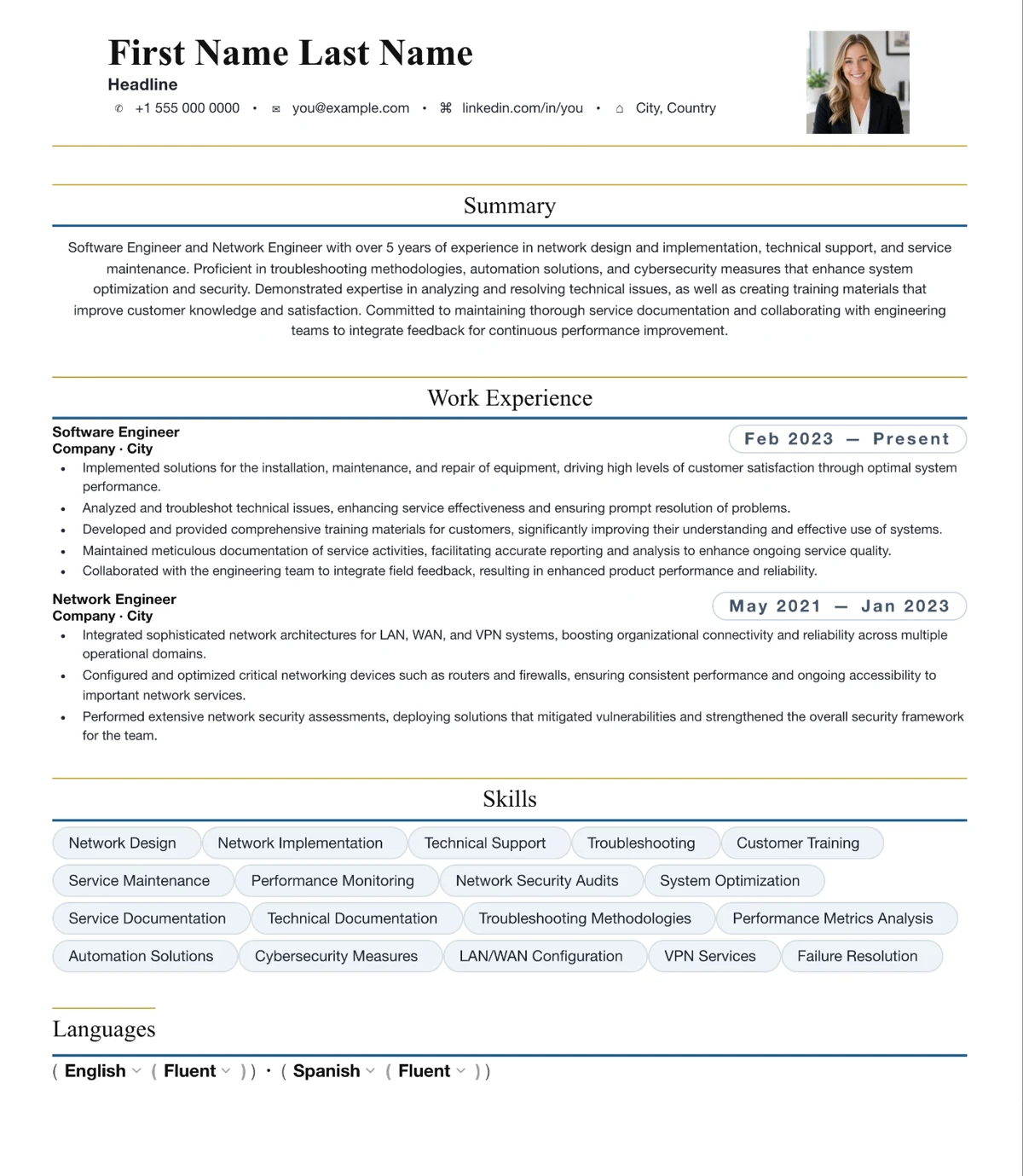
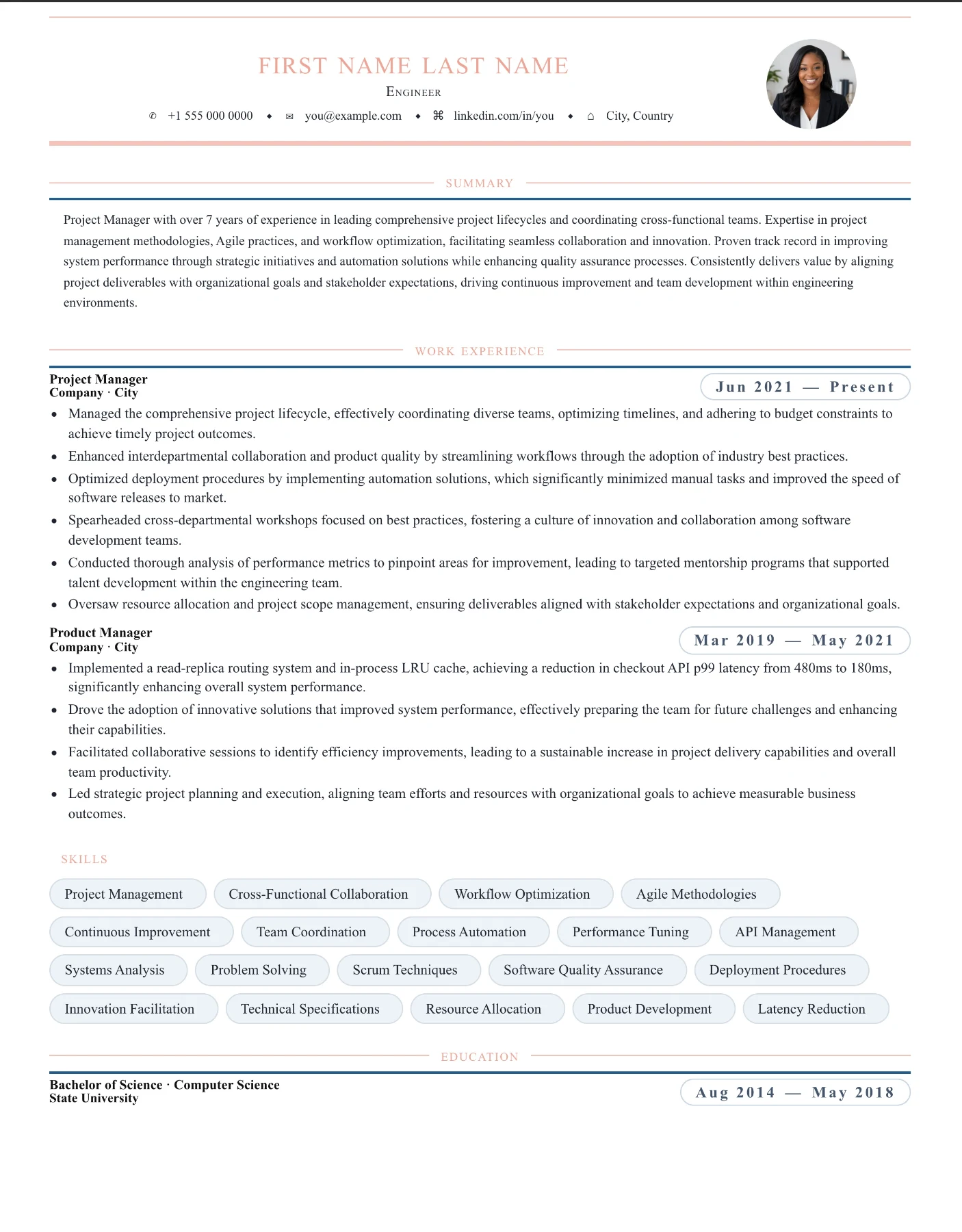
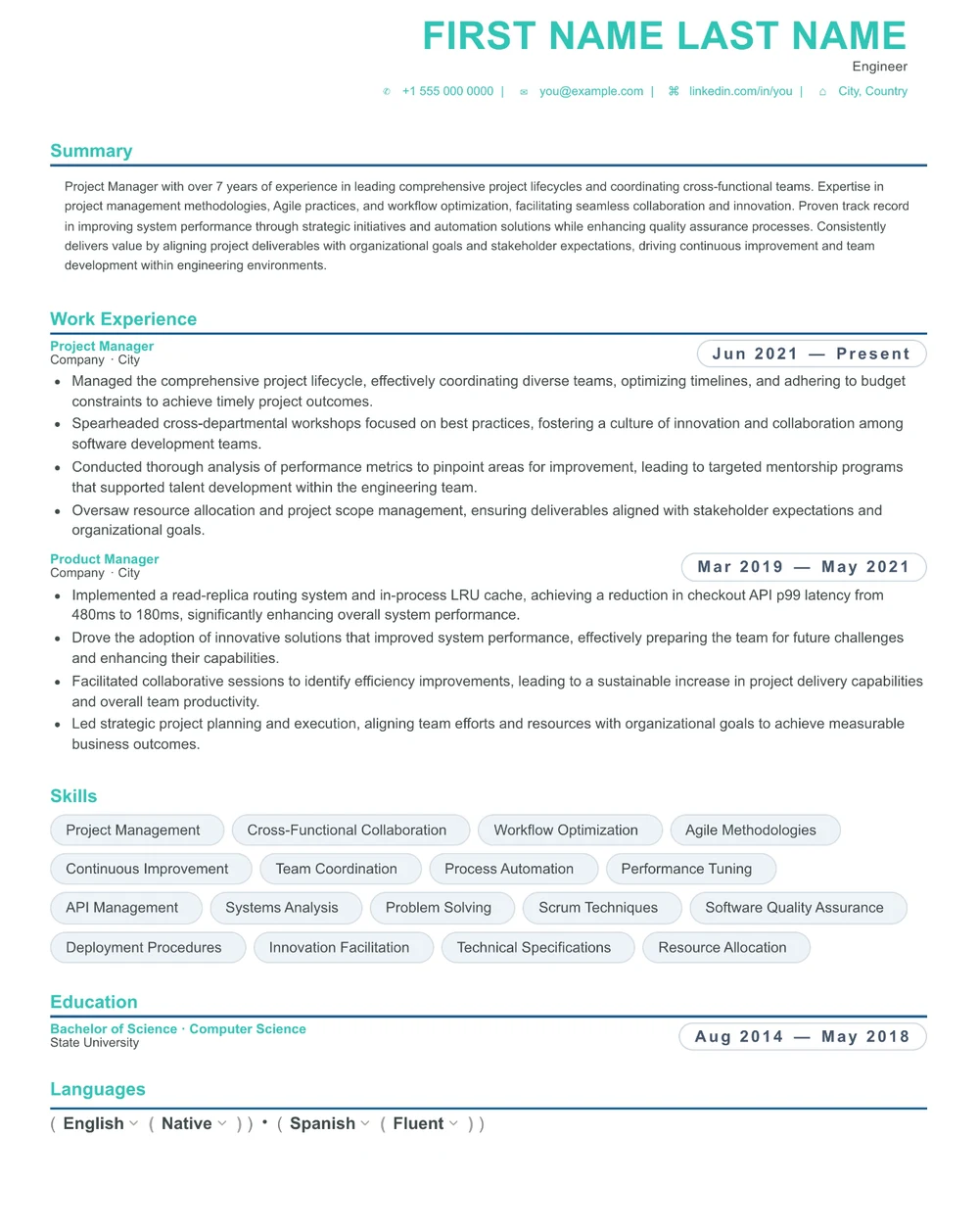
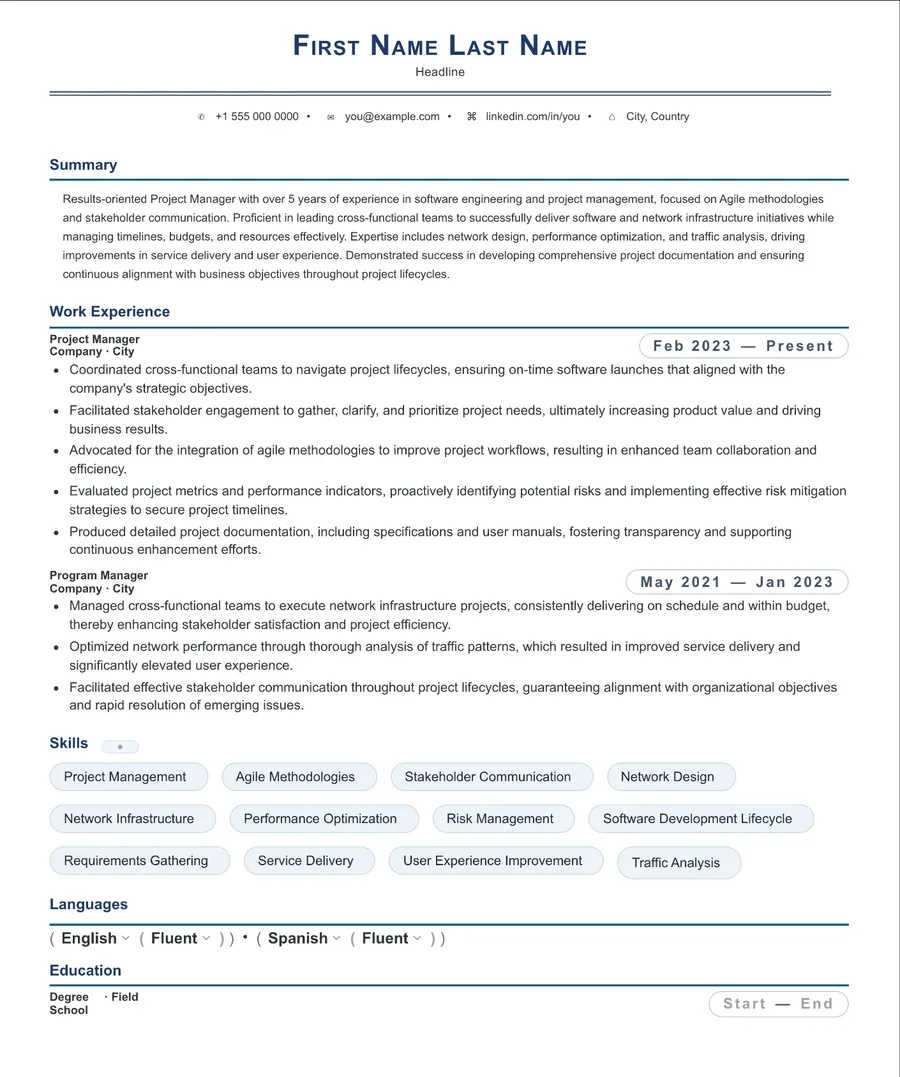
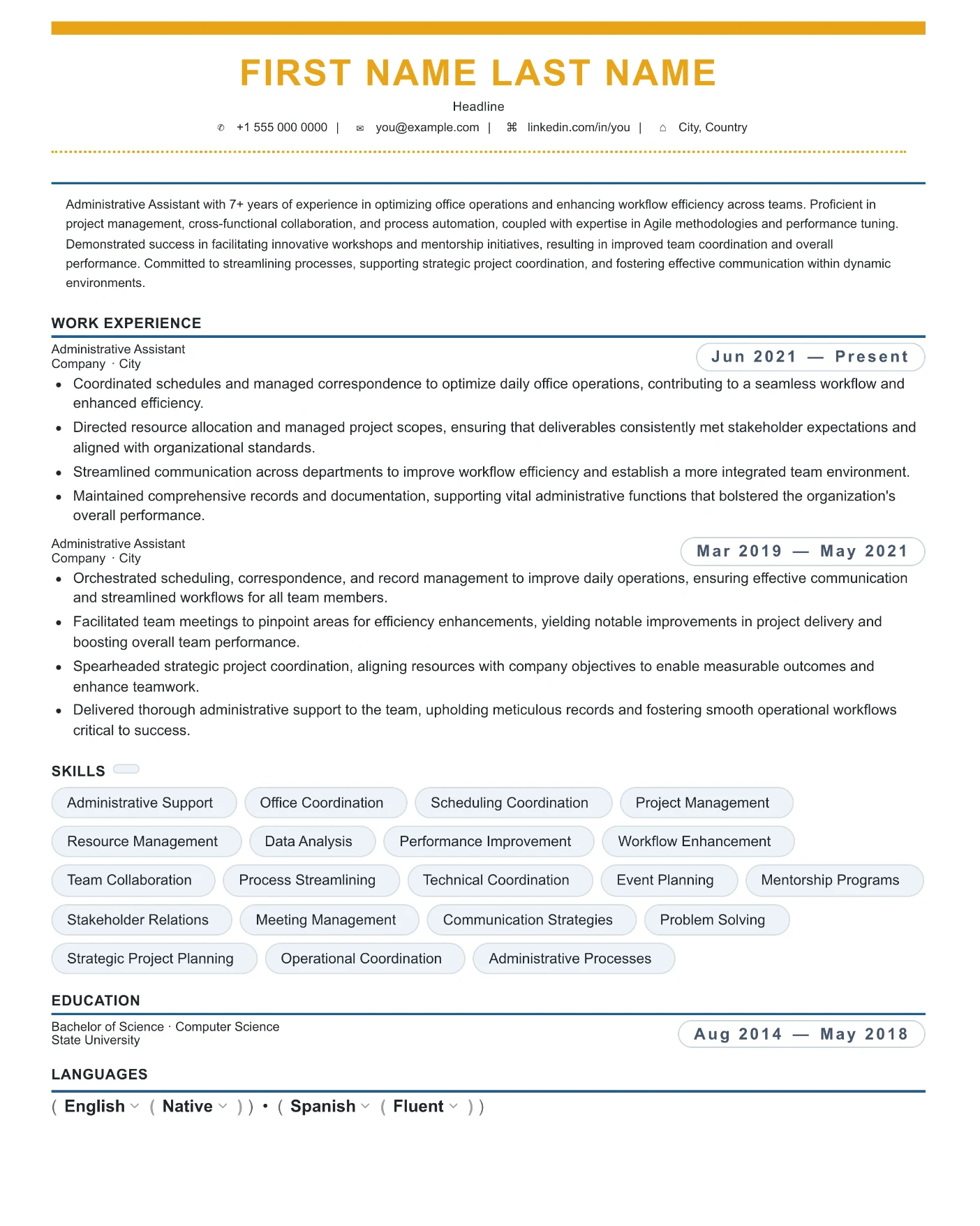
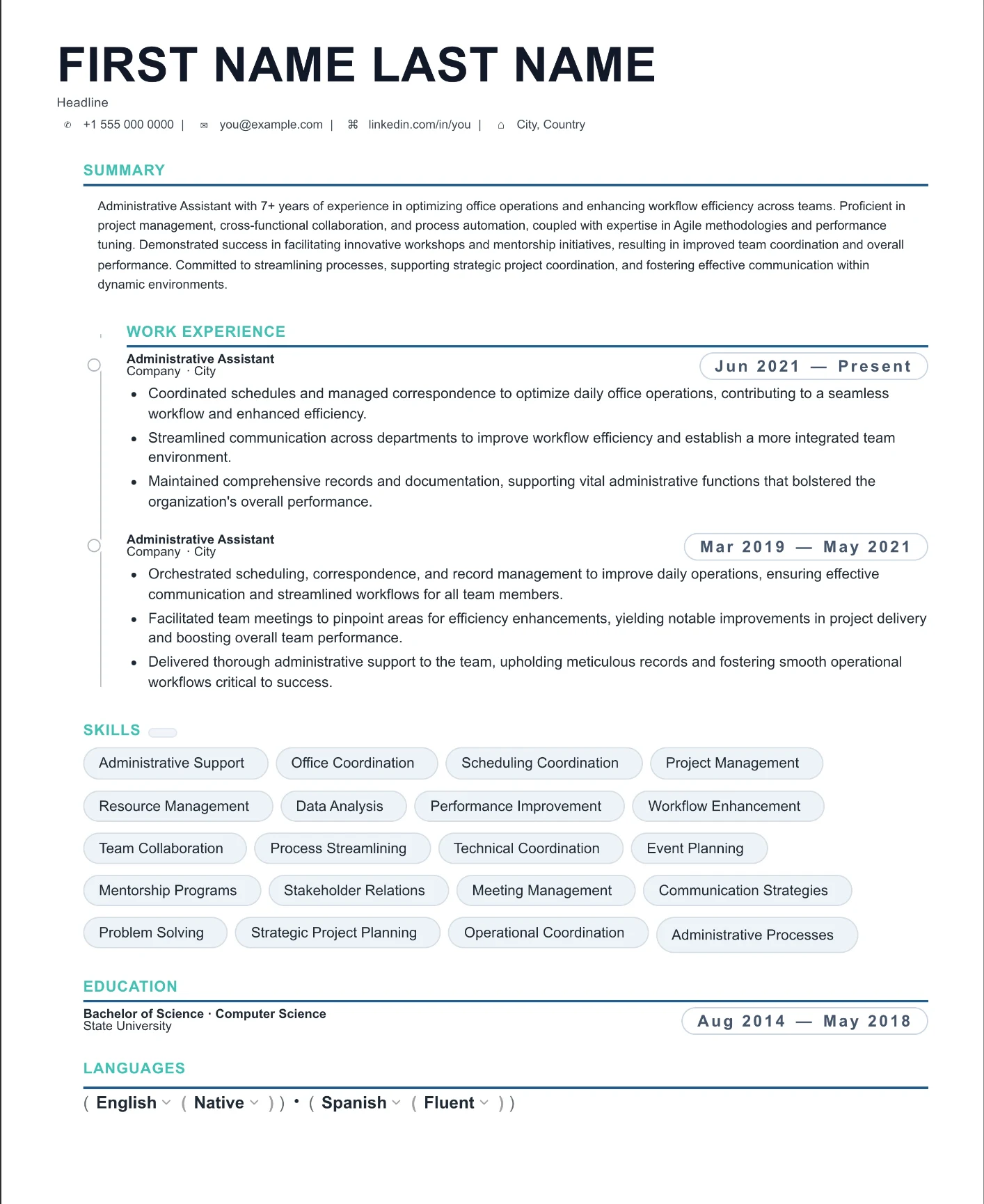
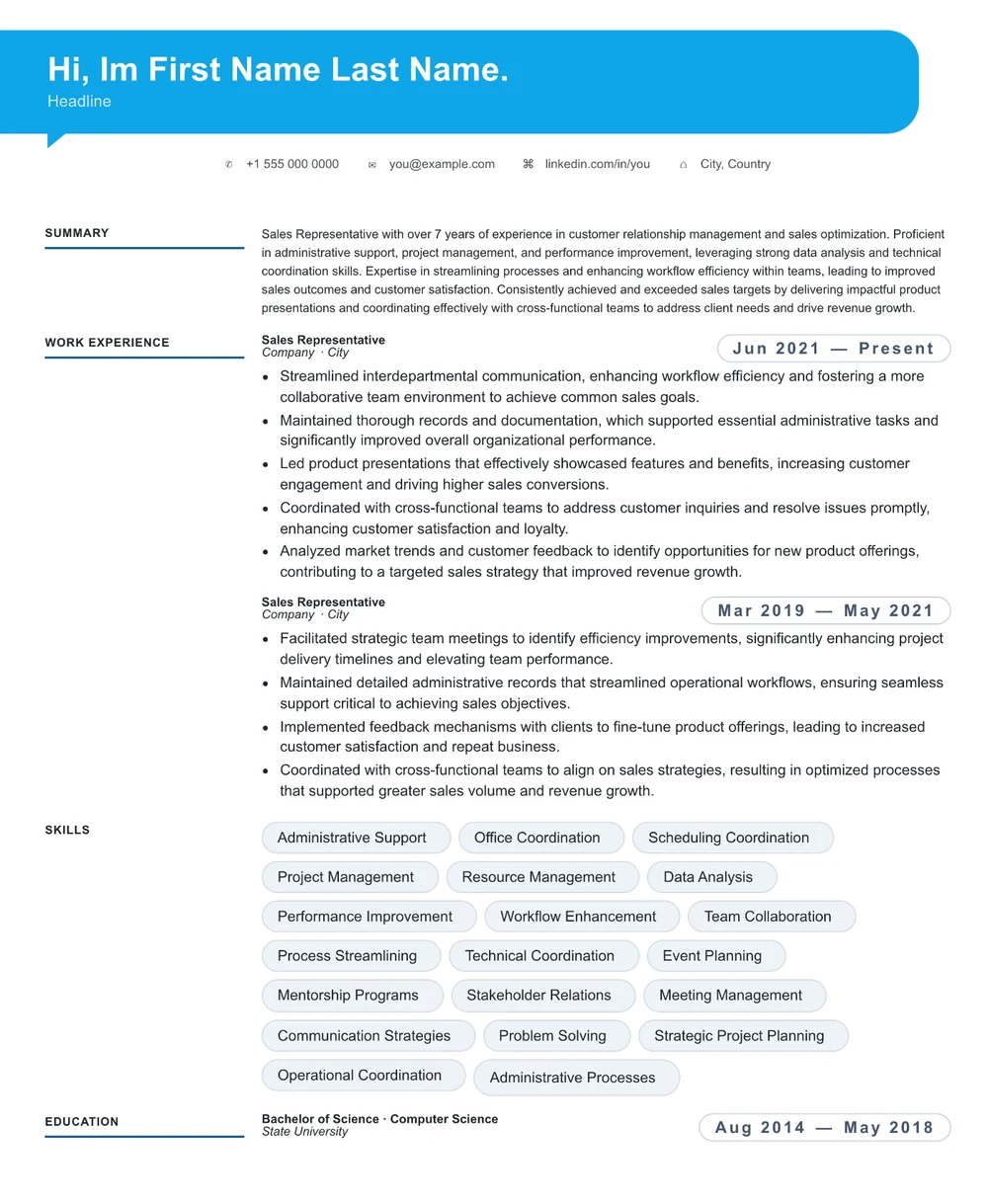
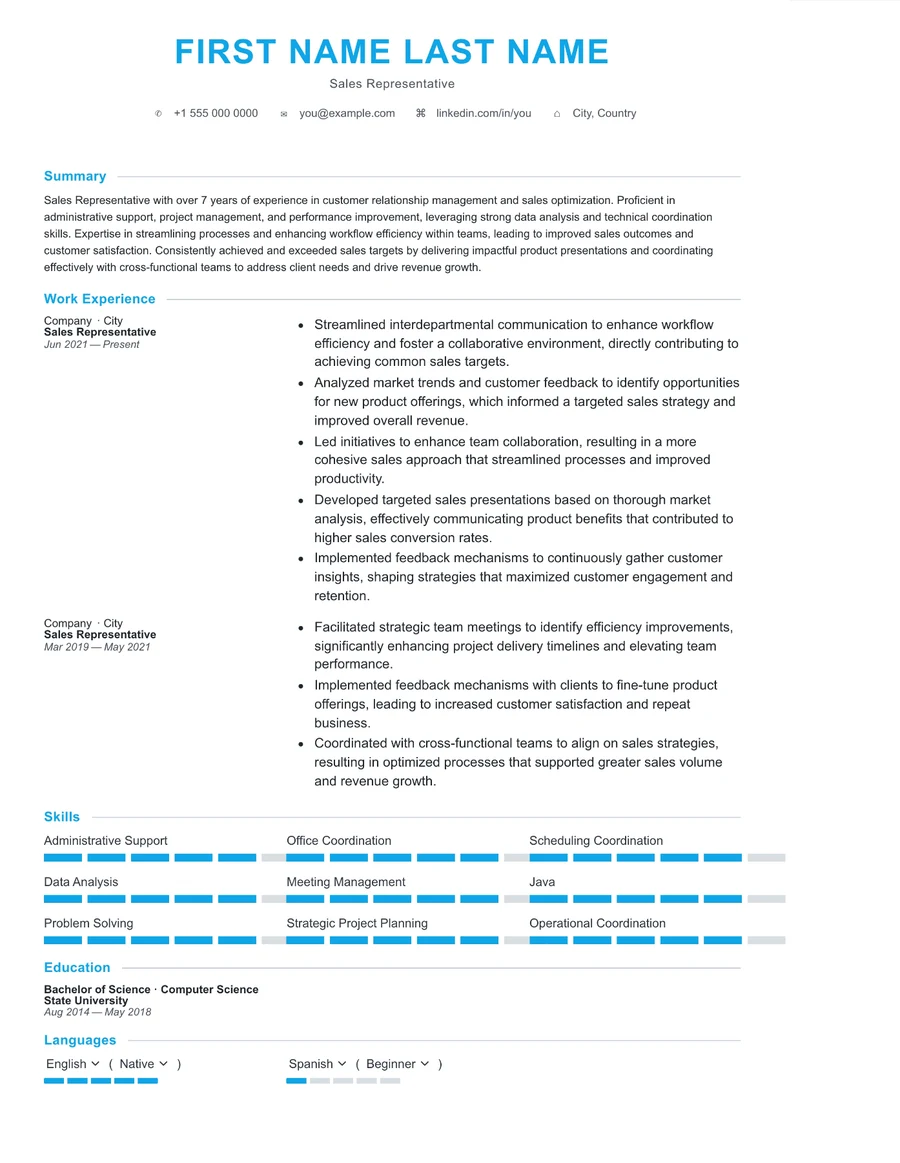
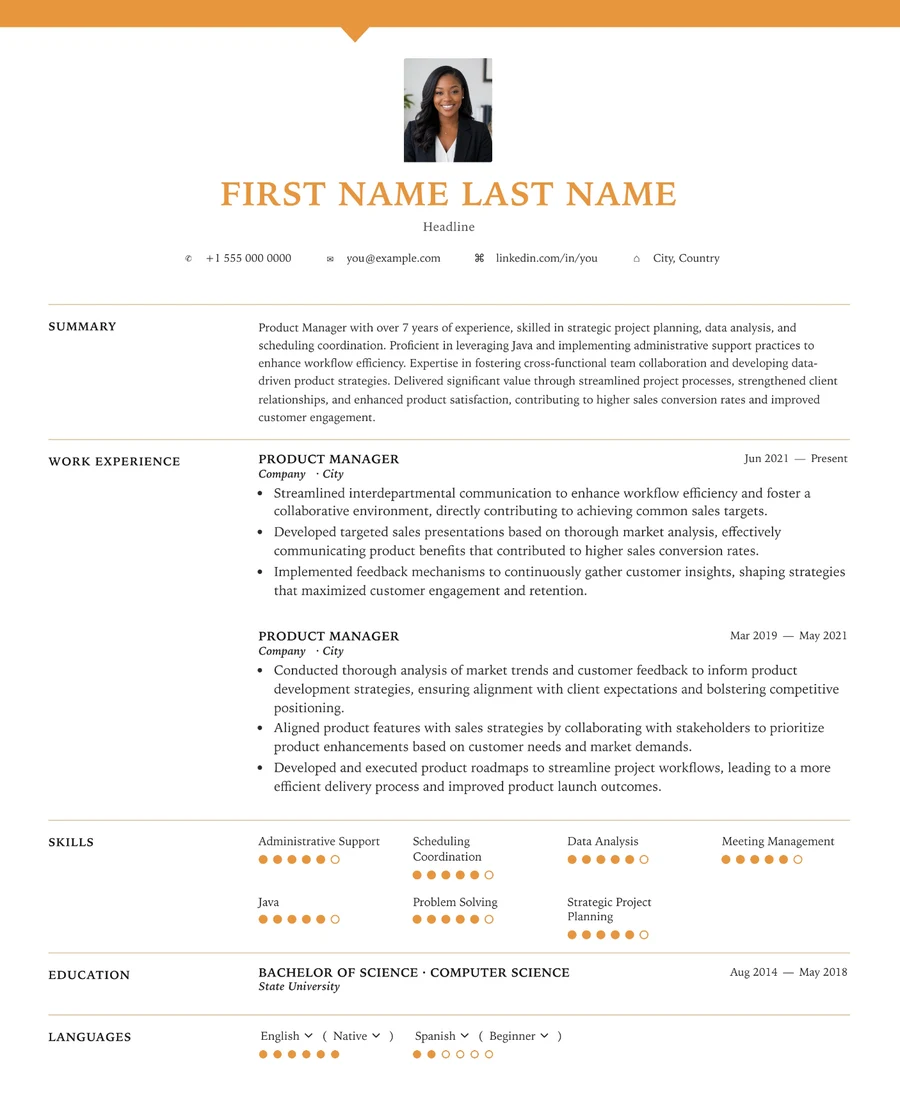
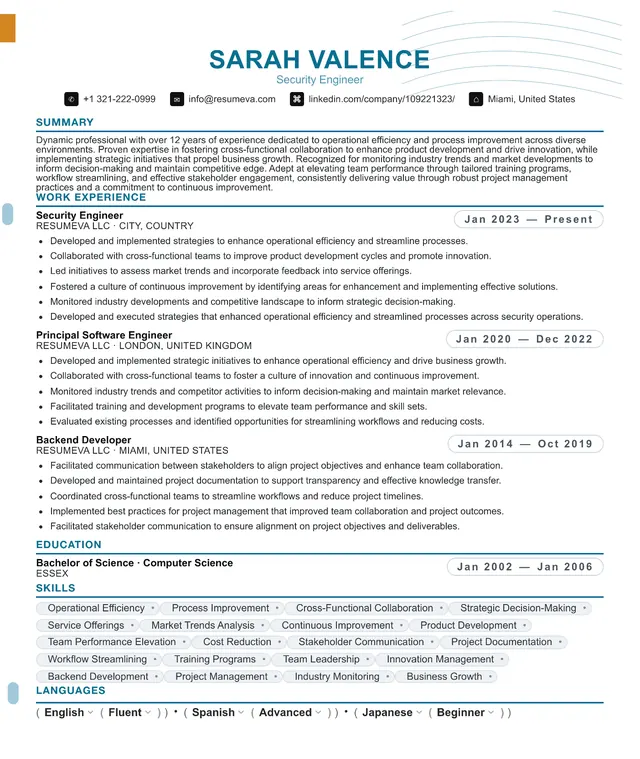
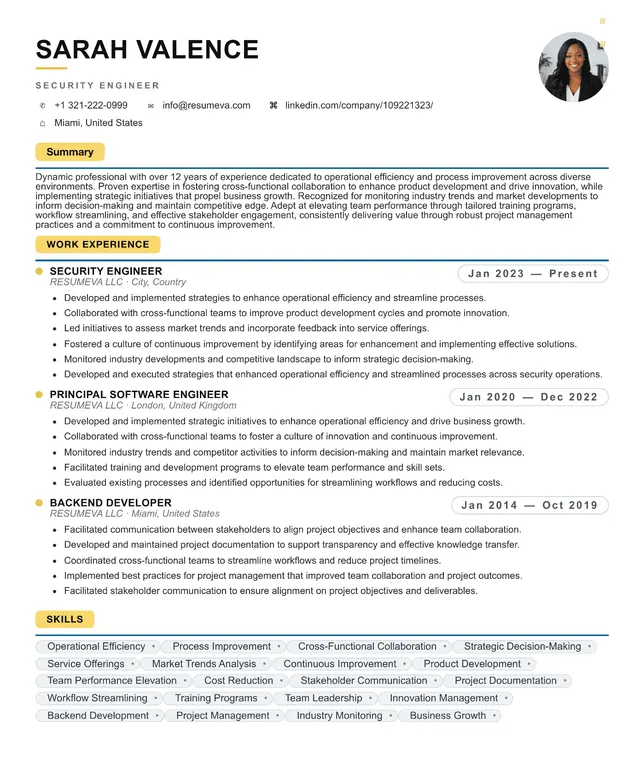
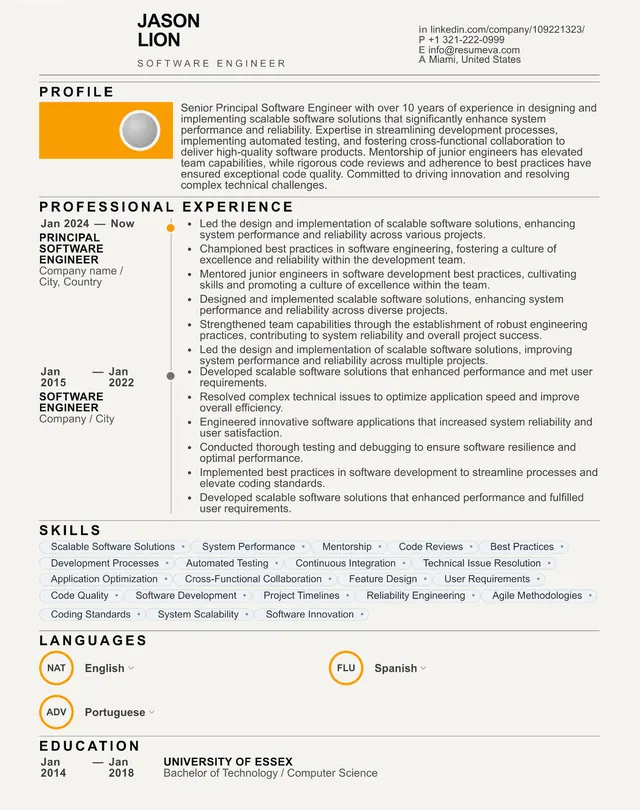
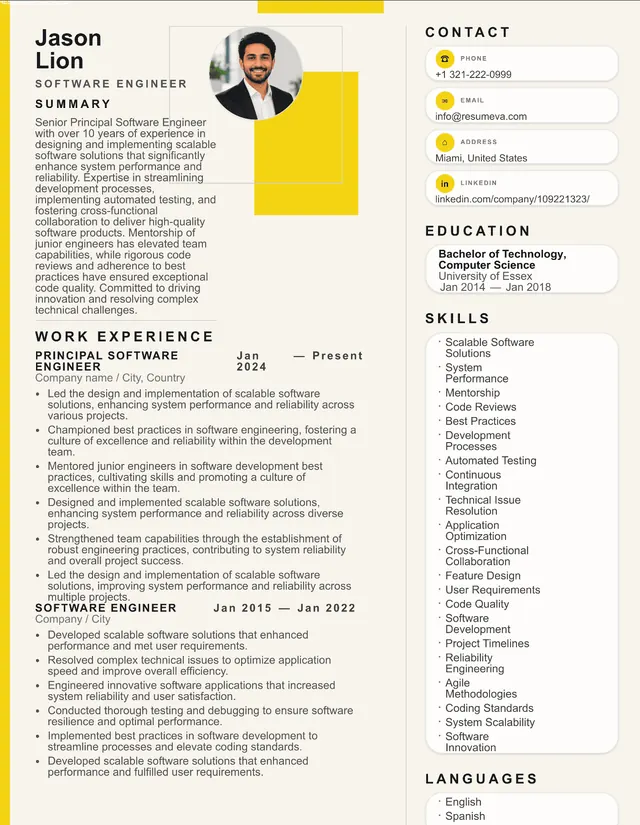
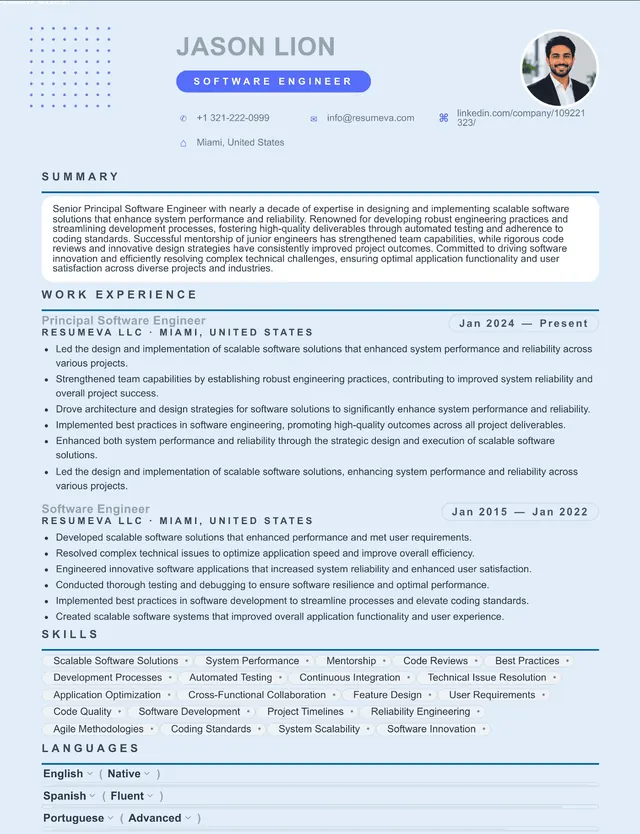
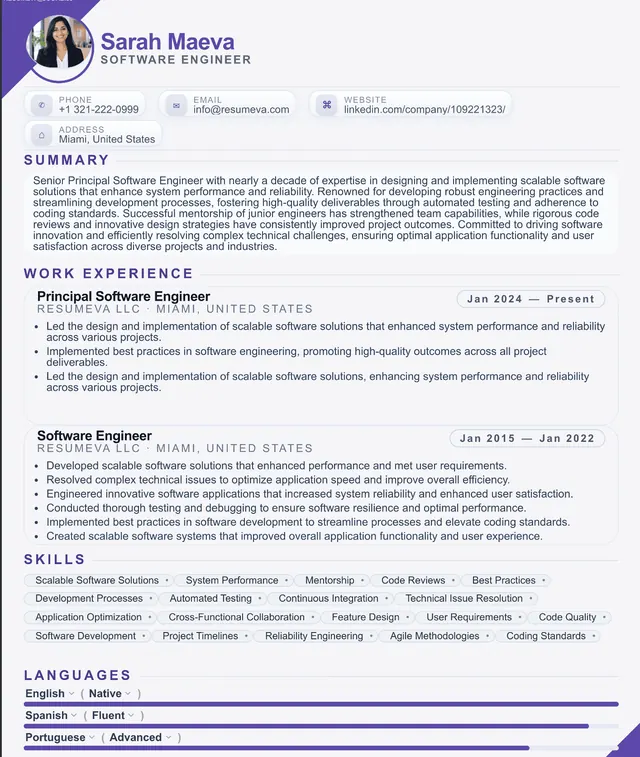
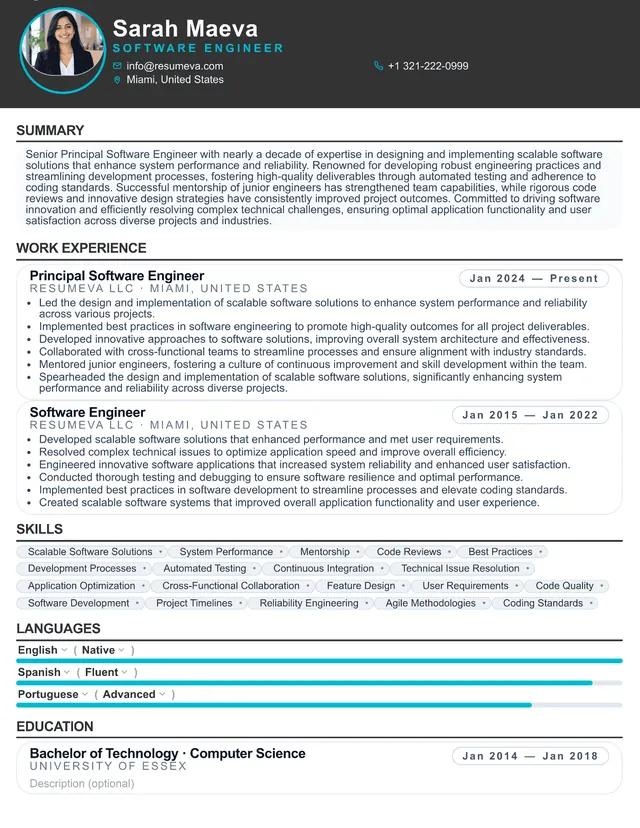
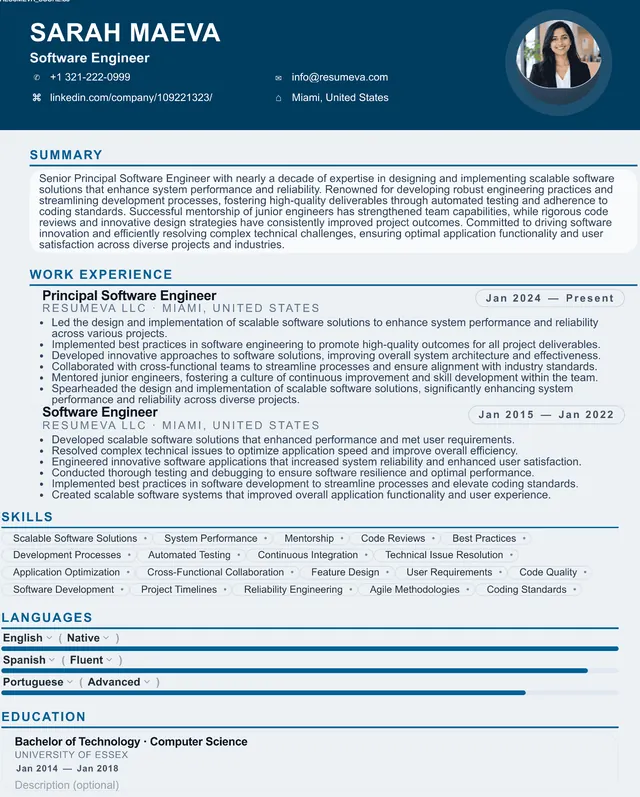
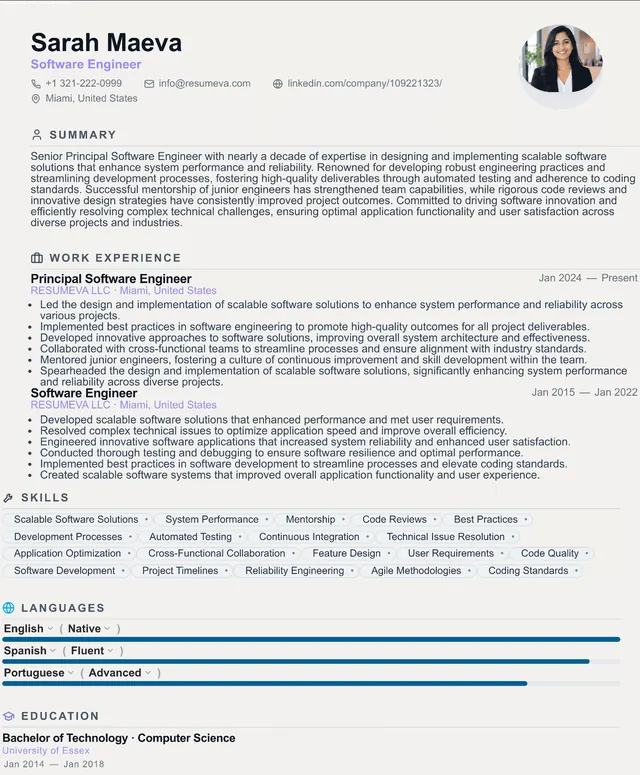
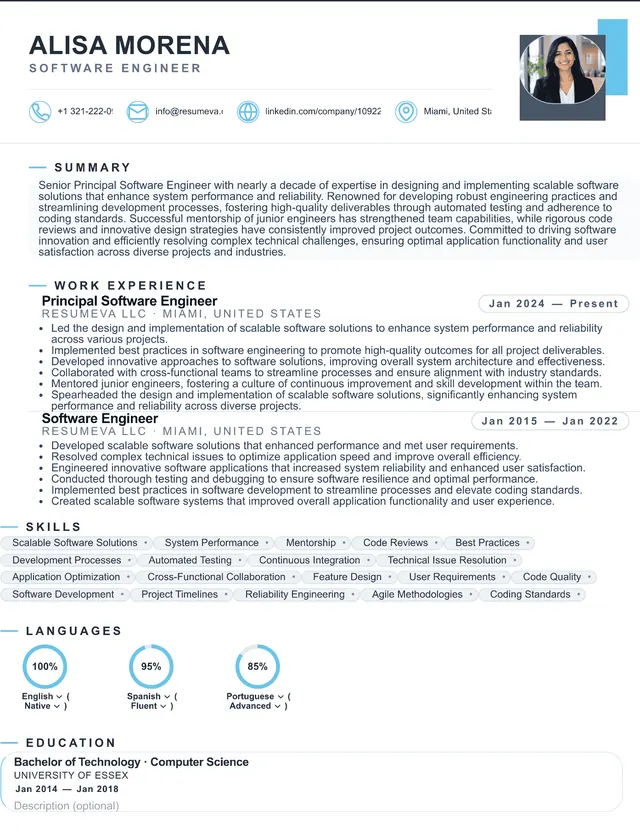
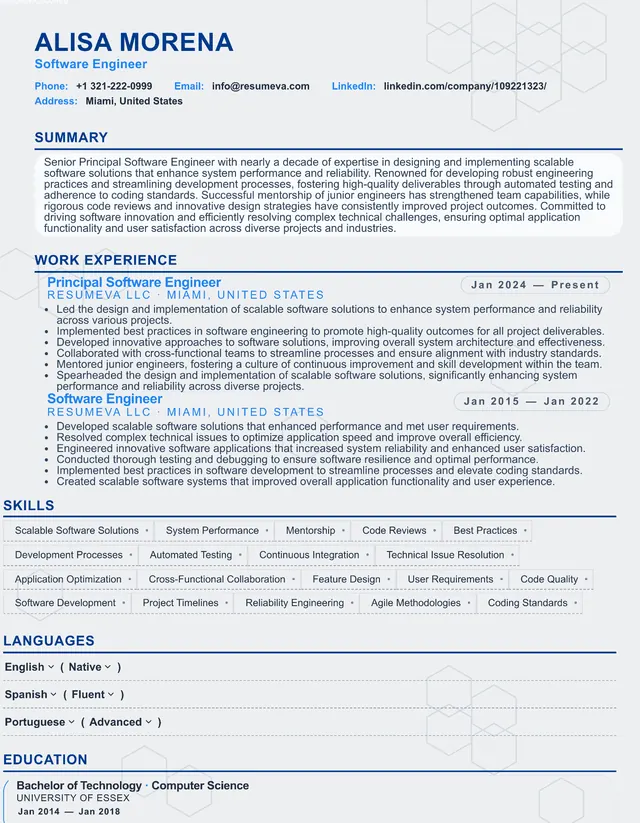
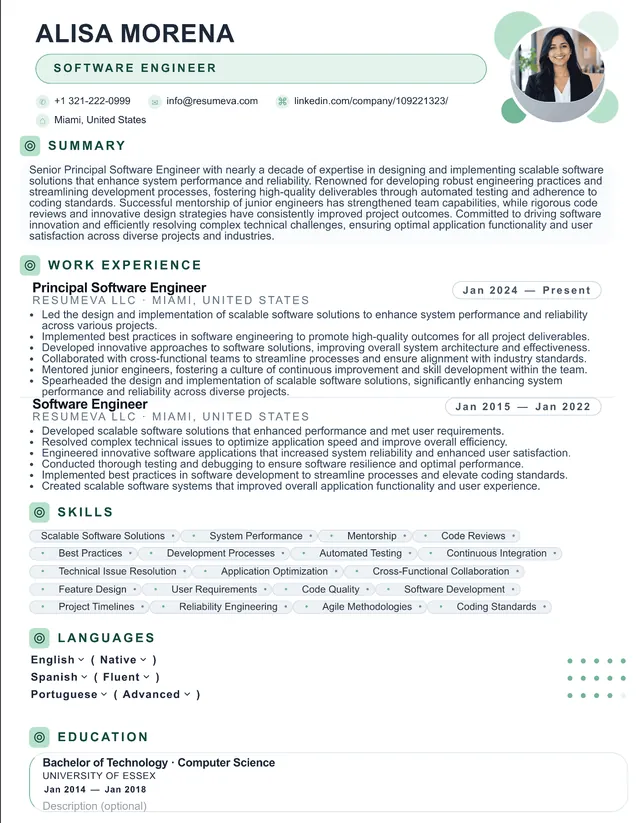
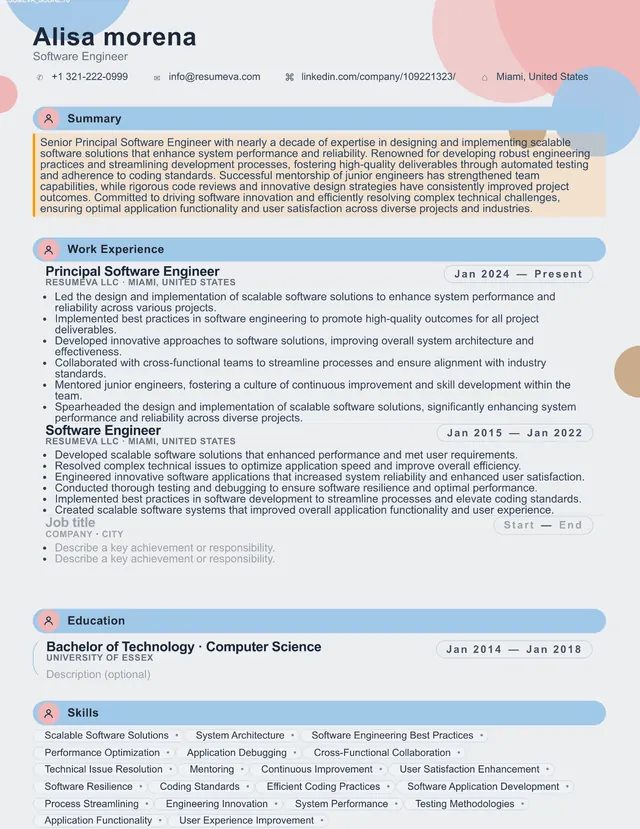
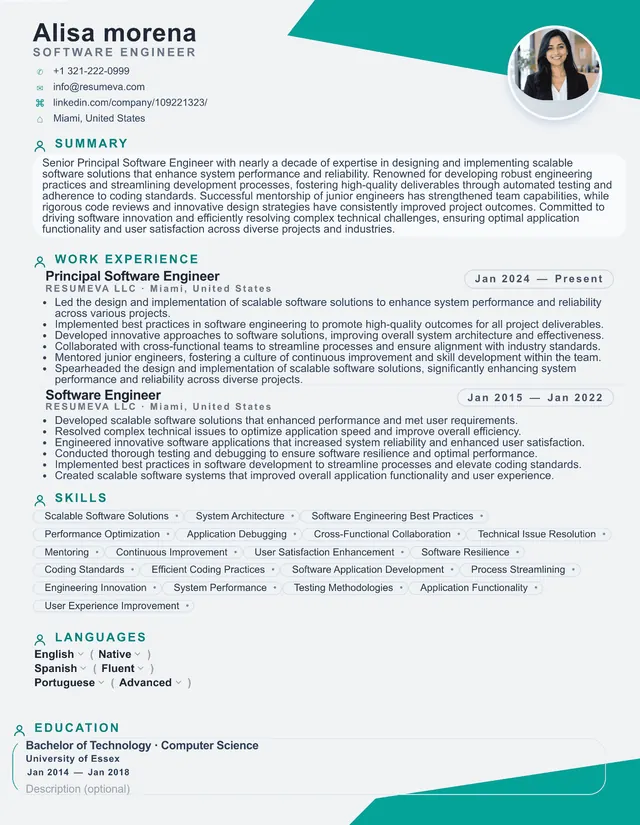
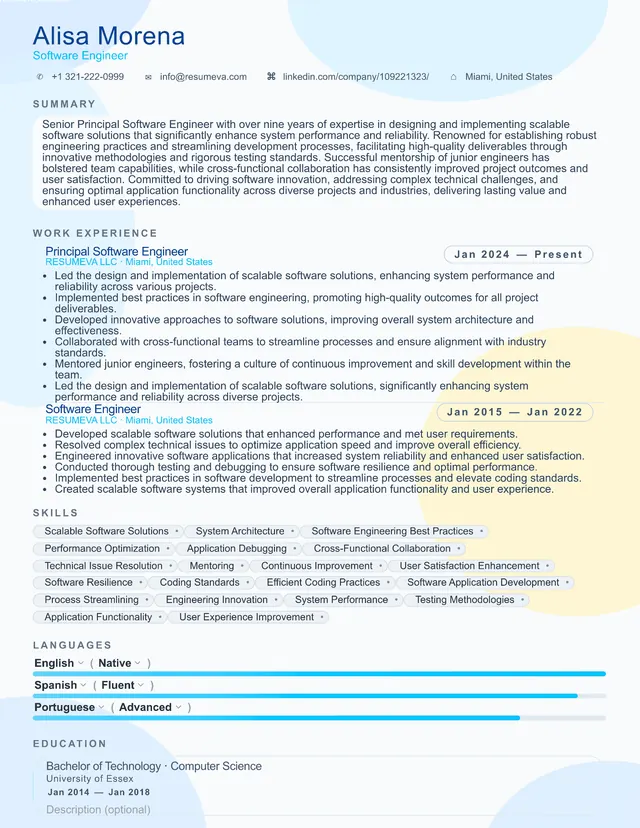
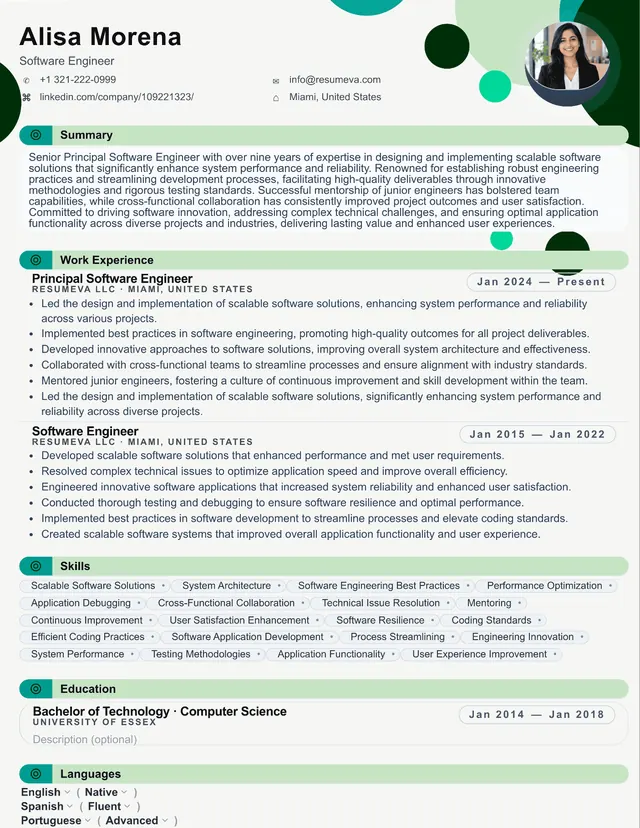
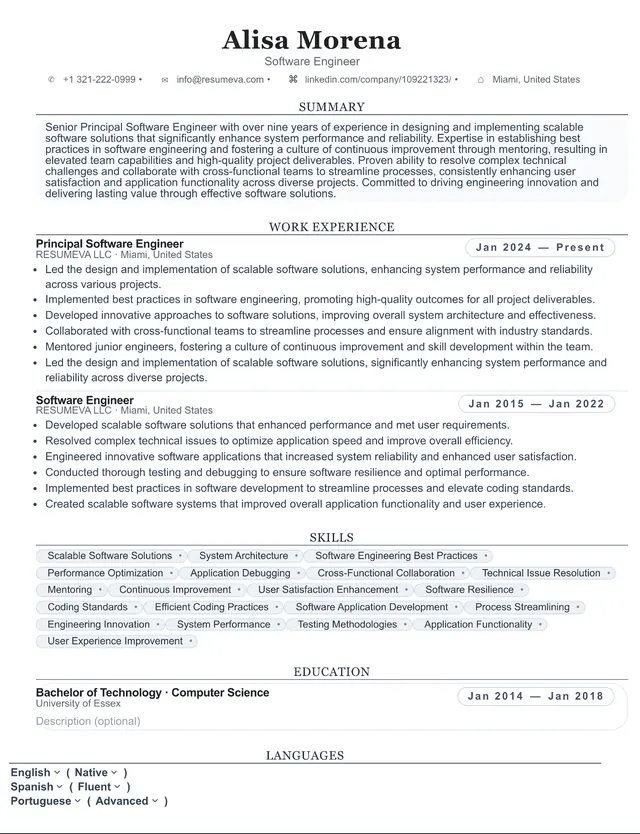
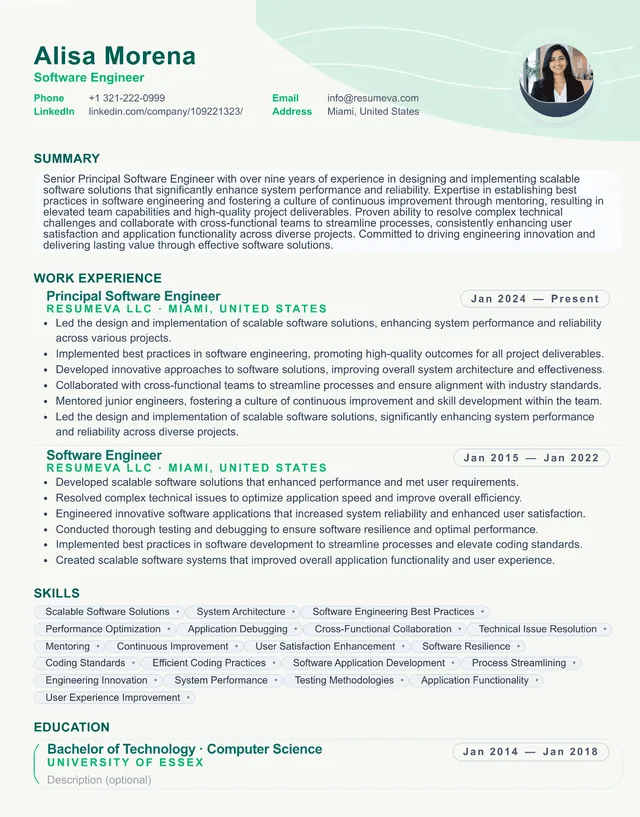
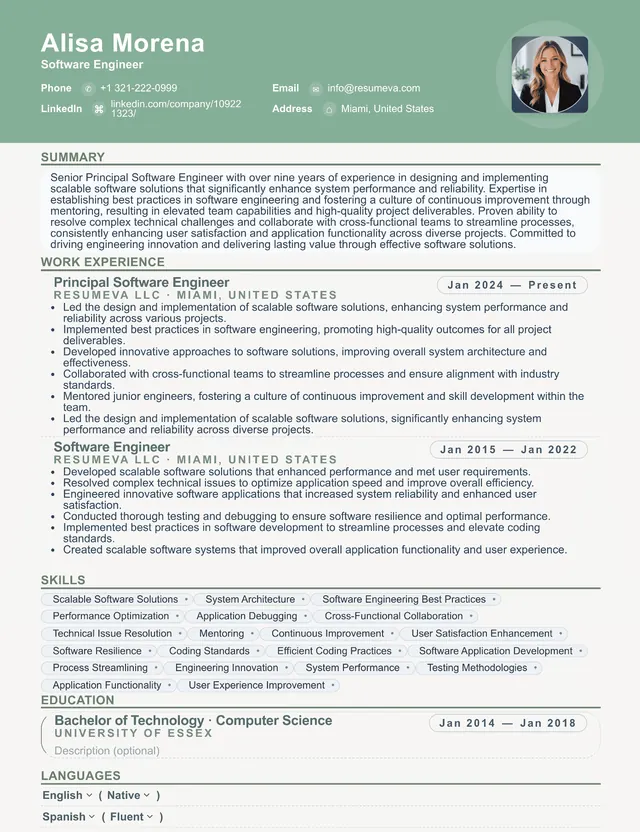
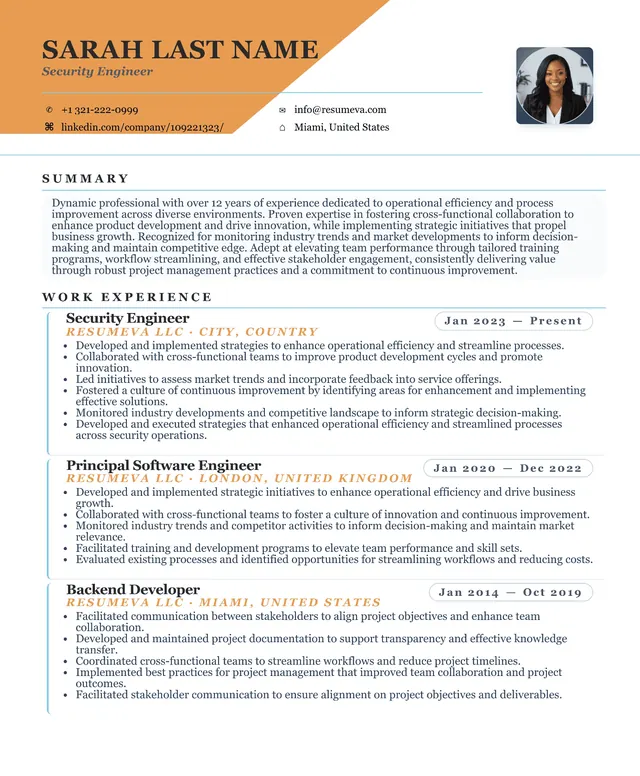
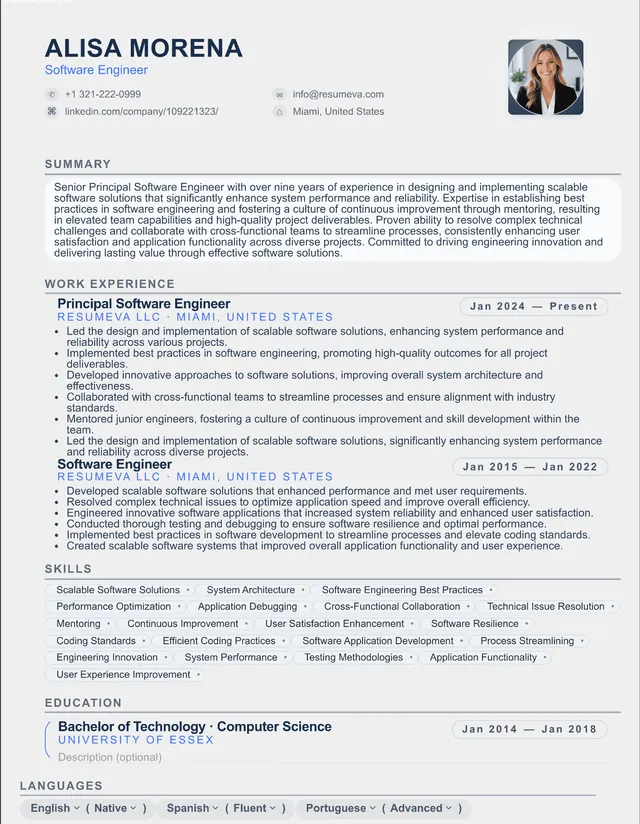
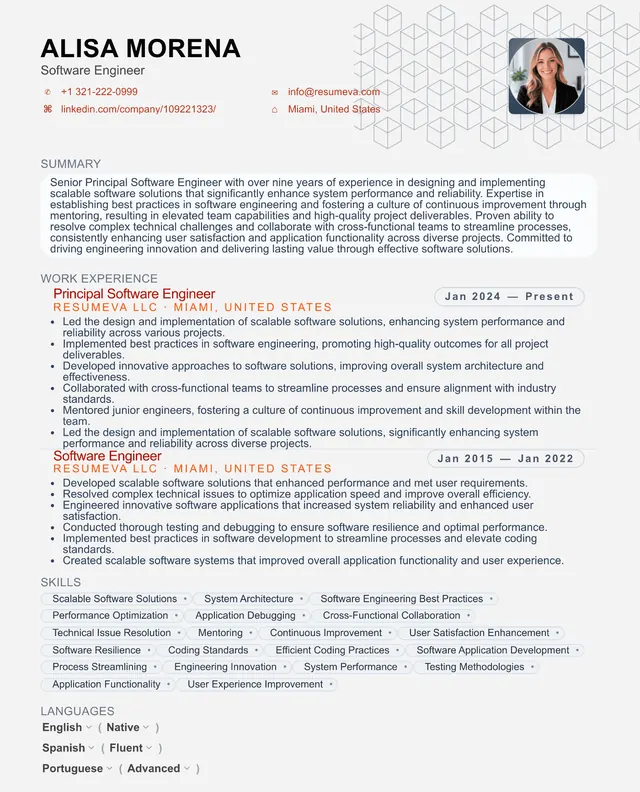
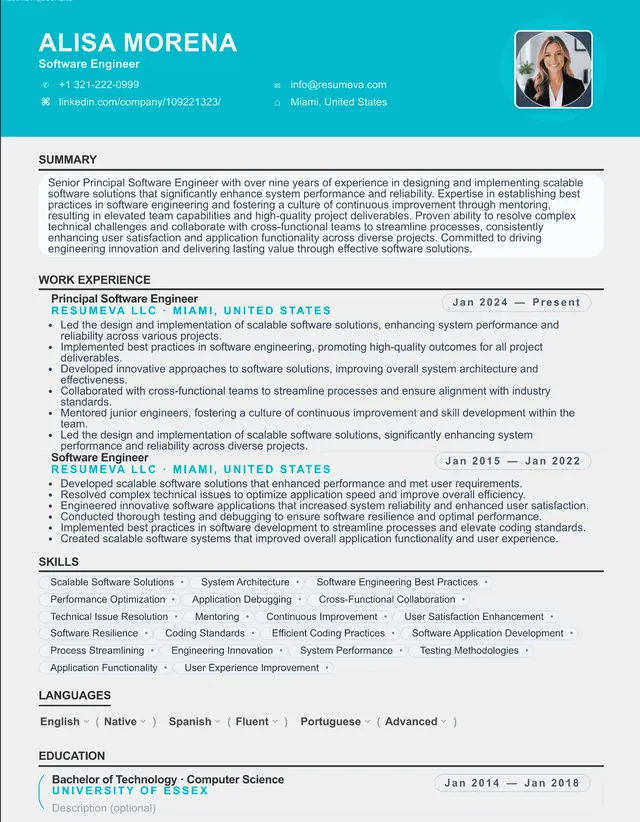
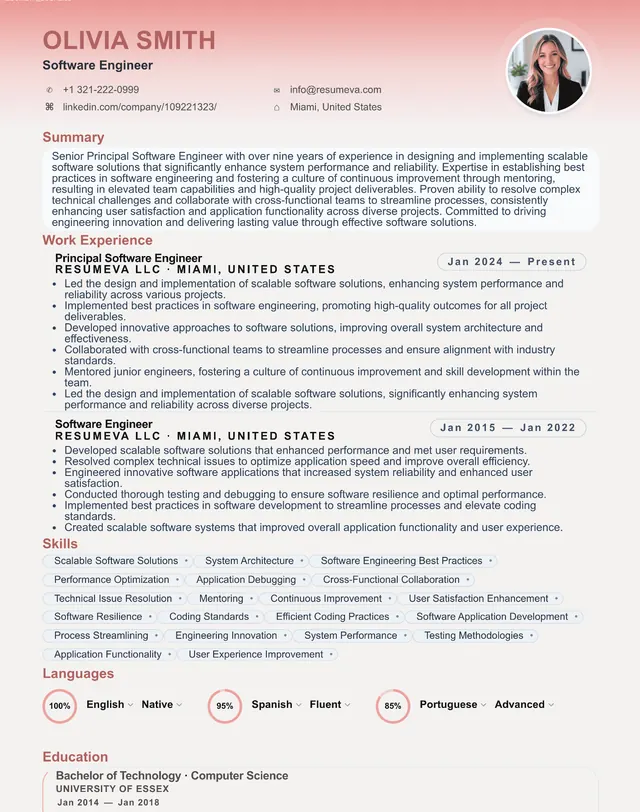
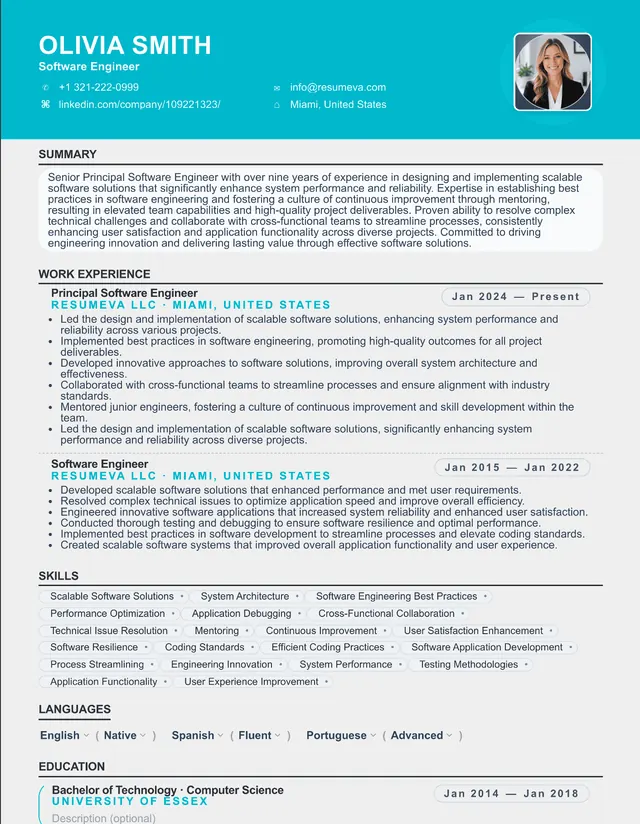
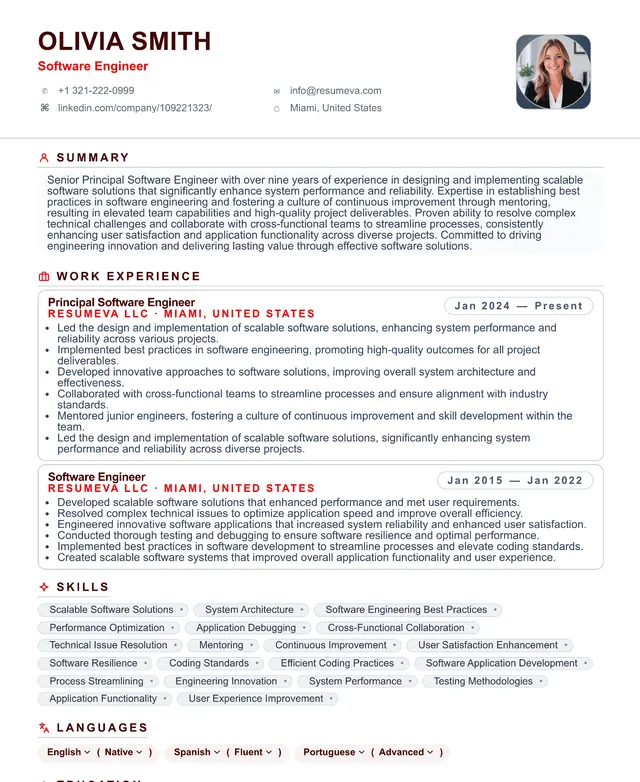
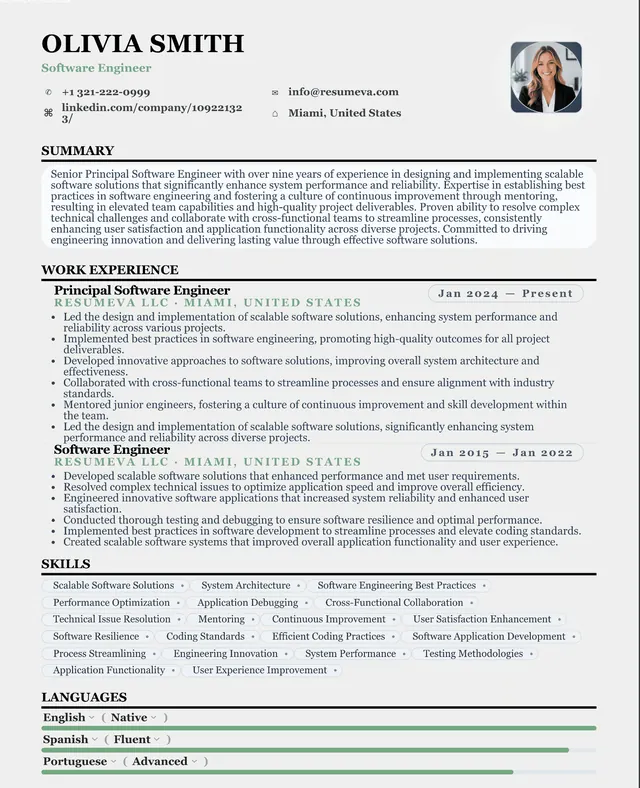
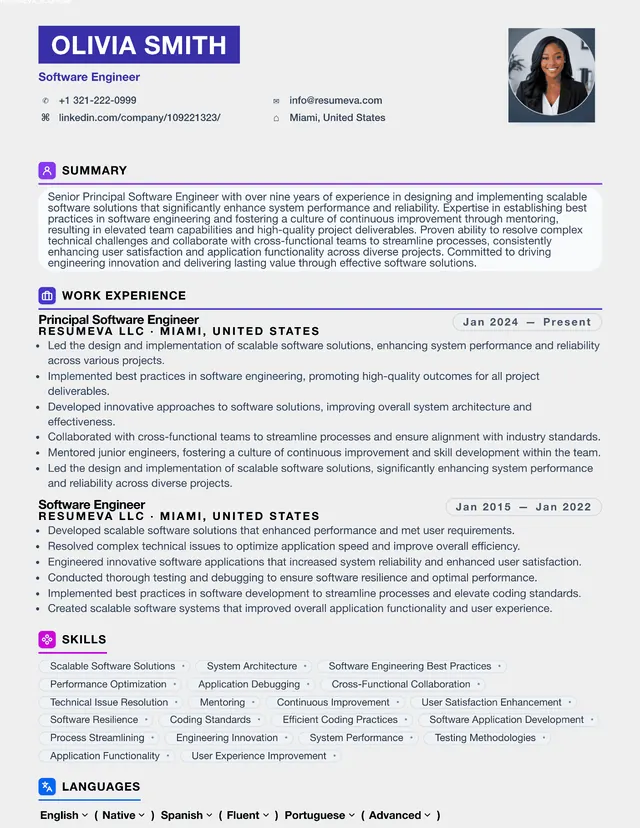
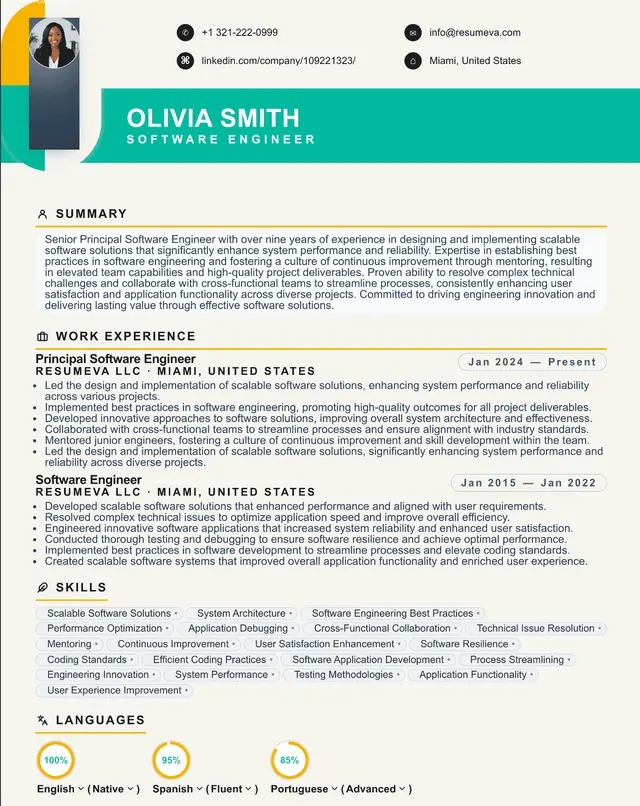
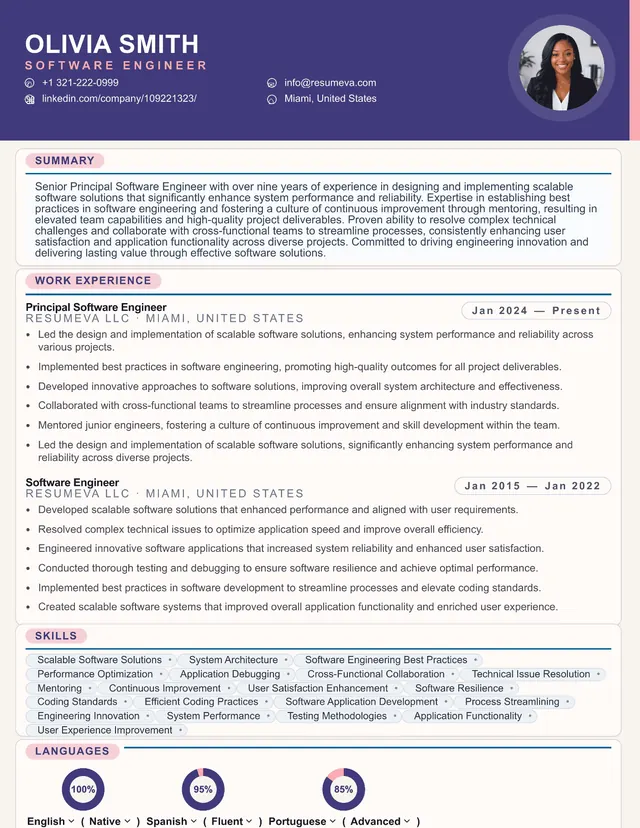
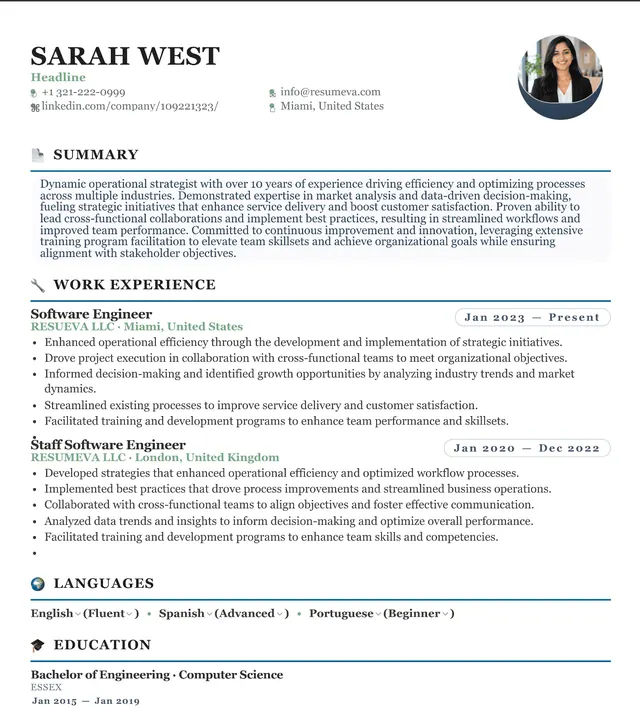
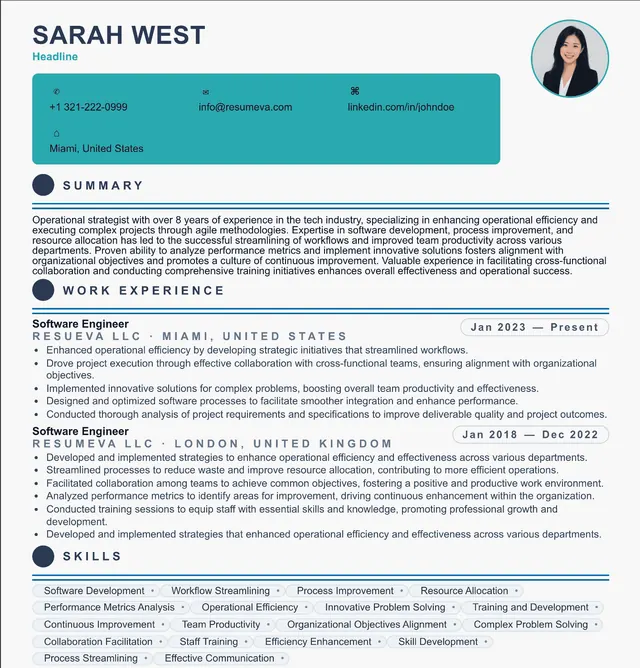
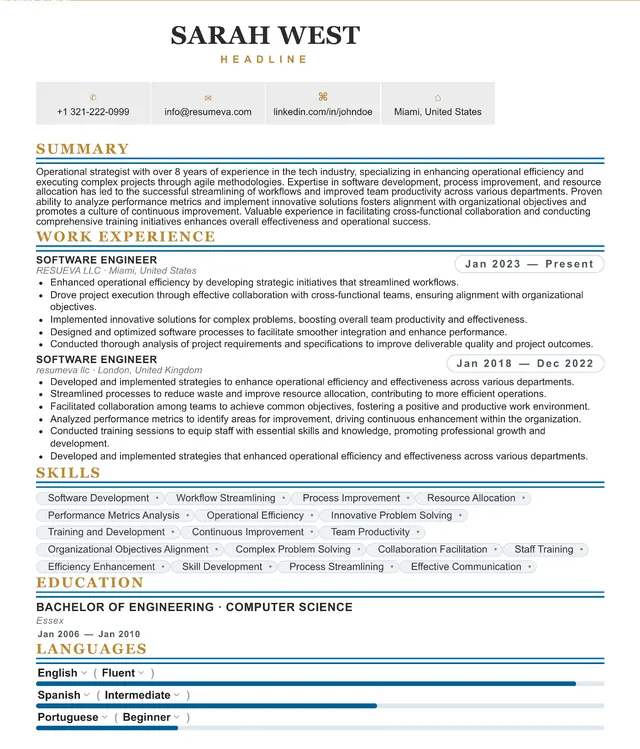
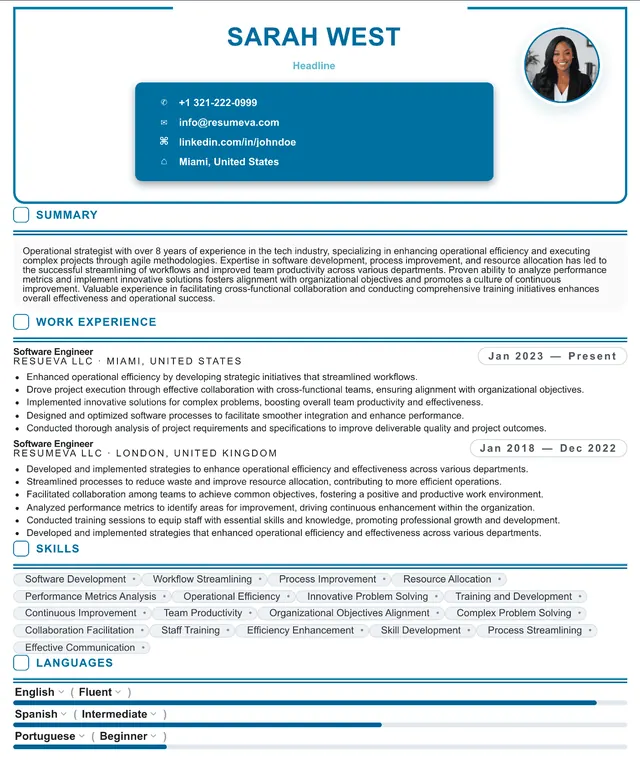
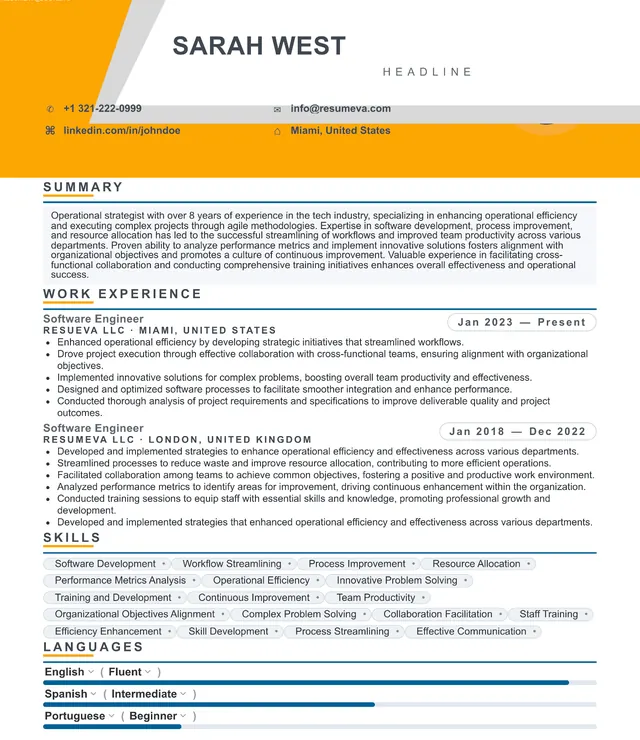
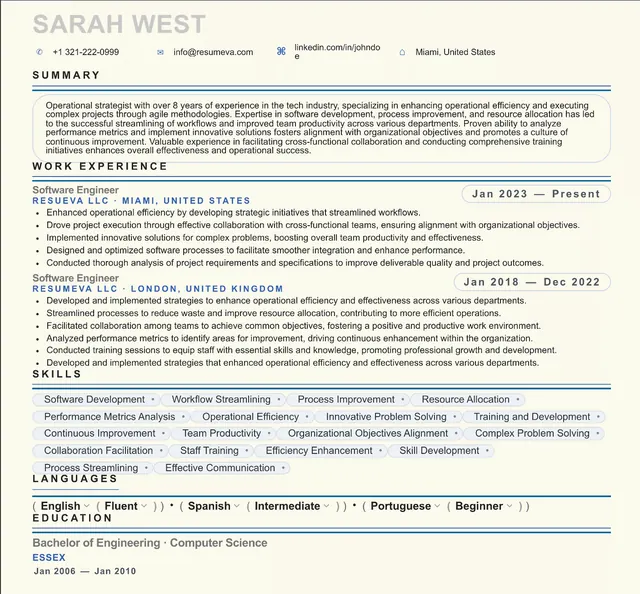
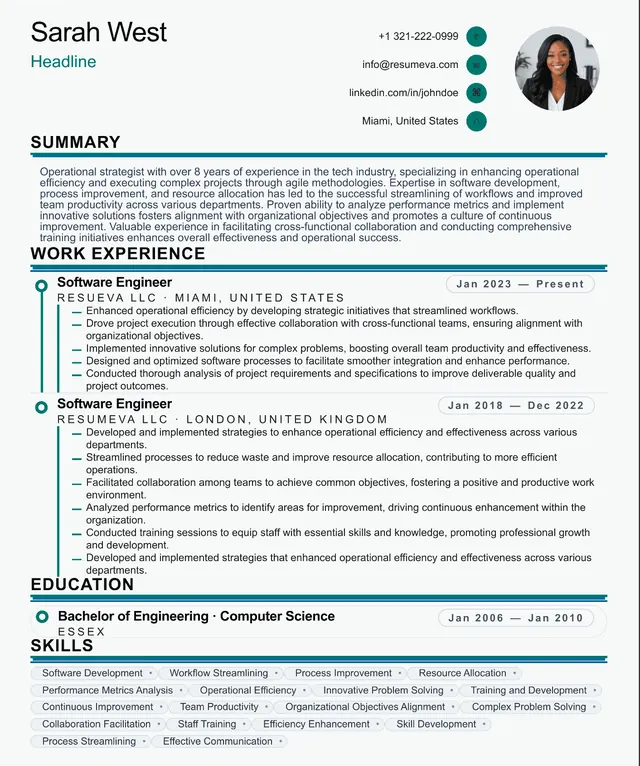
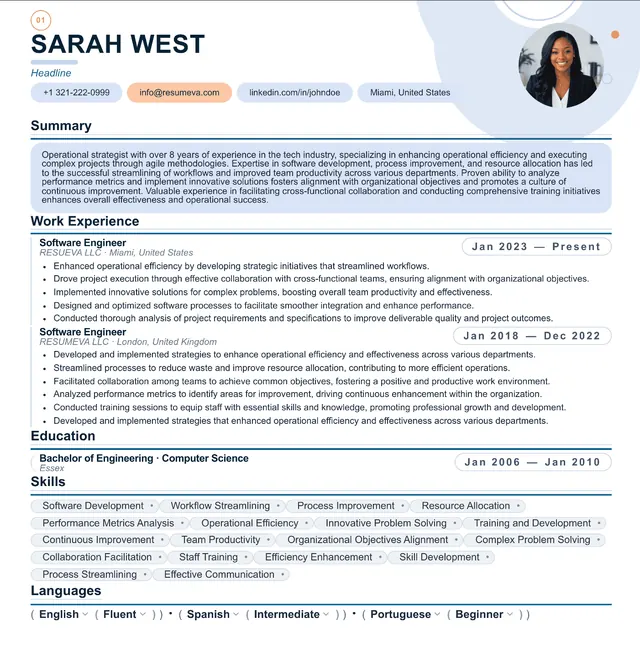
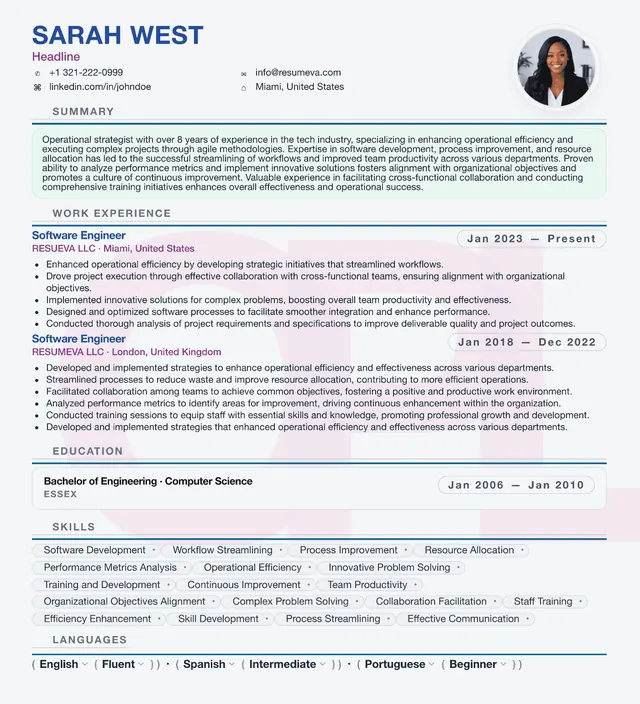
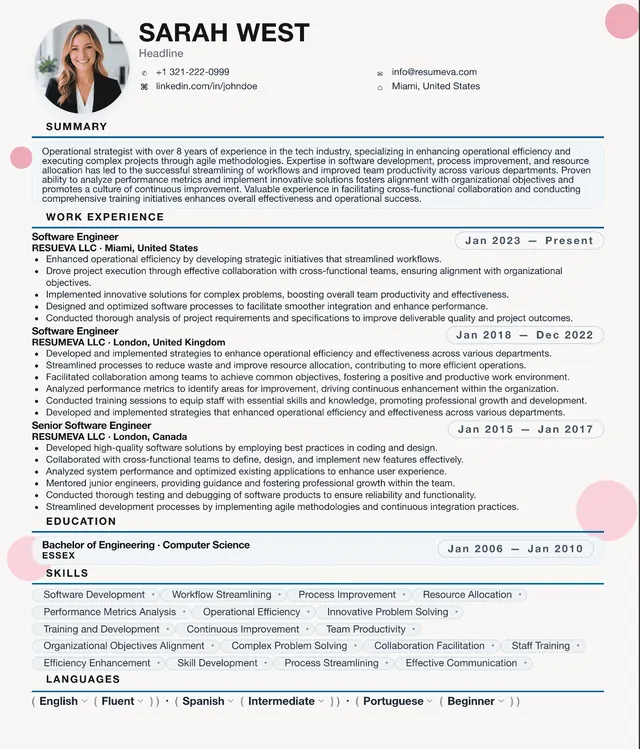
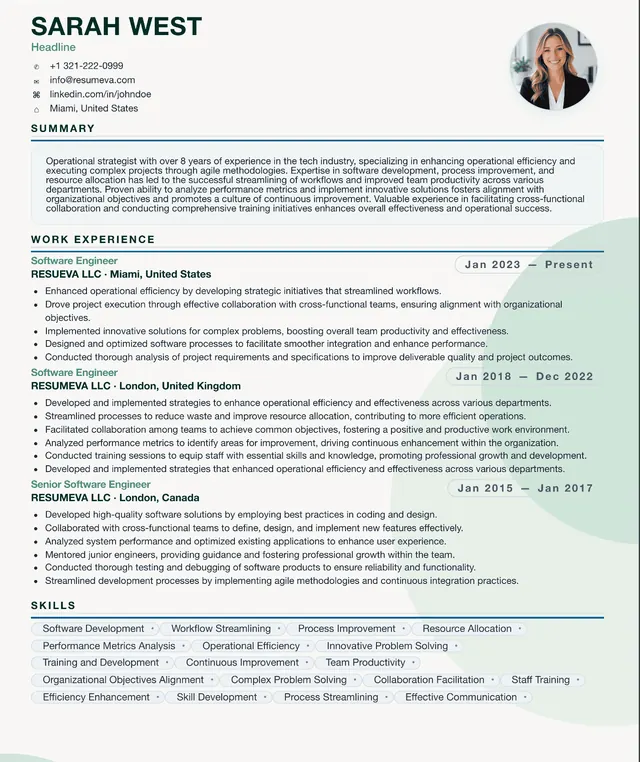
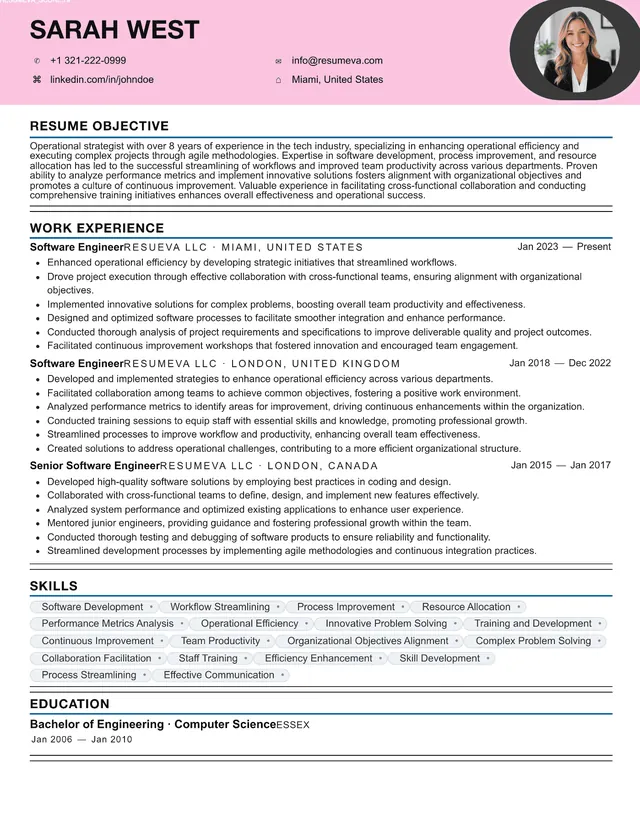
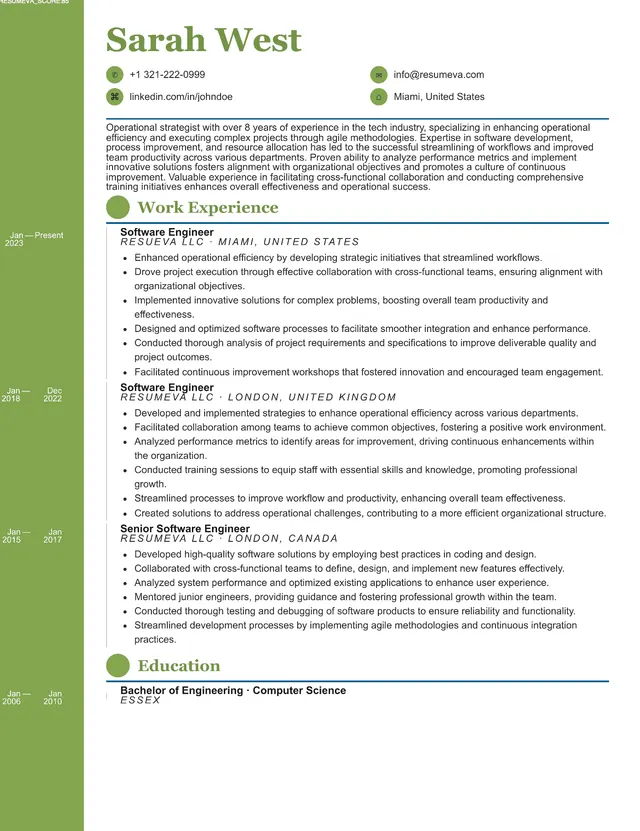
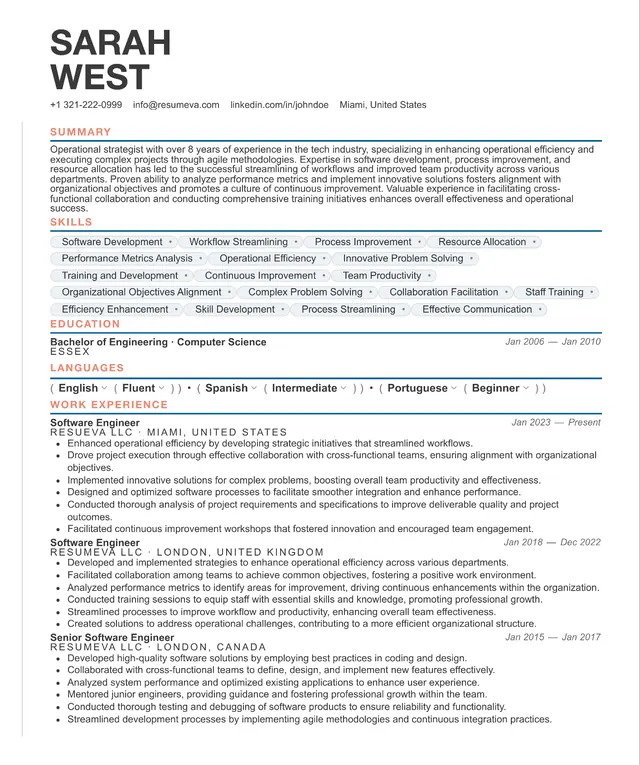
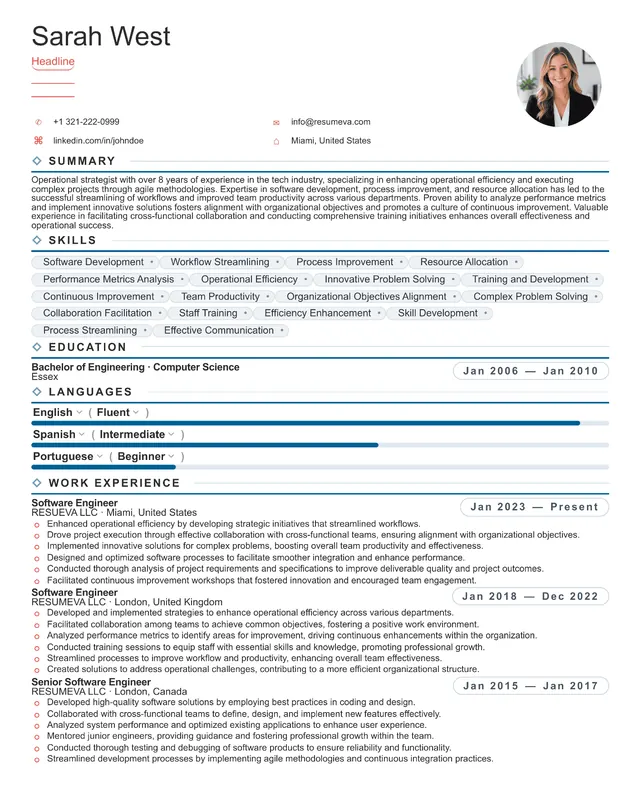
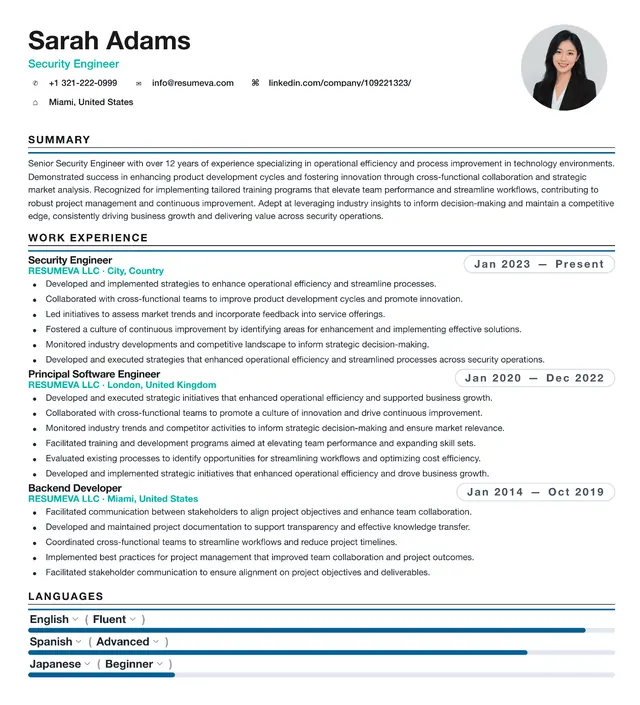
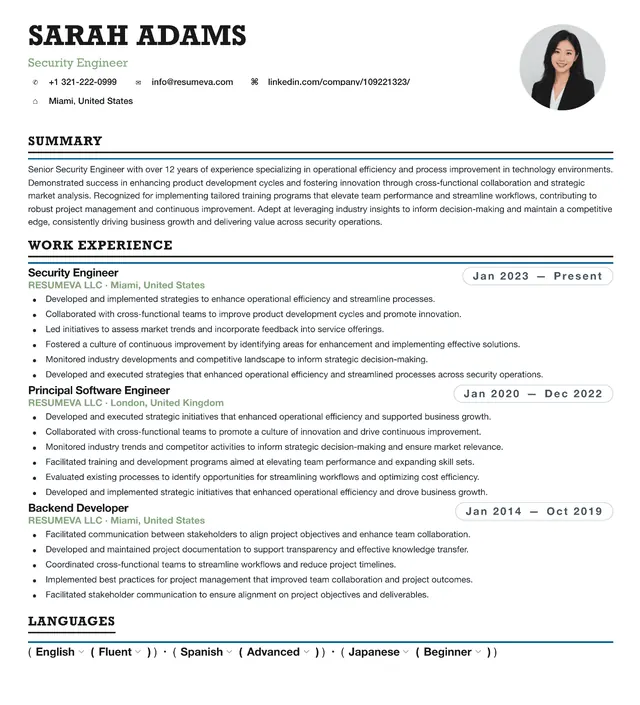
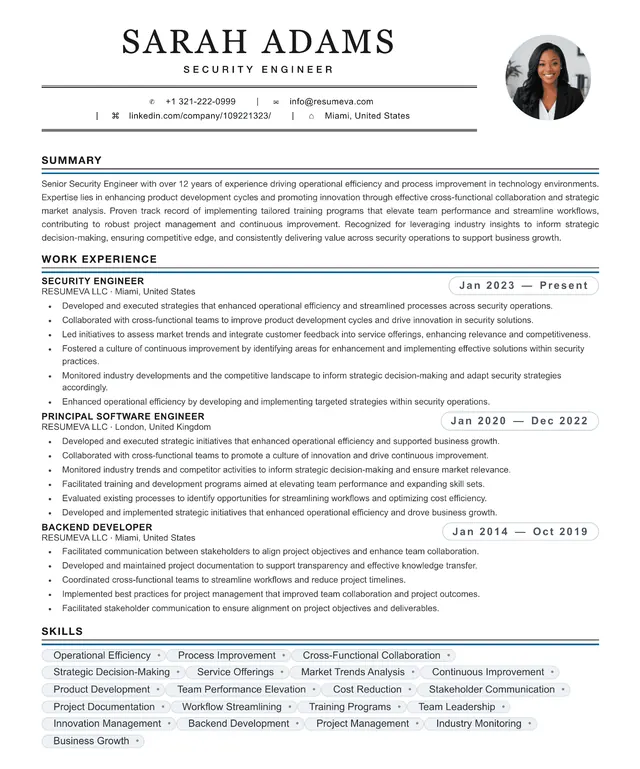
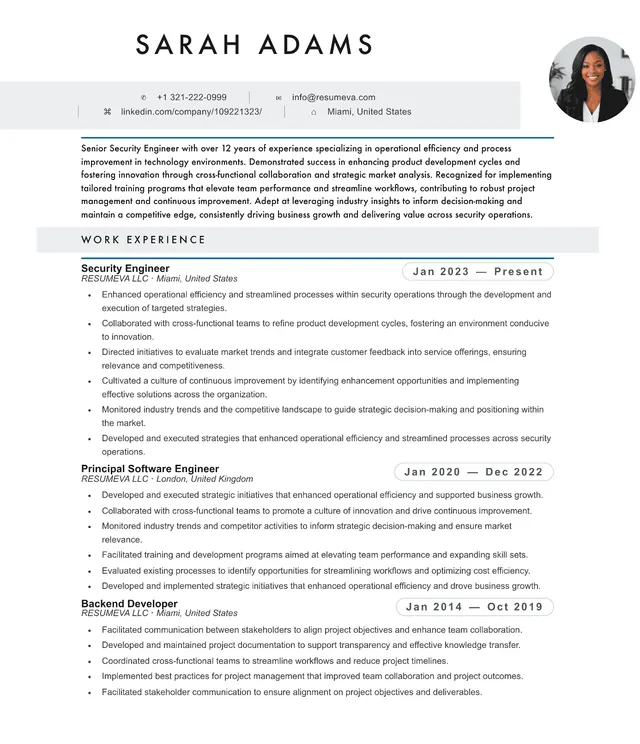
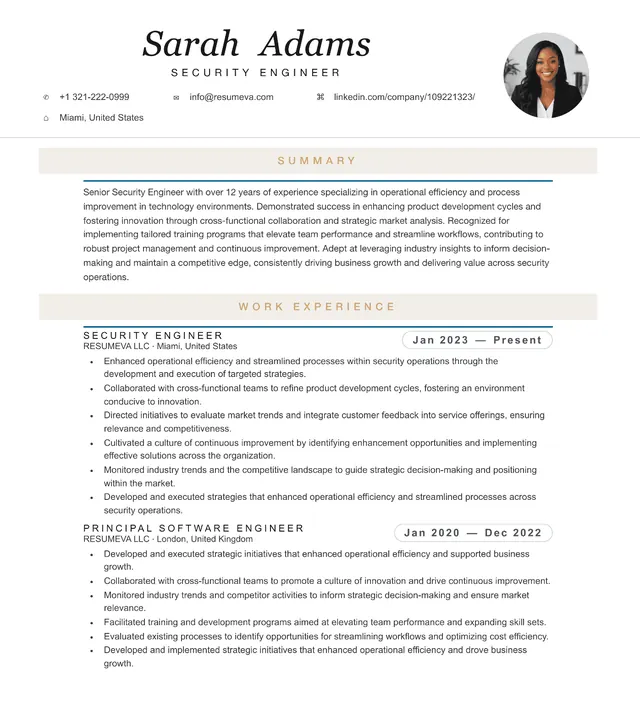
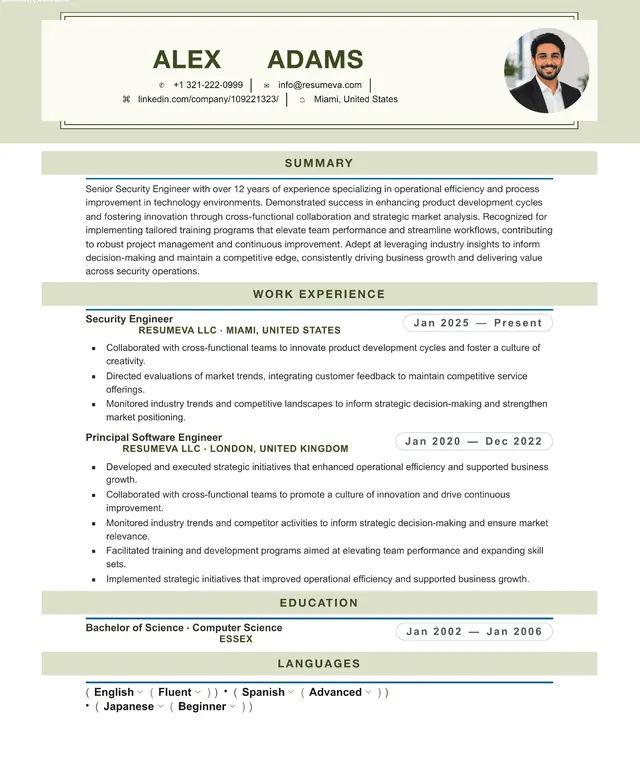
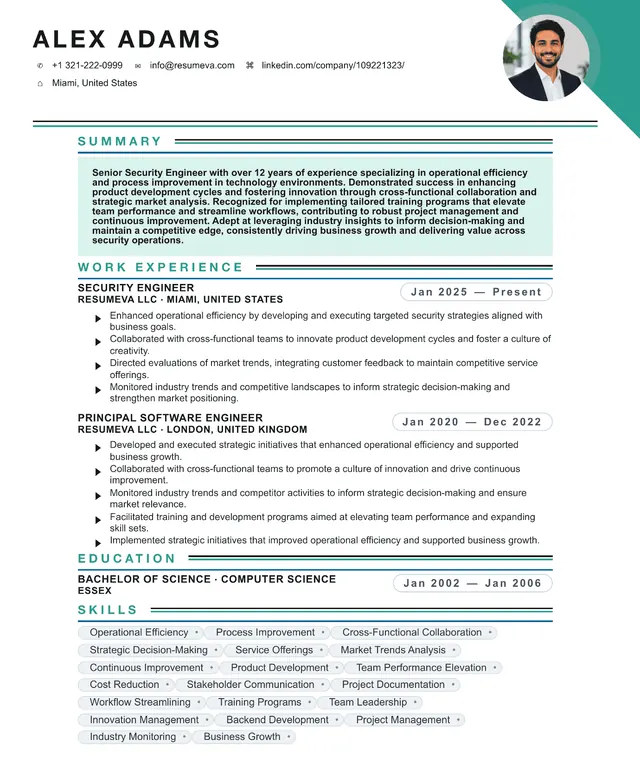
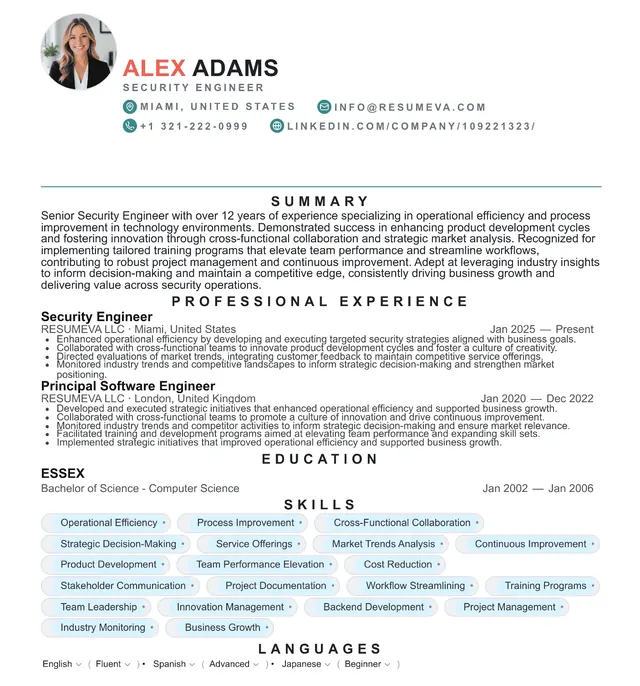
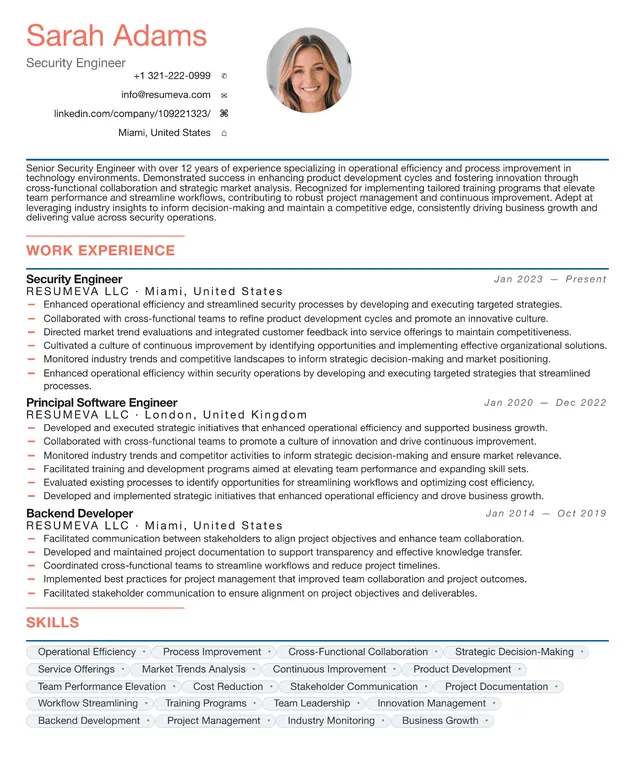
Preview content is fictional. Choosing a template starts a blank resume.
“Popular recently” identifies up to six templates by distinct customers with a saved resume using that template updated during the previous 30 days; it appears only when six templates and at least 20 counted customer-template uses are available. “Featured” is an editorial label, not a popularity ranking.
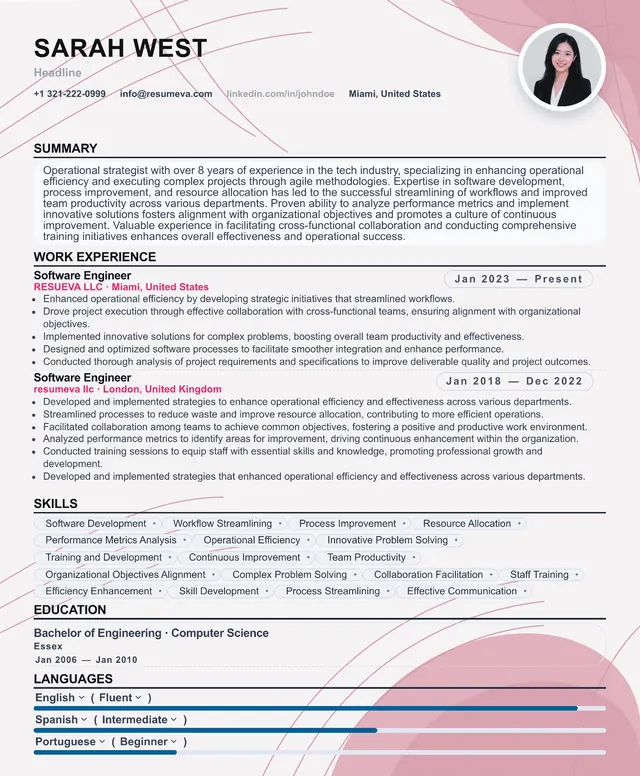
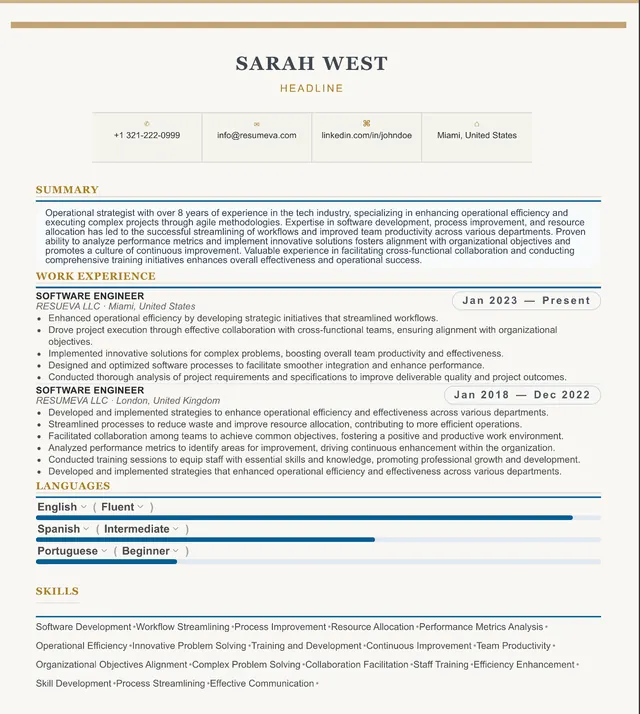
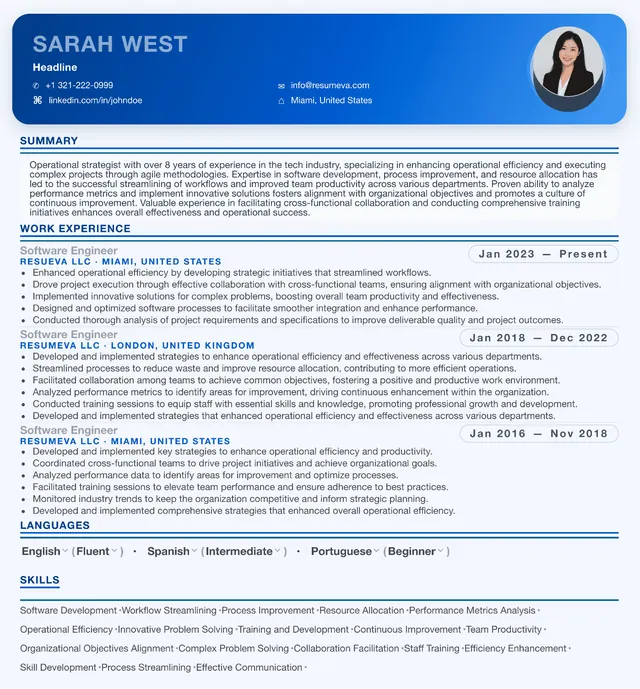
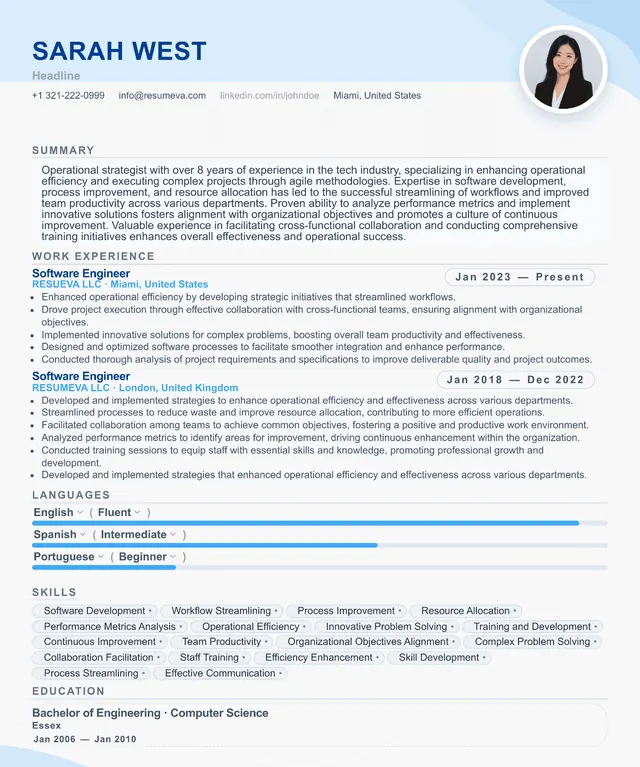
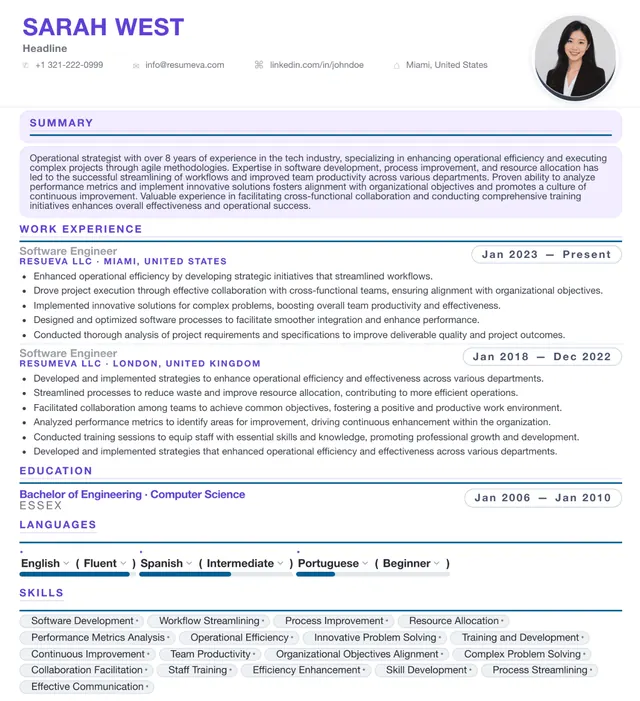
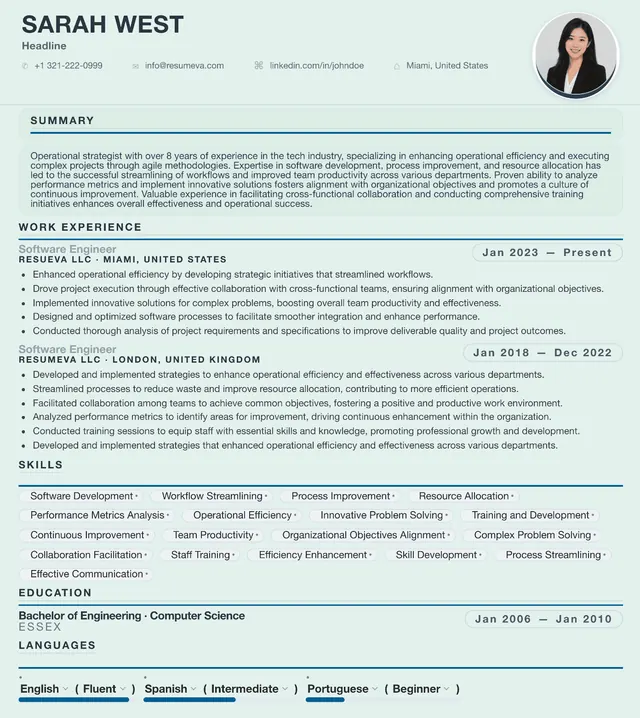
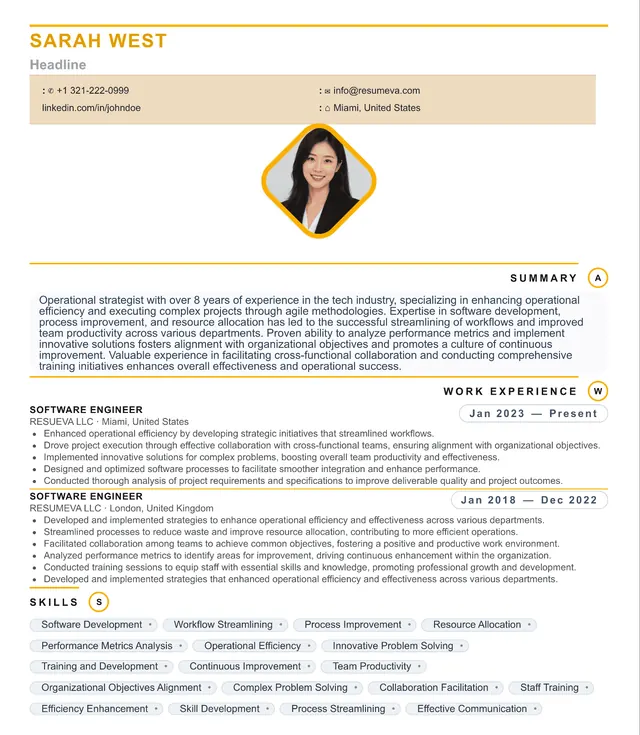
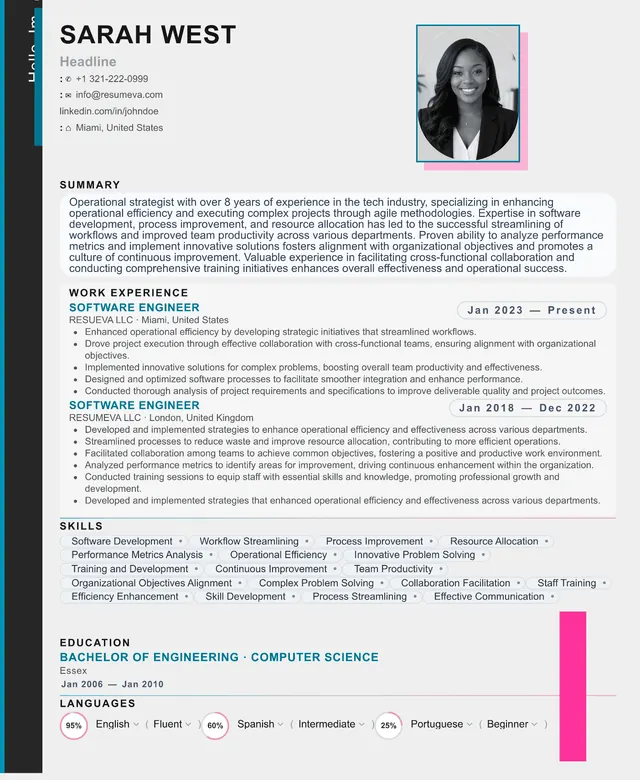
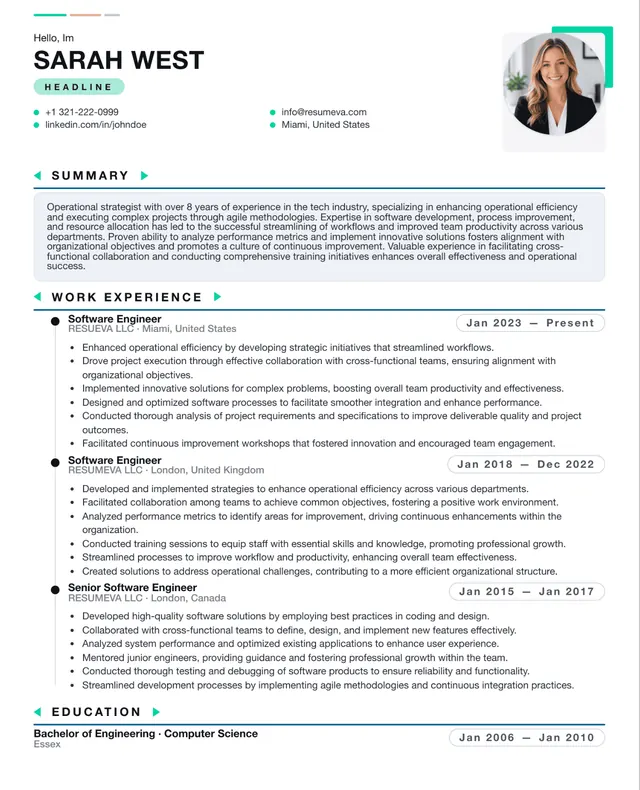
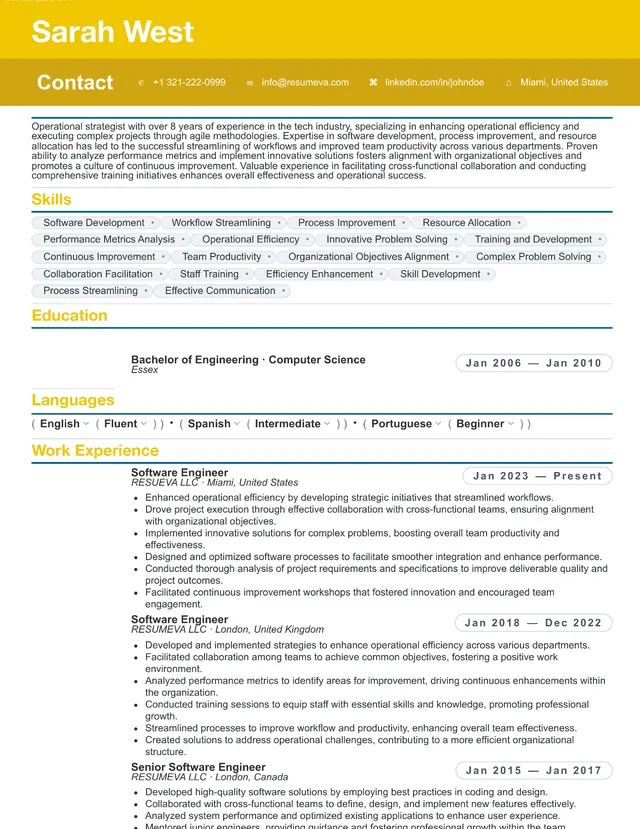
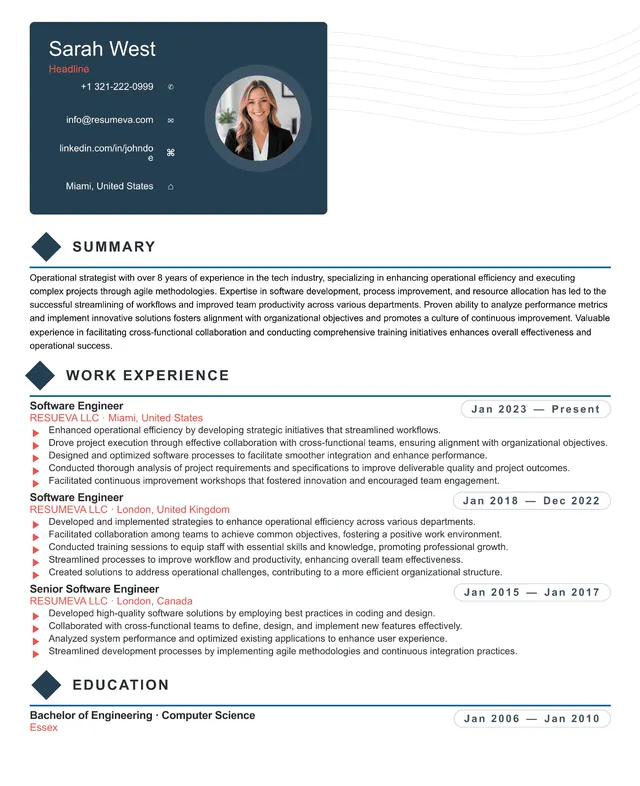
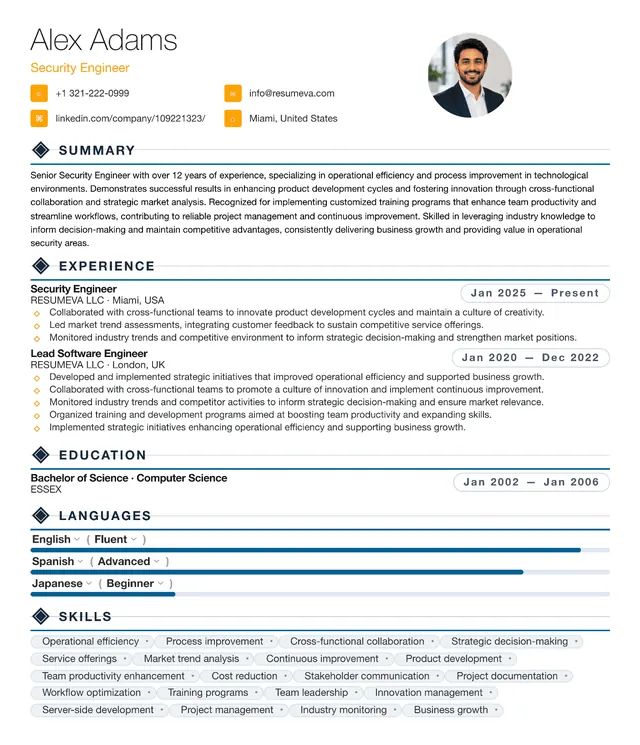
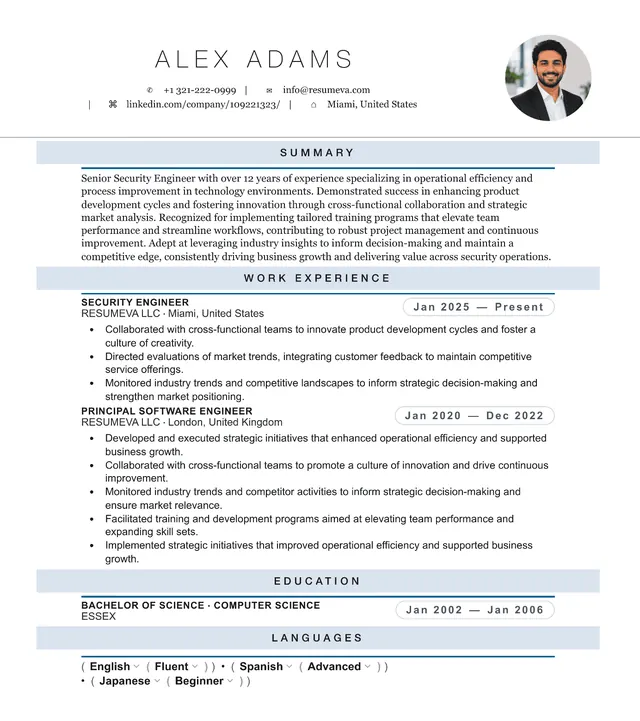
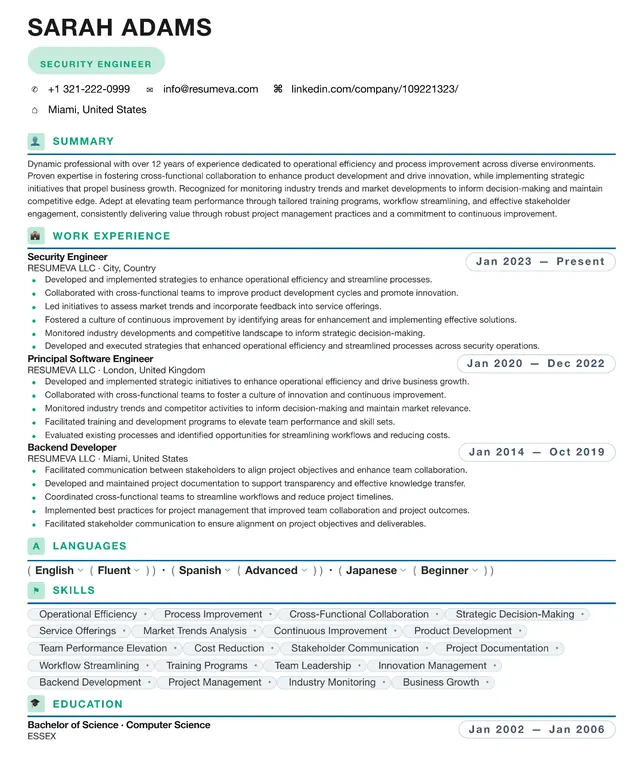
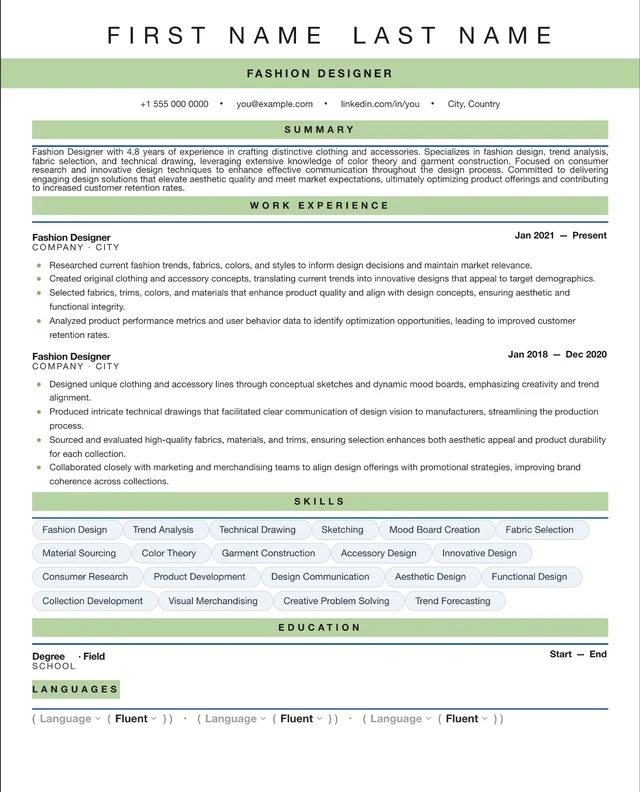
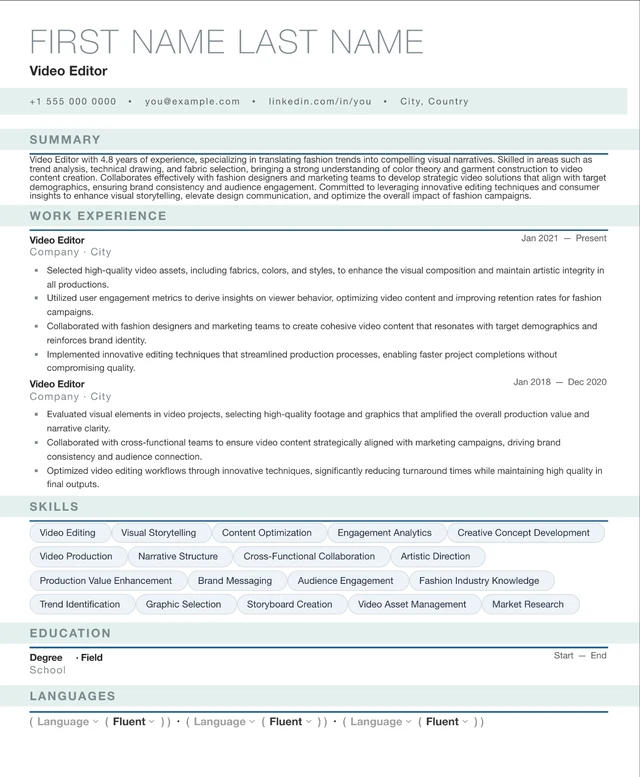
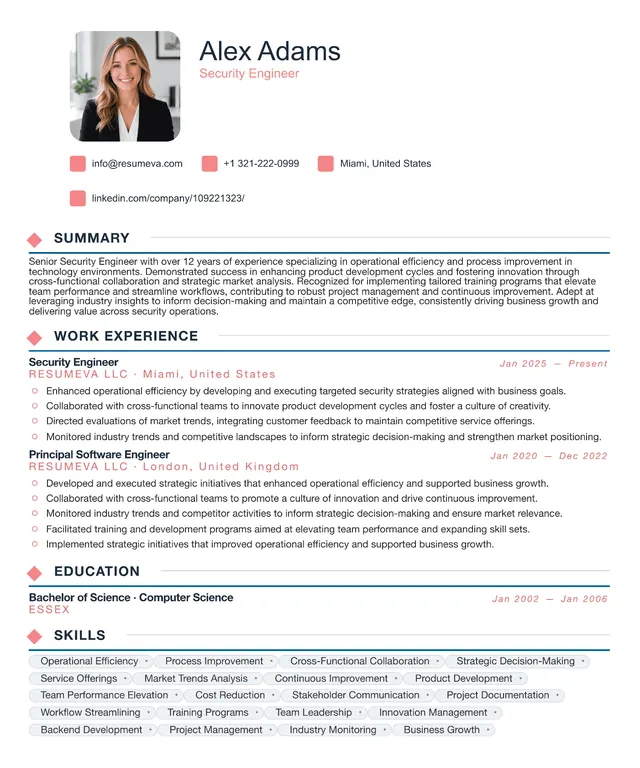
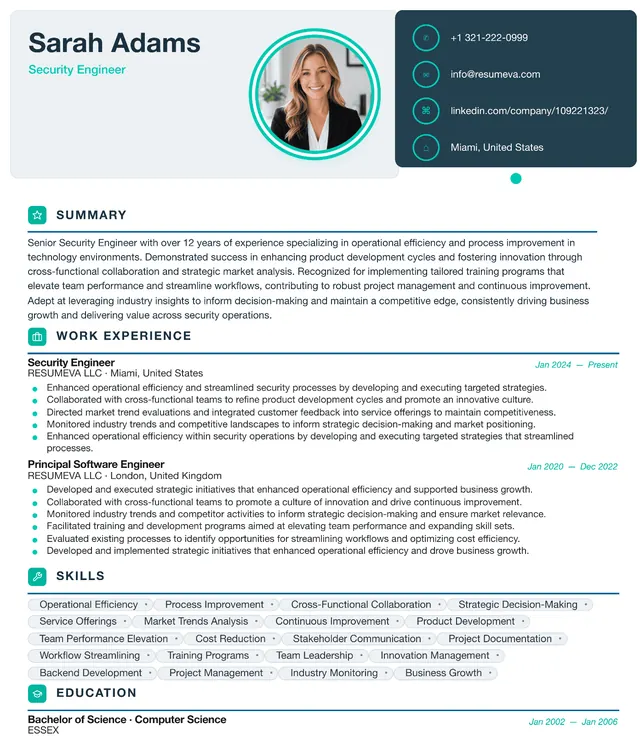
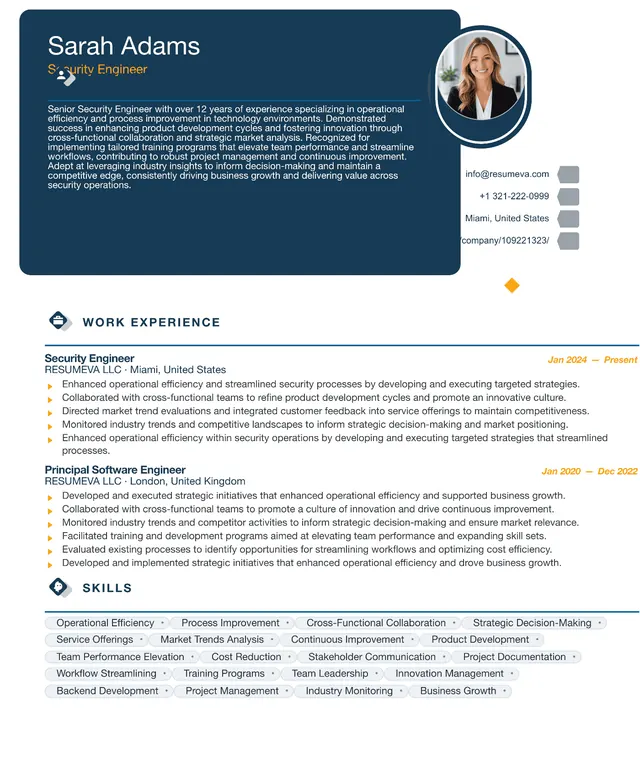
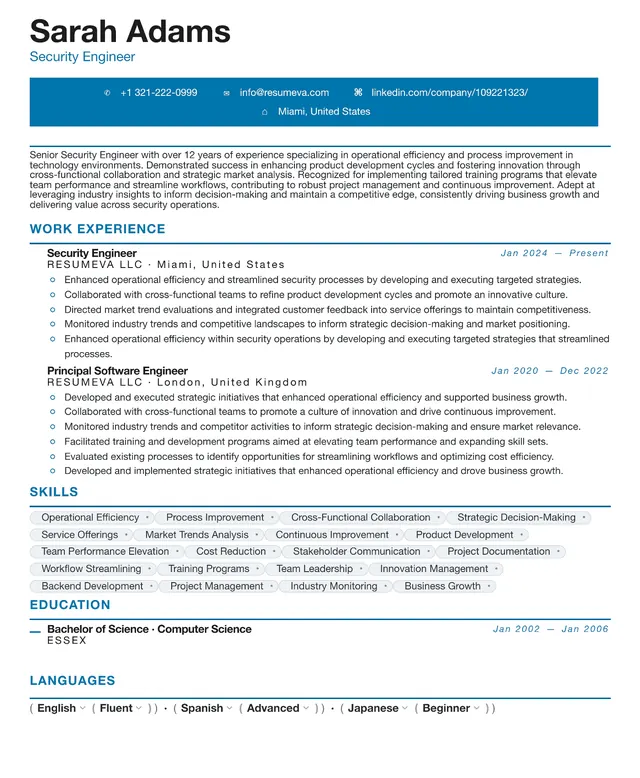
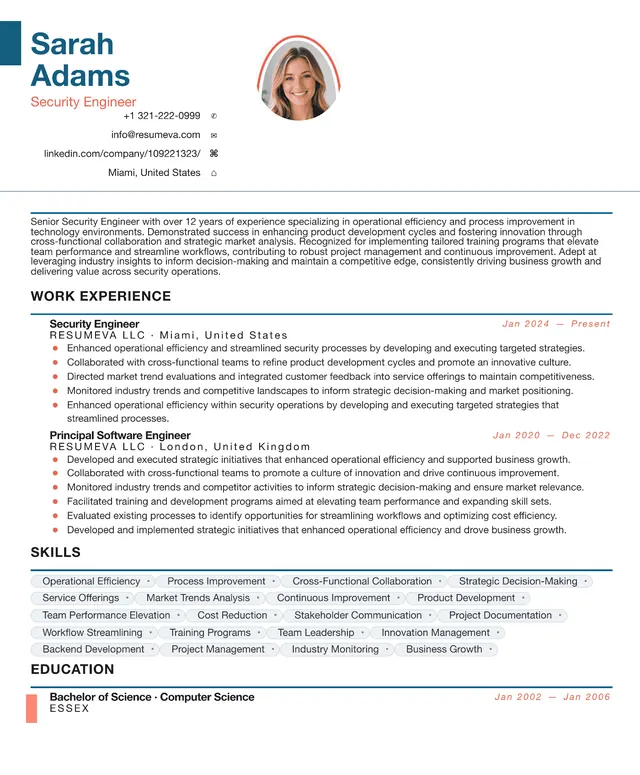
Modern resume templates combine clean sans-serif typography, generous whitespace, and restrained color. They can suit technology, product, operations, sales, and other roles where a current but professional presentation is useful.
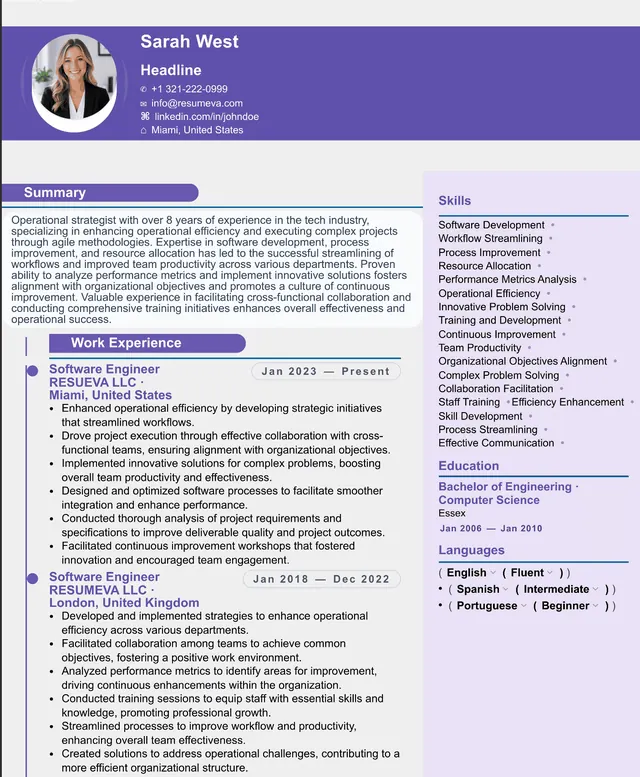
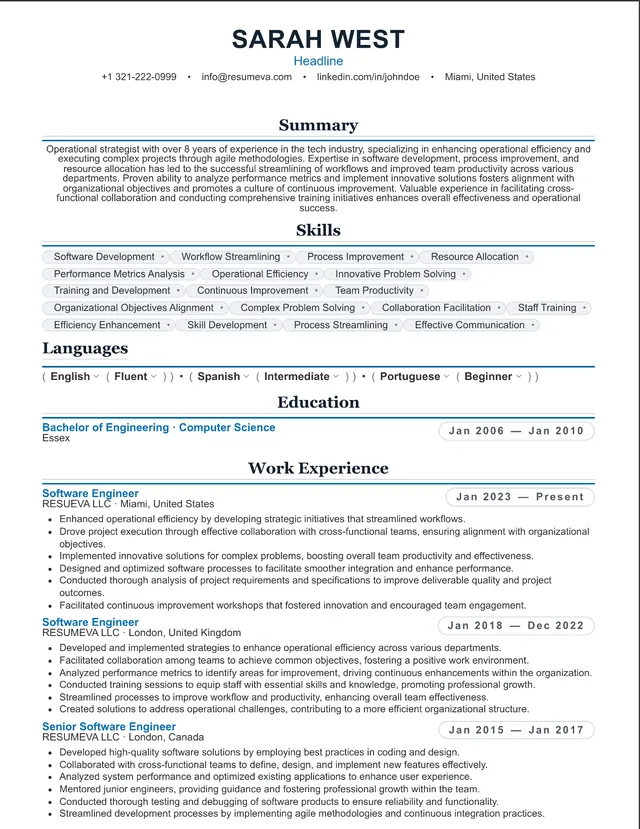
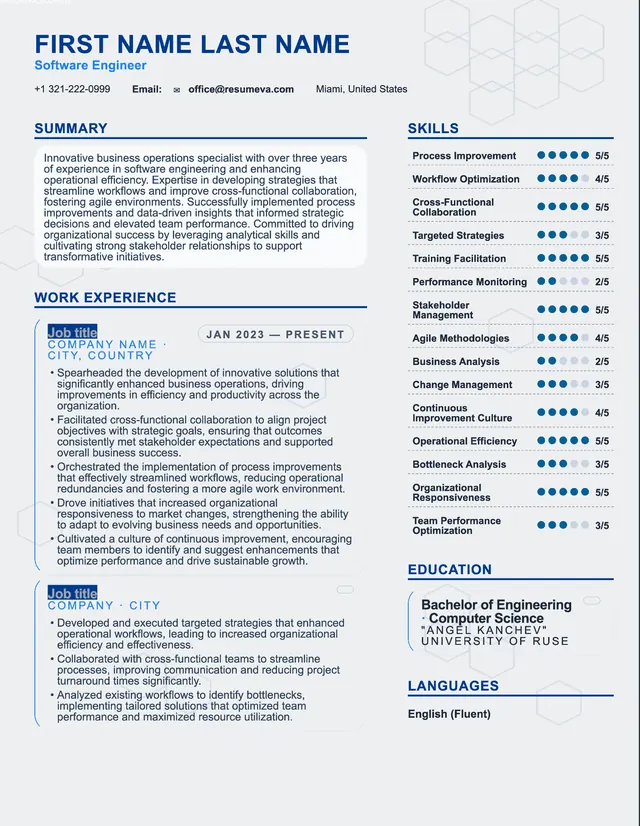
Choose a single-column version for the simplest reading order or a two-column sidebar version when compact organization is more important. Because applicant-tracking systems can interpret files differently, review the extracted text and follow each employer's file requirements.
Who this template is for
- Tech, product, and design professionals at startups and scale-ups.
- Engineers, data scientists, and analysts who want a stack section that's easy to scan.
- Operations, sales, and customer success roles inside SaaS, fintech, and consumer tech.
- Anyone in a mainstream industry who wants 'current' without veering into creative.
Pros & cons
Pros
- Uses restrained typography and accents for a contemporary professional appearance.
- Two-column variants let you carve out a clean sidebar for skills, tools, and certifications.
- Sans-serif typography is designed for clear on-screen reading.
- A versatile presentation for candidates applying across several industries.
Cons
- Two-column layouts may be read inconsistently by some systems; choose a single-column version when requirements are unclear.
- Sidebar real estate can tempt you to over-stuff skills lists, so keep each item relevant to the role.
- May feel under-dressed for senior finance, law, or academic roles.
- Subtle color accents print poorly on monochrome printers; pick the no-color variant for panel scenarios.
ATS formatting guidance
Layout profile: Varies by selected layout
These notes describe common document-structure practices, not certification by or a guarantee for any applicant-tracking system. Always follow the employer's file requirements.
- Single-column variants provide the clearest reading order in the category.
- Two-column variants keep a defined content order, but no layout can guarantee identical results across every parser.
- Embedded fonts help the exported PDF preserve its intended typography across devices.
- Standard section headings make tools and skills easier to identify than freeform labels.
Common uses
Software & SaaS
Matches how engineering and product orgs visually communicate internally.
Fintech & Crypto
Modern but disciplined — signals technical credibility without flash.
E-commerce & Consumer Tech
Sales, marketing, and ops roles read as native here.
Healthtech & Biotech
Bridges the modern startup vibe with the seriousness regulated buyers expect.
Renewables & Climate Tech
Clean layout matches the brand language of the industry.
Example use cases
Senior engineer applying to staff/principal roles
Use the two-column variant to keep a tight stack sidebar while your bullets focus on systems and impact.
PM moving from B2C to B2B
Reframe the sidebar around outcomes (retention, ARR influenced, NPS) rather than feature lists.
Sales leader interviewing at series-B startups
Modern minimal variant + a quota-attainment summary on the right rail.
Continue with this style
Start a blank resume with Software EngineerFrequently asked questions
Is a two-column modern resume ATS-safe?
No two-column layout is guaranteed to work the same way in every applicant-tracking system. A defined content order helps, but a single-column layout is the more conservative choice when the employer's requirements are unknown.
Will a modern template feel too informal for a corporate job?
No. The modern category is deliberately conservative inside its style — clean sans-serif typography and quiet color accents read as 'current professional' rather than 'startup-only'.
Can I use a modern template for a career change?
Yes. The flexible section ordering lets you lead with Skills or a Summary rather than Experience, which is the right move when your most recent role doesn't reflect your target direction.
How is this different from the simple category?
Simple is monochrome and single-column, giving it the most straightforward structure. Modern adds stronger typography hierarchy, optional color accents, and a two-column variant.