ATS Resume Templates: What Actually Works in 2026
Which template layouts, columns, graphics, and icons parse cleanly — and which silently kill your application.

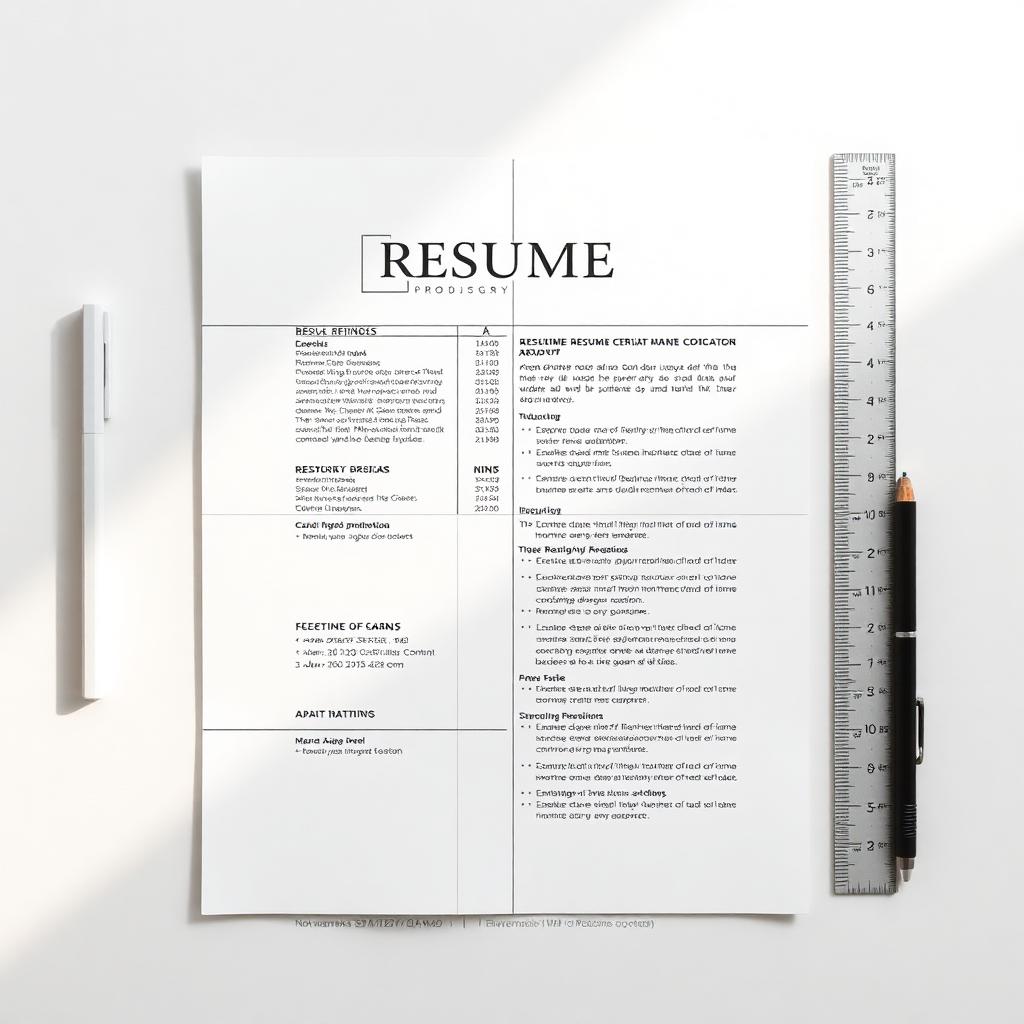
Template choice is the single biggest format decision that affects ATS parsing. A beautiful 2-column resume can be invisible to Workday; a boring 1-column resume can outperform it 10:1. Here's what works in 2026 — backed by real parser tests.
Single column beats two columns — every time
ATS parsers read top-to-bottom, left-to-right. Two-column layouts get read out of order: your sidebar skills land jumbled with the wrong job. Use a single column for any role that isn't explicitly creative (designers and art directors can break the rule — everyone else shouldn't).
Templates that parse cleanly
- Classic single-column with clear section headings (Summary, Experience, Education, Skills)
- Top header with name + contact line, body in one column
- Standard fonts: Calibri, Arial, Helvetica, Source Sans, Inter, Garamond
- 10–11pt body, 12–14pt headings, 1.05–1.15 line spacing
- Real bullet characters (• or –), not custom unicode glyphs
Templates that silently break
- 2-column Word templates with skills sidebar (the #1 cause of broken parsing)
- Resumes with text inside shapes, text boxes, or image overlays
- Headers/footers that hold your name and contact info (most parsers skip them)
- Skill bars, star ratings, infographics — the visuals don't parse, only confuse
- Tables to align dates and titles (rows get merged across roles)
What about icons and color?
Small icons next to contact info (📧 ☎ 🌐) are fine — they're decorative and ignored by parsers. Full color blocks for section dividers are also safe. The danger is using icons as the only label for a section (an icon of a graduation cap with no 'Education' heading) — parsers can't read the picture.
PDF vs Word — which to submit
Always submit a text-based PDF unless the posting specifically asks for .docx. PDF preserves your layout exactly; Word can re-flow on the reviewer's machine and break your spacing. Never submit a scanned PDF or a screenshot — those parse as images and surrender every keyword you wrote.
Run the parser test before you submit
Resumeva's ATS checker shows you exactly how Workday, Greenhouse, and Lever parse your file — section by section. If your job title shows up under the wrong company, your template is broken. Fix it before you apply, not after 40 silent rejections.
Why this matters
The advice in this guide is drawn from real recruiter conversations and analysis of what actually moves candidates forward. Apply it as a checklist on your next application.
Put it into practice
Don't try to apply everything at once. Pick the one or two changes that feel most relevant to your situation, ship the update, and measure the response over your next 10 applications.
Common mistakes to avoid
- Treating advice as universal — context always matters
- Over-editing until your voice disappears
- Skipping the proofread because you've read it 30 times
- Forgetting that recruiters are people, not algorithms
Build your ATS-friendly resume
Choose a layout and build a resume using your own experience.
Check your ATS score
Review what Resumeva extracts and the findings its own scoring method produces.
General career guidance and examples. Adapt suggestions to your own experience; employer requirements and hiring outcomes vary.