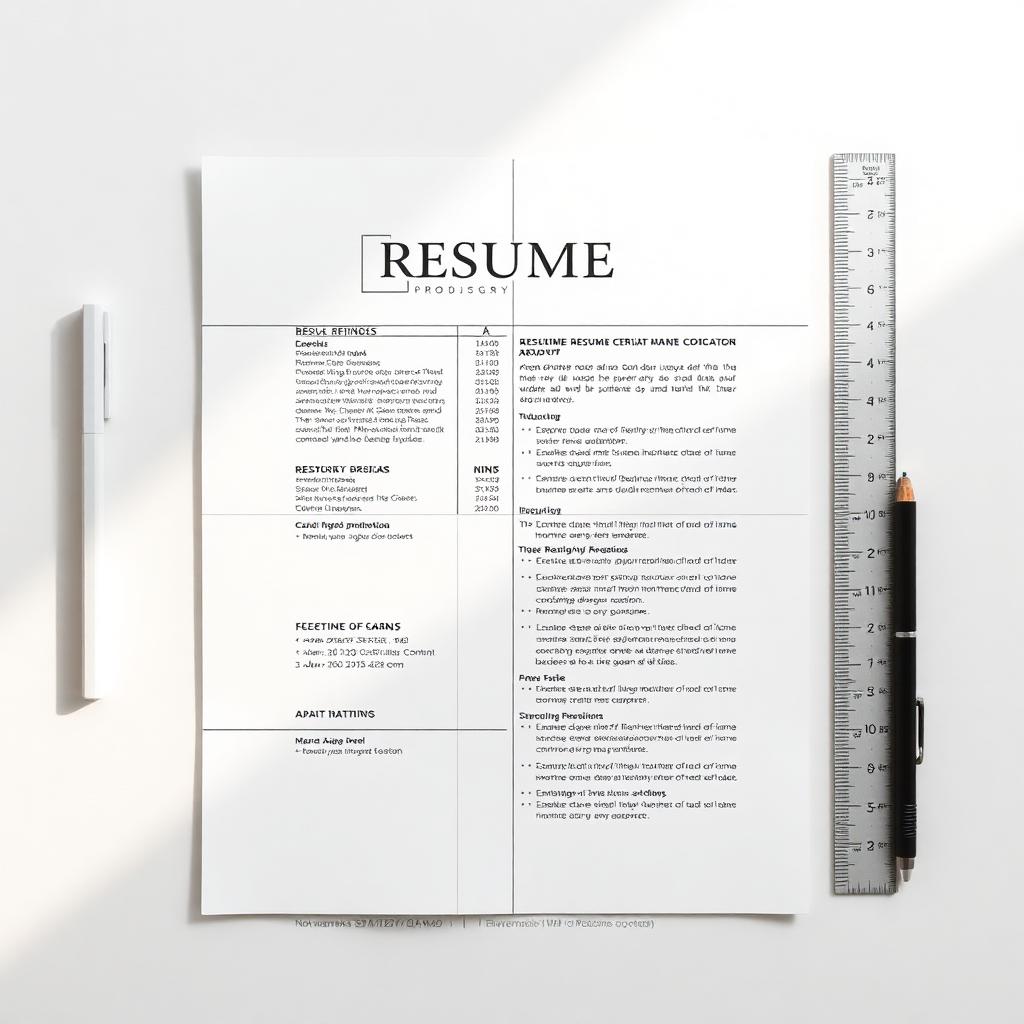
Best Resume Fonts for ATS and Recruiters
Font sizes, spacing, margins, and readability rules — what parses cleanly and what looks senior.
The right font does three things at once: it parses cleanly through ATS, it reads well at 10pt, and it signals seniority without screaming. Here's the short list — plus the sizes, margins, and spacing rules that pair with each.
Sans-serif (modern, tech, startup)
- Inter — neutral, screen-optimized, parses cleanly everywhere
- Source Sans 3 — Adobe's open-source workhorse; excellent at 10pt
- Calibri — Microsoft default; safest possible choice
- Helvetica / Arial — universally available; never wrong
Serif (finance, law, consulting, academia)
- Garamond — elegant, compresses well; saves a line per page
- Georgia — designed for screens; reads cleanly at small sizes
- EB Garamond — open-source Garamond alternative
Fonts to avoid
- Times New Roman — readable but dated; signals 'I haven't updated this since 2009'
- Comic Sans, Papyrus, Lobster — never, anywhere, for any reason
- Ultra-thin display fonts (Avenir Next Ultralight) — disappear at 10pt
- Custom fonts not embedded in your PDF — render as fallback on the reviewer's machine
Size, spacing, and margins
- Body: 10–11pt — anything smaller fatigues the eye
- Headings: 12–14pt, bold
- Name: 18–24pt, top of the page, distinct from headings
- Line spacing: 1.05–1.15 — single-spacing reads cramped
- Margins: 0.5–0.75 inch on all four sides
The 6-foot test
Print your resume and tape it to a wall. Stand 6 feet away. You should still be able to identify your name, your most recent title, and the shape of each section. If anything blurs together, your font, size, or spacing is wrong.
Why this matters
The advice in this guide is drawn from real recruiter conversations and analysis of what actually moves candidates forward. Apply it as a checklist on your next application.
Put it into practice
Don't try to apply everything at once. Pick the one or two changes that feel most relevant to your situation, ship the update, and measure the response over your next 10 applications.
Common mistakes to avoid
- Treating advice as universal — context always matters
- Over-editing until your voice disappears
- Skipping the proofread because you've read it 30 times
- Forgetting that recruiters are people, not algorithms
Build your ATS-friendly resume
Choose a layout and build a resume using your own experience.
Check your ATS score
Review what Resumeva extracts and the findings its own scoring method produces.
General career guidance and examples. Adapt suggestions to your own experience; employer requirements and hiring outcomes vary.