The LinkedIn Easy Apply Strategy That Actually Gets Responses in 2026
Why Easy Apply gets ignored, when it works, and the exact 15-minute workflow that turns it from a dice roll into a real pipeline.
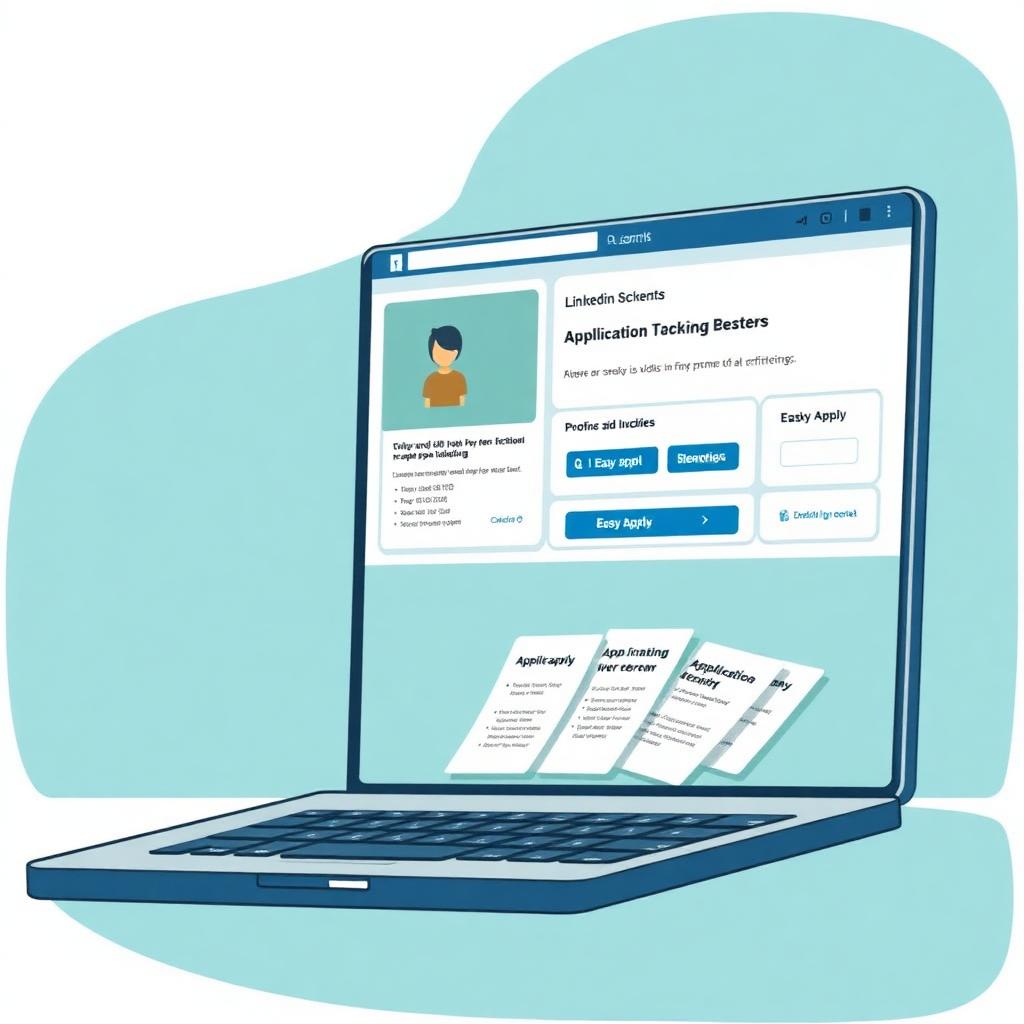
LinkedIn's Easy Apply is the fastest — and most misused — job application channel in 2026. Recruiters see hundreds of applicants per posting; the average Easy Apply gets under 15 seconds of attention. Used correctly, however, it's the highest-throughput pipeline on the internet for early-career and mid-career candidates. Here's how to fix the way you use it.
Why Easy Apply has a bad reputation
The knock on Easy Apply is real: one-click submissions attract volume, volume dilutes attention, and the recruiter's inbox becomes a haystack. When 900 applicants land in four hours, the recruiter's job is not to read each application — it's to reduce the pile. That reduction happens on three signals: keyword match, seniority signal, and network proximity. If your application doesn't hit at least two of those three, it doesn't get read. That's the actual reason your applications are silent, not that Easy Apply itself is broken.
When Easy Apply is the right channel
Easy Apply is a good fit when the posting is under 24 hours old, the company has under ~10 open reqs, the role is in a hiring market where volume favors you (early- and mid-career, functional roles like sales, marketing, ops, engineering), and you have at least a 70% skills match on paper. It is a bad fit for senior IC roles at unicorns, director-and-above roles, government and regulated jobs (they typically require the full applicant portal), and anywhere the posting explicitly asks you to email or apply on the company site.
Set your profile up before you apply to anything
Easy Apply pulls from your LinkedIn profile, so the profile IS your application. Three fields matter most: headline, About section, and current-role bullets. Your headline should match the target role — 'Senior Product Manager | B2B SaaS | Ex-Stripe' beats 'Product Person.' Your About section should open with a 3-line summary in the language of the roles you're targeting, then include your top 3 wins in bullet form. Your current-role description should carry 5–7 quantified bullets, not a paragraph. Do all of this before you click Apply on anything — the profile is what the recruiter sees when they click through.
The 15-minute workflow that beats the pile
For every Easy Apply role, spend exactly 15 minutes. Minutes 1–3: read the job description twice and highlight the 10 keywords that repeat. Minutes 4–6: open your resume and confirm at least 7 of those keywords appear verbatim; if not, rewrite the bullets that mention the closest concept. Minutes 7–10: check whether you have any 1st-degree connections at the company; if you do, message one before you apply. Minutes 11–13: submit the Easy Apply with a tailored cover letter (see next section). Minutes 14–15: log the application in a tracker and set a 7-day follow-up reminder.
The Easy Apply cover letter that actually gets read
Most Easy Apply postings let you attach a cover letter, and 80% of applicants skip it. Attach one. Keep it to 5 sentences, 120 words max, in a single paragraph. The formula: (1) name the role, (2) one specific line from the posting that resonated, (3) your single strongest proof point mapped to that line, (4) one sentence of company research showing you're not spraying, (5) a specific ask for a conversation. Recruiters read this cover letter in about 8 seconds and it's the single fastest way to move from the 'batch review' pile to the 'call this person' pile.
Why the connection request beats the application
For any Easy Apply role where you have a 2nd-degree connection to someone at the company (recruiter, hiring manager, or a peer in the same function), send a connection request BEFORE you apply. Message: 'Hi [name] — saw the [role] opening on your team and I'm planning to apply this week. I've done [related work] and I'd love a quick take on what you think would make a strong candidate. No expectation on your end, just trying to be respectful of your inbox.' Response rates on this message are around 25–35%, which is a wildly better rate than the application itself.
Timing: when in the week to apply
Recruiter data across three major ATS vendors shows the same pattern: applications submitted Tuesday–Thursday between 8 AM and 11 AM local time get roughly 2x the response rate of applications submitted on weekends or Friday evening. Postings themselves get 40–60% of their total applications in the first 48 hours, after which the recruiter has usually already started interviewing. Set up LinkedIn saved searches with daily email alerts and apply within 24 hours of a posting going live. Volume alone won't save you; speed will.
The application tracker you actually need
Track every Easy Apply in a simple spreadsheet with eight columns: date applied, company, role, source (posting URL), tailoring level (0–3), connection contacted (Y/N), status, and follow-up date. This is not busywork — it's the tool that turns a scattershot search into a controlled experiment. After 25 applications, you can see which industries respond, which titles resonate, and where you're leaking. Without a tracker, you're guessing.
Follow-up: the message that gets you unstuck
Seven days after an Easy Apply with no response, send a follow-up note through LinkedIn to the most relevant person you can find. 'Hi [name], I applied to [role] last week and wanted to flag it directly in case it's helpful. I've spent the last [X years] doing [core work of the role] and just shipped [most relevant recent win]. If it's a fit, I'd welcome a quick conversation.' Keep it short, no attachments, no follow-up-to-your-follow-up. About 15% of these get a response, which is 15 times better than the application on its own.
What to skip entirely on Easy Apply
- Applying to roles more than a week old — the recruiter has moved on.
- Applying to more than five roles at the same company in the same week.
- Uploading a generic resume for every application — always run it through ATS Checker for the specific posting.
- Filling out the 'salary expectations' field with a hard number — leave it blank or write 'flexible depending on role.'
- Applying without checking Glassdoor or the company's careers page — recruiters can tell.
- Skipping the optional 'cover letter' field.
- Applying with a 2010 LinkedIn photo or a headline that says 'Seeking new opportunities.'
Measuring your funnel and iterating
The Easy Apply funnel has three steps: application → recruiter screen → hiring manager screen. If you're getting fewer than 10% of applications converting to a recruiter screen, the problem is upstream — either your keyword targeting is off (fix by narrowing the roles you're applying to) or your profile is dated (fix by rewriting headline + About). If you're converting to recruiter screens but not to hiring manager rounds, the problem is your resume or your recruiter screen script, not Easy Apply. Diagnose before you double the volume.
How to combine Easy Apply with the rest of your search
Easy Apply should be one of three channels in a healthy 2026 job search: (1) Easy Apply for volume — 8–12 targeted applications a week; (2) direct outreach to hiring managers via LinkedIn or email — 5–8 a week; (3) warm intros from your network — however many you can pull. The mix matters. Candidates who rely only on Easy Apply often report 100+ applications with two calls; candidates who split across all three channels convert at 3–5x that rate on the same time investment.
Pair Easy Apply with the Resumeva stack
Before every Easy Apply, run the target job description through the ATS Resume Checker and adjust your resume to hit the missing keywords — this alone typically doubles response rate. Use the Cover Letter Builder for the 120-word attached letter (there's a preset for Easy Apply). And keep your LinkedIn 'About' block in sync with the summary on your master resume; recruiters check both, and inconsistency between them is a real red flag.
Why this matters
The advice in this guide is drawn from real recruiter conversations and analysis of what actually moves candidates forward. Apply it as a checklist on your next application.
Put it into practice
Don't try to apply everything at once. Pick the one or two changes that feel most relevant to your situation, ship the update, and measure the response over your next 10 applications.
Common mistakes to avoid
- Treating advice as universal — context always matters
- Over-editing until your voice disappears
- Skipping the proofread because you've read it 30 times
- Forgetting that recruiters are people, not algorithms
Build your ATS-friendly resume
Choose a layout and build a resume using your own experience.
Check your ATS score
Review what Resumeva extracts and the findings its own scoring method produces.
Frequently asked questions
Does Easy Apply actually work?+
Yes, when used deliberately. The 15-minute workflow — read the JD, tailor the resume, message a connection, attach a cover letter, log the application — converts far better than raw one-click submissions.
Should I attach a cover letter to an Easy Apply?+
Yes. 80% of applicants skip it; attaching a 120-word tailored paragraph is one of the fastest ways to move from the batch pile to the call-back pile.
How many Easy Apply applications should I send per week?+
8–12 targeted applications is a healthy volume. More than 20 usually means you're spraying, which recruiters can see from the profile-to-role mismatch.
When is the best time to apply on LinkedIn?+
Tuesday–Thursday, 8–11 AM local time, within 24 hours of the posting going live. Applications after the first 48 hours convert far less often.
Should I fill in the 'salary expectations' field?+
Leave it blank if possible, or write 'flexible depending on role.' A hard number this early anchors the recruiter against you.
Is it worth messaging someone at the company before applying?+
Yes — for any role where you have a 1st- or 2nd-degree connection, message before you apply. Response rates on that message are far higher than on the application itself.
Keep building
Tools and examples that pair with this guide.
General career guidance and examples. Adapt suggestions to your own experience; employer requirements and hiring outcomes vary.