
Simple Resume Templates
Distraction-free layouts that keep attention on your accomplishments and use a straightforward reading order.
May suit
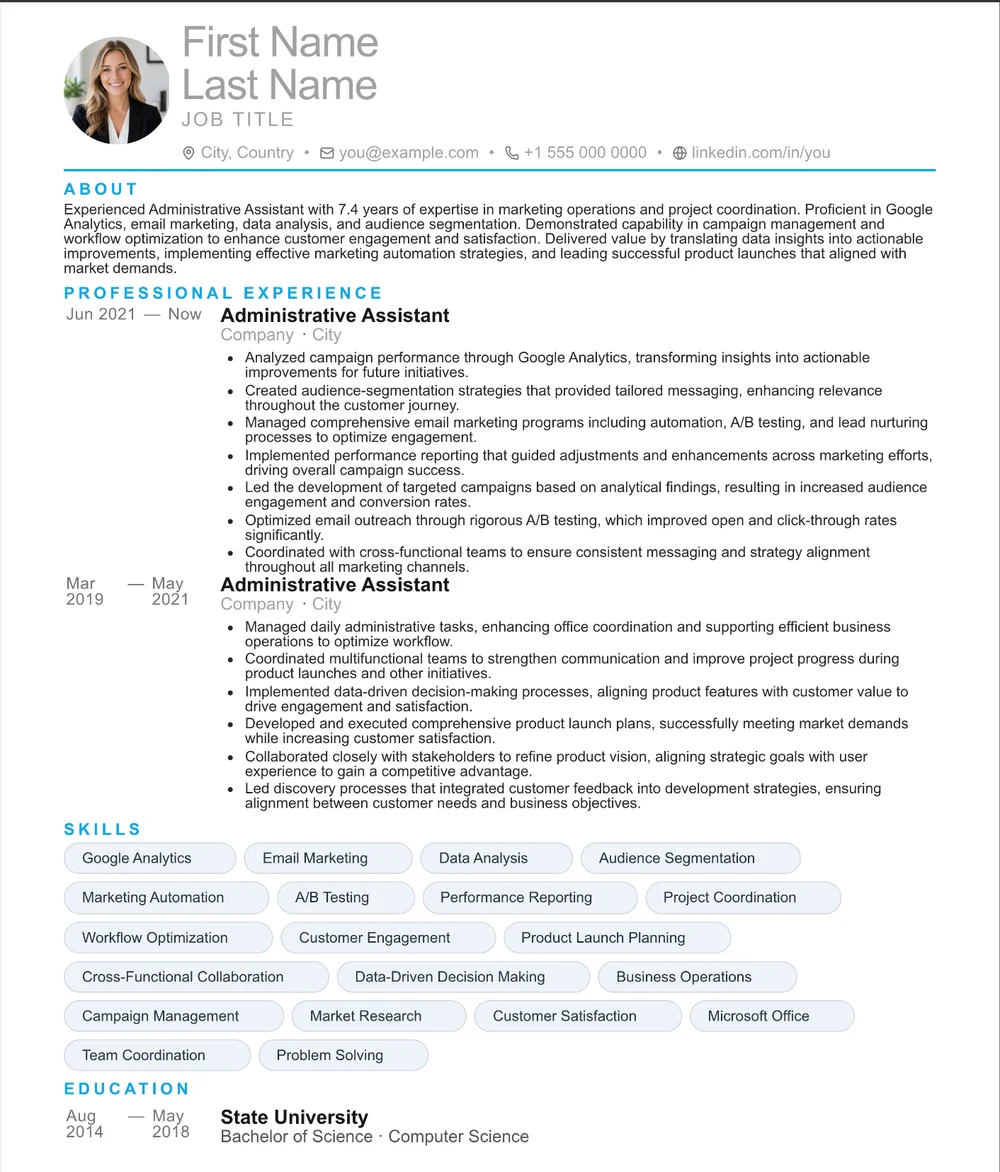
Administrative Assistant
One column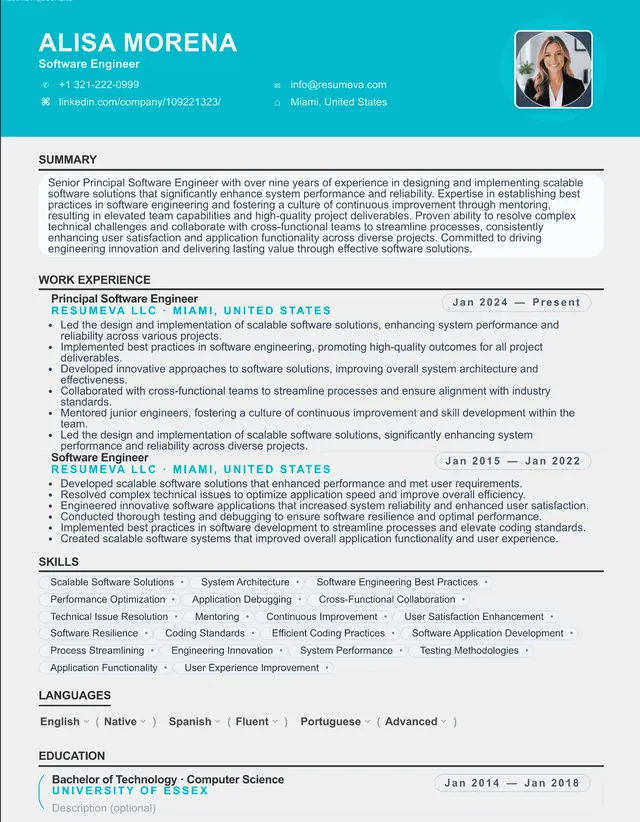
Registered Nurse
Black & white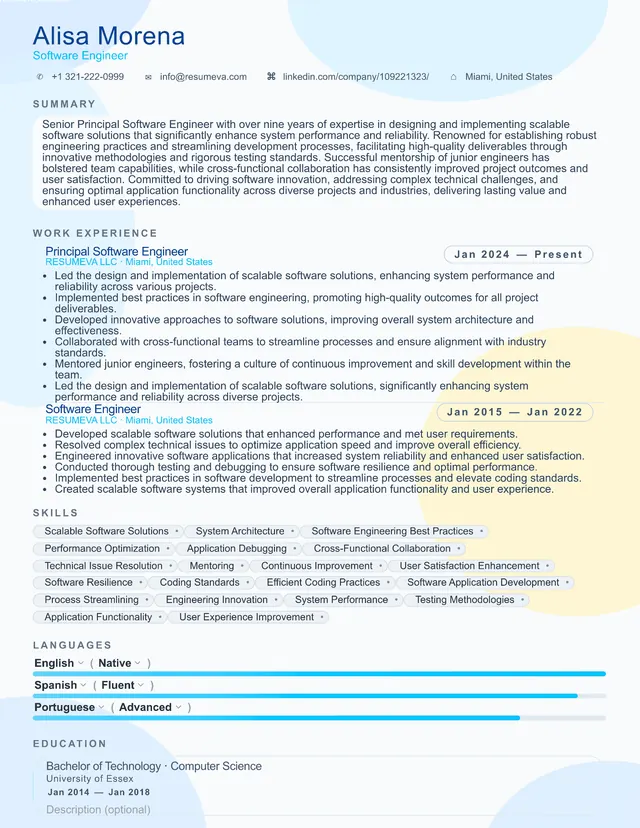
Project Manager
Single page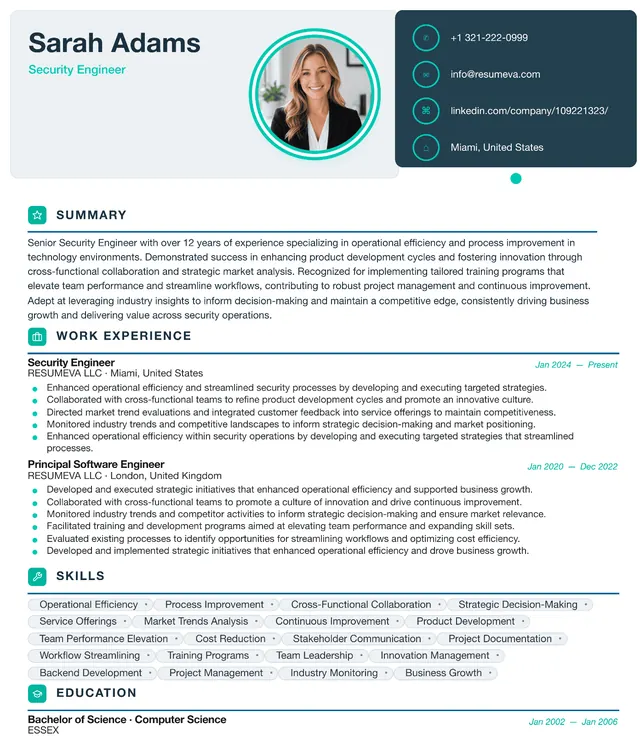
Sales Representative
CompactPreview content is fictional. Choosing a template starts a blank resume.
“Popular recently” identifies up to six templates by distinct customers with a saved resume using that template updated during the previous 30 days; it appears only when six templates and at least 20 counted customer-template uses are available. “Featured” is an editorial label, not a popularity ranking.
Browse all templates
112 designs with clear structure and editable content.
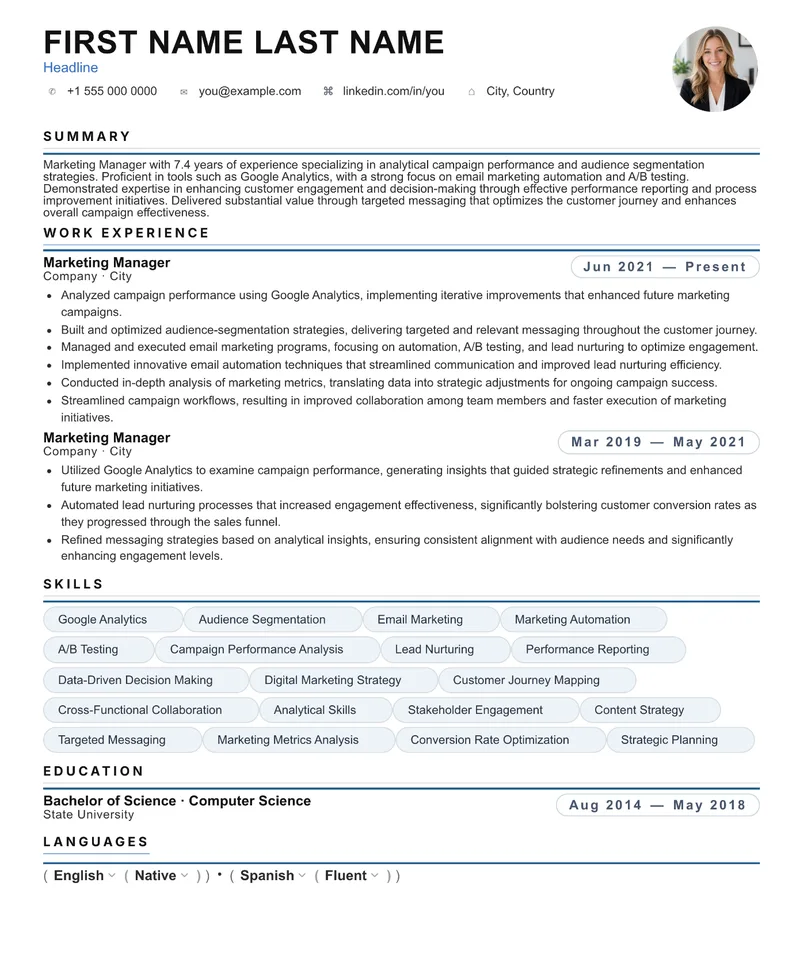
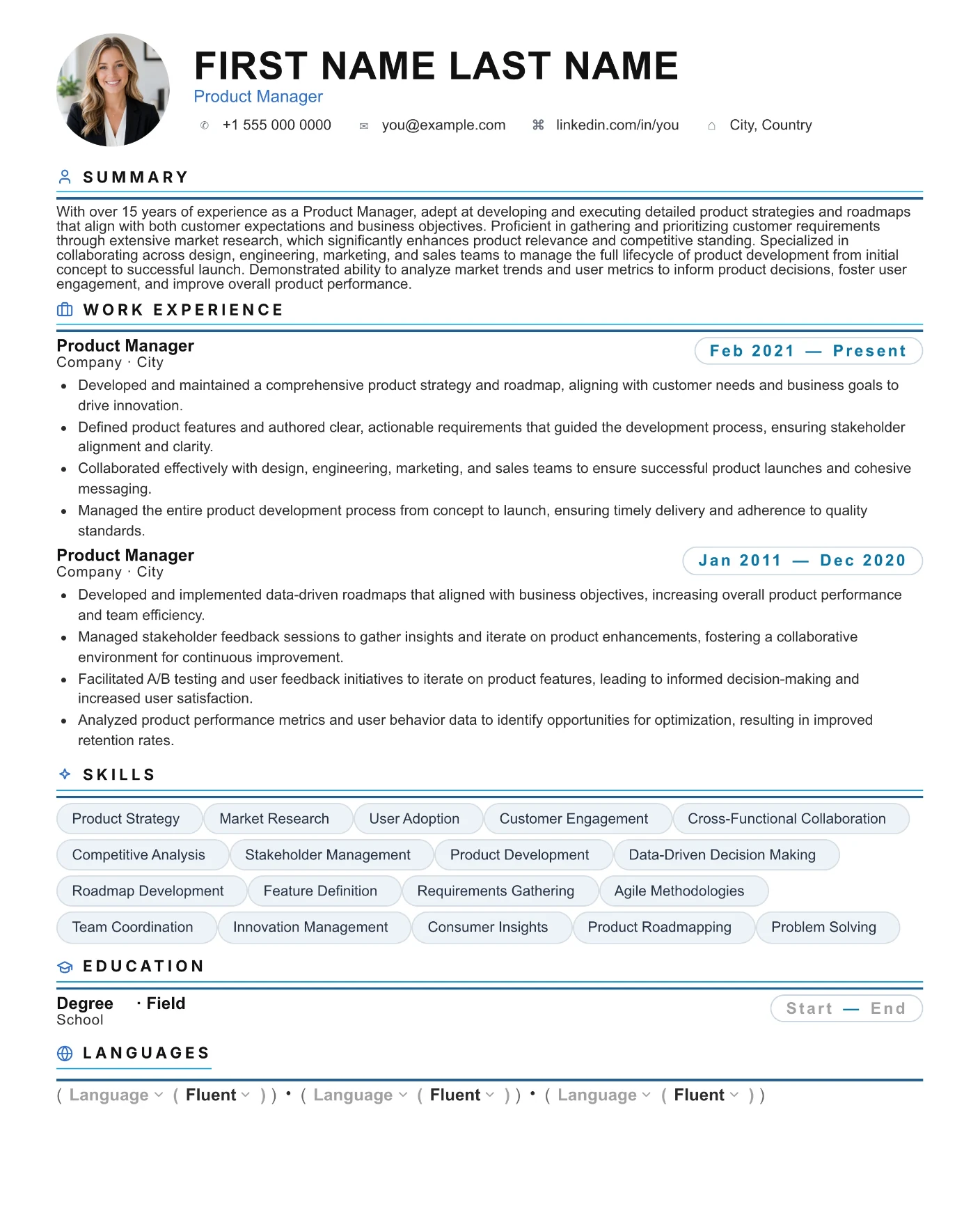
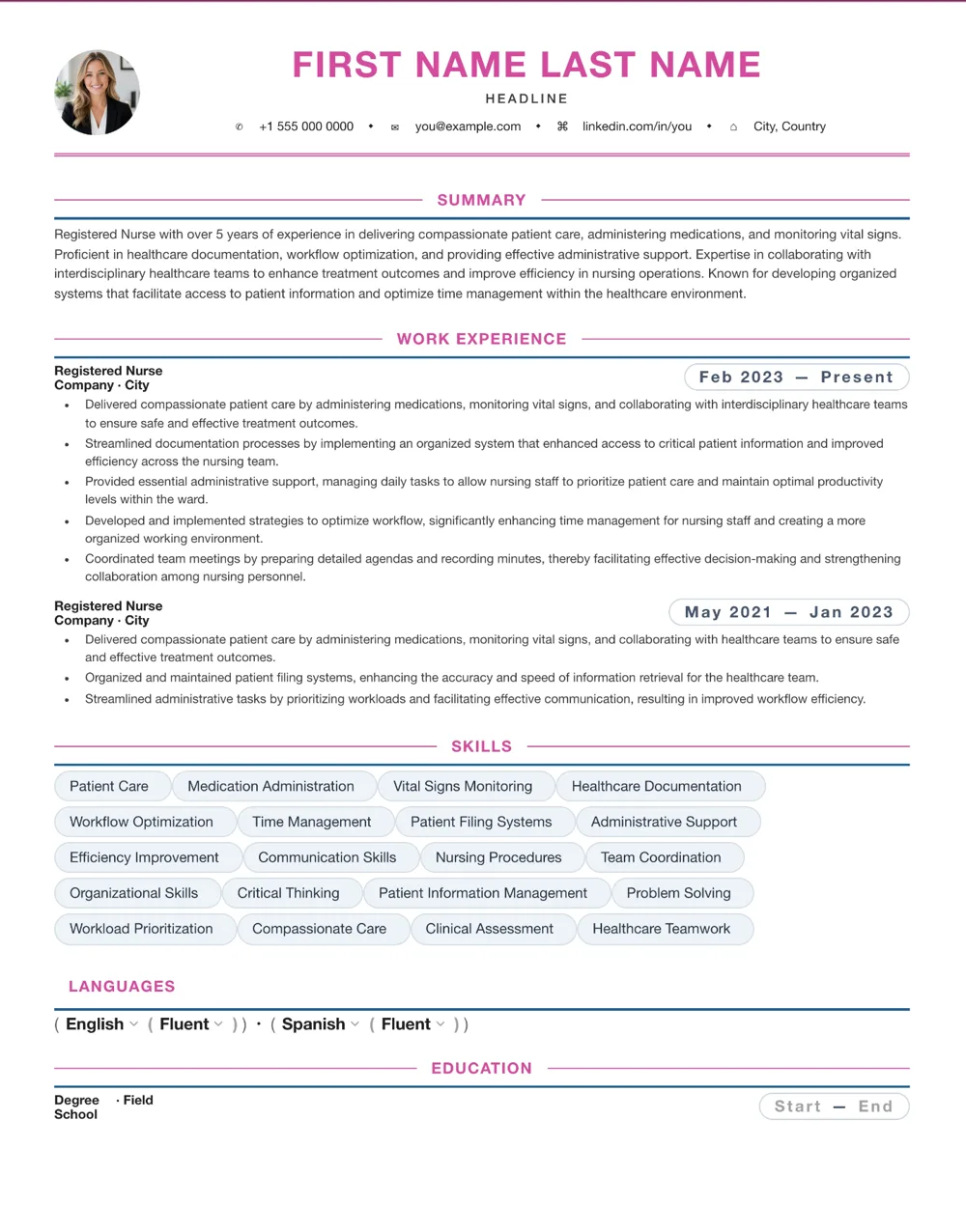
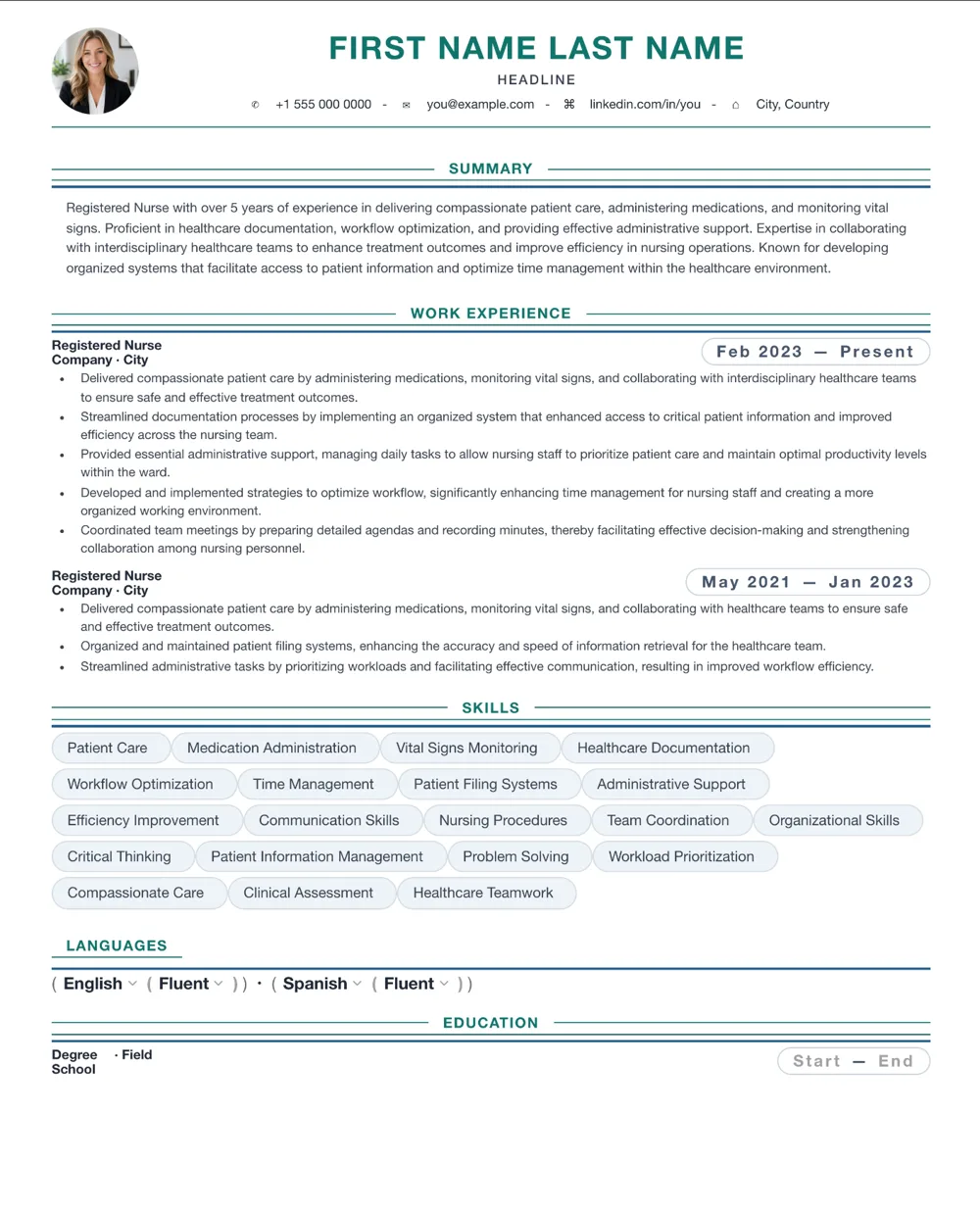
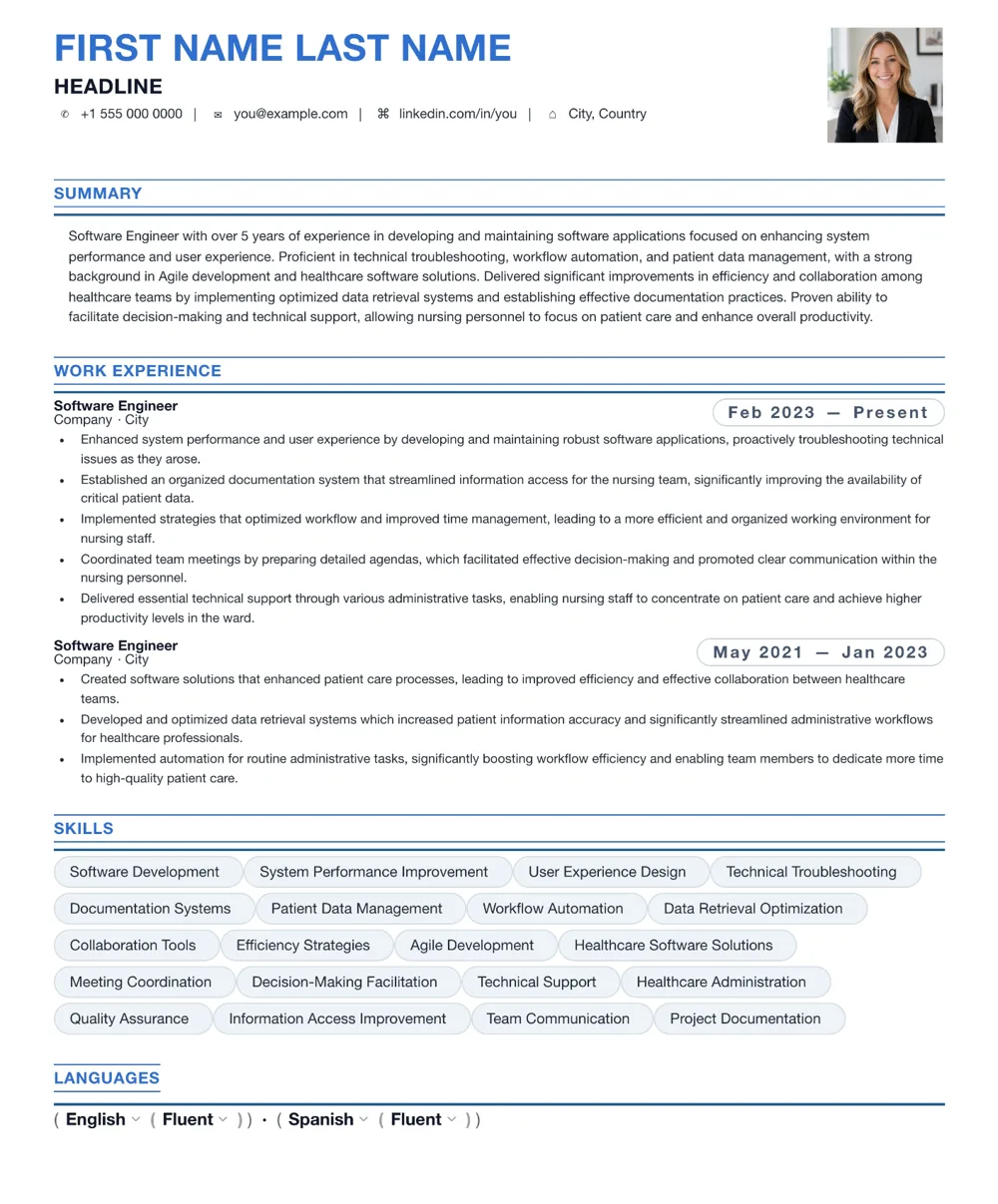
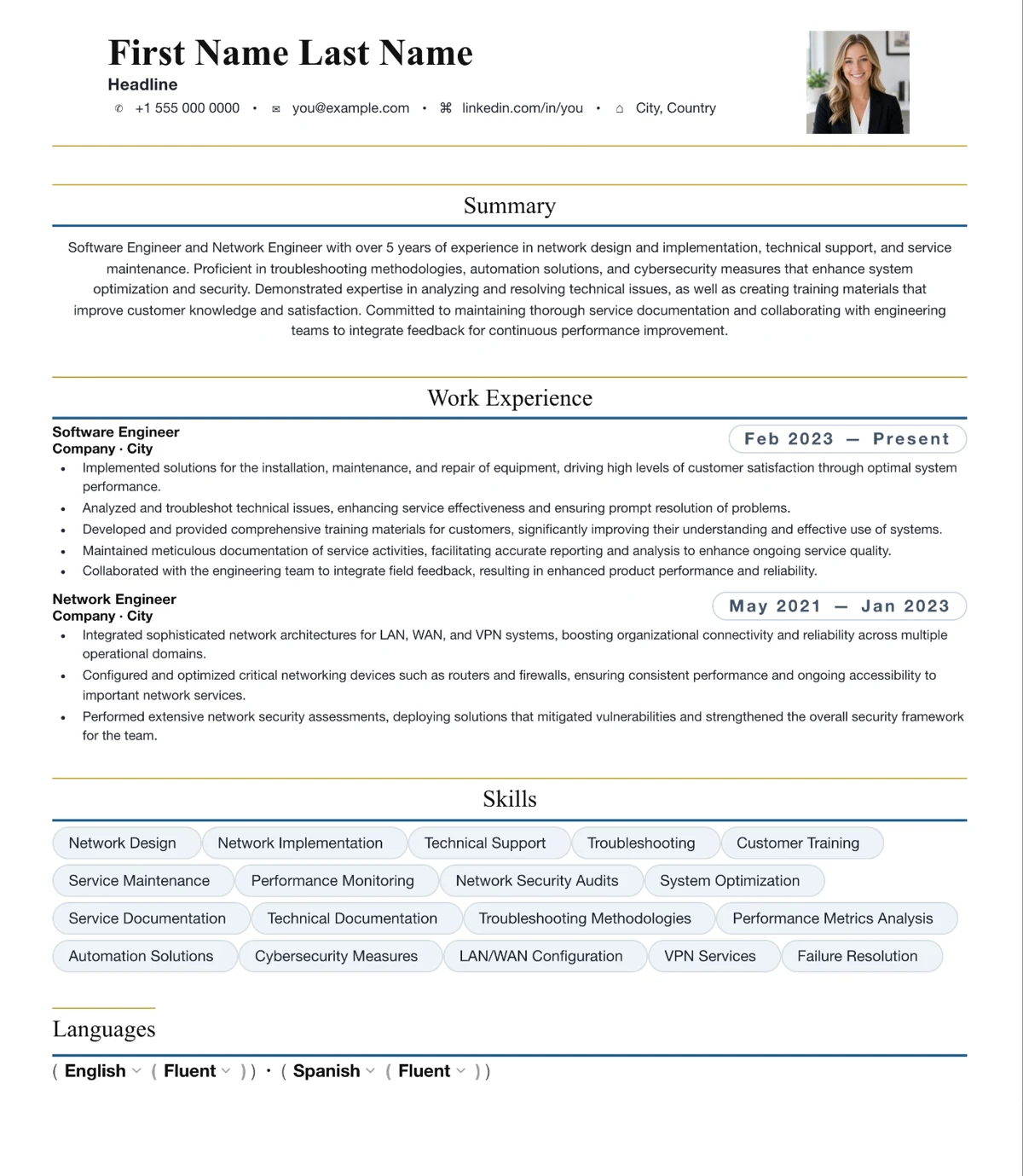
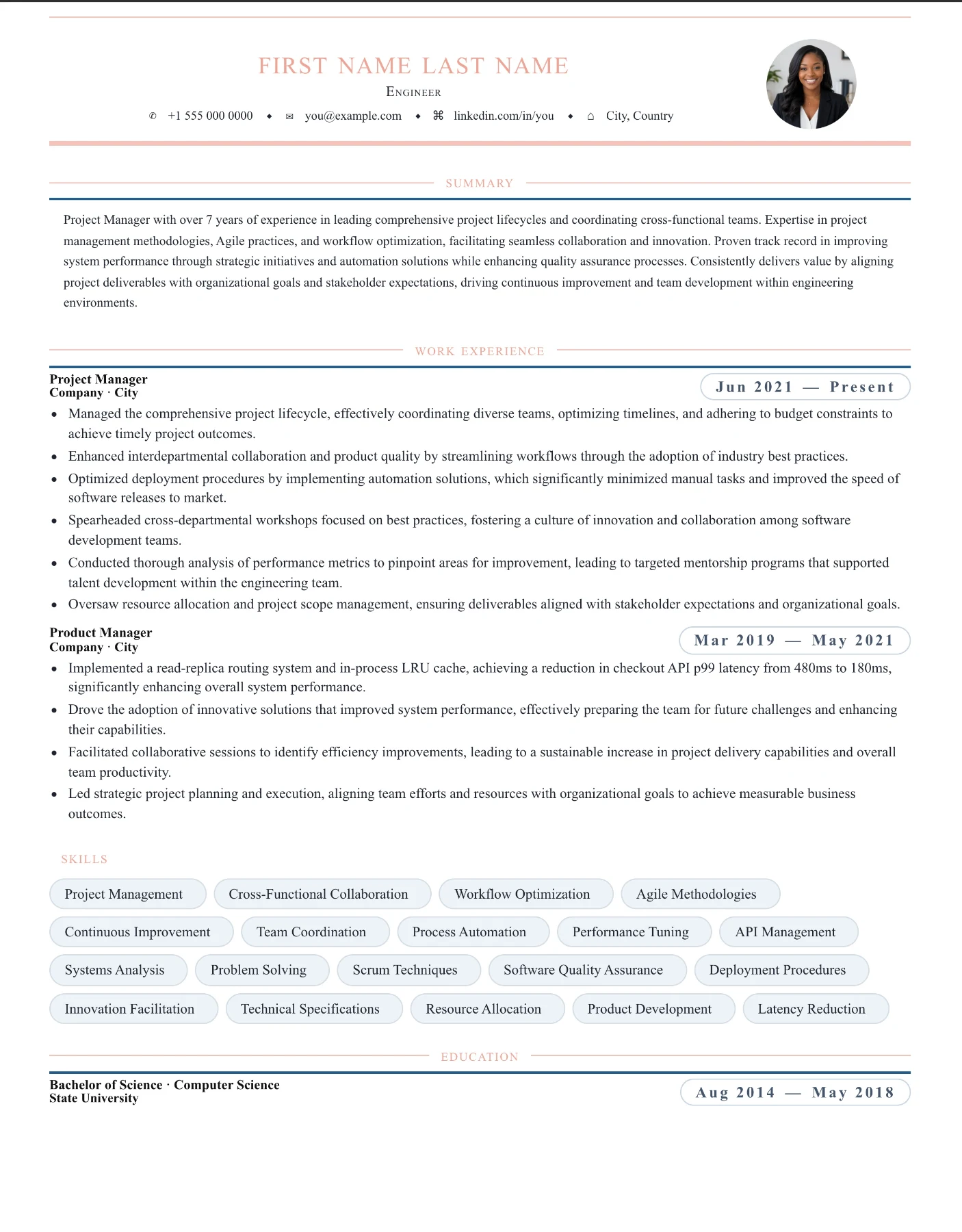
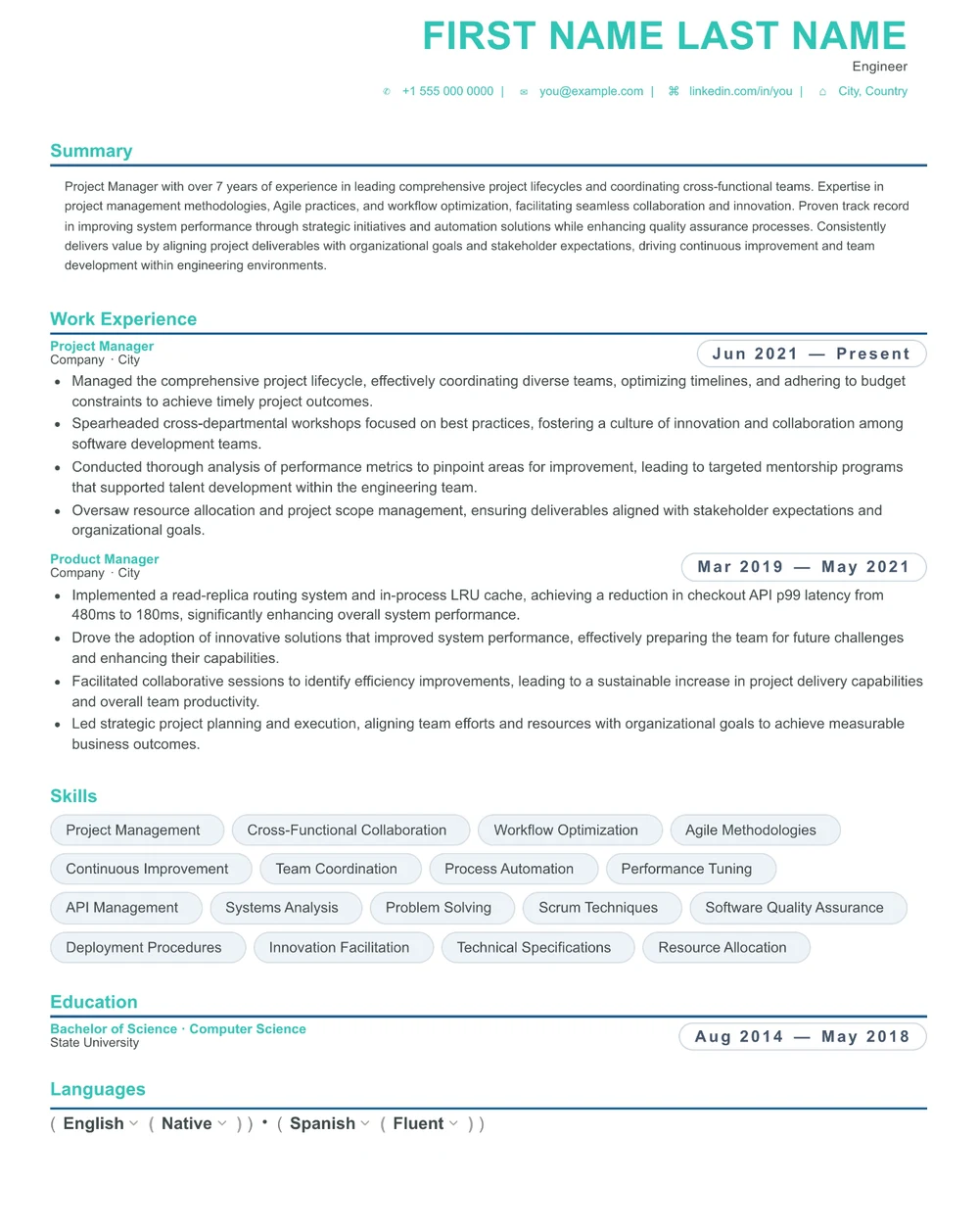
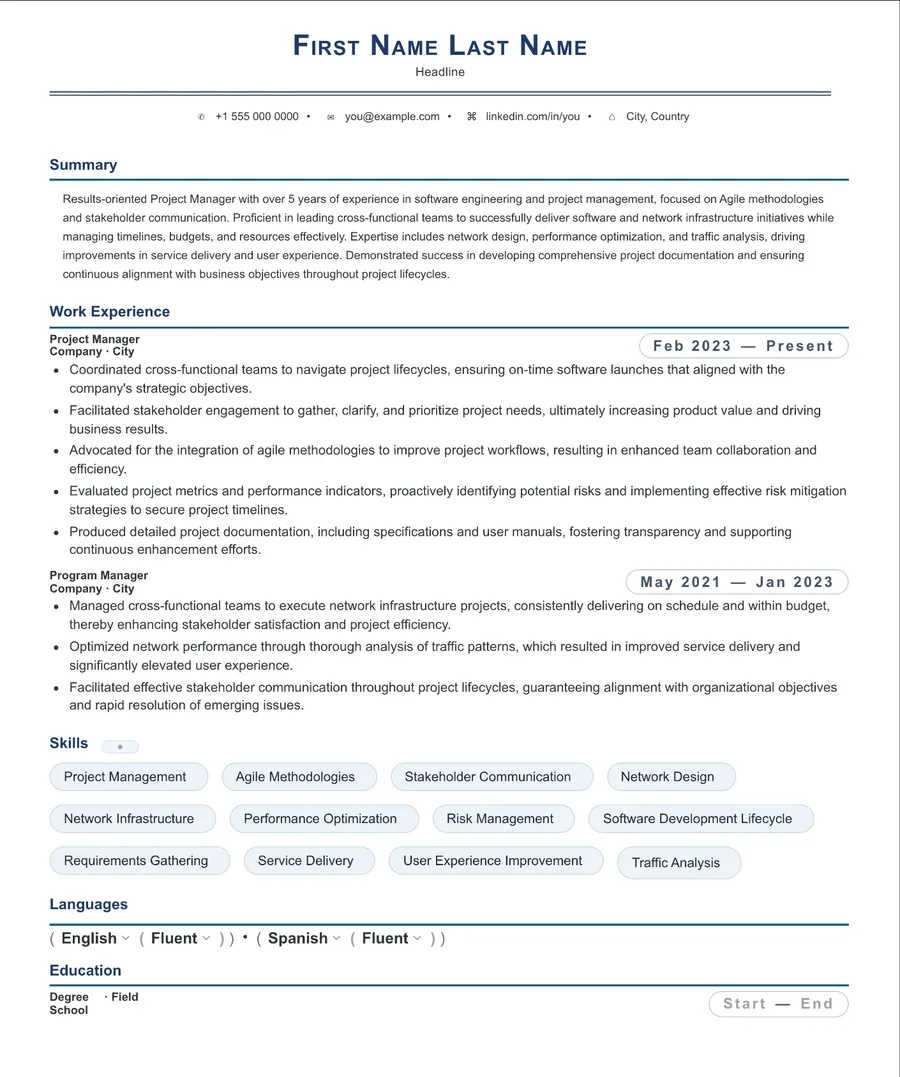
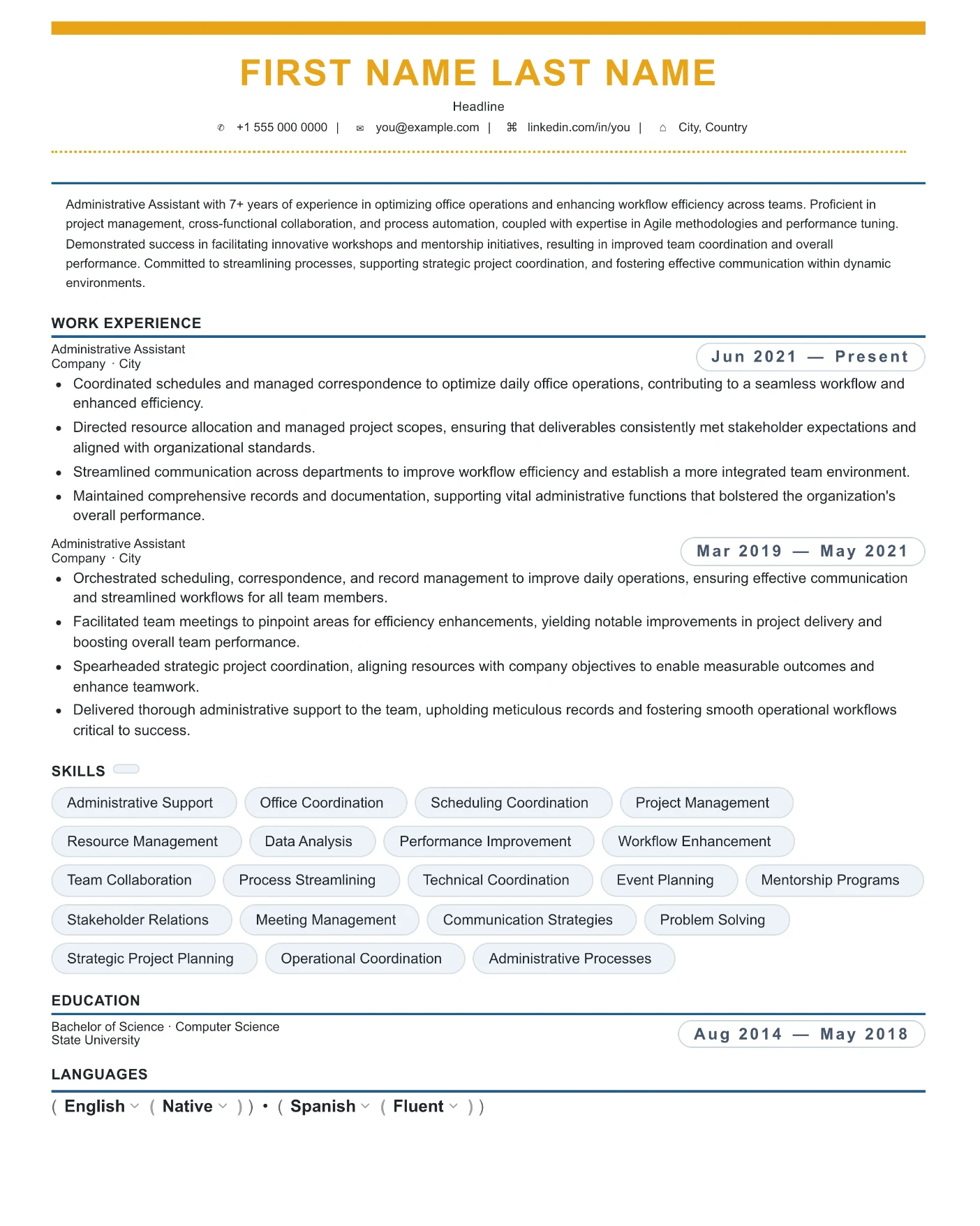
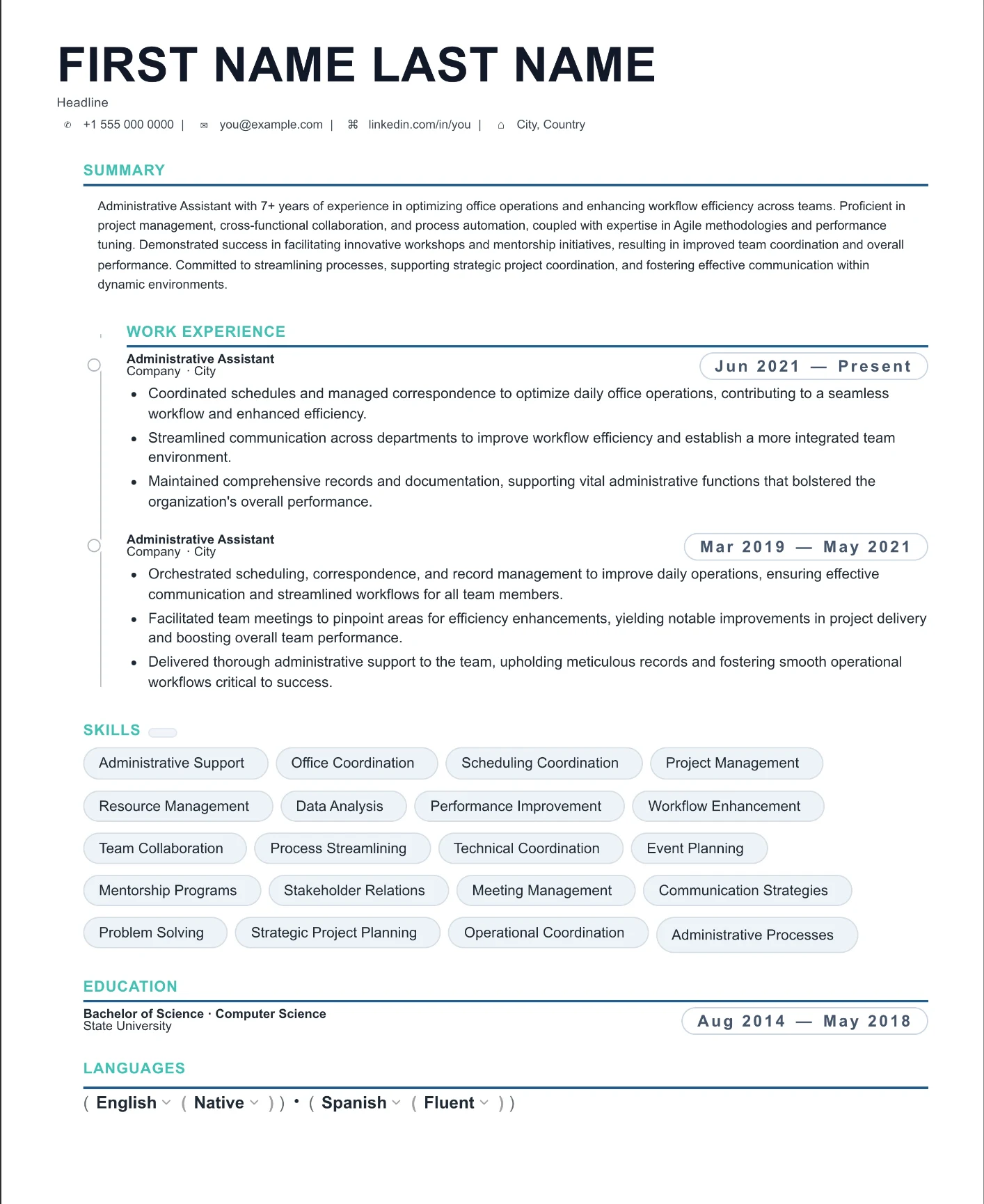
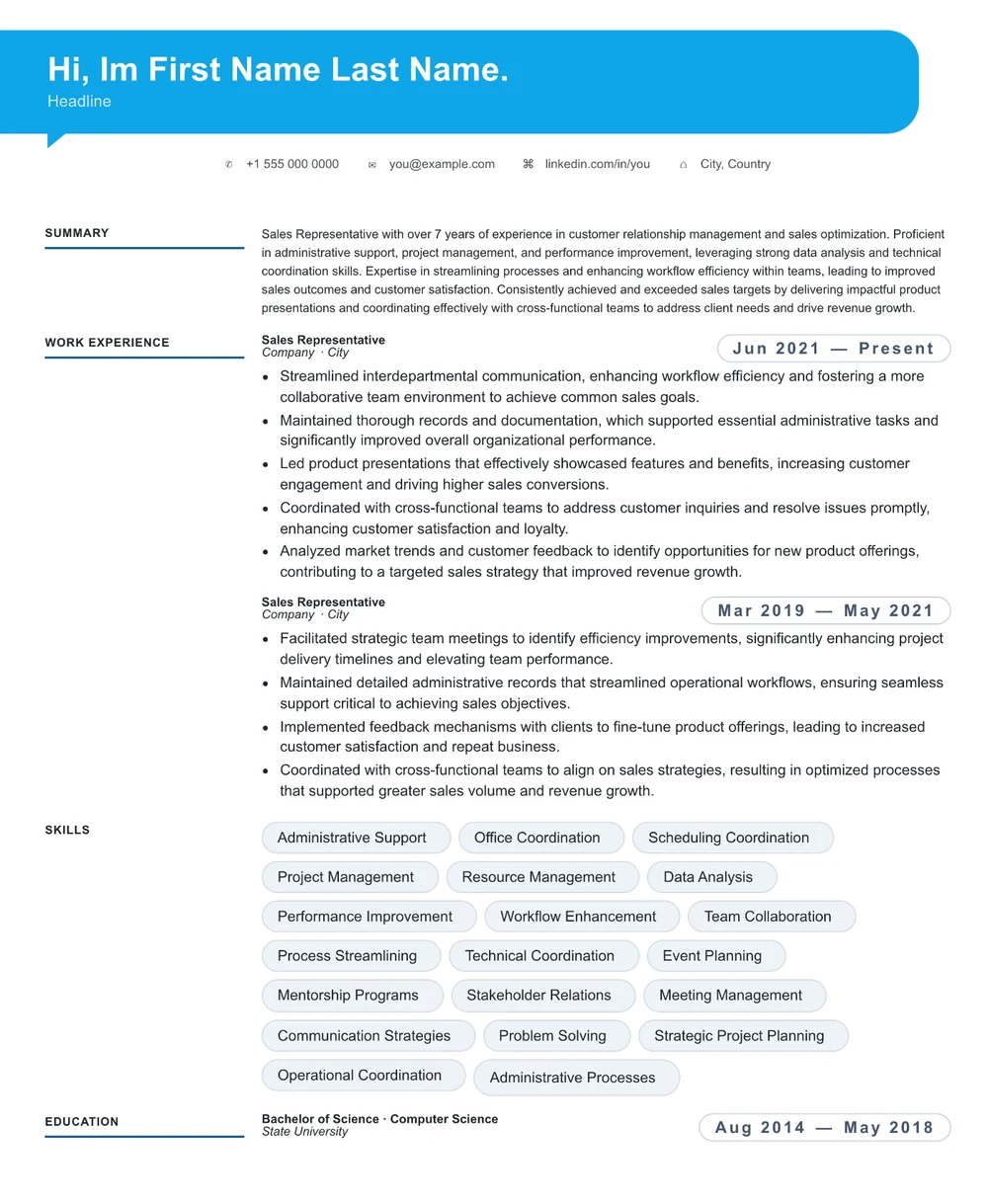
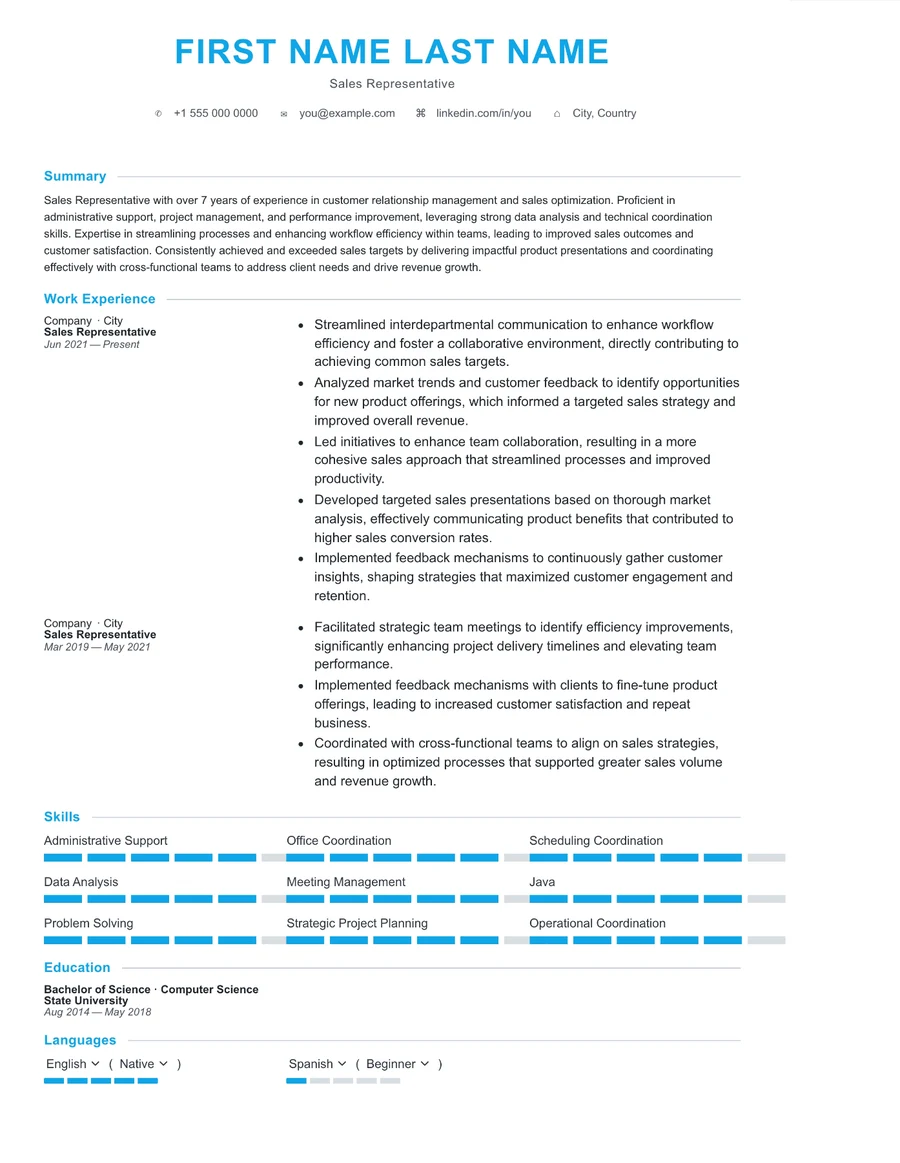
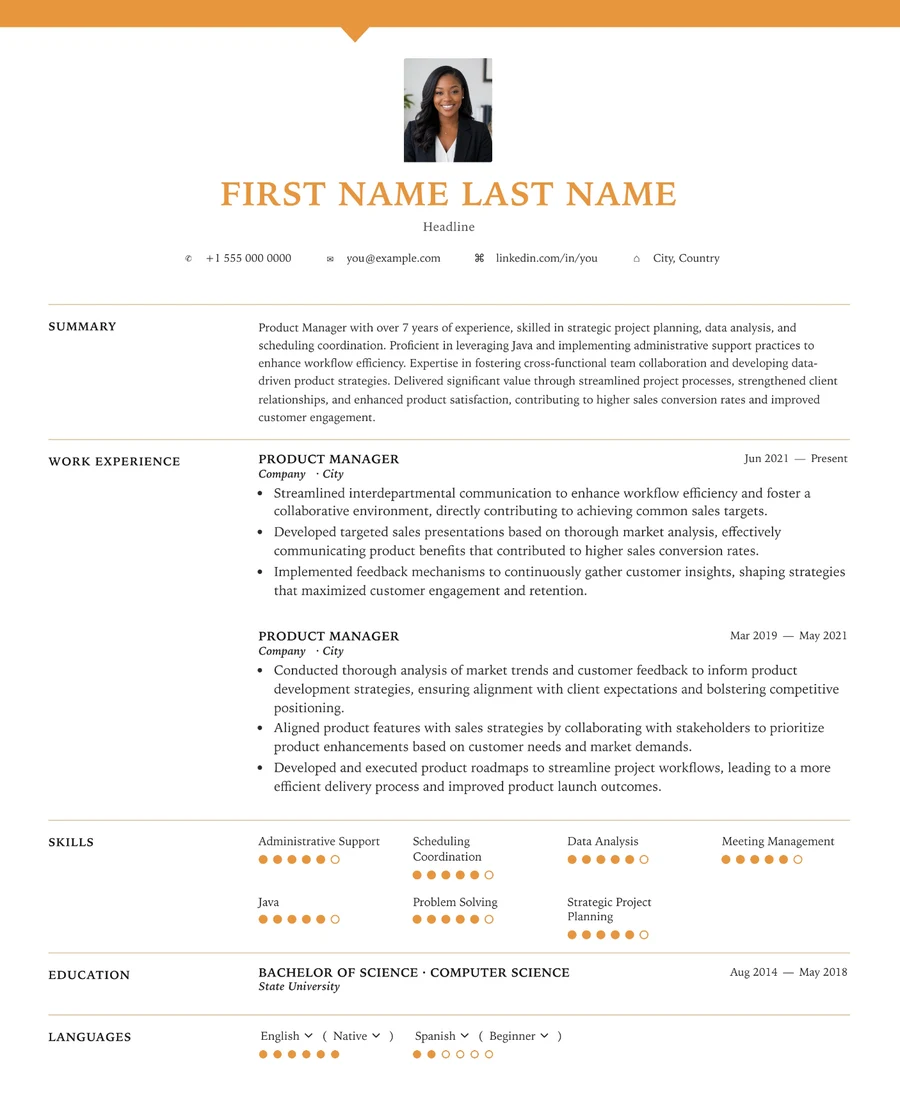
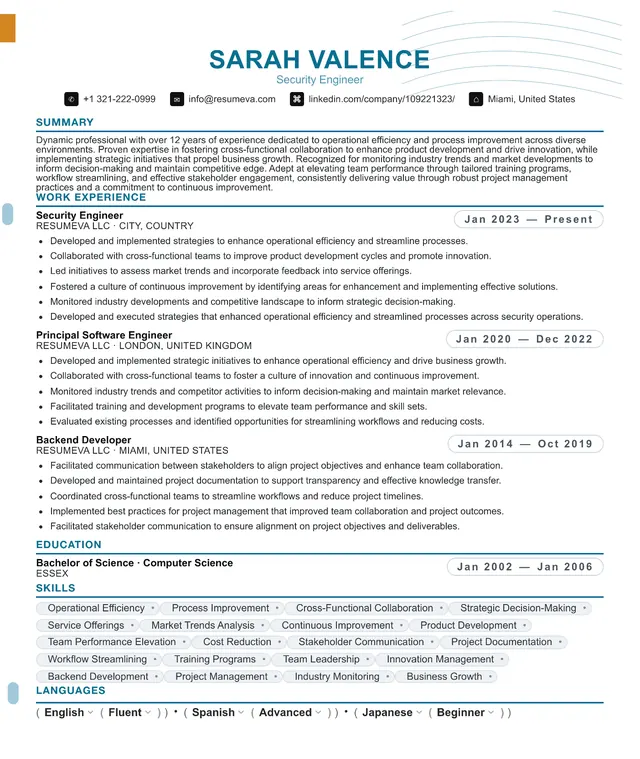
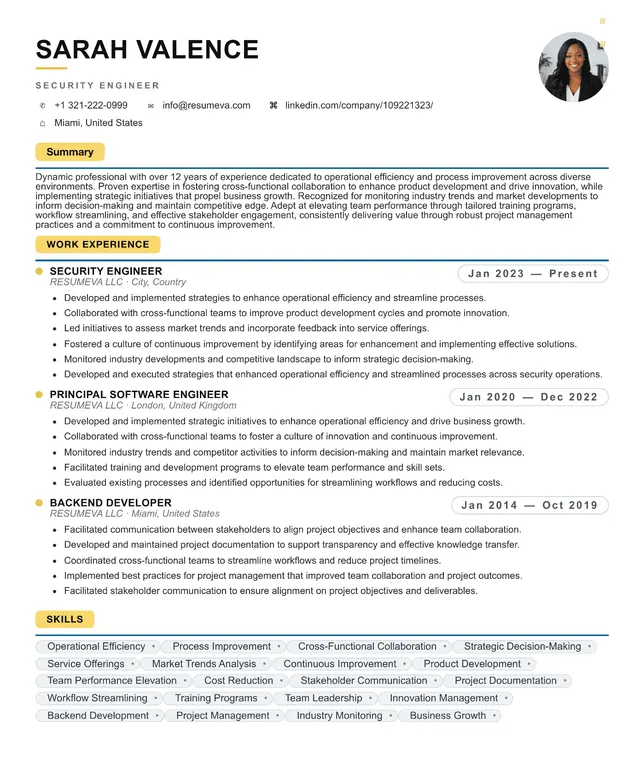
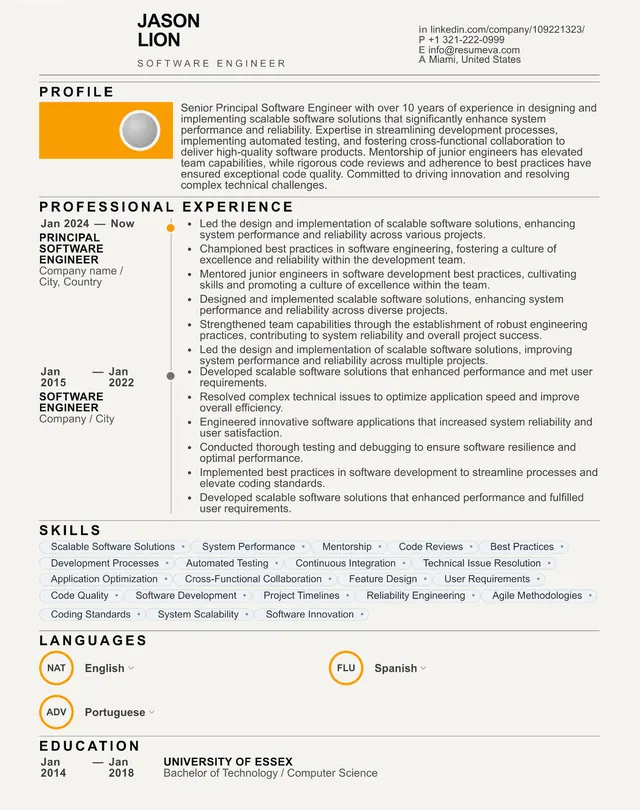
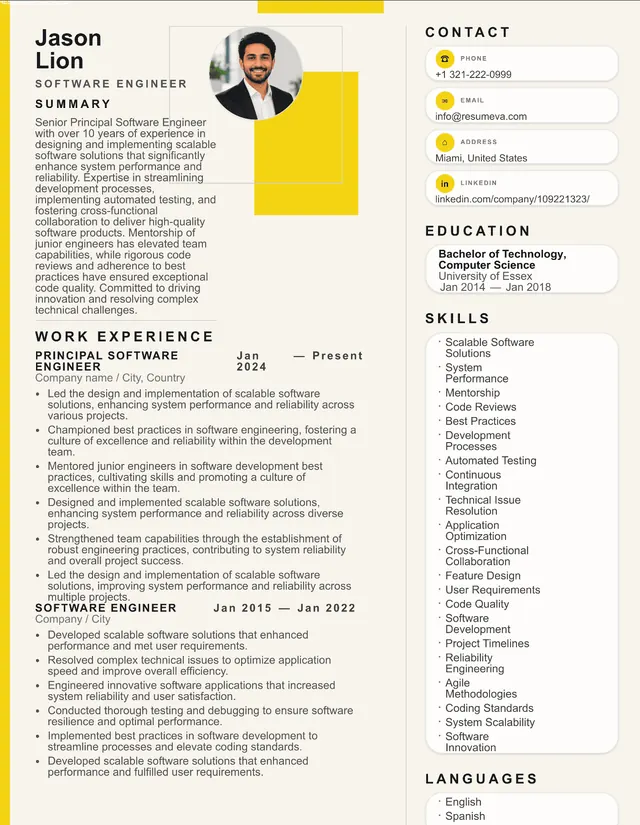
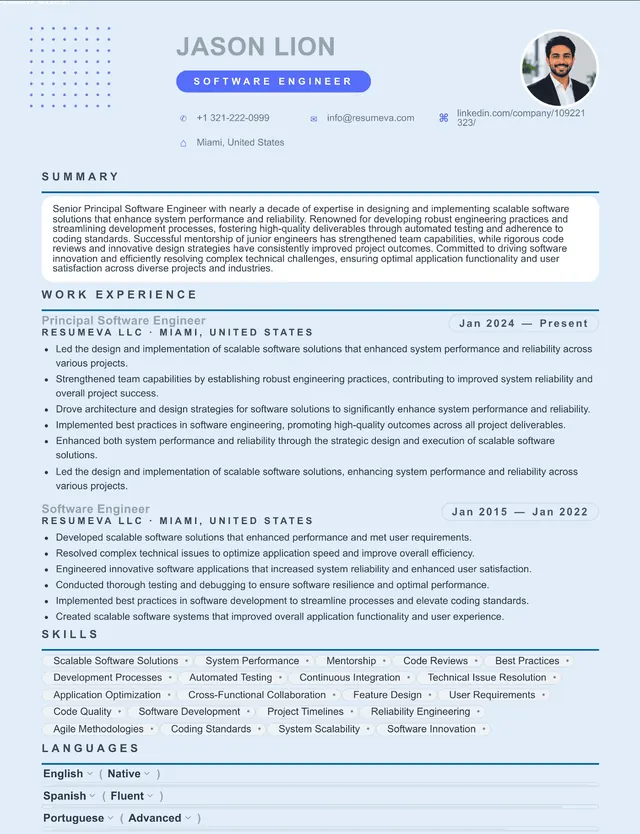
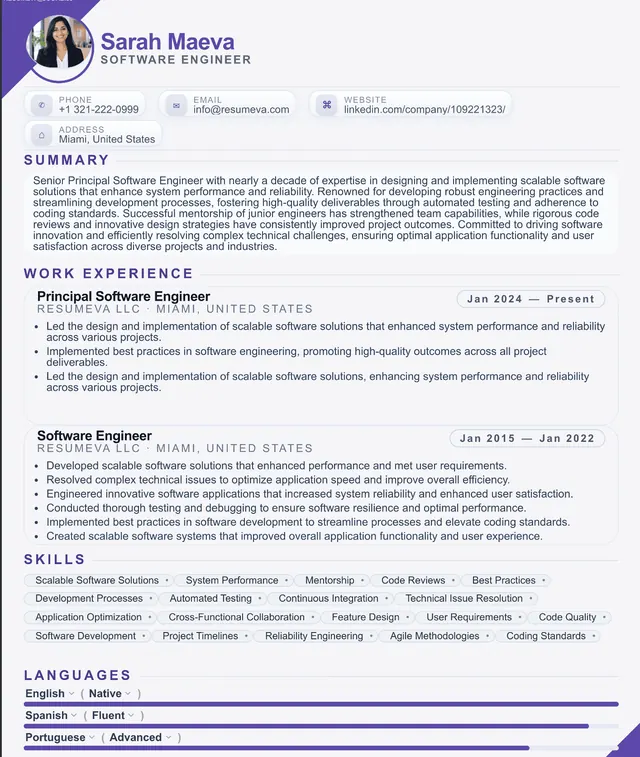
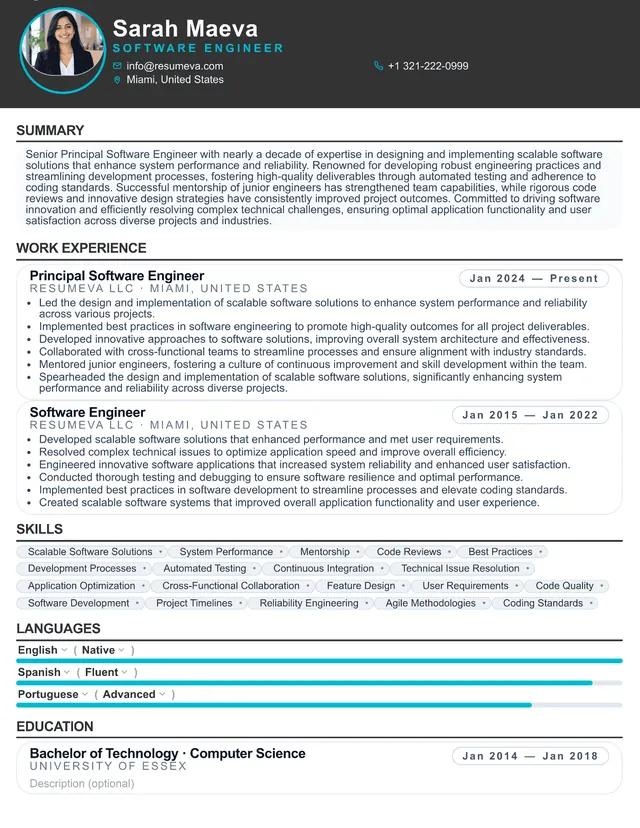
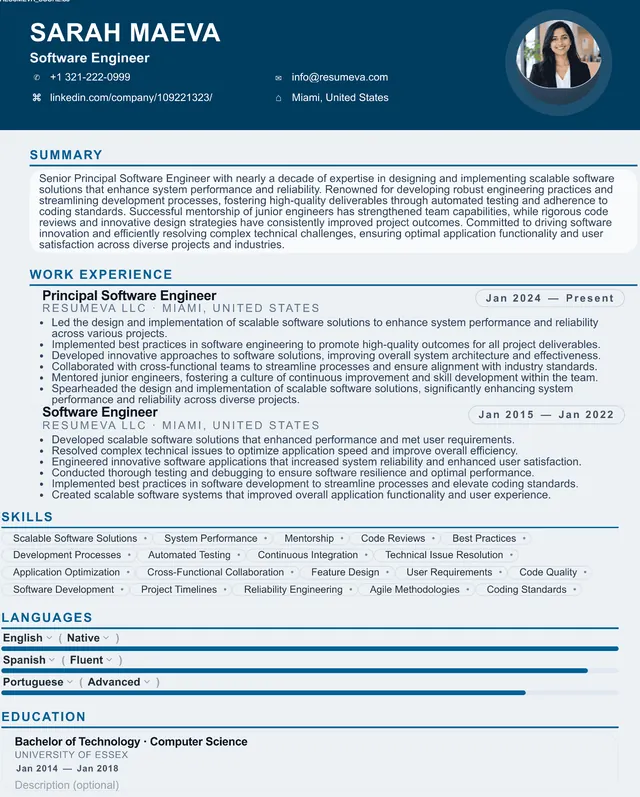
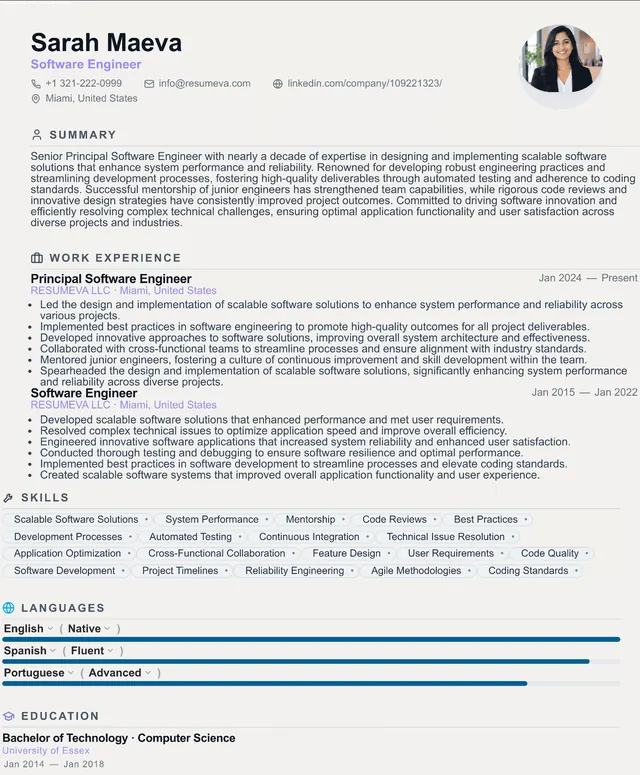
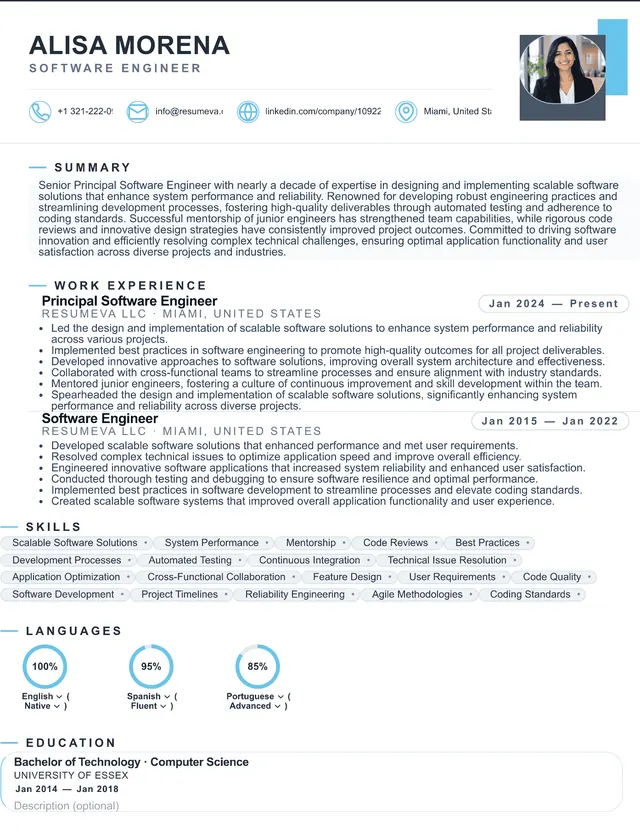
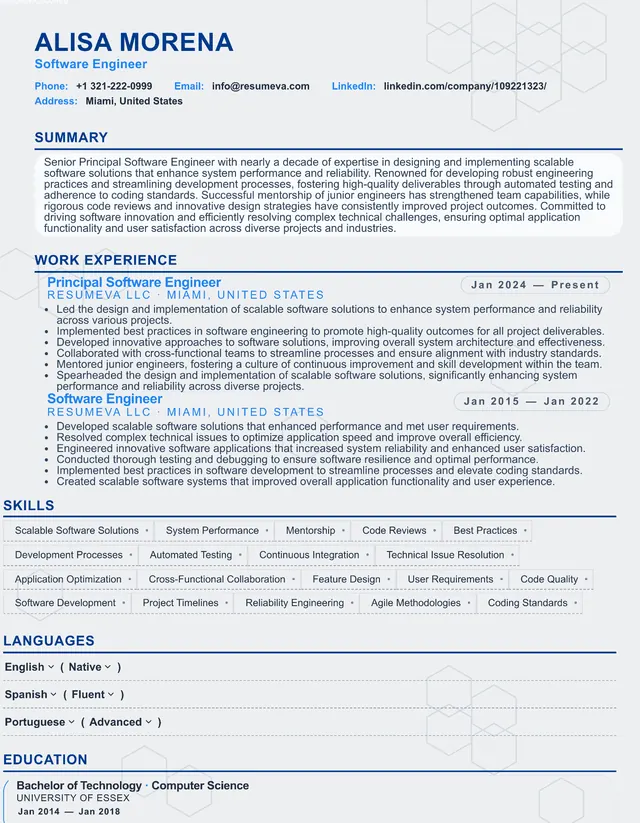
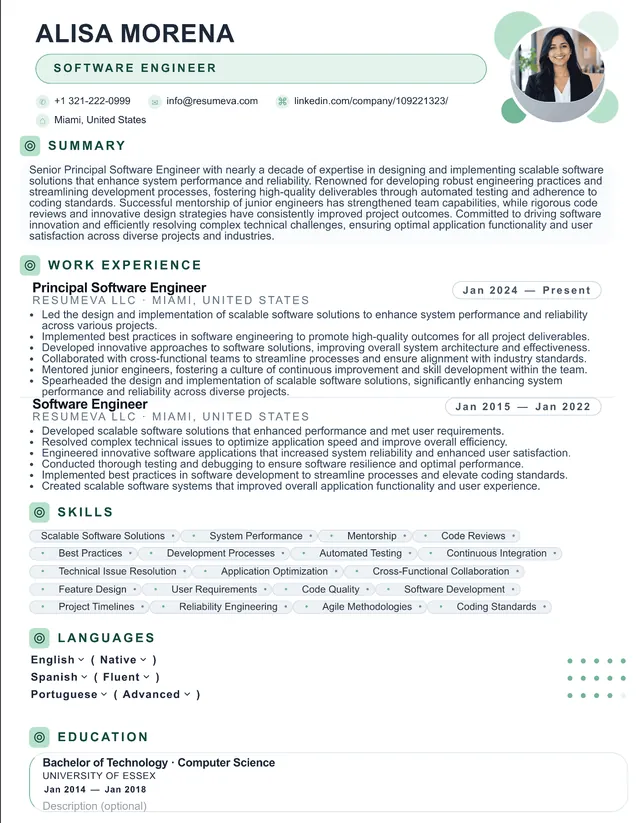
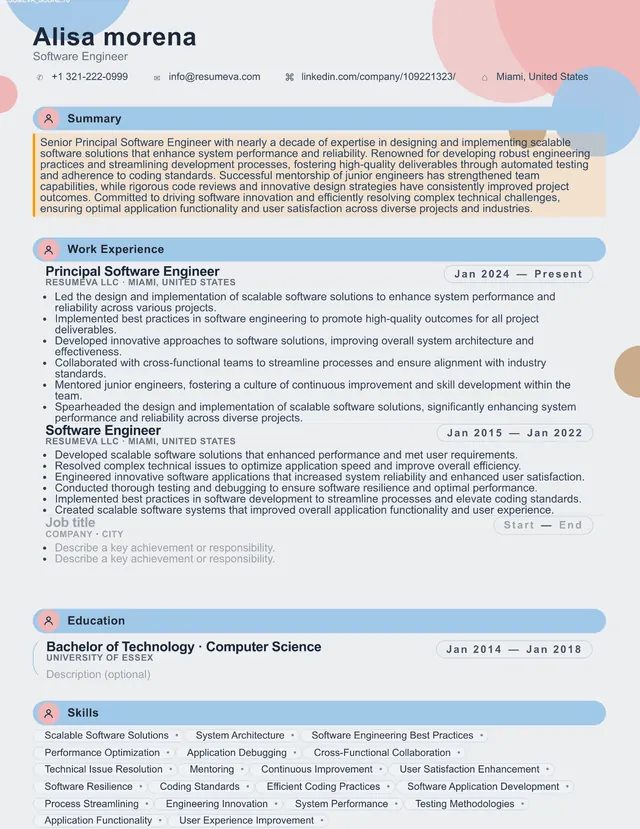
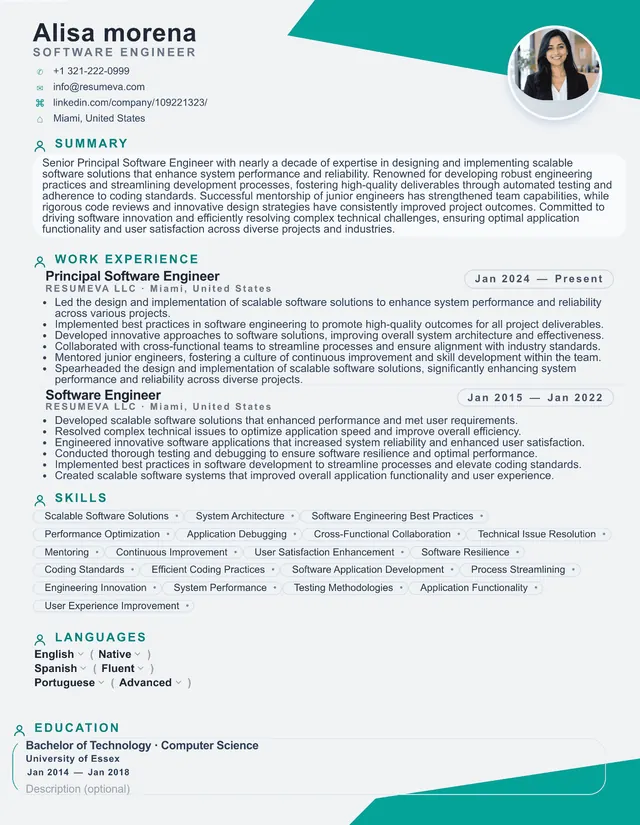
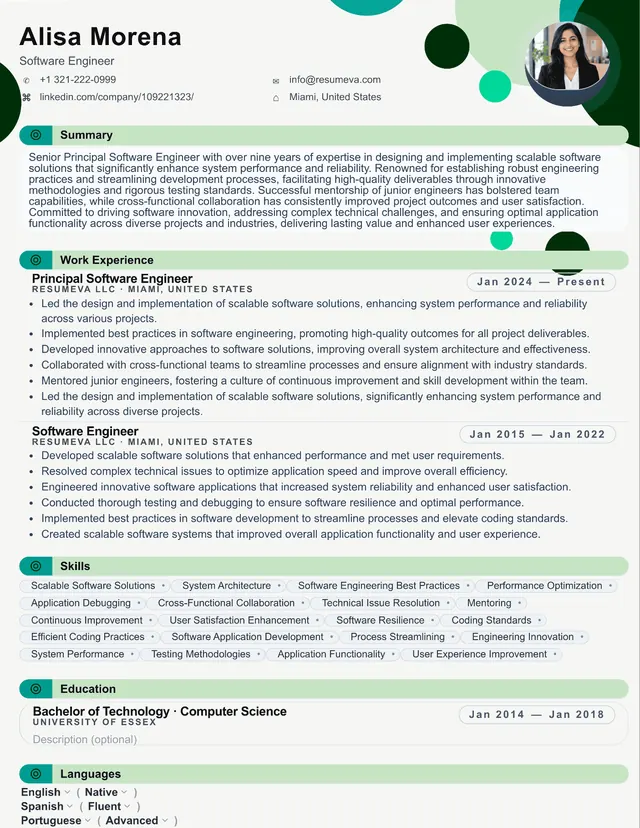
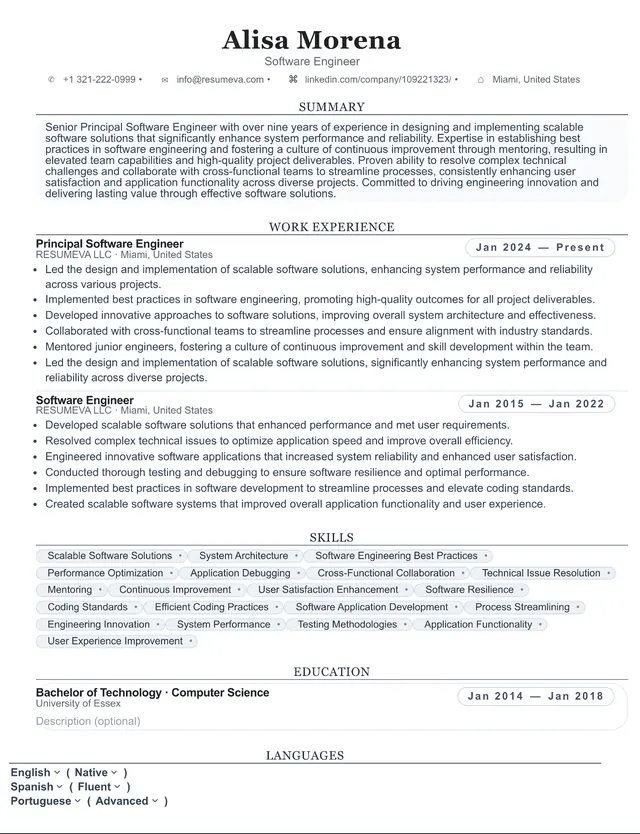
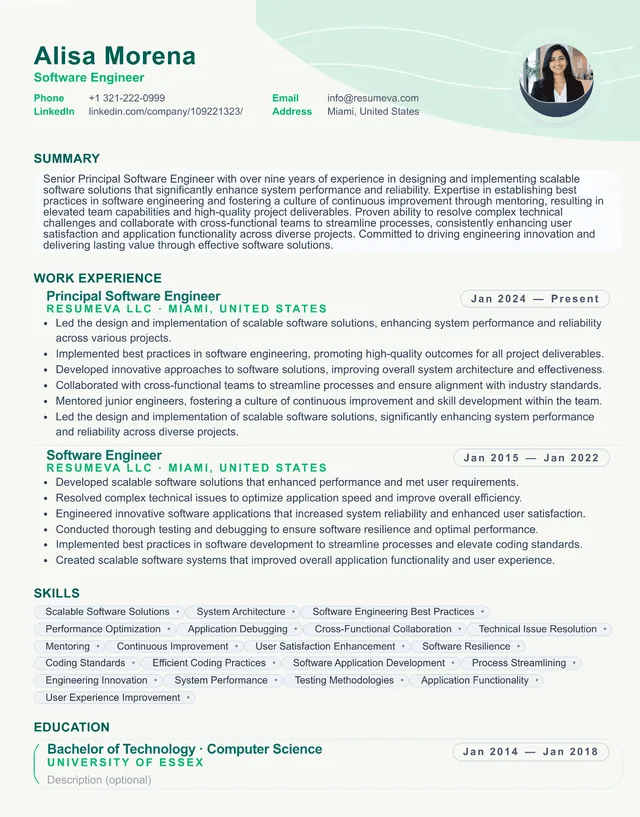
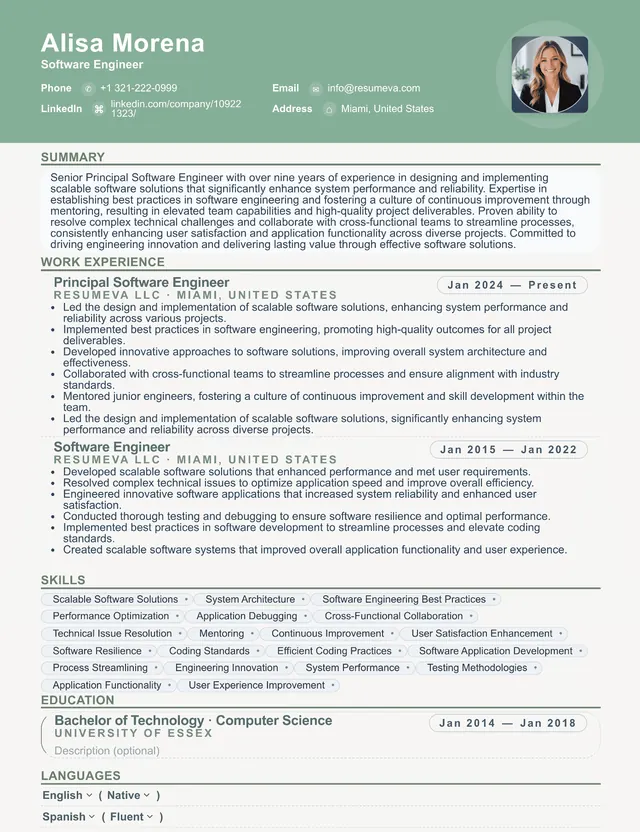
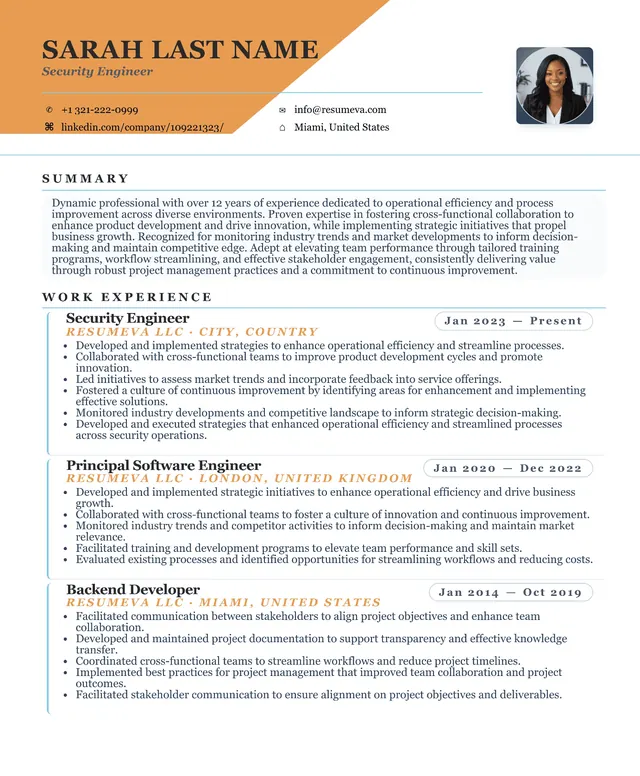
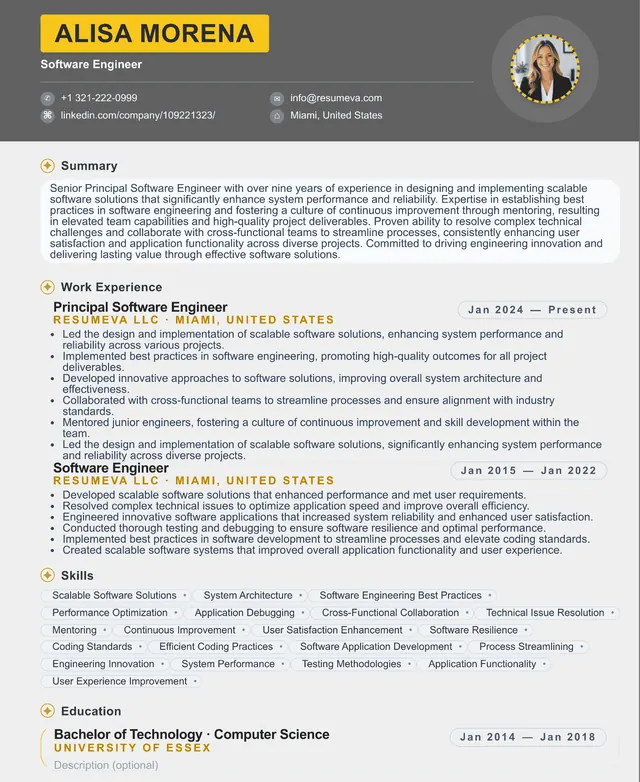
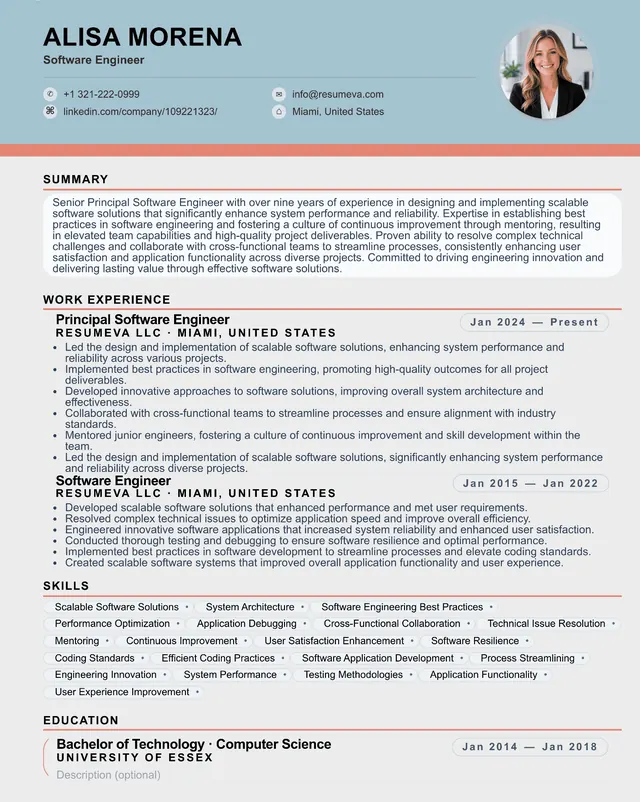
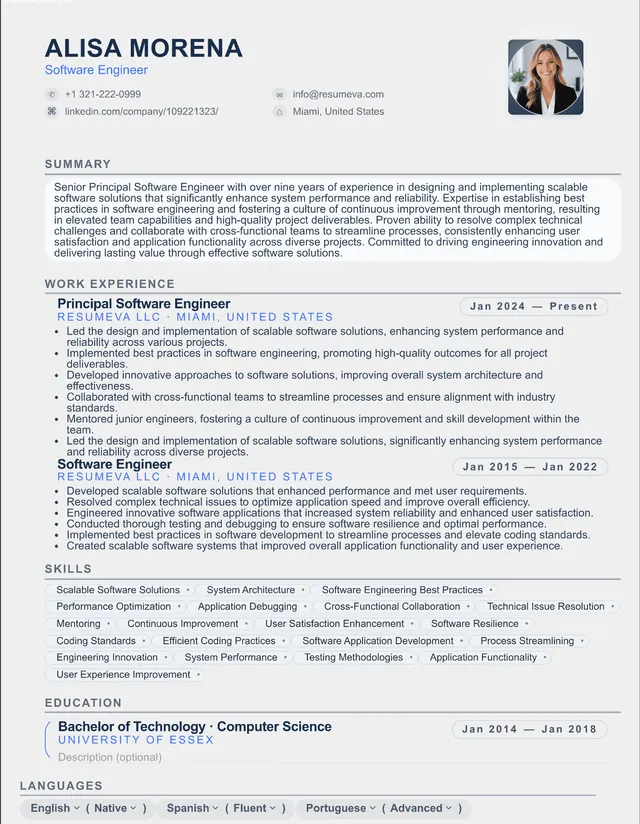
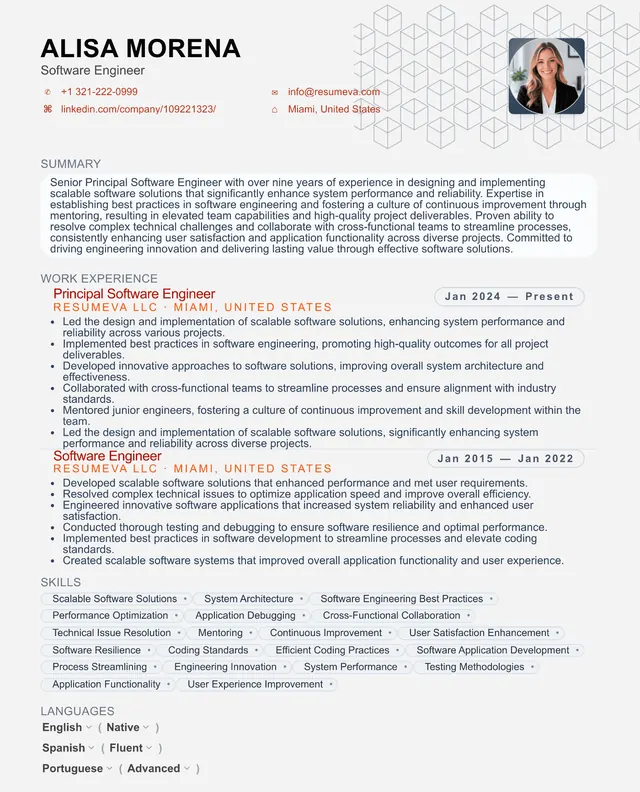
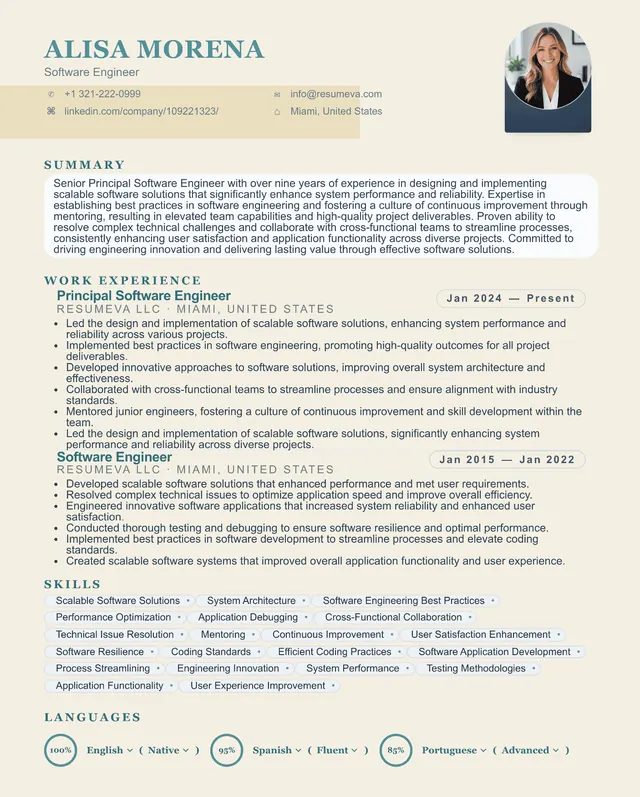
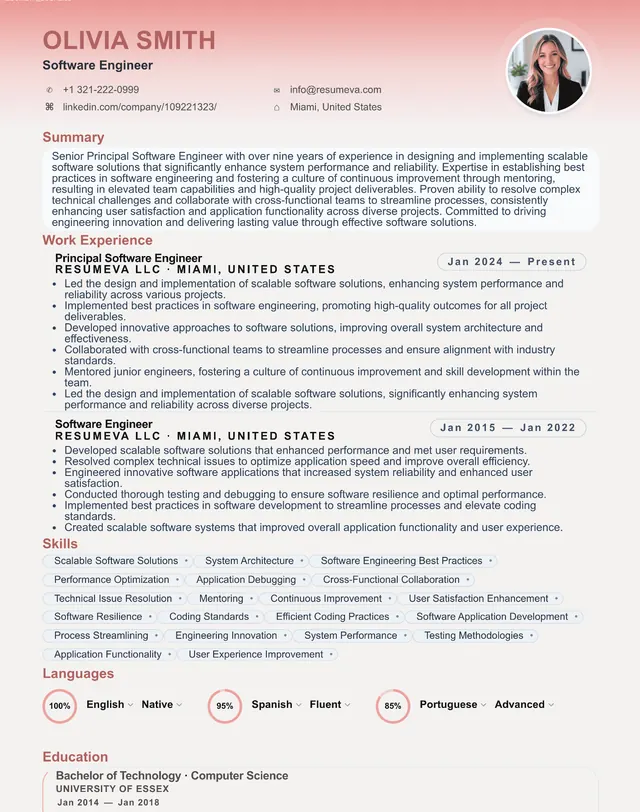
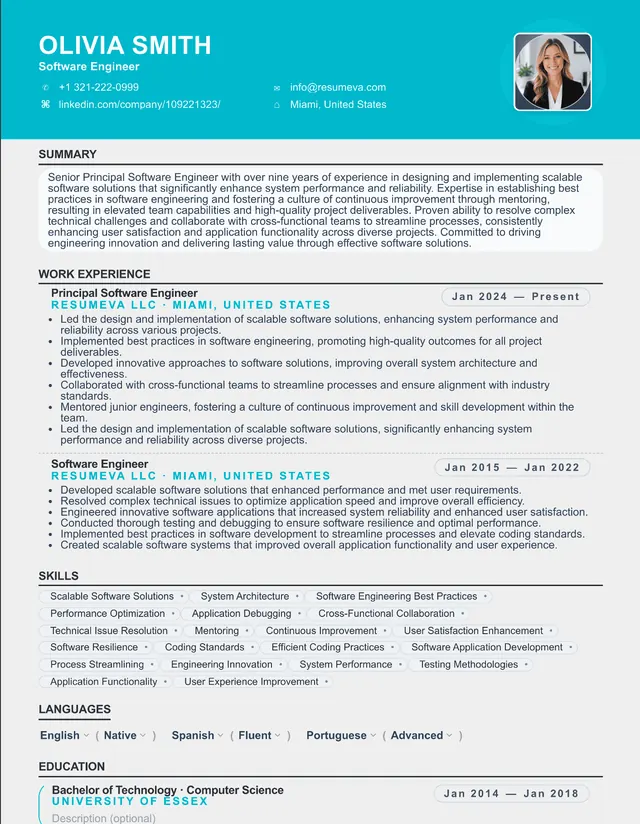
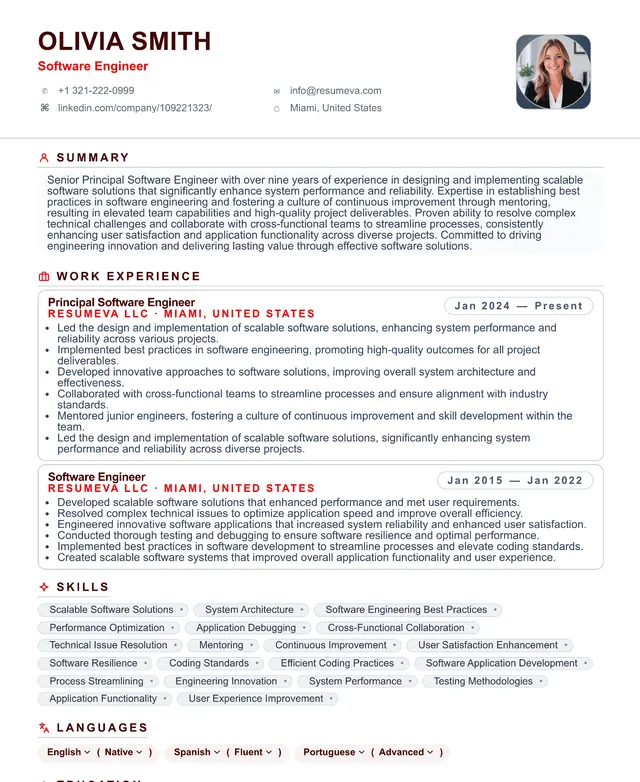
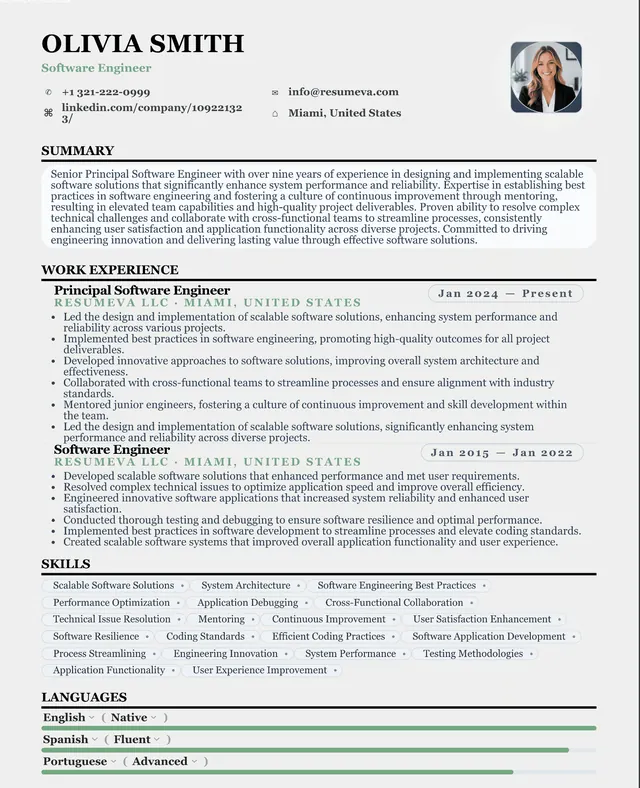
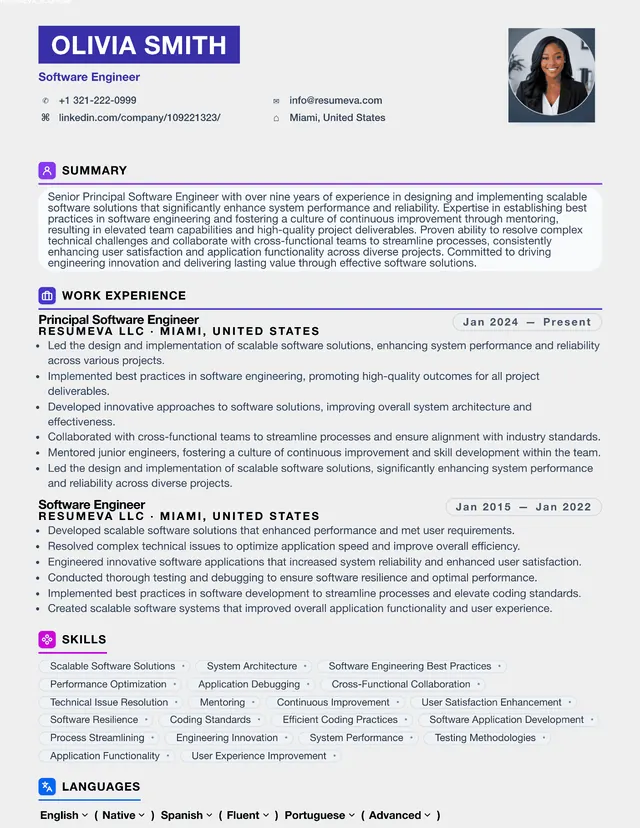
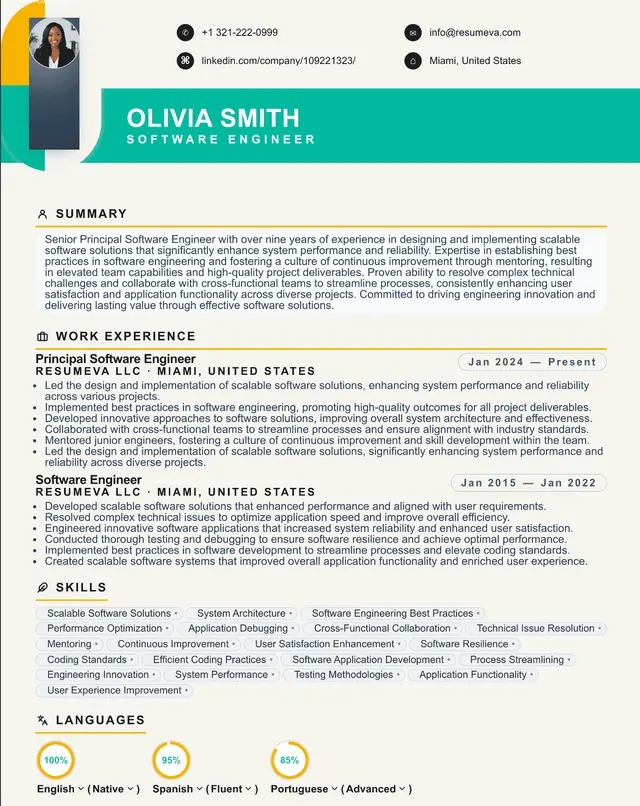
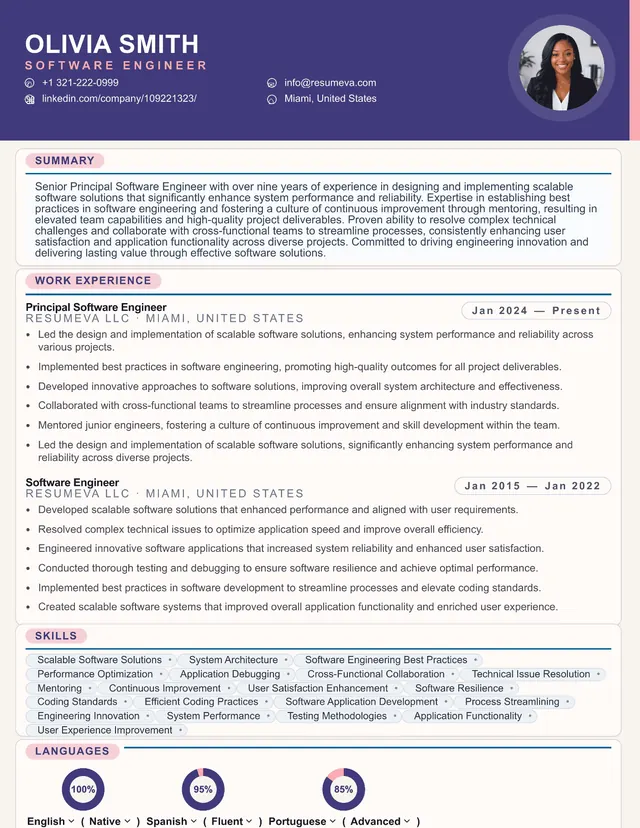
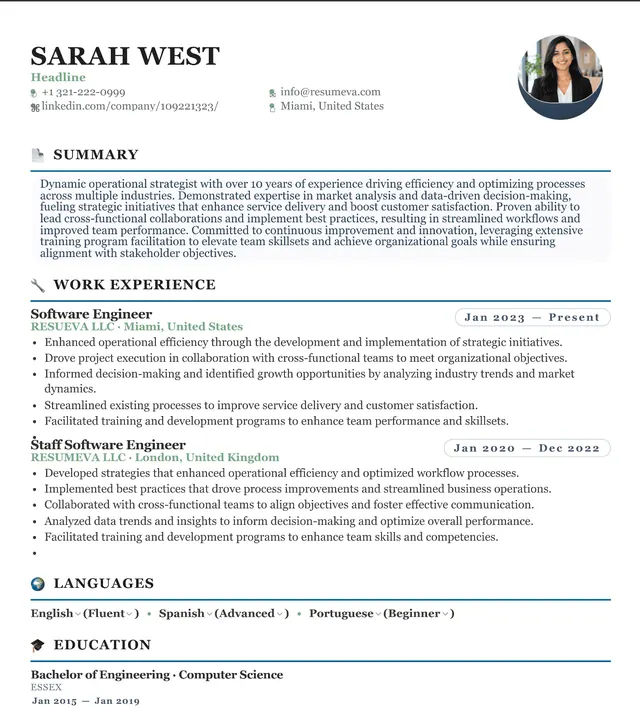
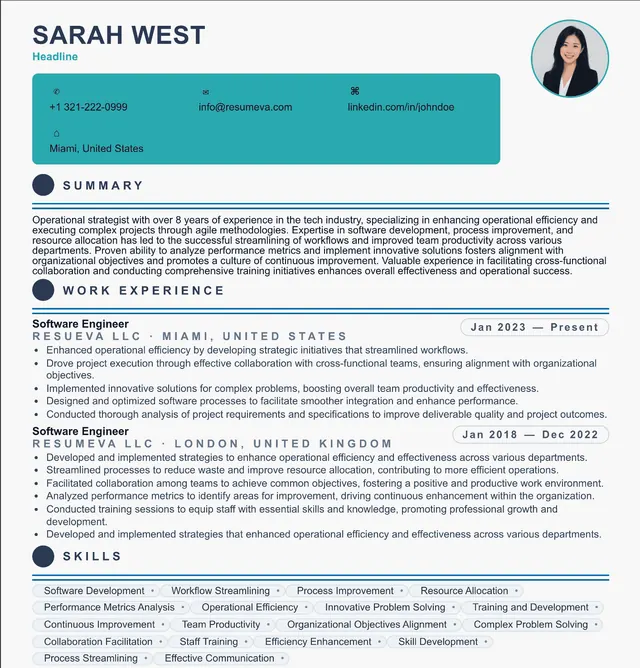
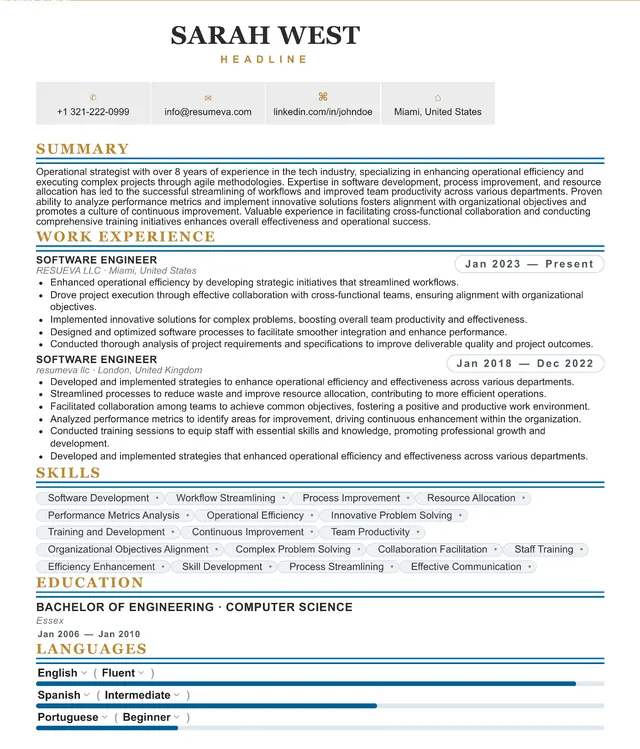
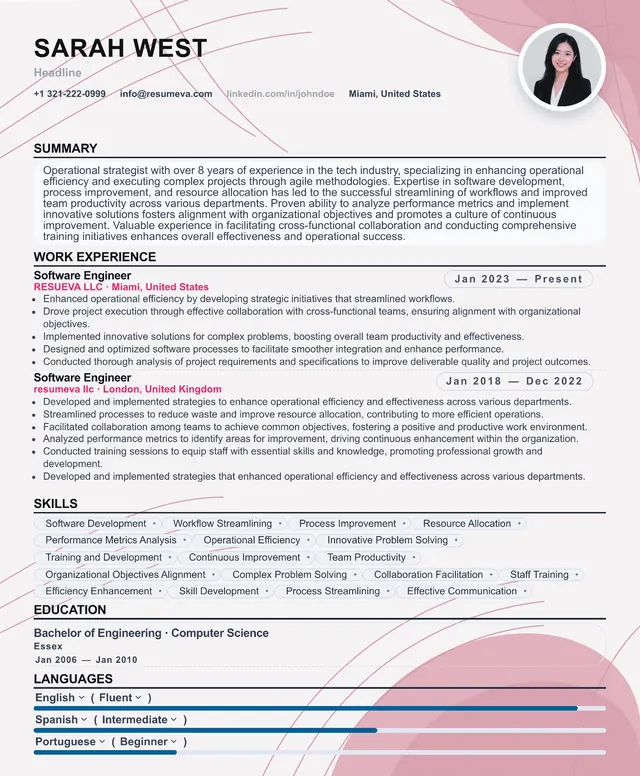
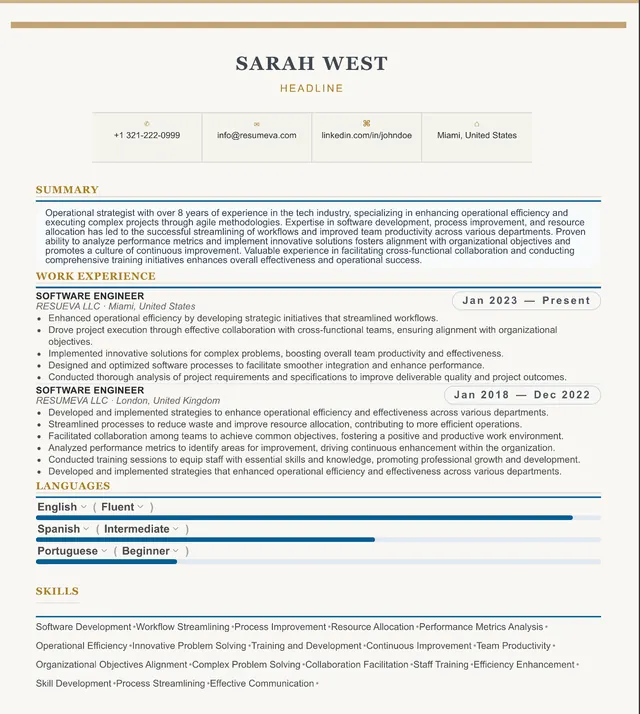
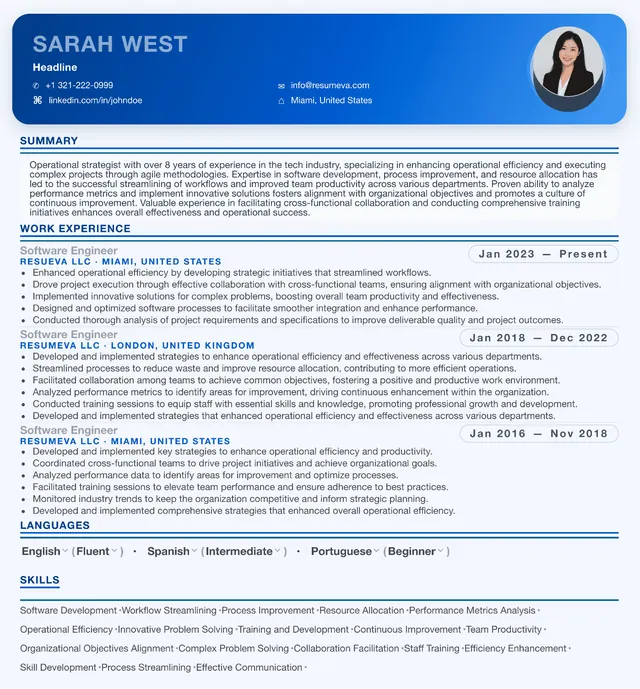
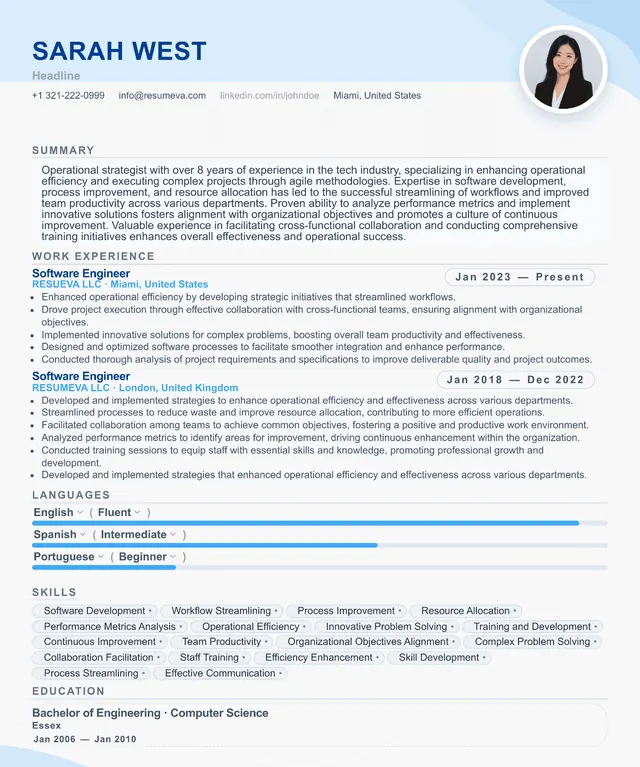
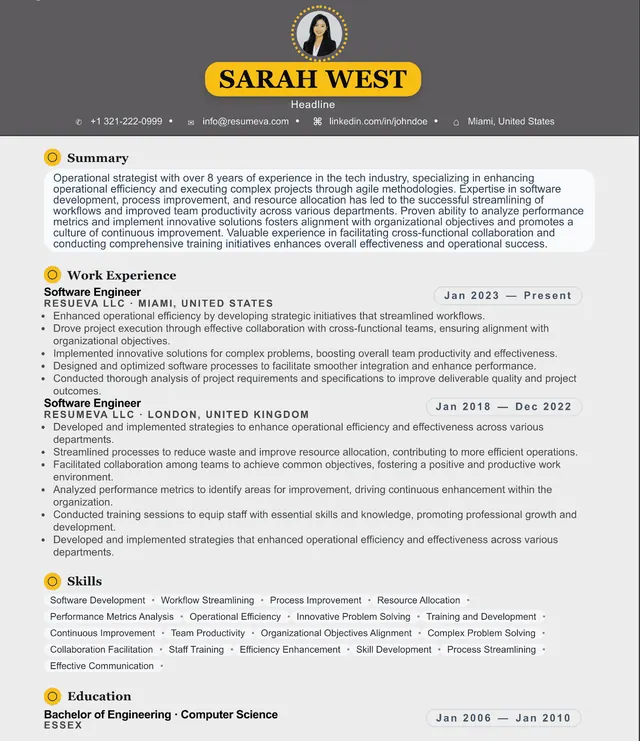
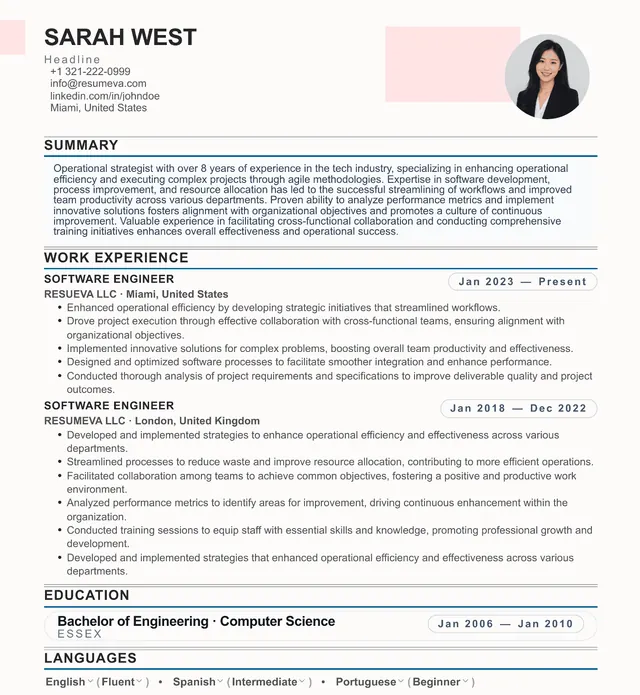
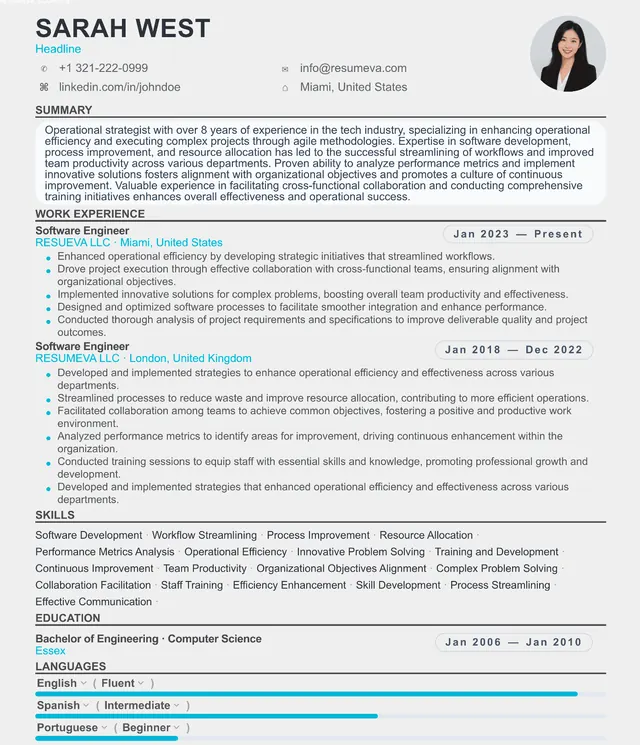
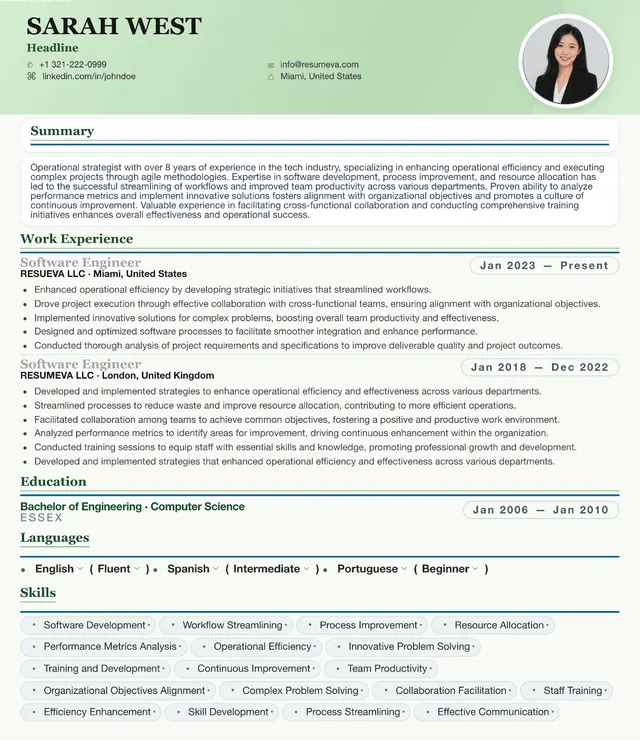
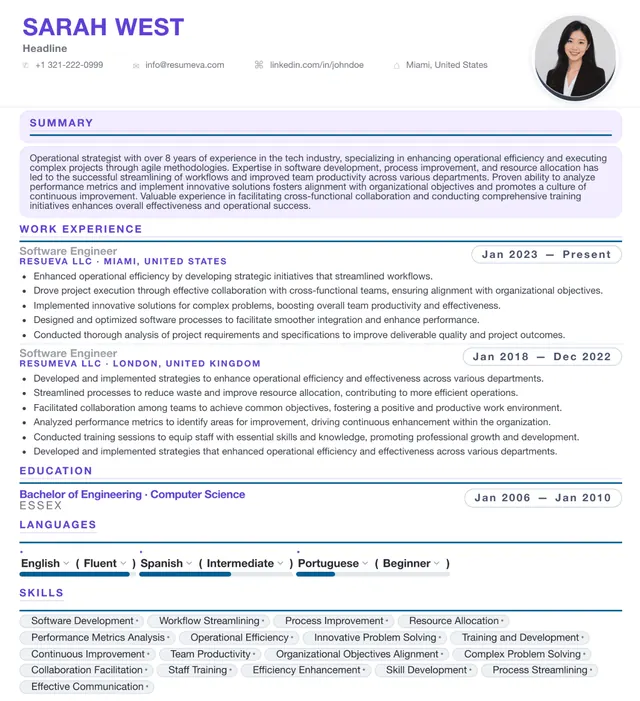
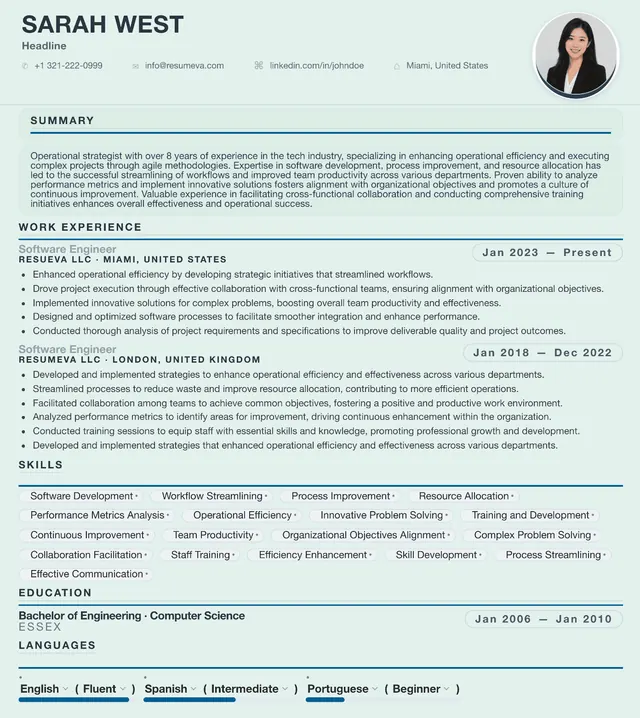
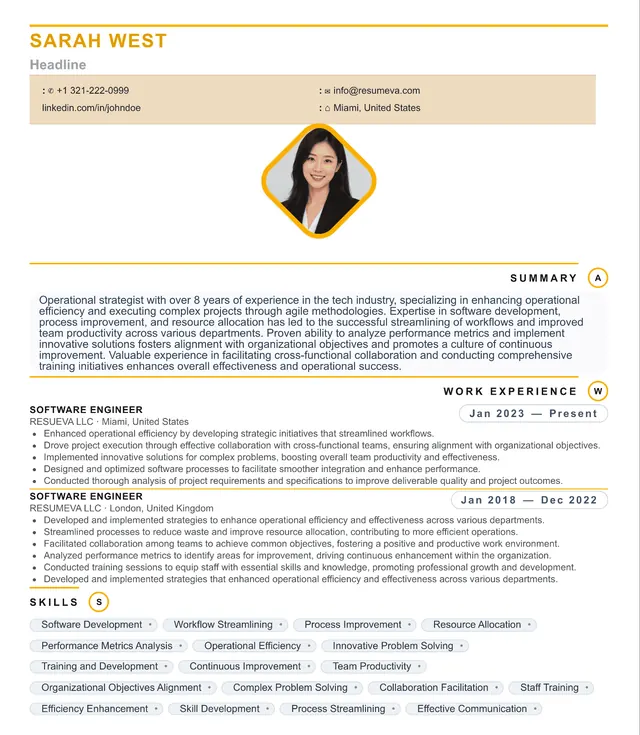
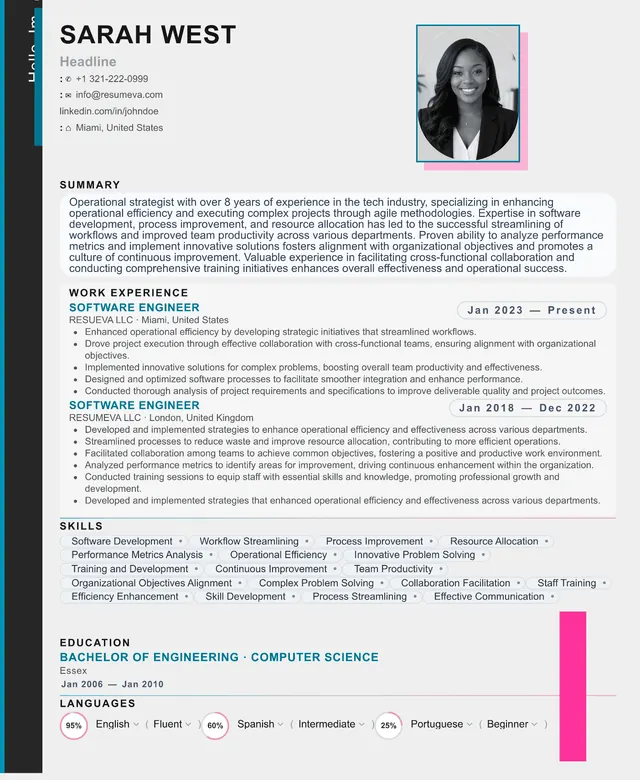
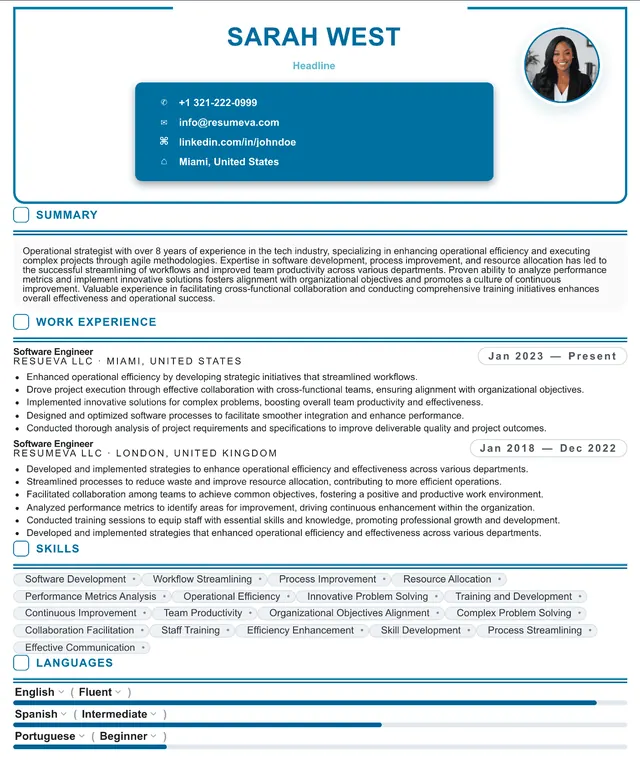
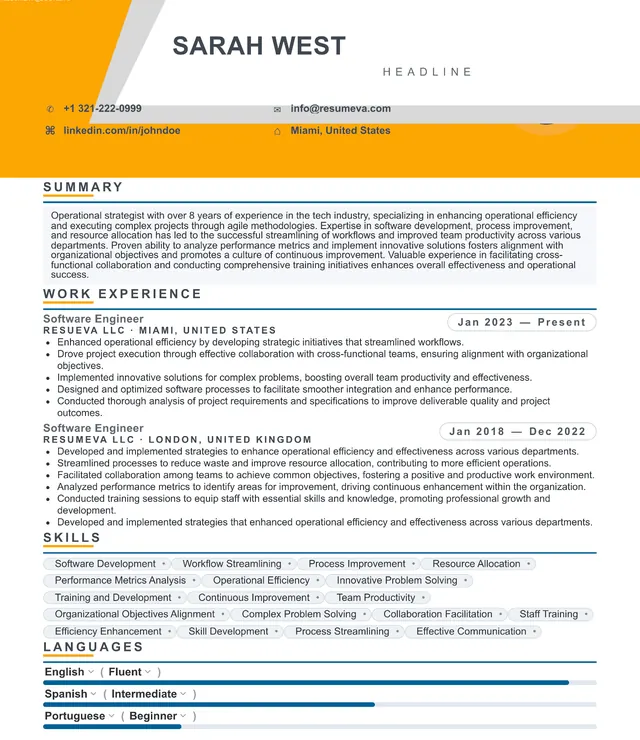
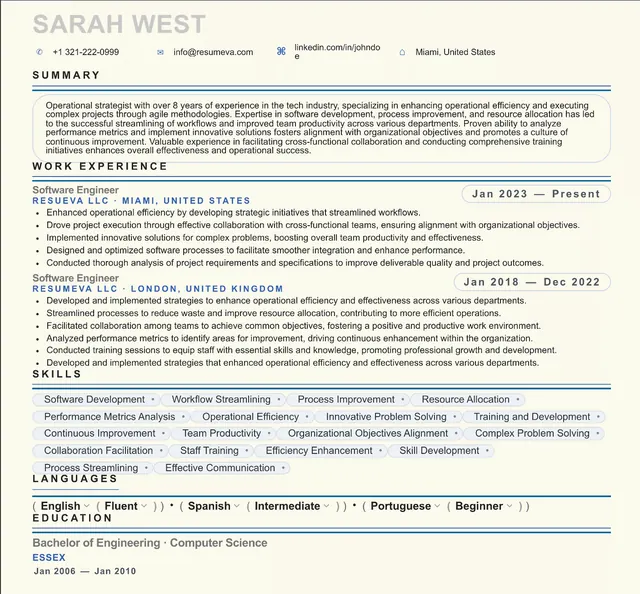
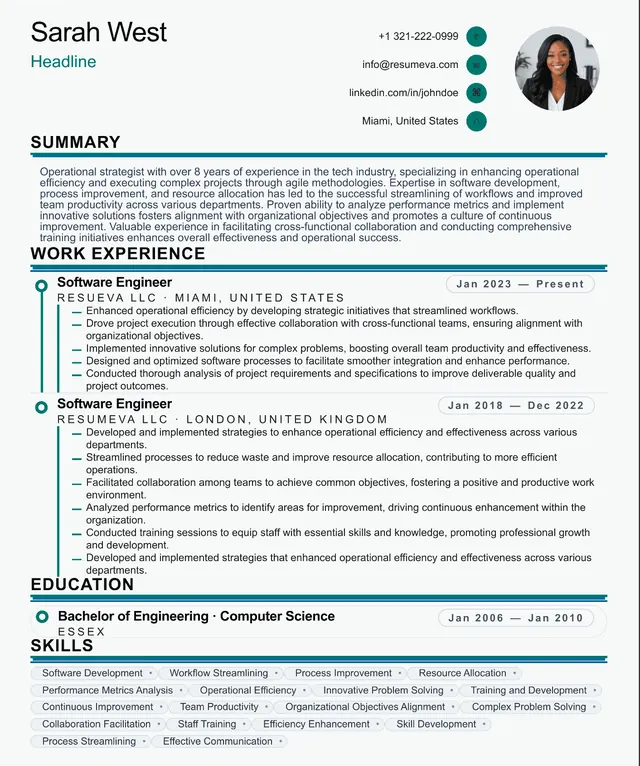
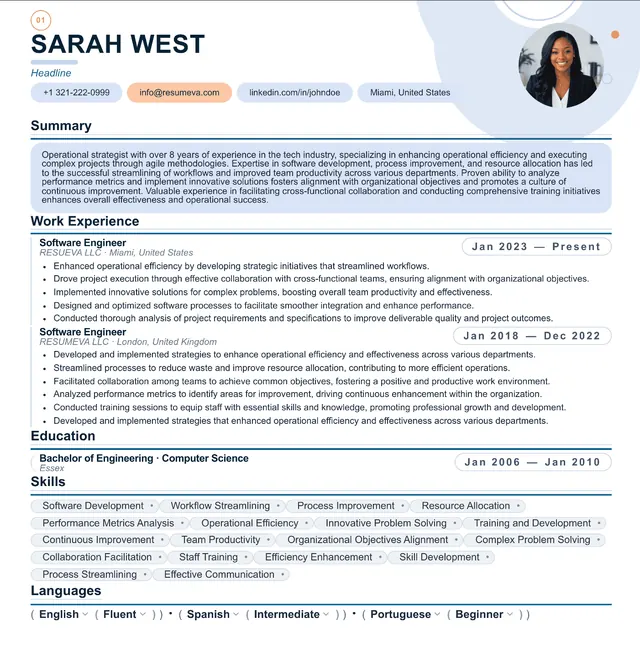
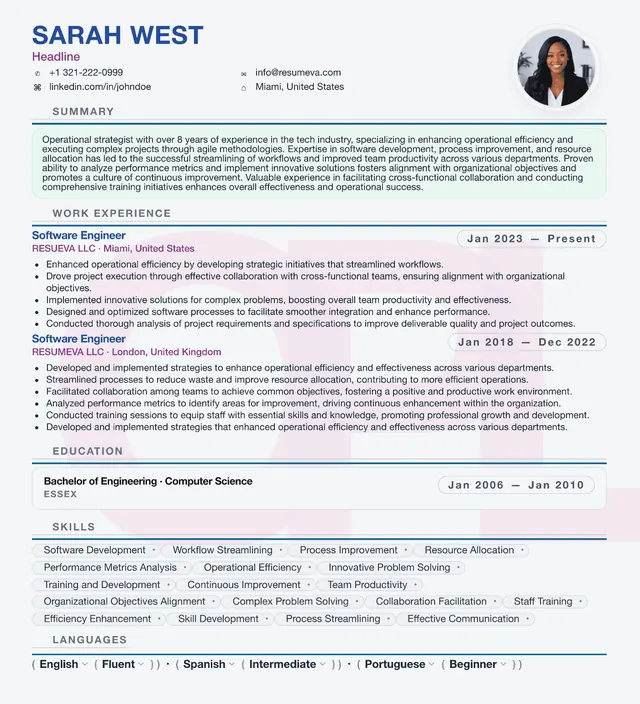
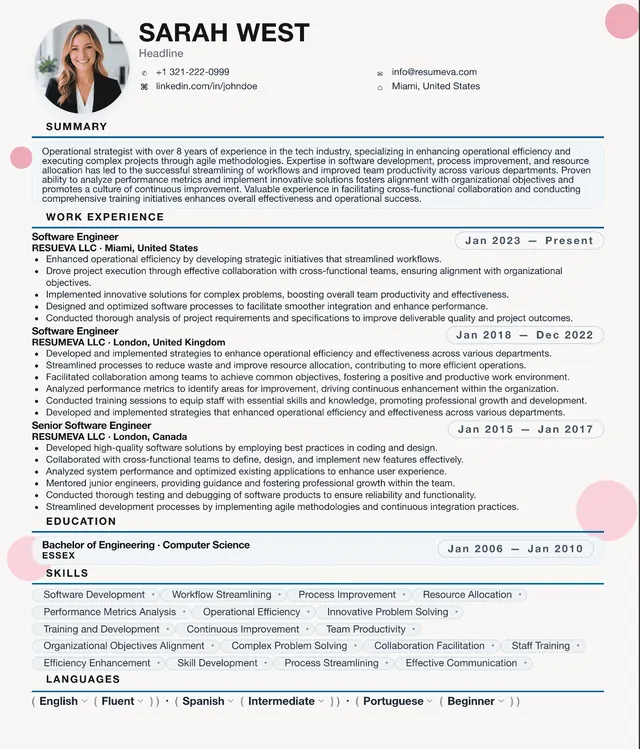
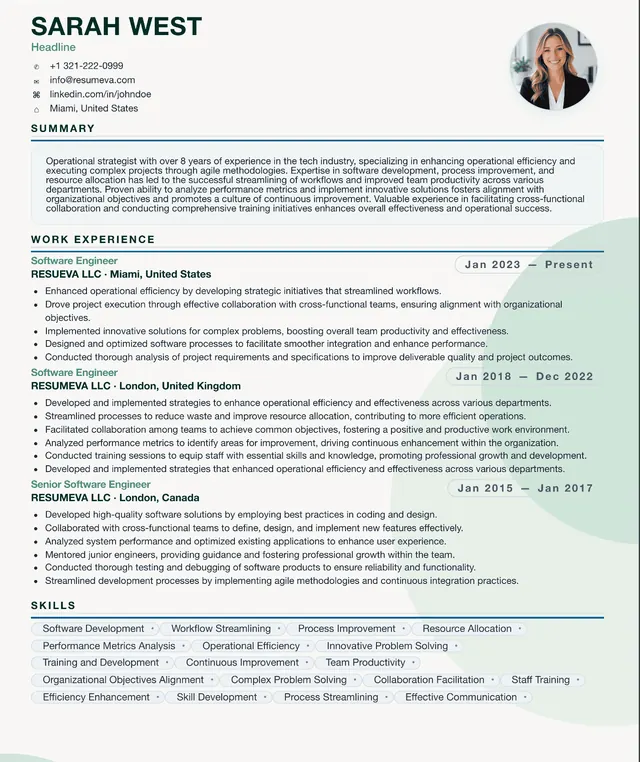
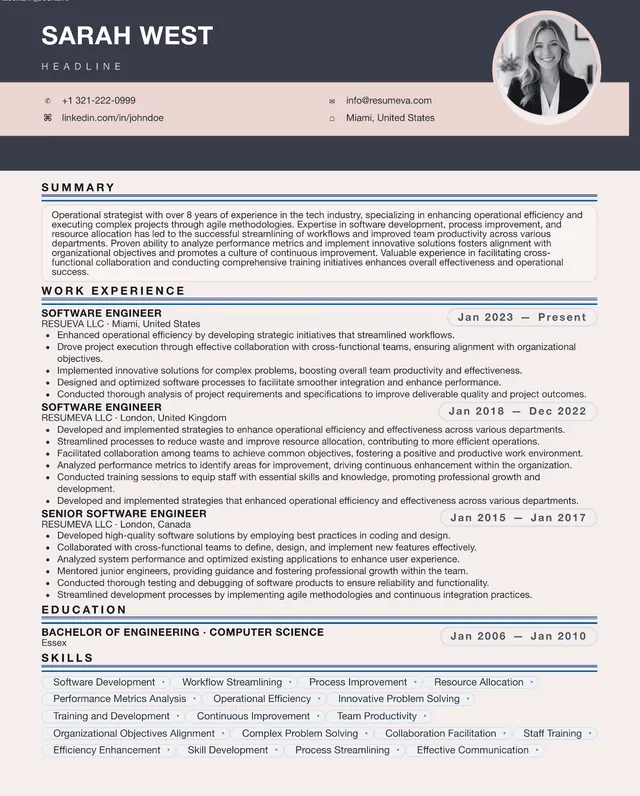
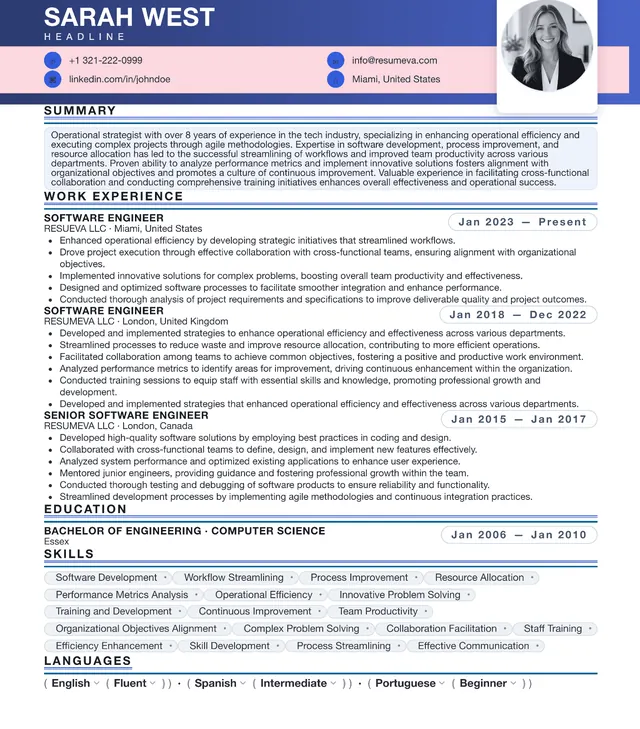
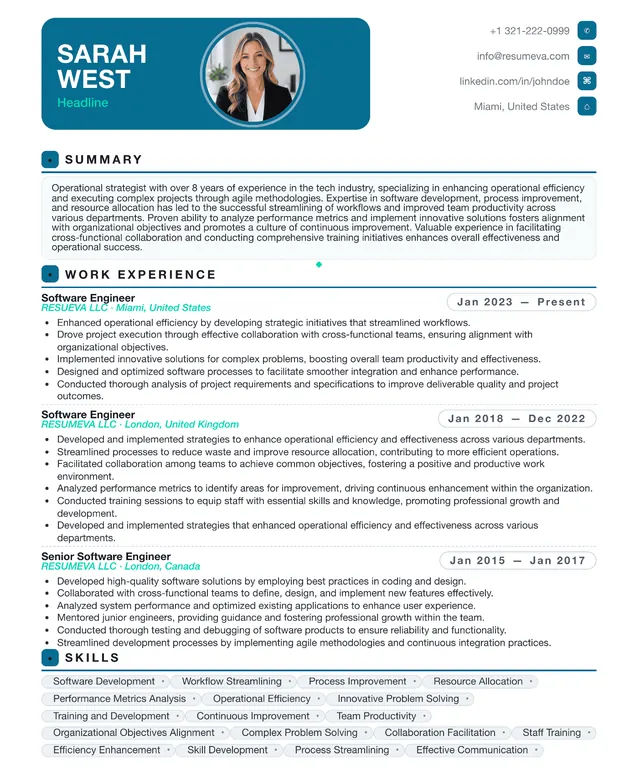
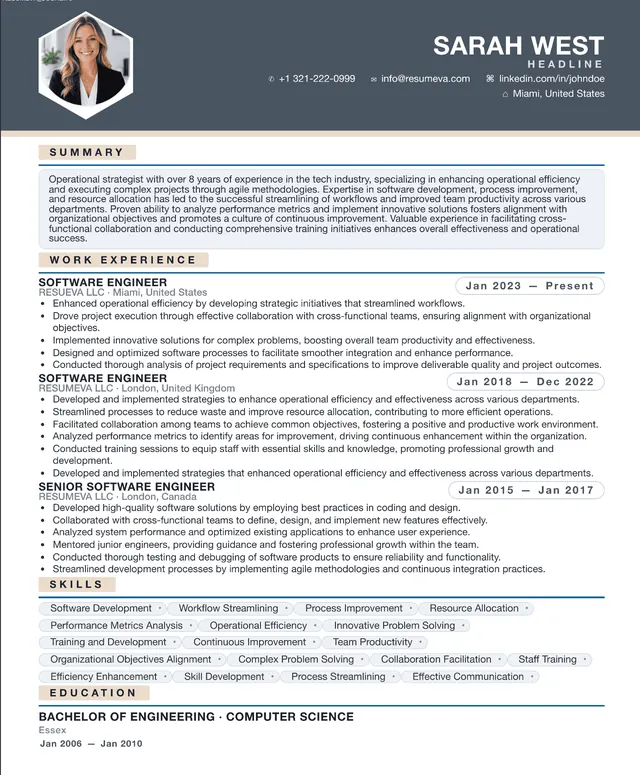
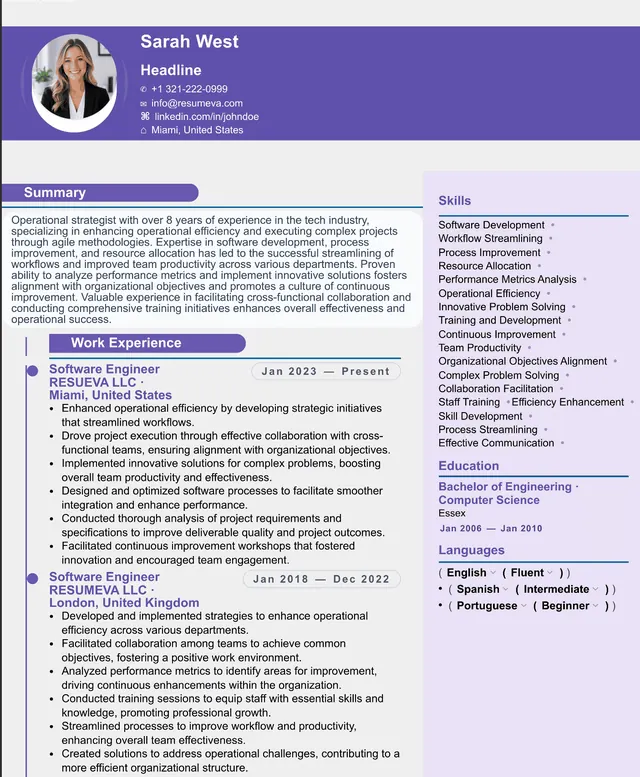
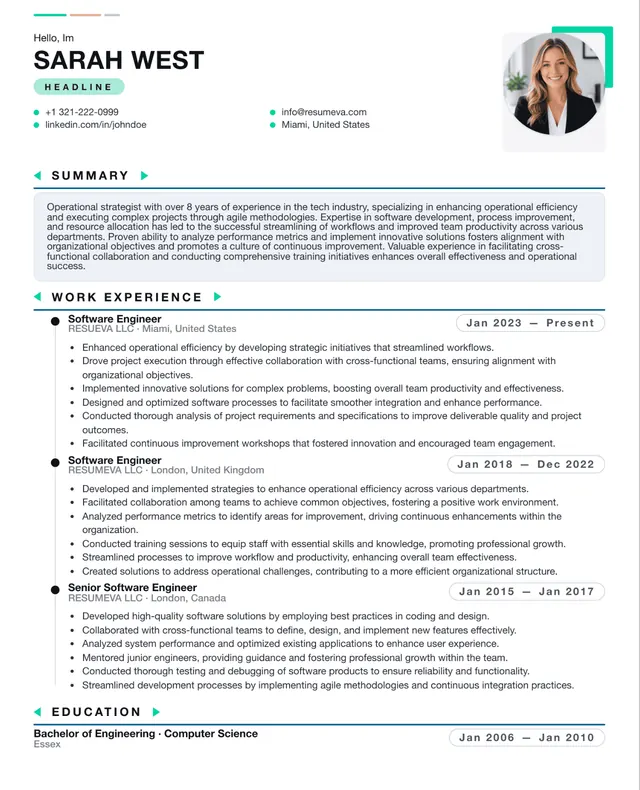
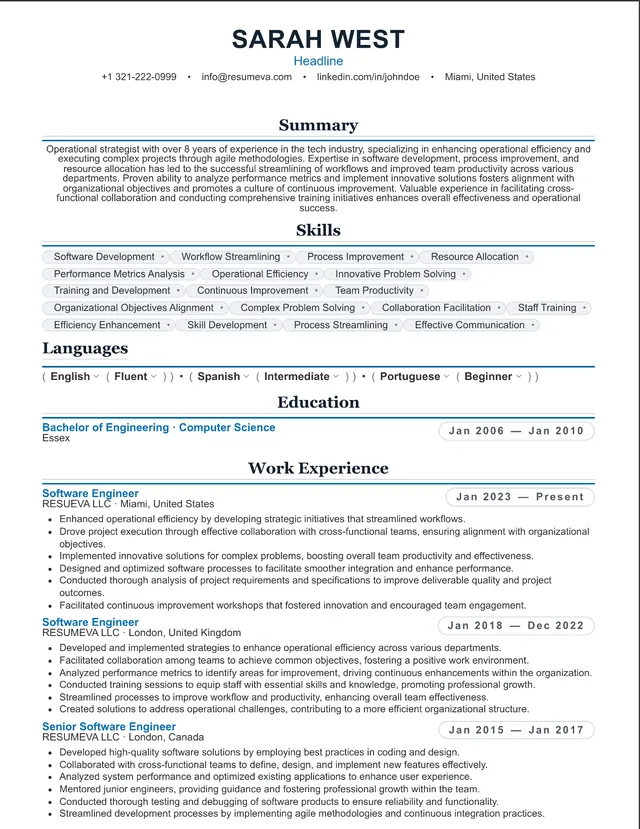
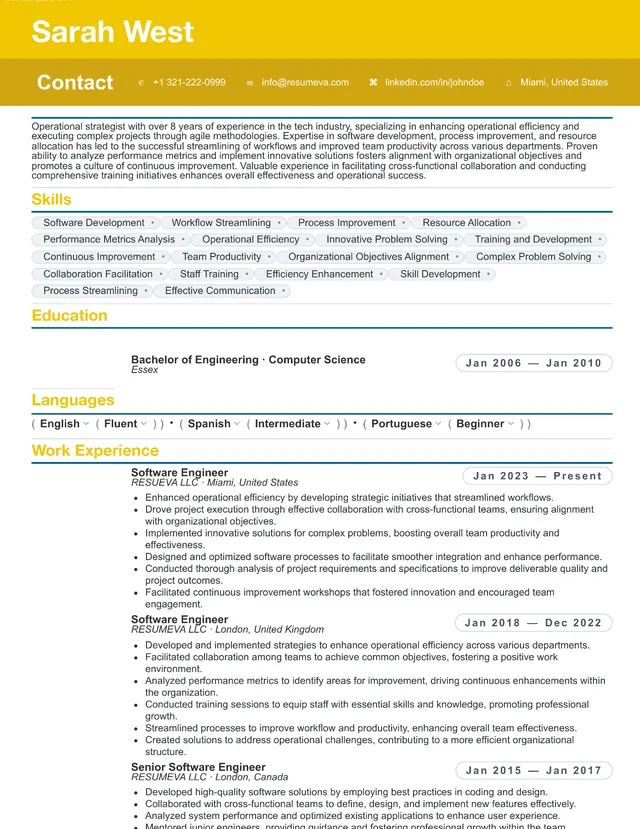
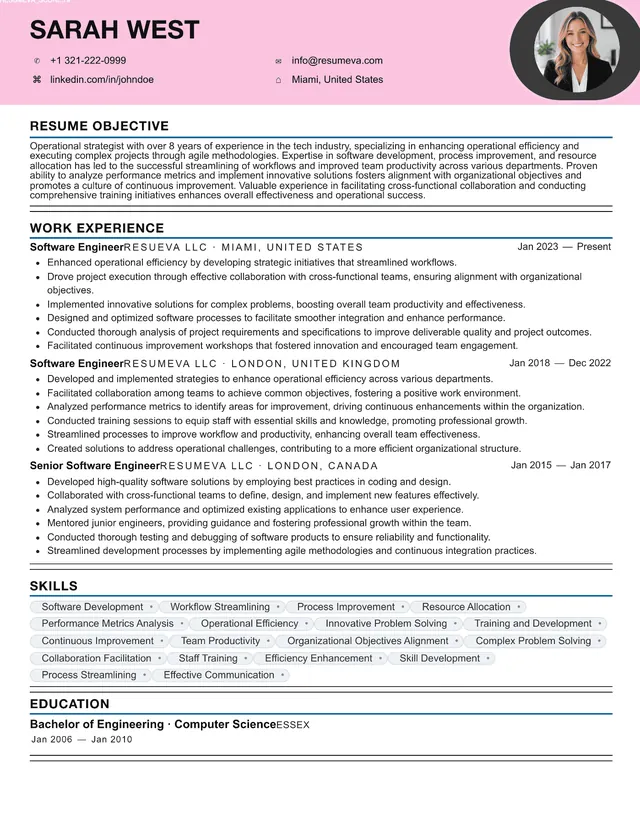
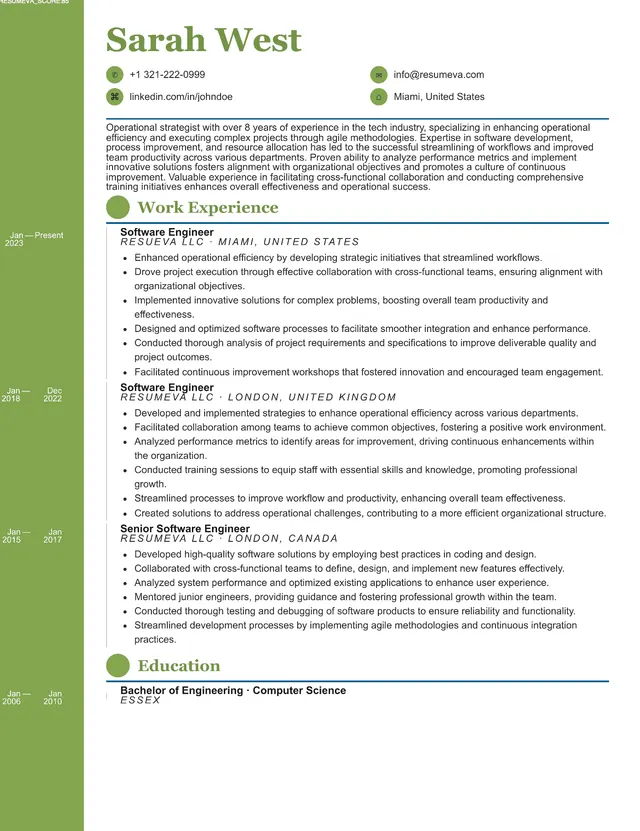
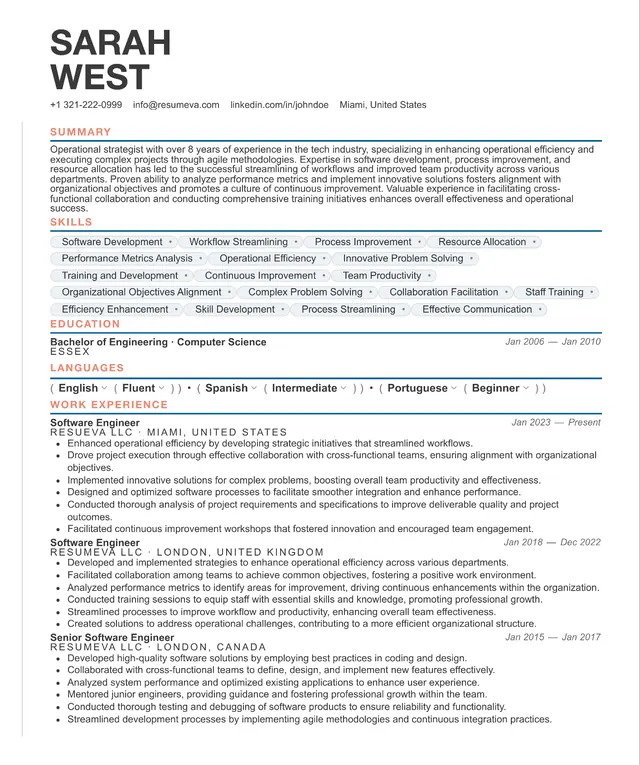
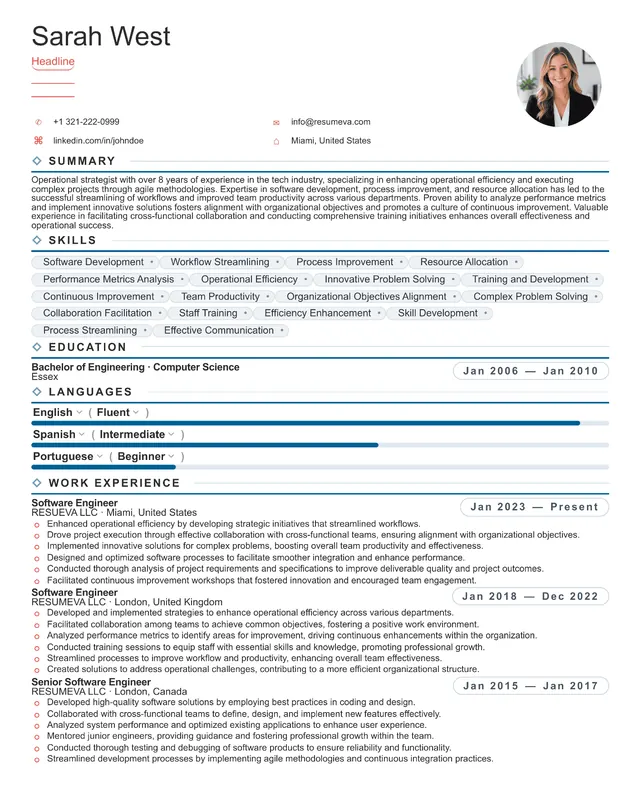
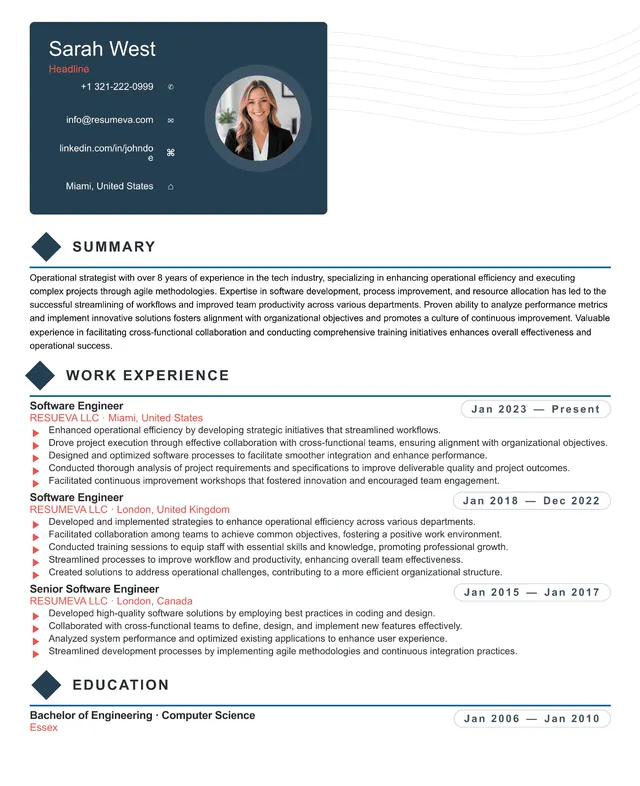
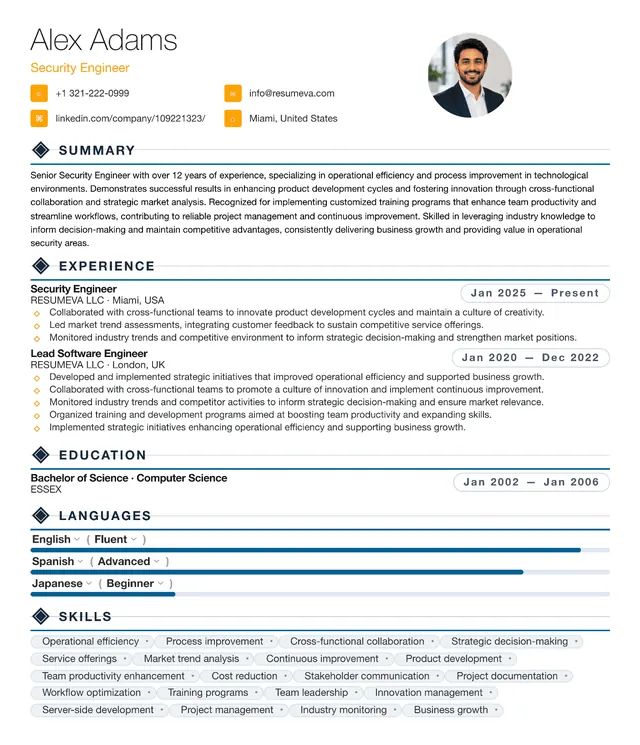
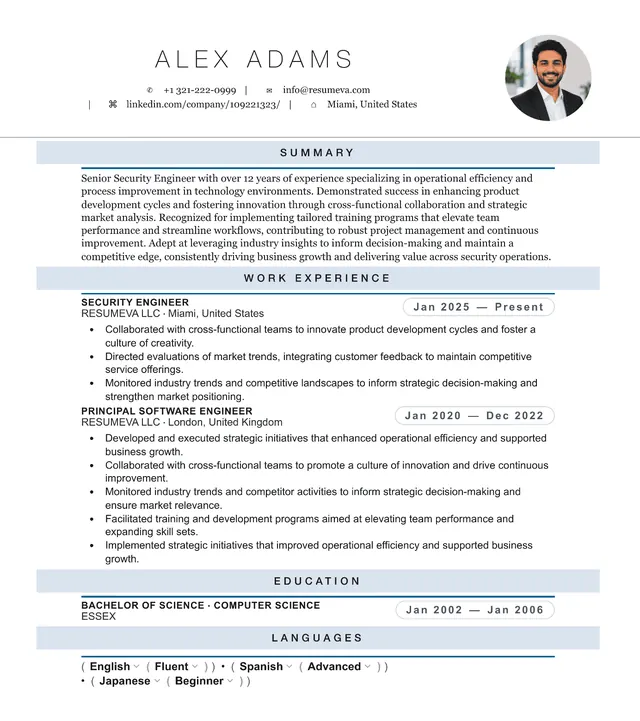
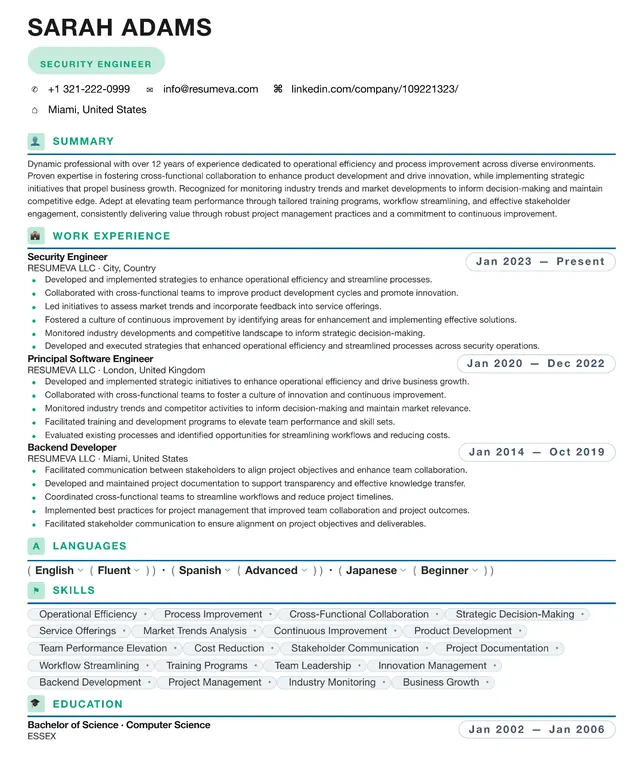
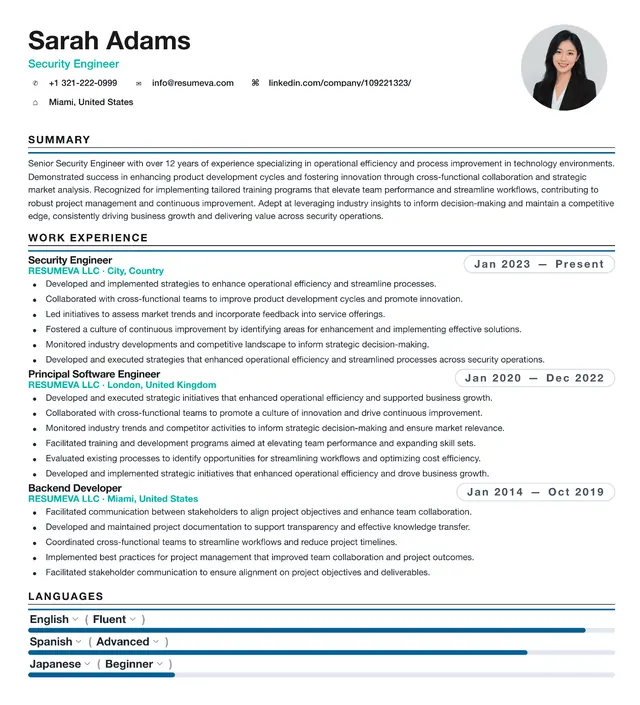
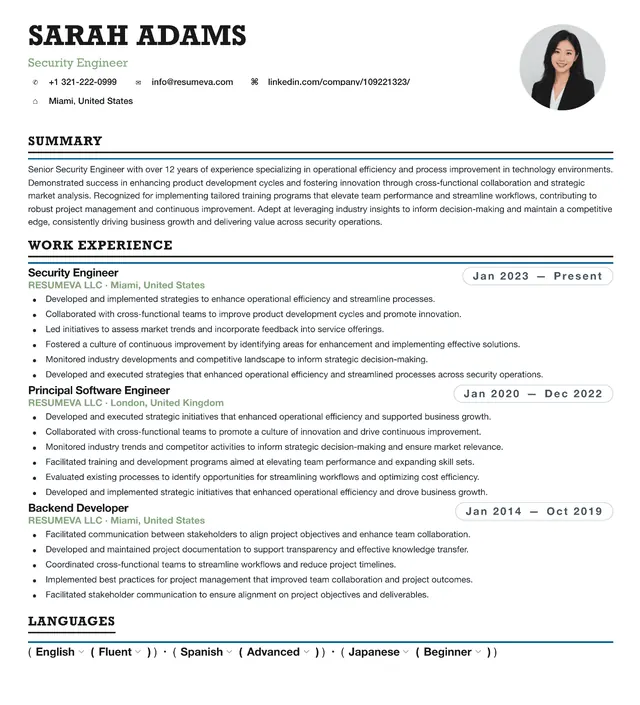
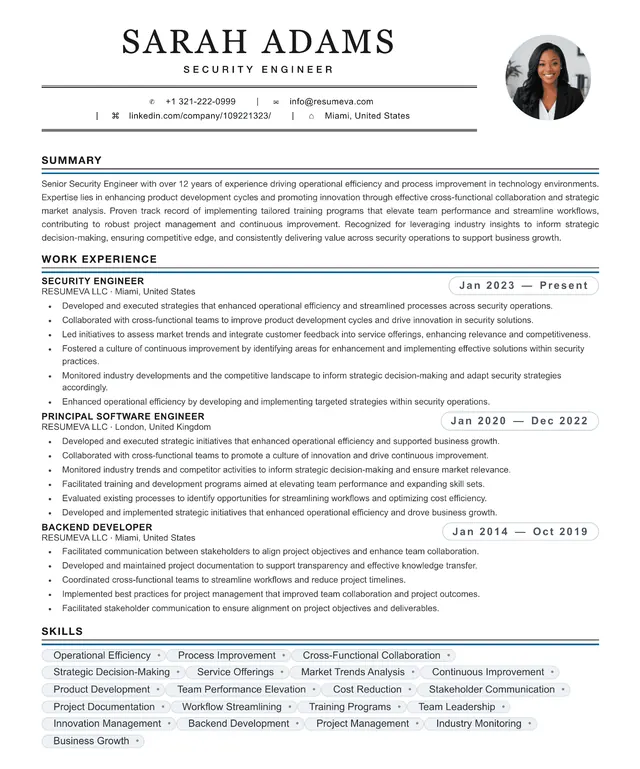
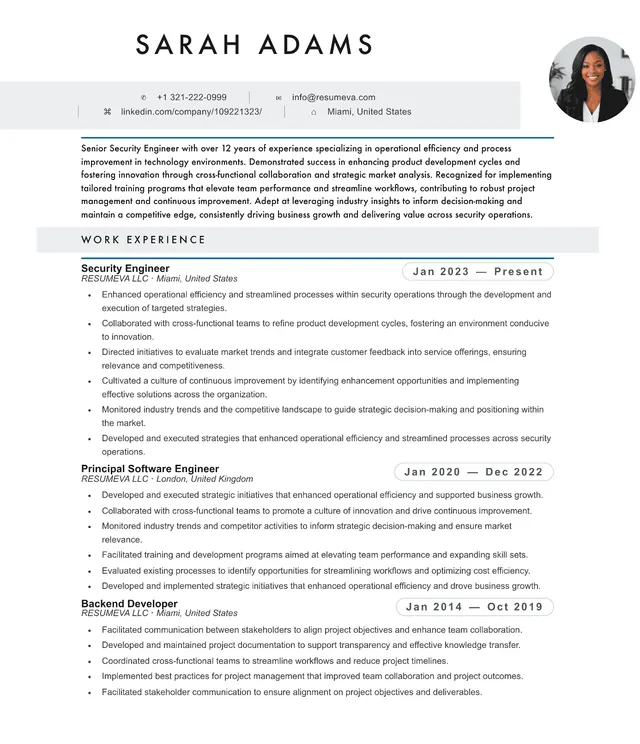
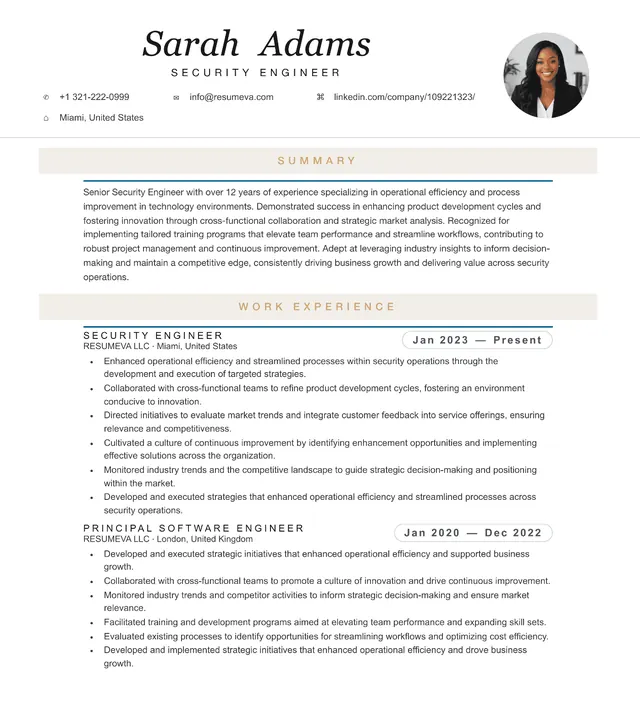
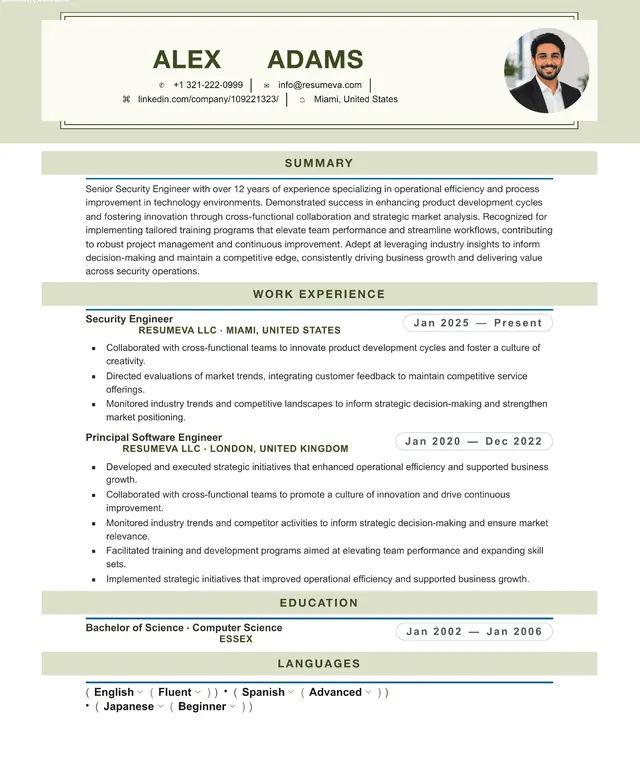
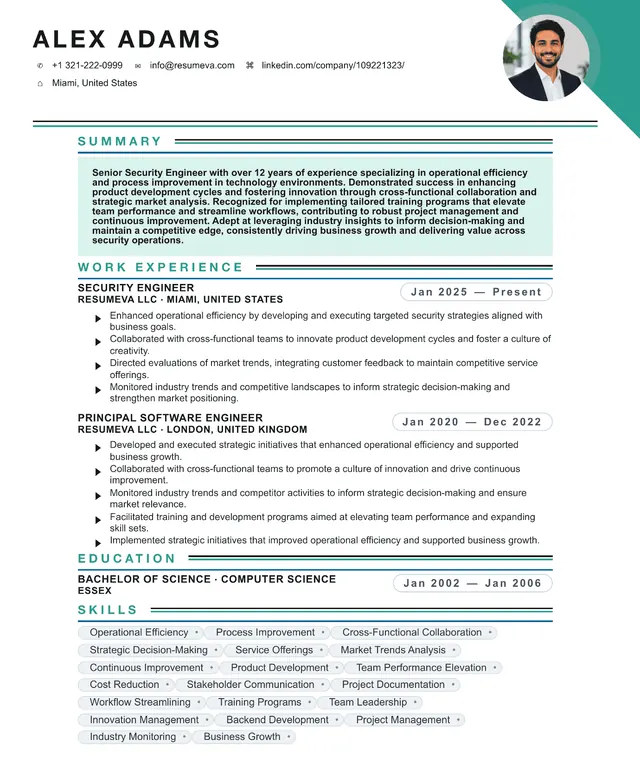
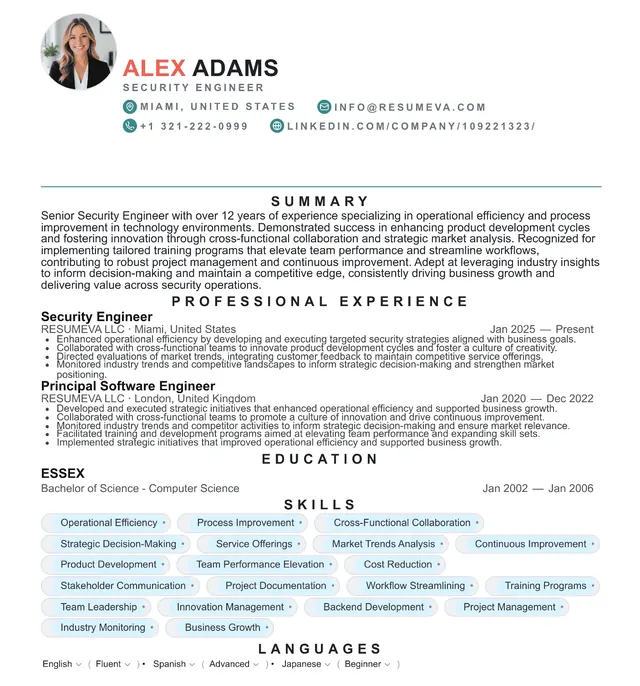
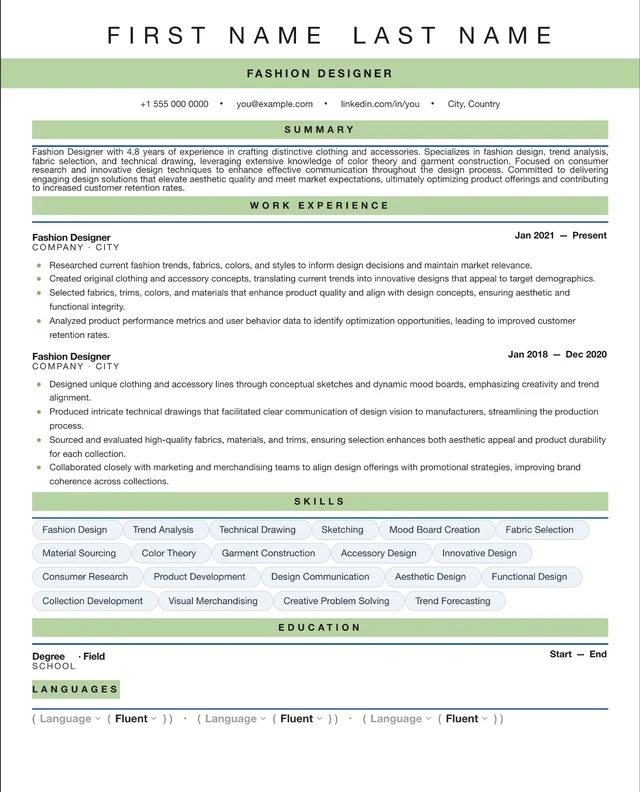
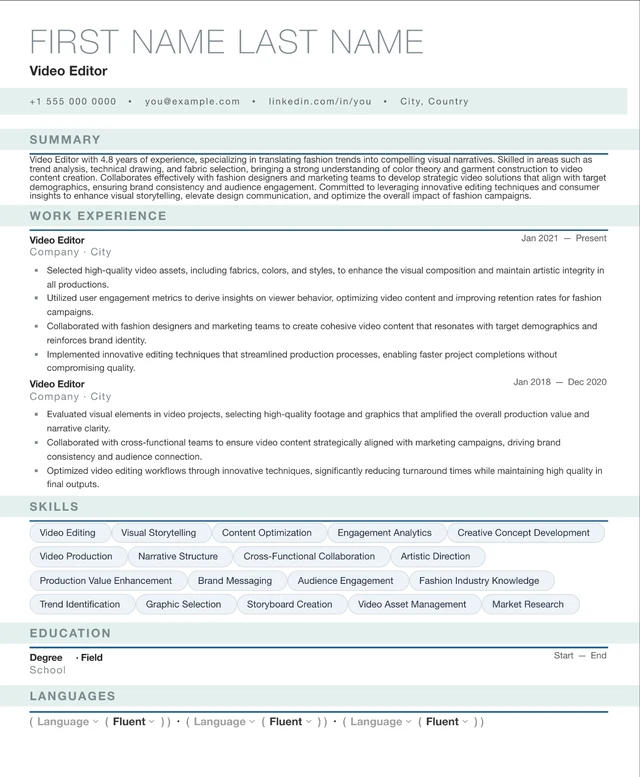
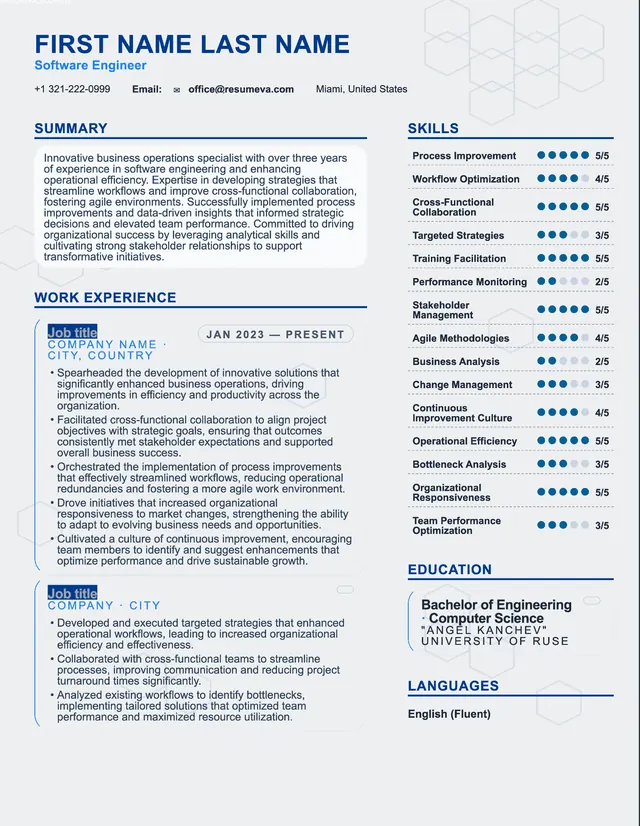
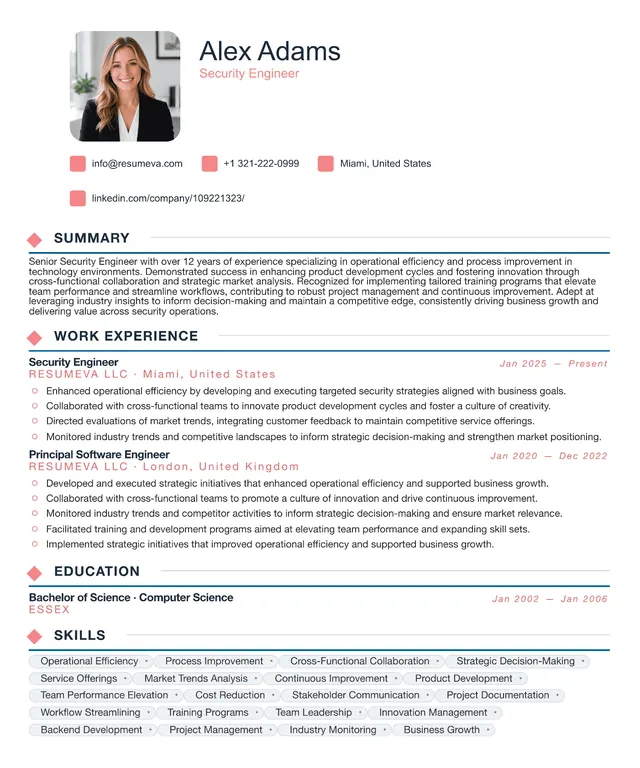
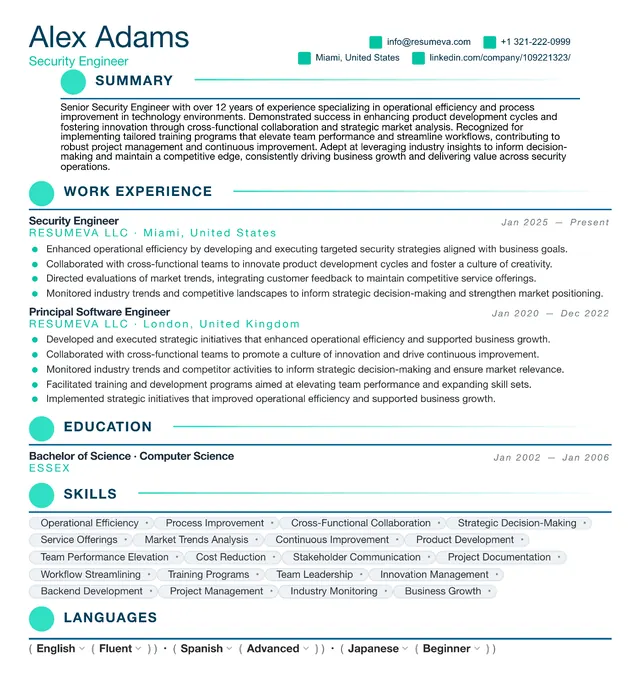
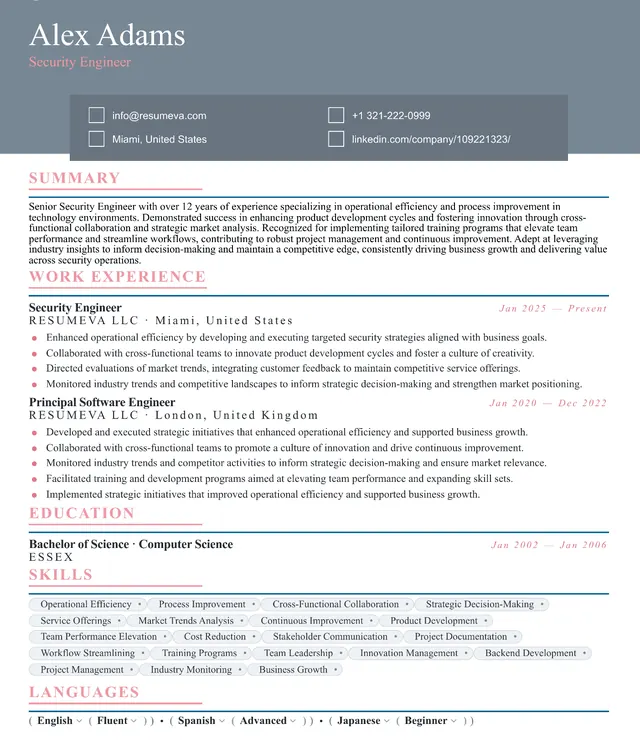
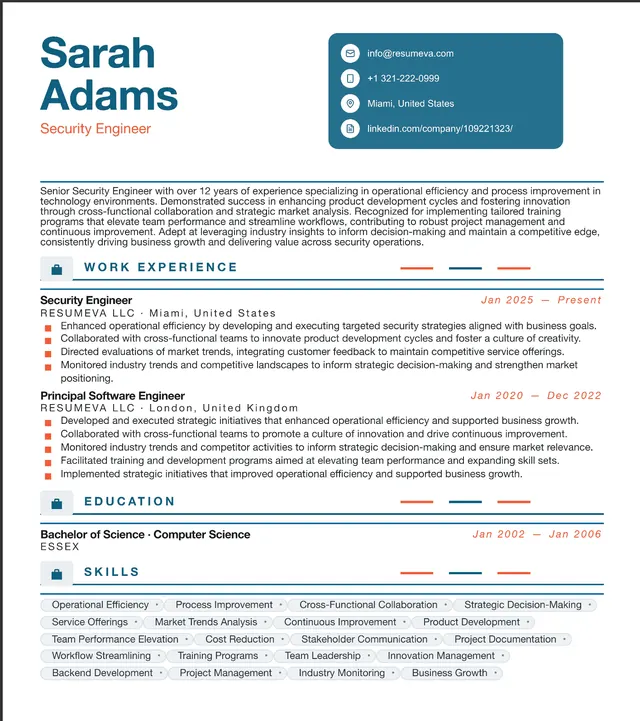
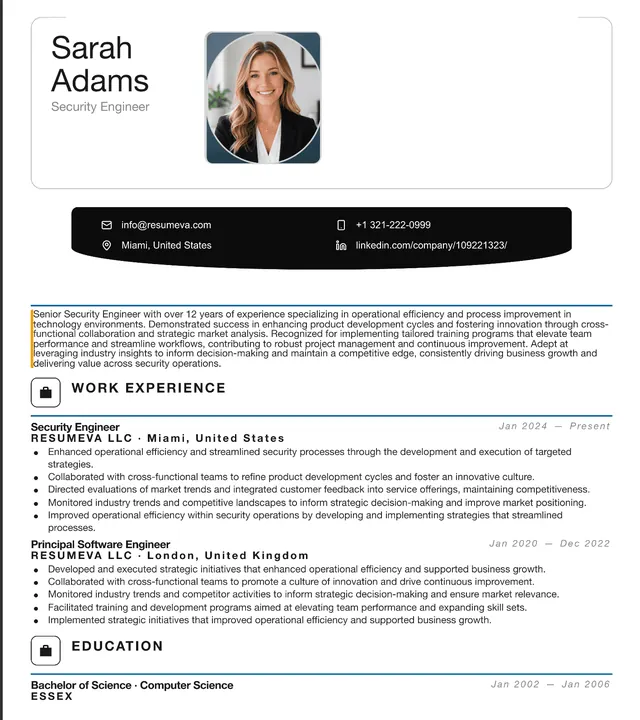
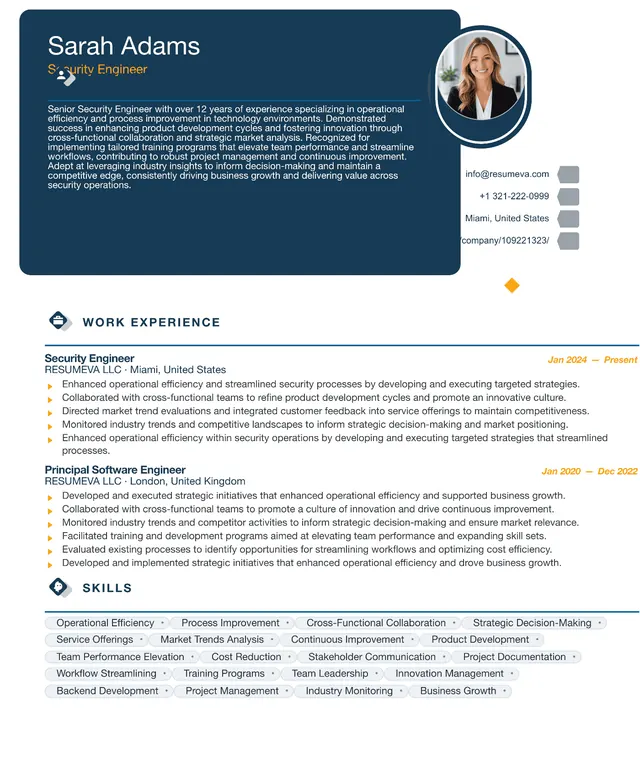
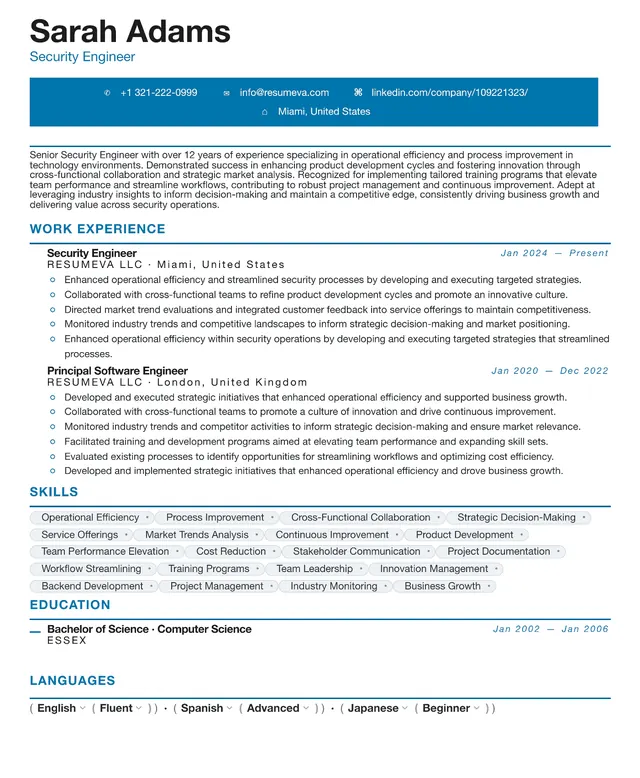
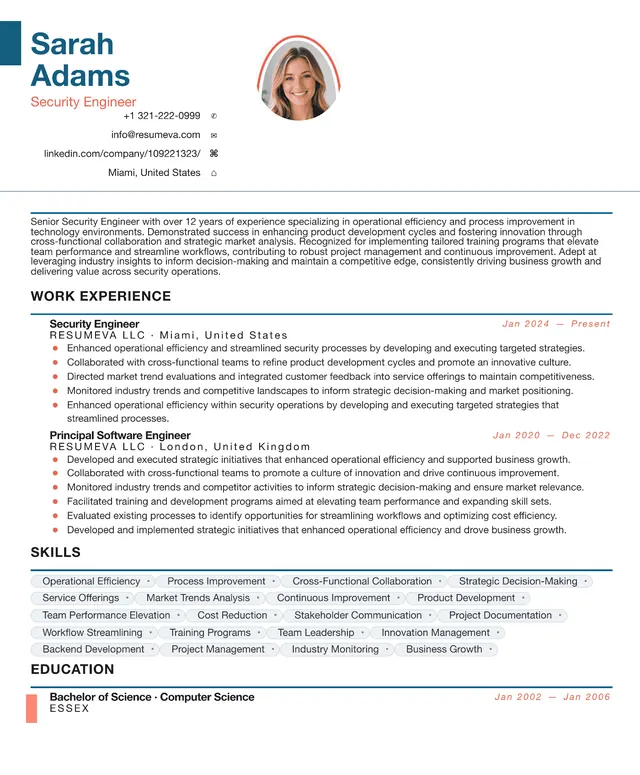
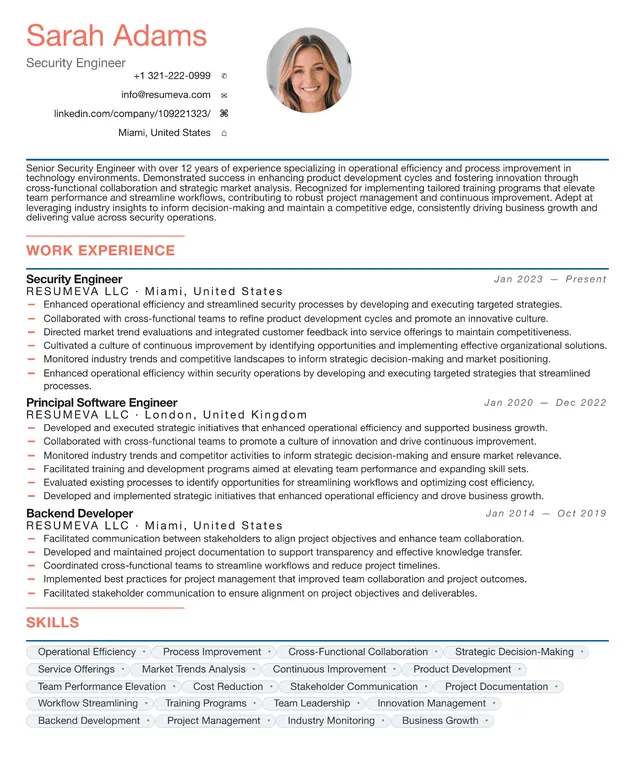
Preview content is fictional. Choosing a template starts a blank resume.
“Popular recently” identifies up to six templates by distinct customers with a saved resume using that template updated during the previous 30 days; it appears only when six templates and at least 20 counted customer-template uses are available. “Featured” is an editorial label, not a popularity ranking.
Simple resume templates keep the document focused on clear content. There is no sidebar or decorative color block—just a single-column flow with consistent typography and familiar section labels.
The simple category is a conservative option for high-volume applications, federal or state portals, and career changes. Its straightforward structure is useful when you do not know the employer's preferred presentation, but the vacancy's current instructions should always take priority.
Who this template is for
- Career changers who want the content to do all the talking.
- Recent graduates who want projects, education, and early experience presented without extra decoration.
- Senior leaders applying to roles where authority is the message, not styling.
- Anyone who wants a straightforward layout for federal, regulated, or high-volume applications.
Pros & cons
Pros
- A single-column structure reduces common reading-order and extraction problems.
- Clear headings and spacing make key information easier to scan.
- A restrained layout is designed to remain legible when printed or shared digitally.
- Zero distractions means your bullets, metrics, and titles get the spotlight they deserve.
Cons
- No visual personality — bad fit for design and creative roles where taste is part of the brief.
- Easy to make boring if your content isn't tight; you can't lean on layout to rescue weak bullets.
- Looks indistinguishable from any other simple resume, so your content has to differentiate.
- Doesn't take advantage of the additional density a two-column layout can give senior candidates.
ATS formatting guidance
Layout profile: Straightforward reading order
These notes describe common document-structure practices, not certification by or a guarantee for any applicant-tracking system. Always follow the employer's file requirements.
- Pure single-column, single-font, monochrome by default.
- Common section headings help people and automated systems identify the document structure.
- Selectable text only, never converted to images.
- Review the exported file and the employer's accepted file formats before submitting.
Common uses
Federal & Government
A single-column structure can make detailed qualifications easier to organize; always follow the vacancy's current instructions.
Healthcare & Allied Health
A restrained layout keeps licenses, certifications, and clinical experience prominent.
Education & Public Sector
A conventional structure can present credentials and experience clearly.
Logistics, Manufacturing, Skilled Trades
A clear hierarchy keeps certifications, safety records, and practical experience easy to locate.
Career-change applications across any industry
Reduces the visual cues that flag 'this person comes from a different world.'
Example use cases
Recent graduate's first professional resume
Lead with Education + Projects, push Experience down, and let the simple layout keep the page from feeling thin.
10+ year career changer
Reframe past roles into outcome bullets that map to the new industry's vocabulary, without any layout 'tells' from the old field.
Federal application
Use clear section labels and copy each qualification into the portal fields requested by the vacancy.
Continue with this style
Start a blank resume with Administrative AssistantFrequently asked questions
Is a simple resume too plain for senior roles?
Not necessarily. A restrained layout can keep attention on seniority, scope, and outcomes without relying on visual decoration.
Does simple mean black-and-white only?
Our default simple variant is monochrome, but you can use a restrained accent color for headings. Check contrast and confirm the exported text remains readable.
Will a simple resume look unfinished?
Not when the spacing, headings, and content hierarchy are consistent. A simple layout can look deliberate while remaining easy to read and share.
Can I use a simple template if I have 20 years of experience?
Yes. Use two pages when relevant experience needs the space. Keep 4–6 focused bullets for recent roles and 2–3 for older roles; much older, less relevant experience can be condensed into a short Earlier Experience entry.