Creative Resume Templates
Stand out in design, marketing, and creative industries. These templates use color, typography, and layout to showcase personality without sacrificing readability.
May suit
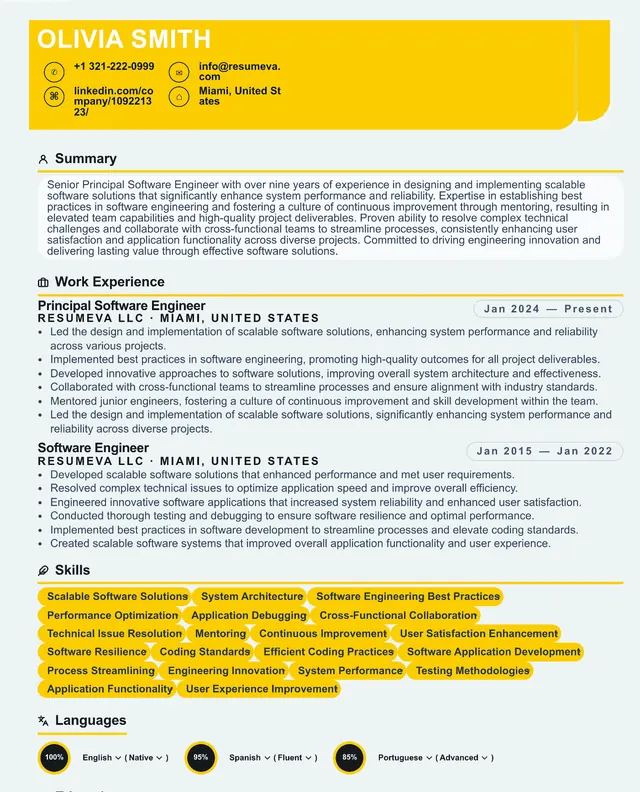
Graphic Designer
Bold accents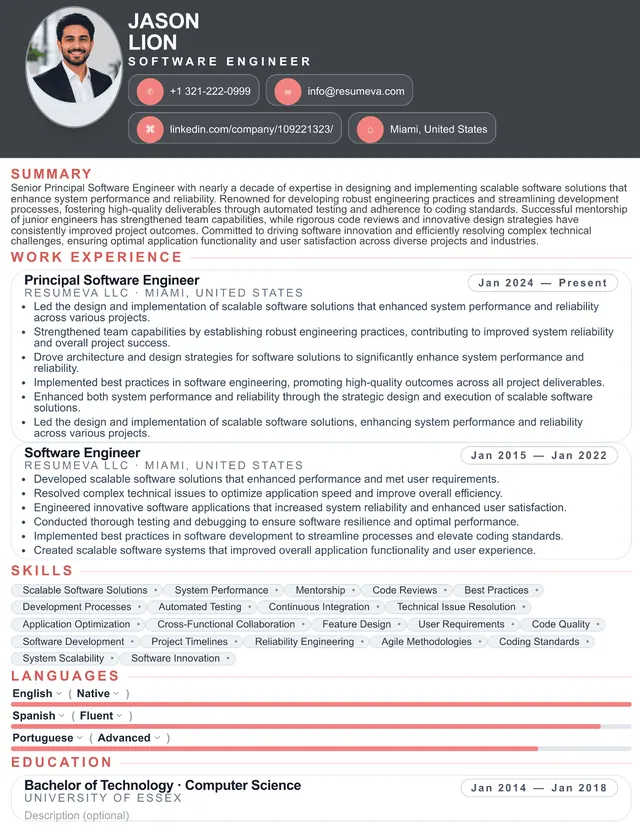
Art Director
Magazine layout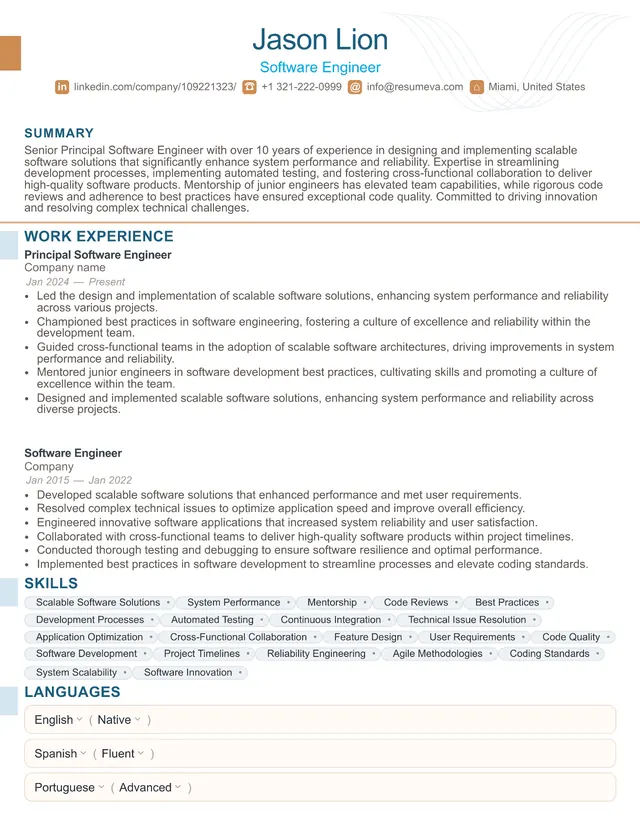
Photographer
Portfolio-ready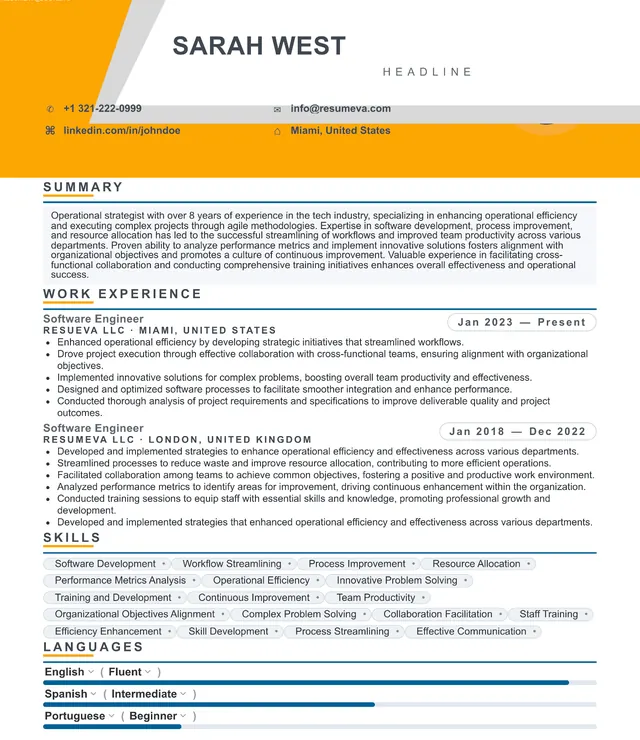
Brand Designer
Color-blockedPreview content is fictional. Choosing a template starts a blank resume.
“Popular recently” identifies up to six templates by distinct customers with a saved resume using that template updated during the previous 30 days; it appears only when six templates and at least 20 counted customer-template uses are available. “Featured” is an editorial label, not a popularity ranking.
Browse all templates
112 designs with clear structure and editable content.
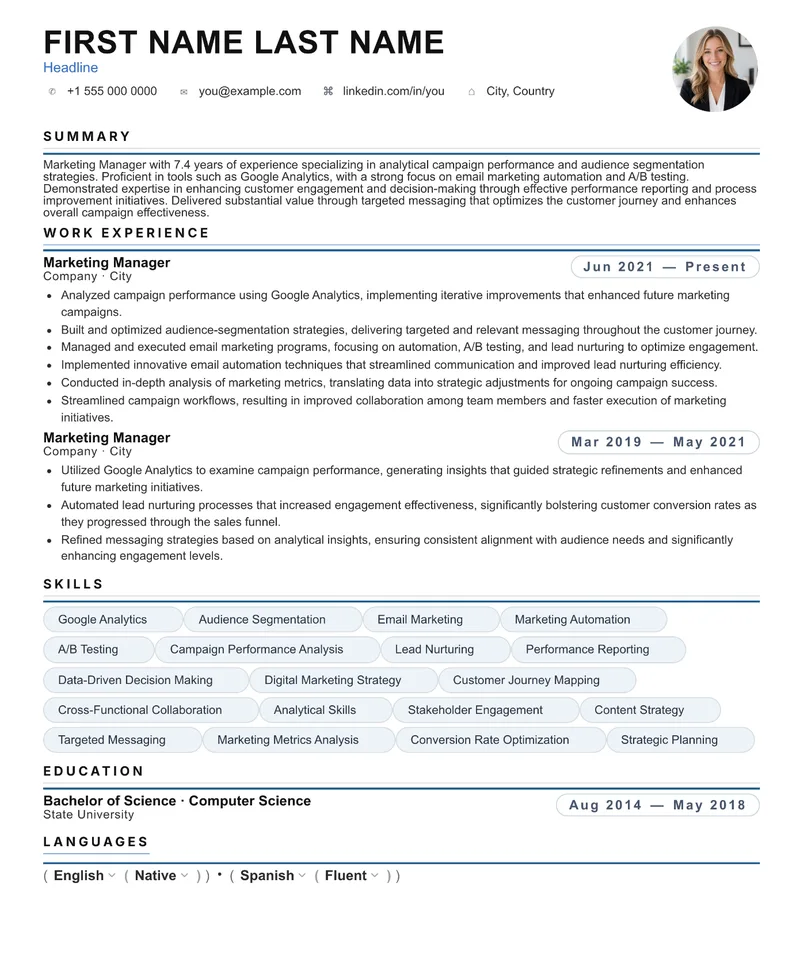
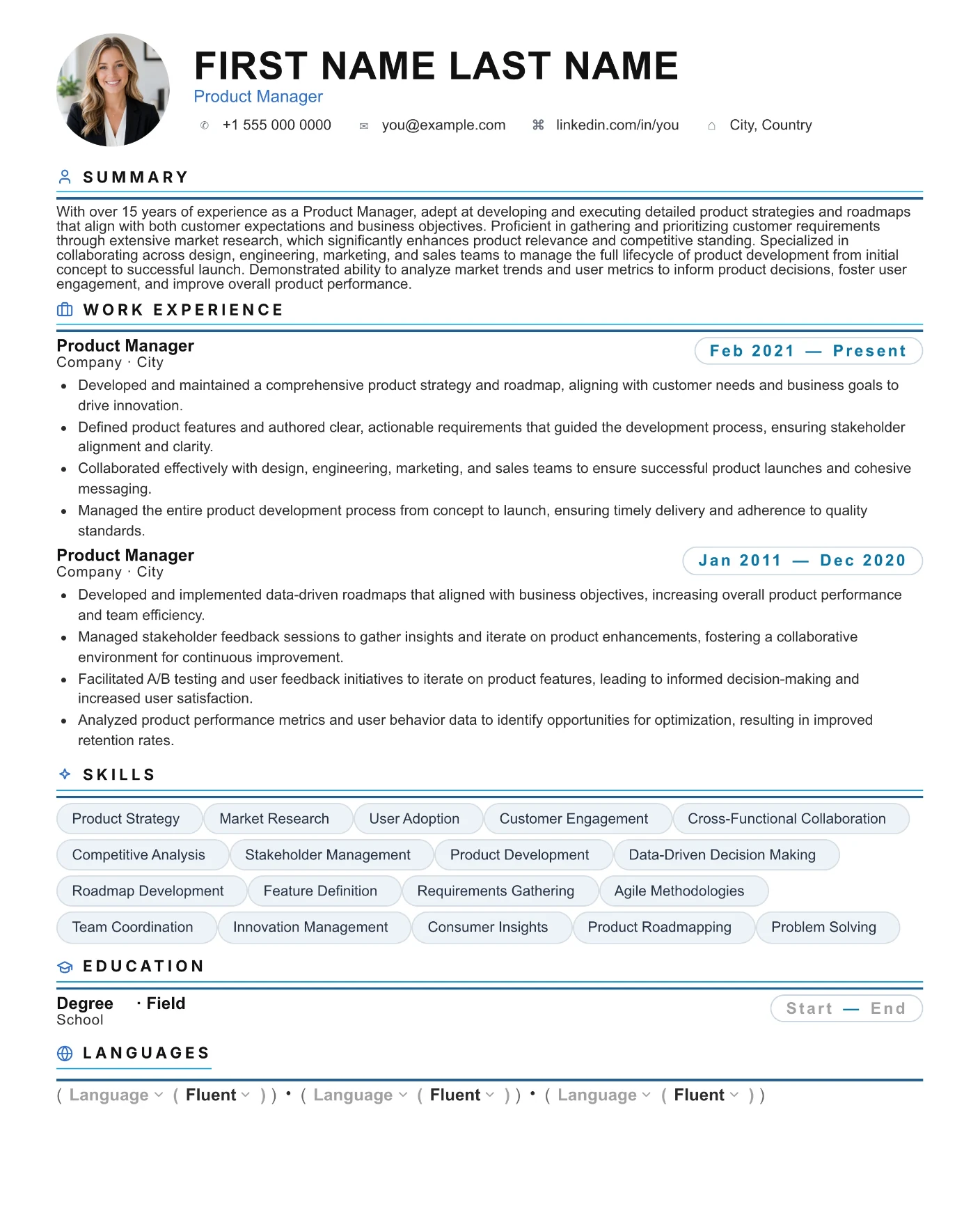
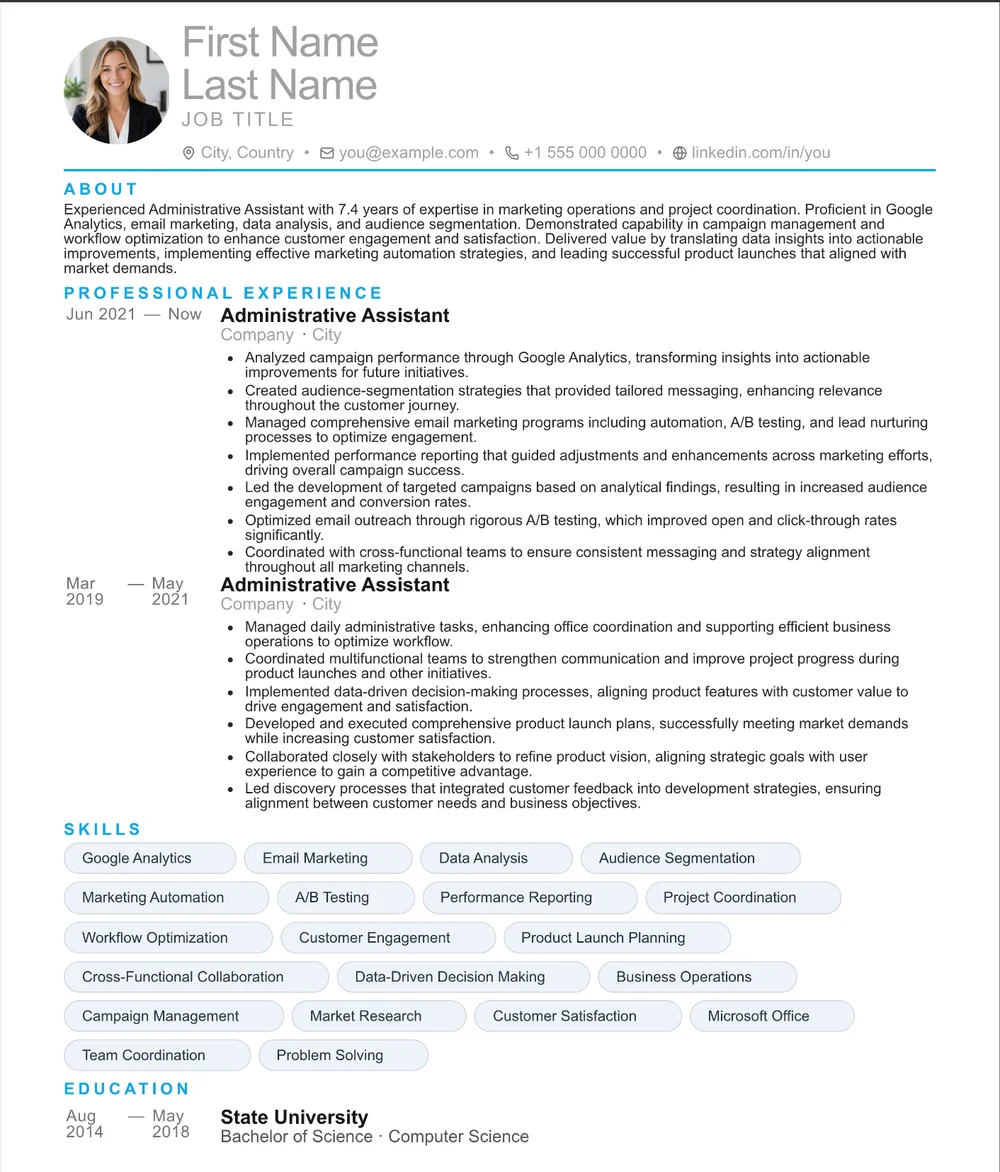
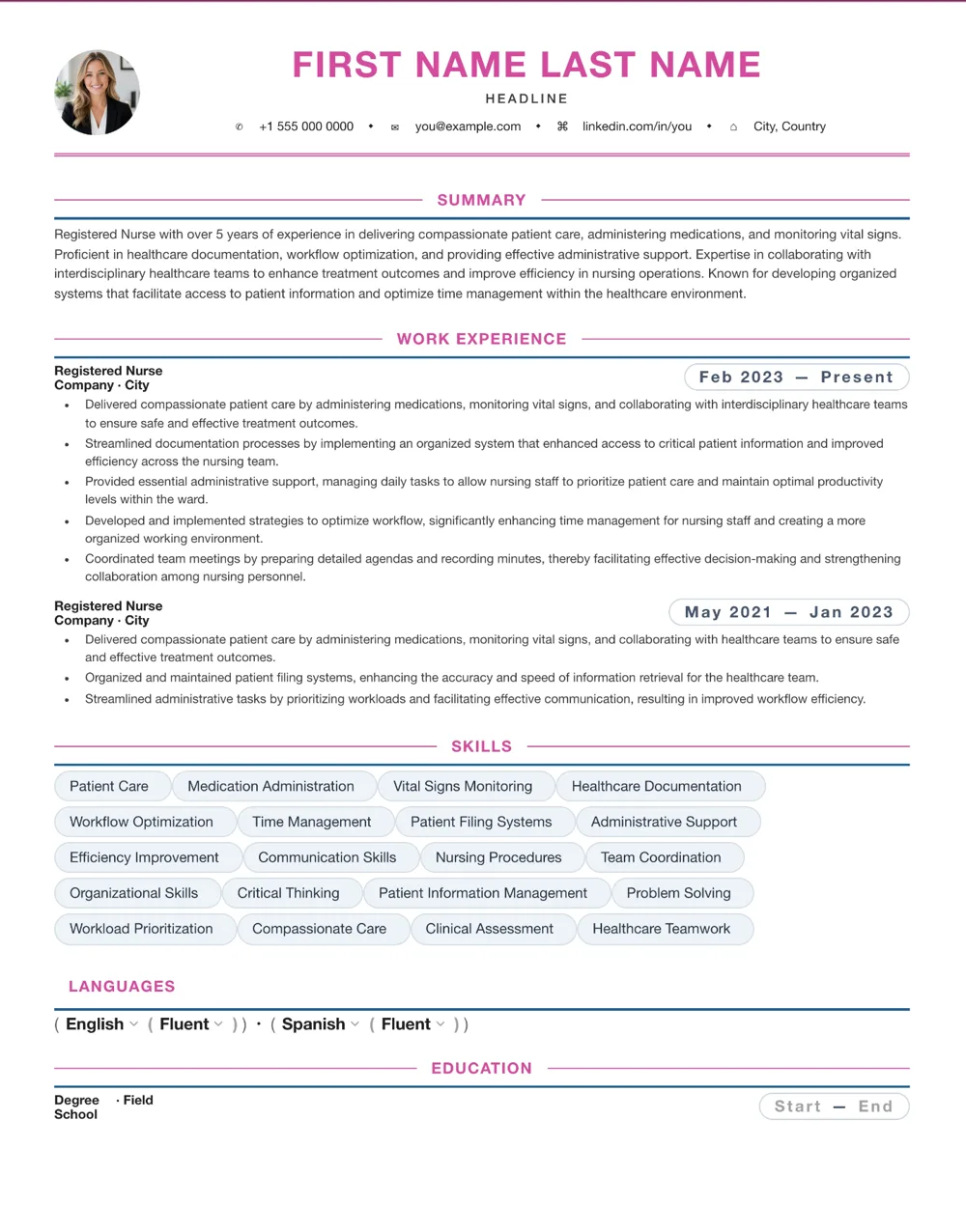
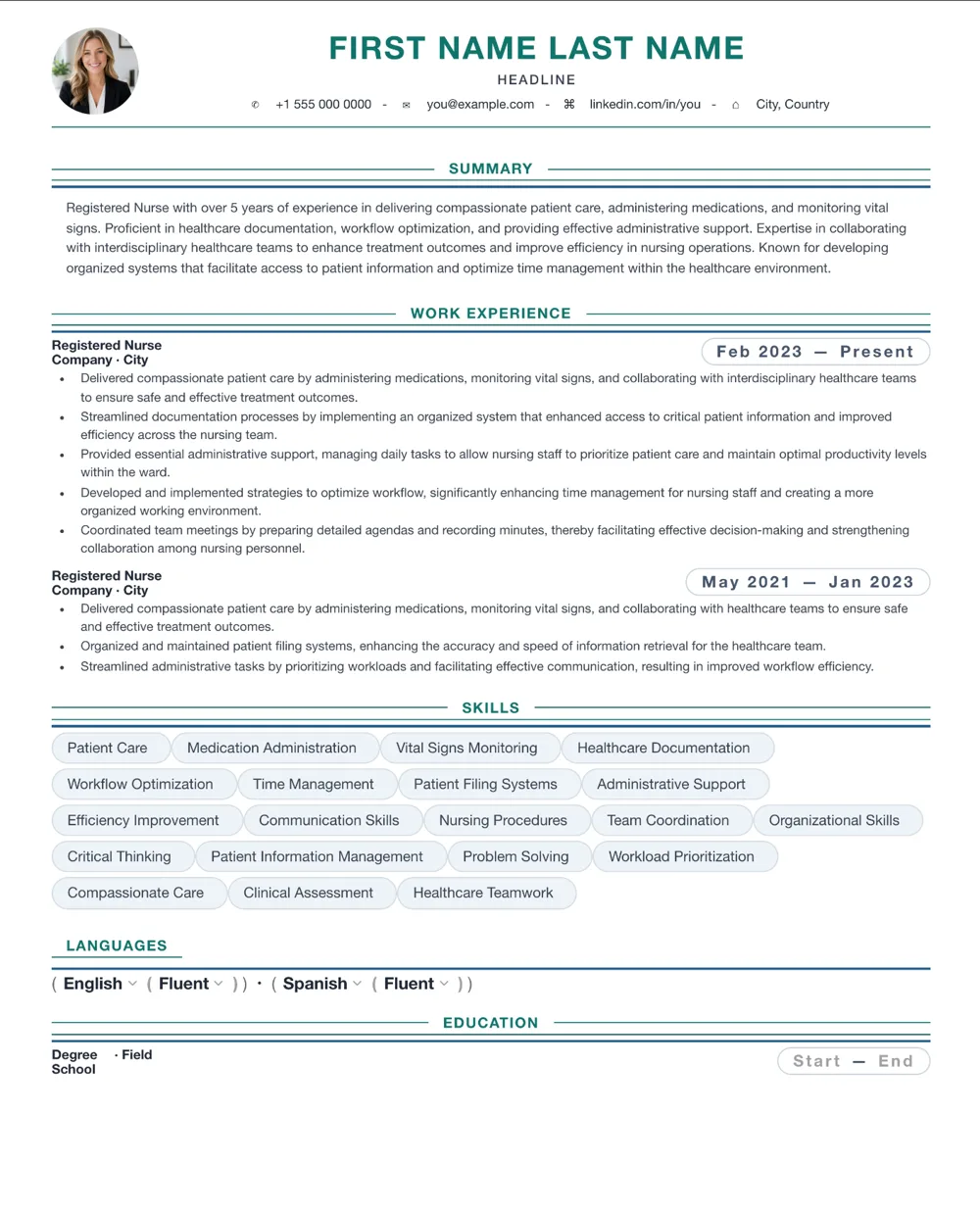
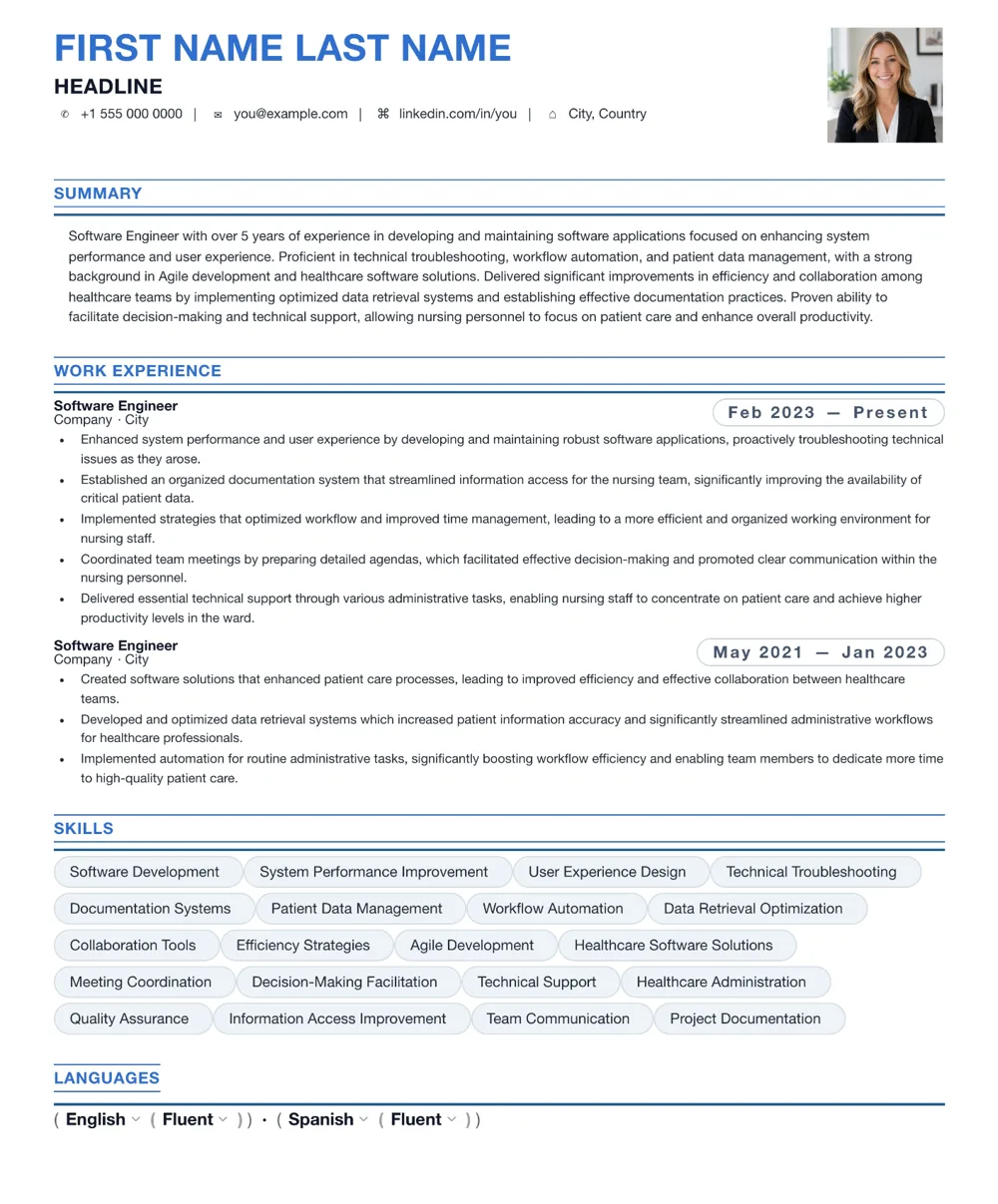
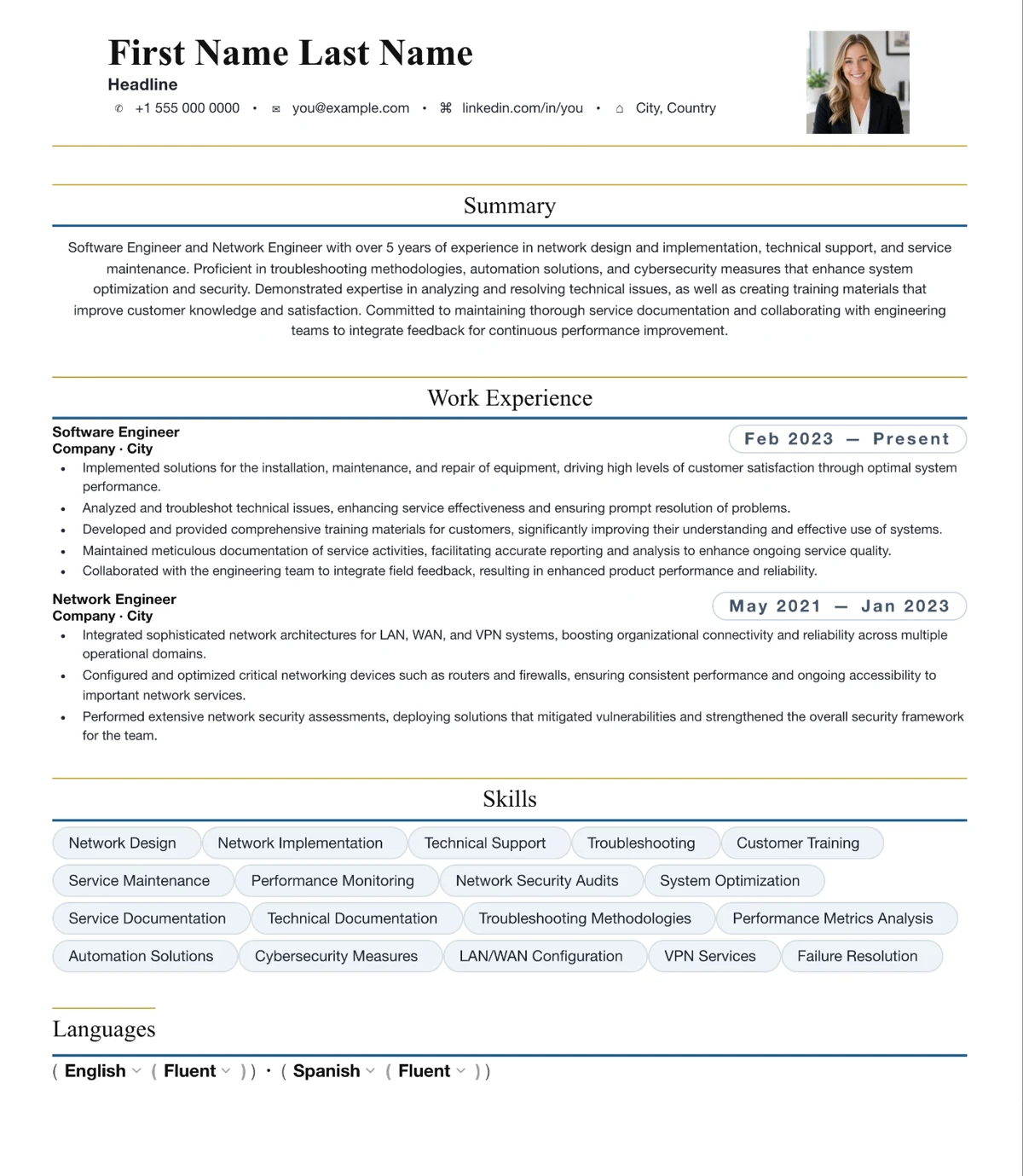
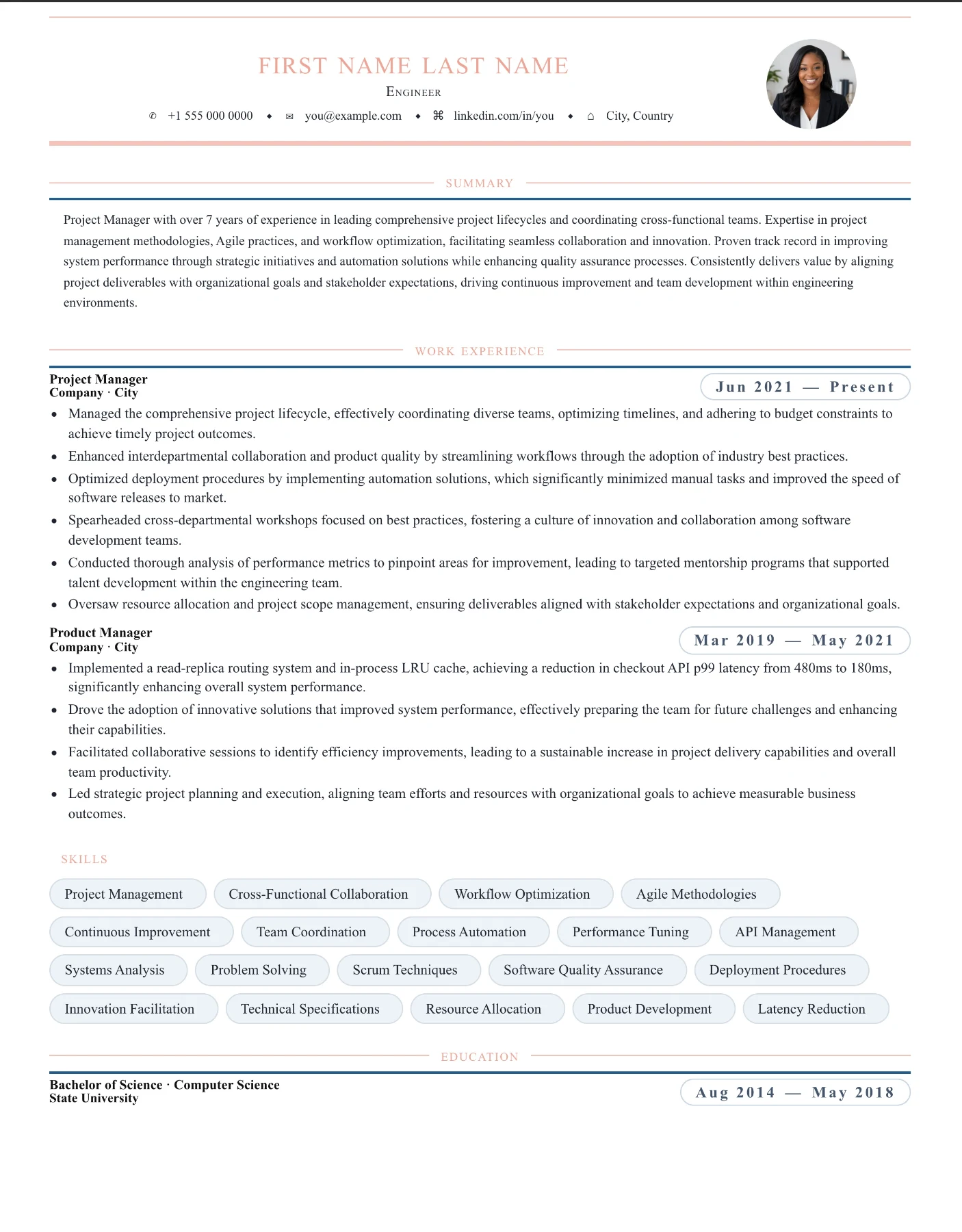
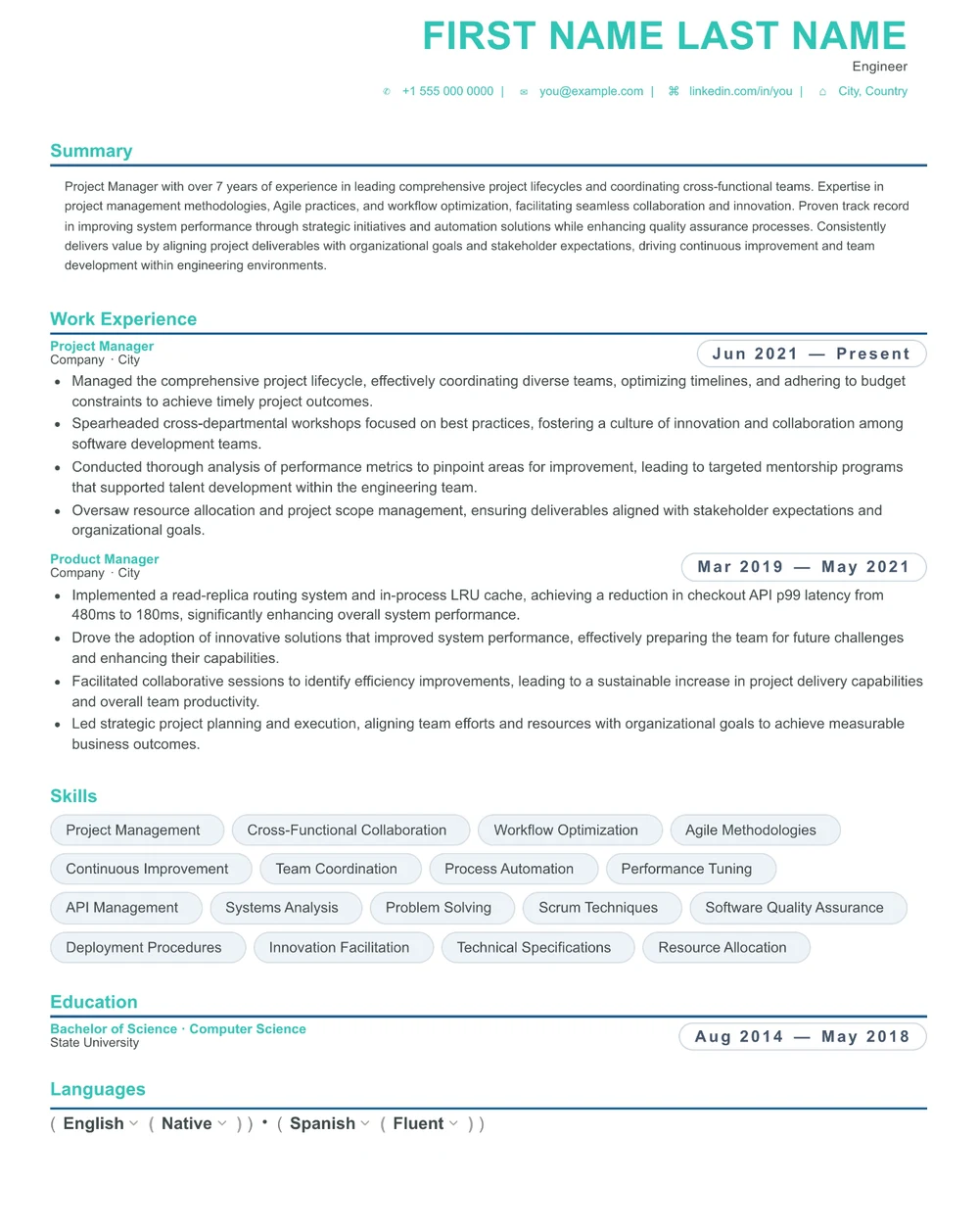
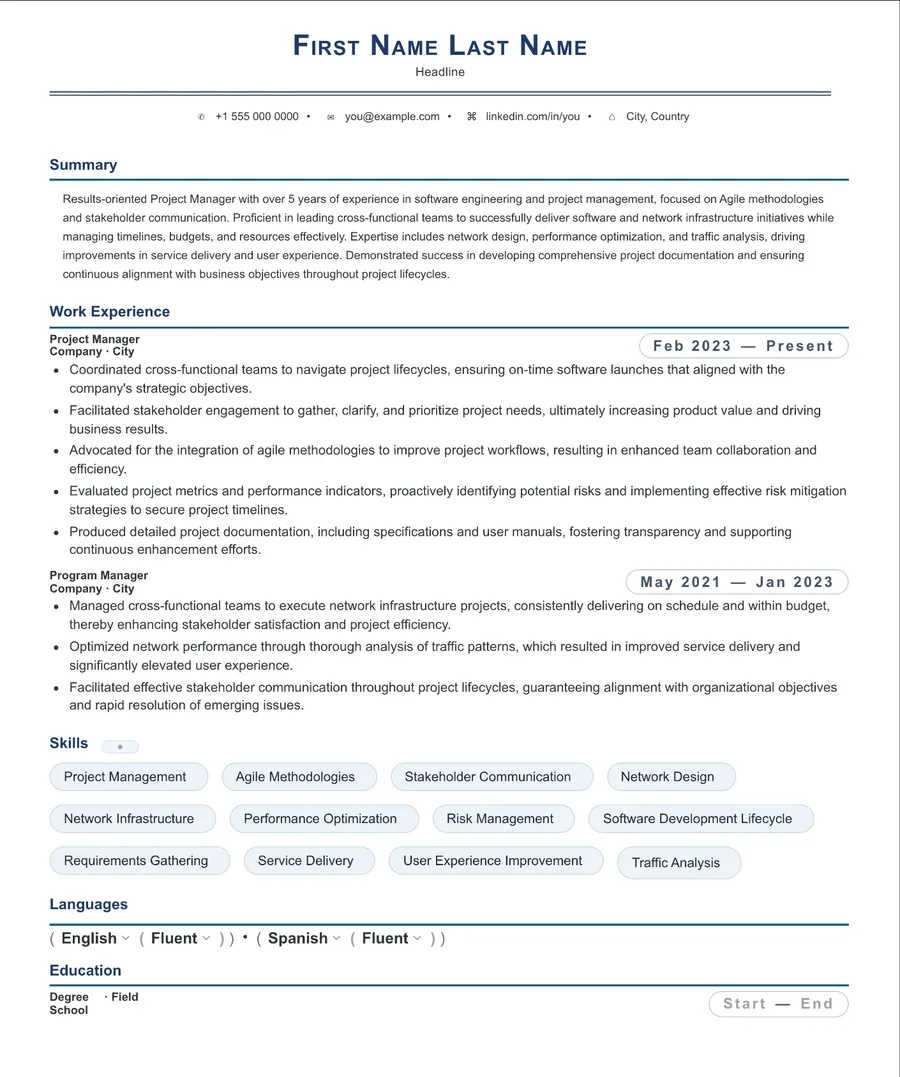
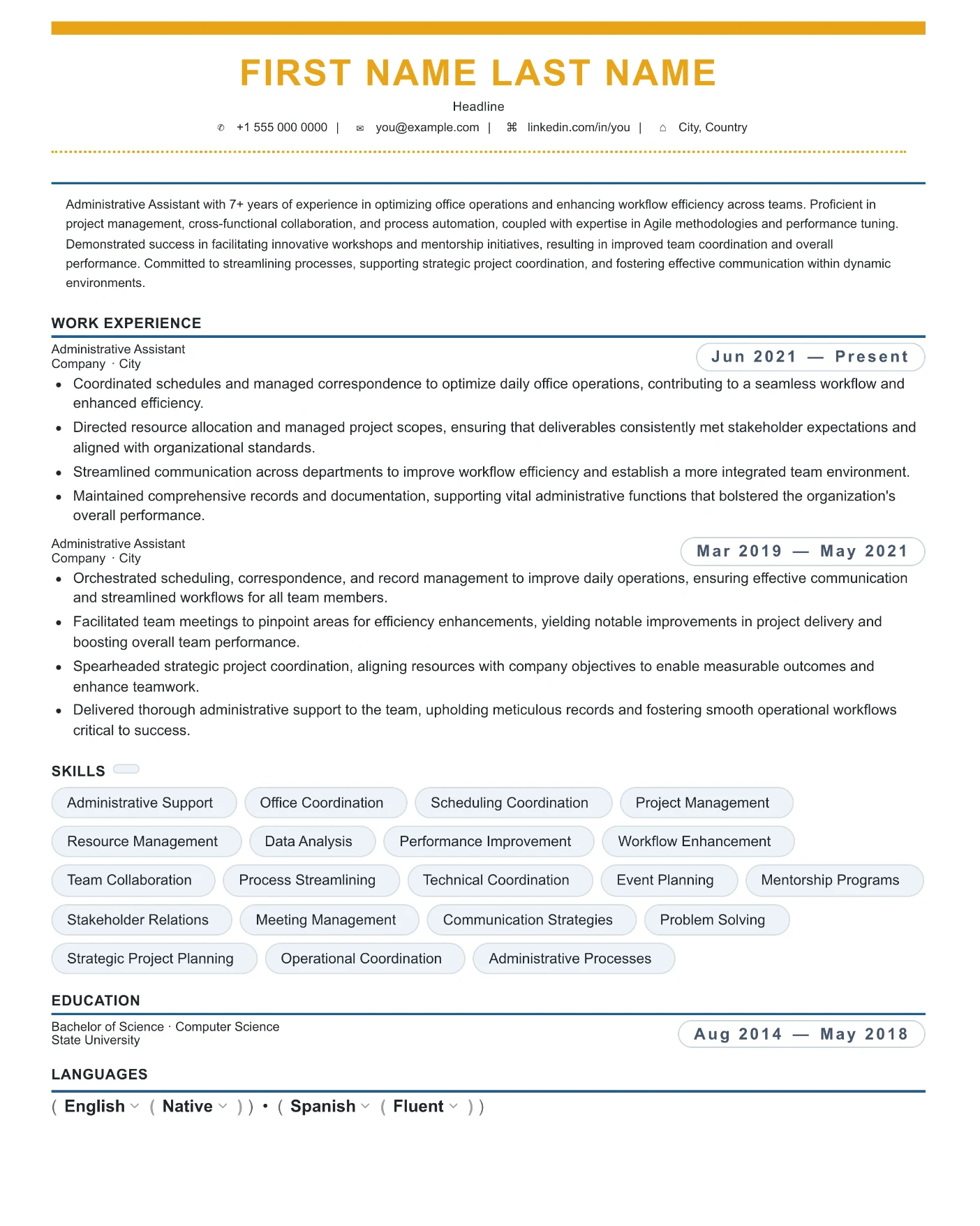
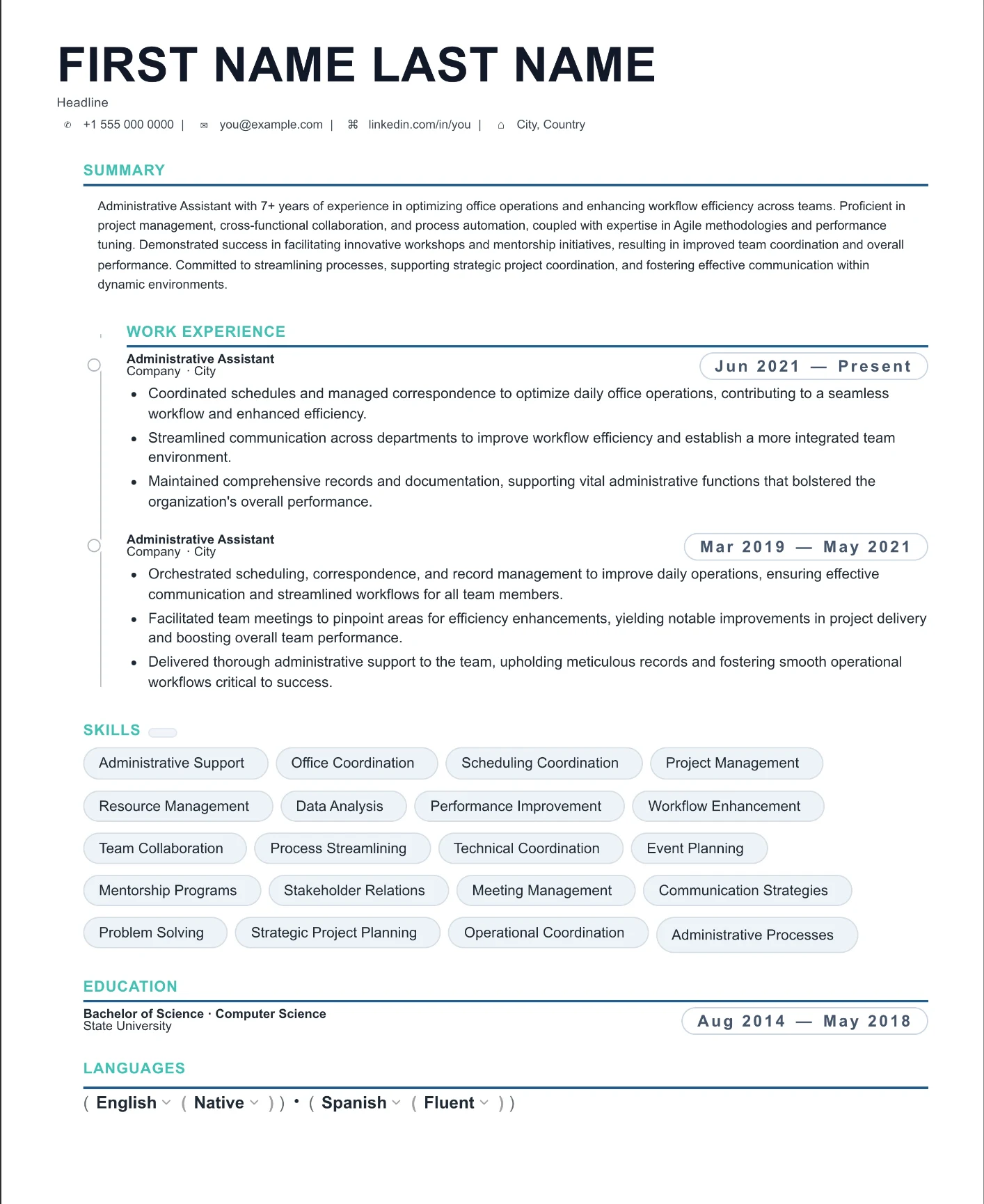
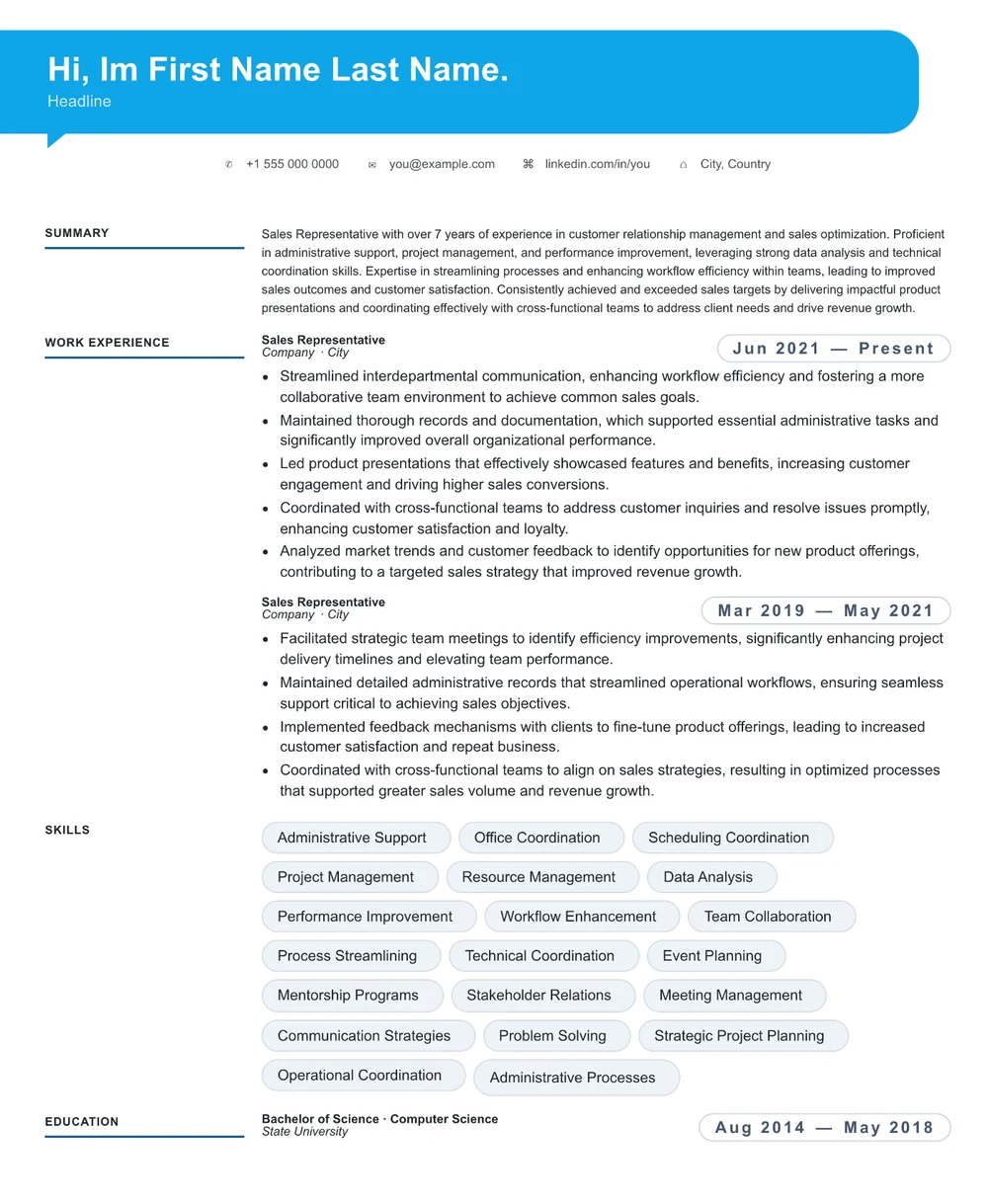
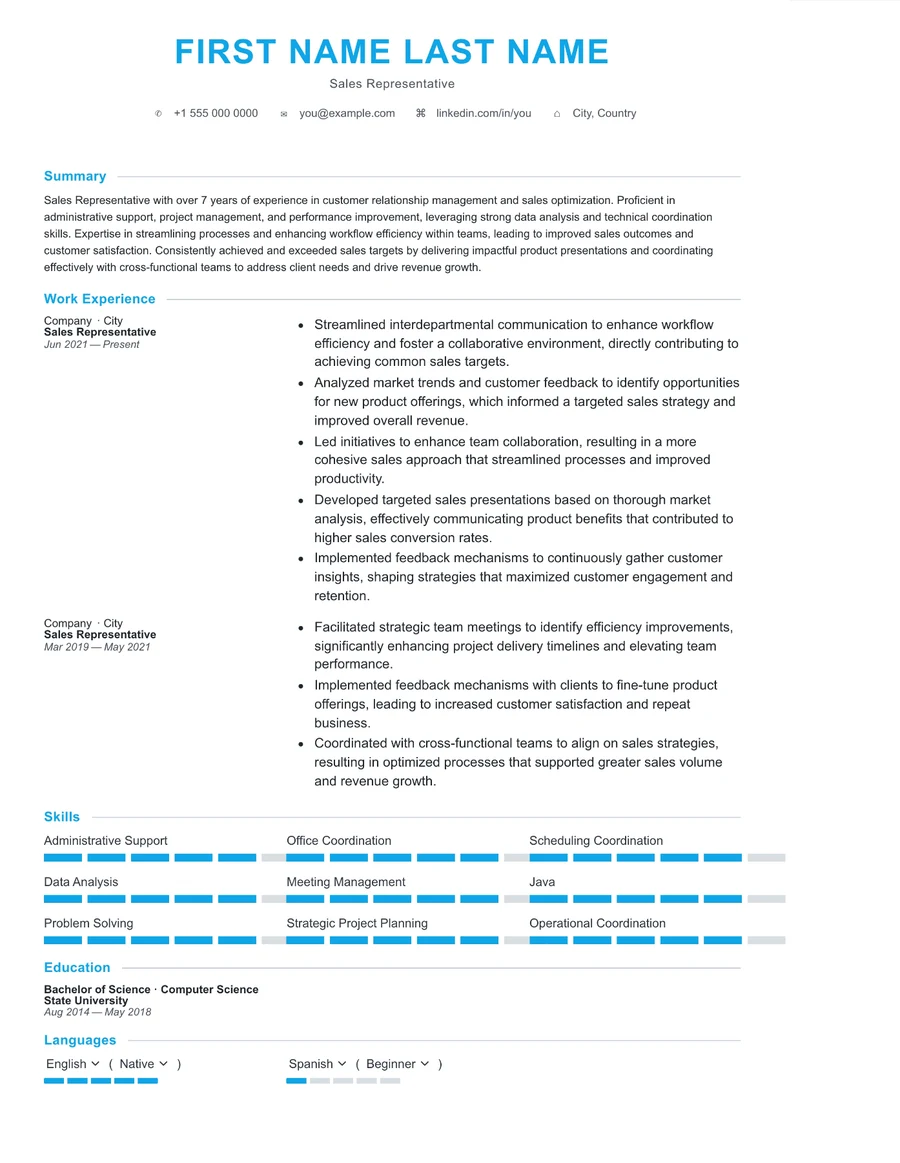
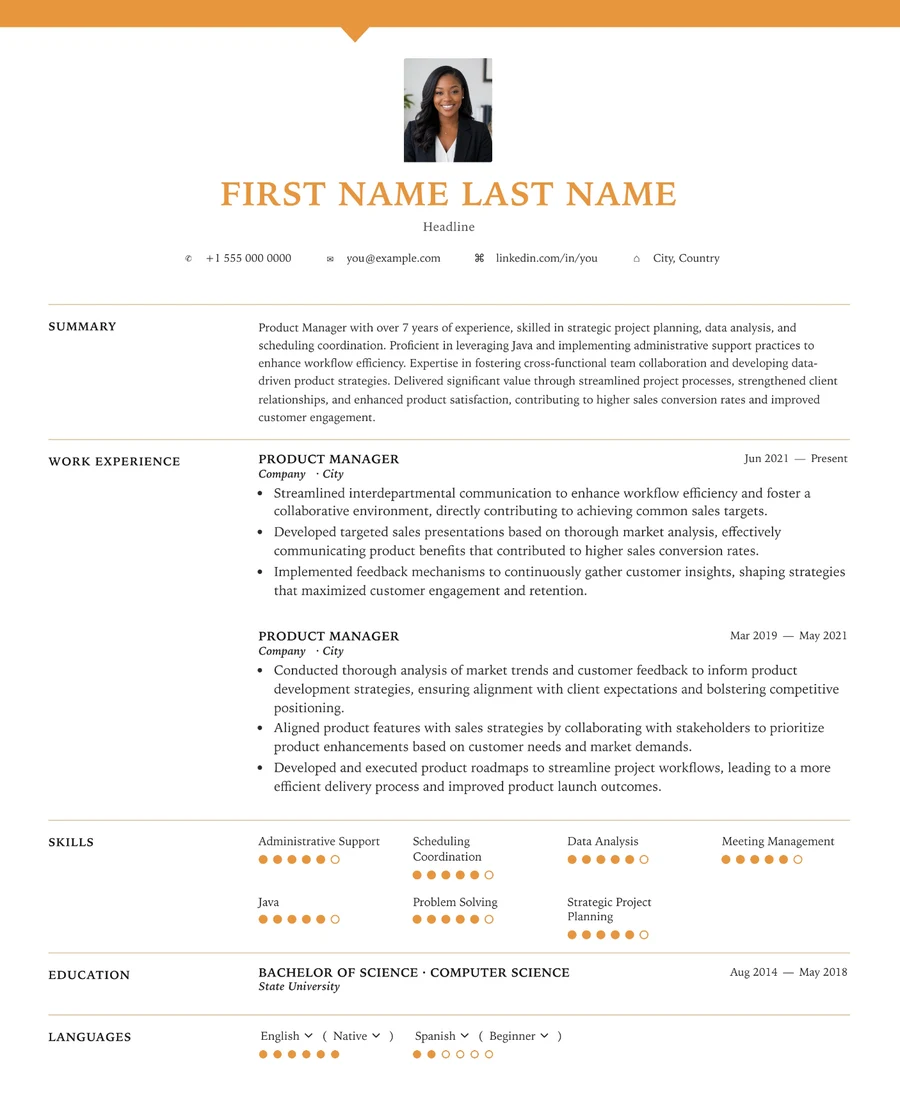
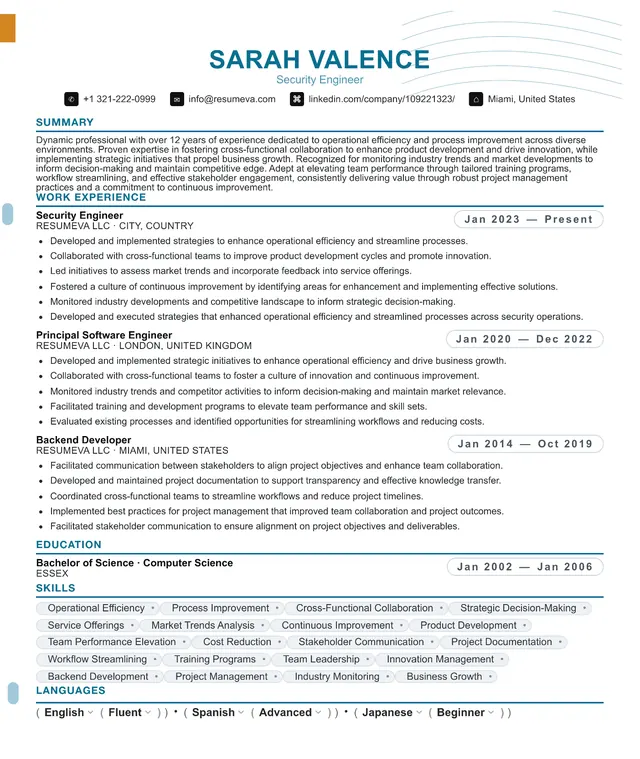
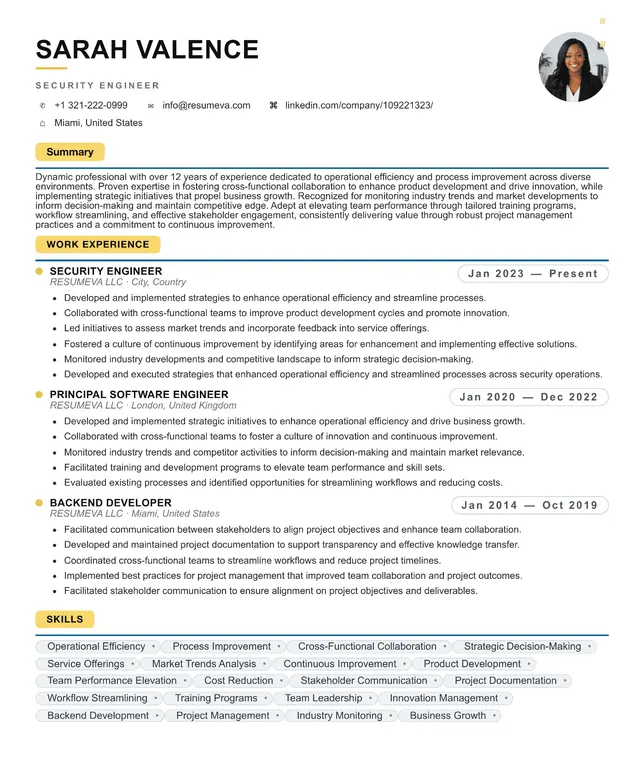
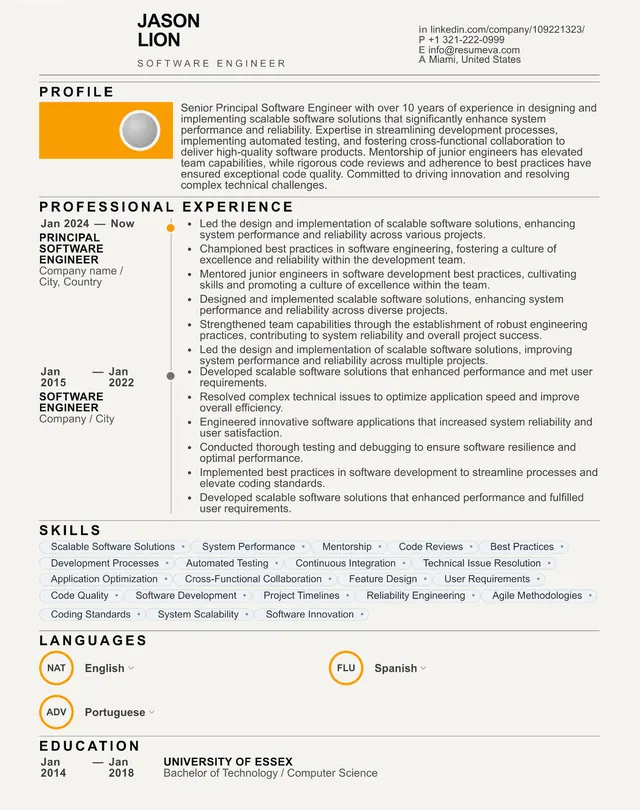
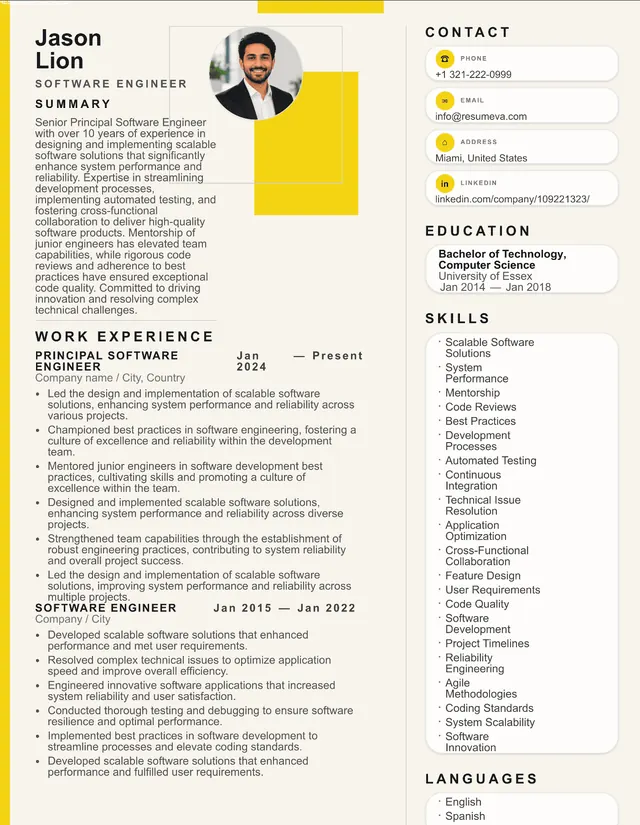
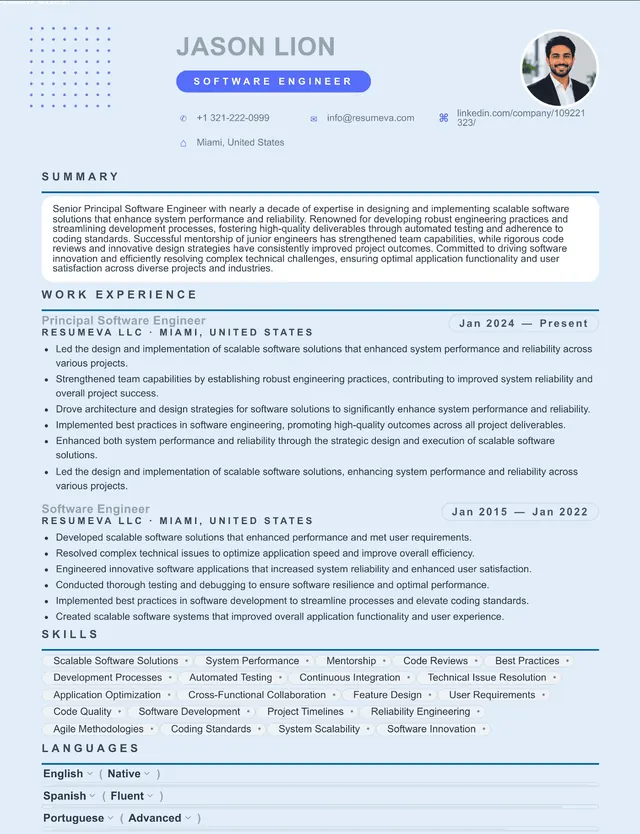
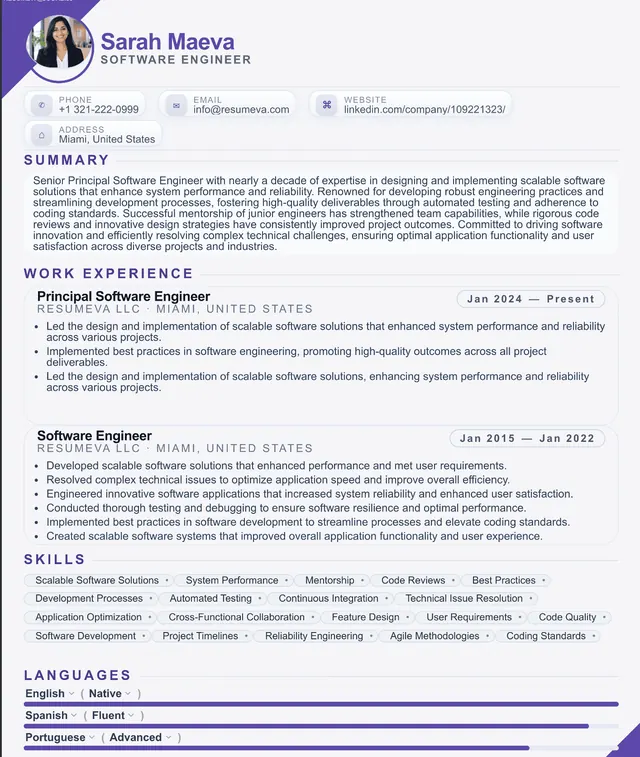
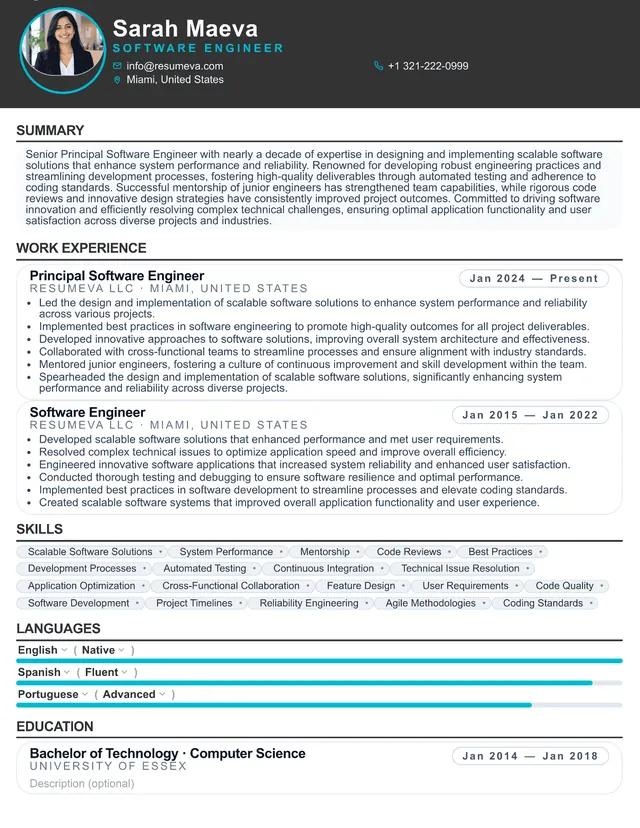
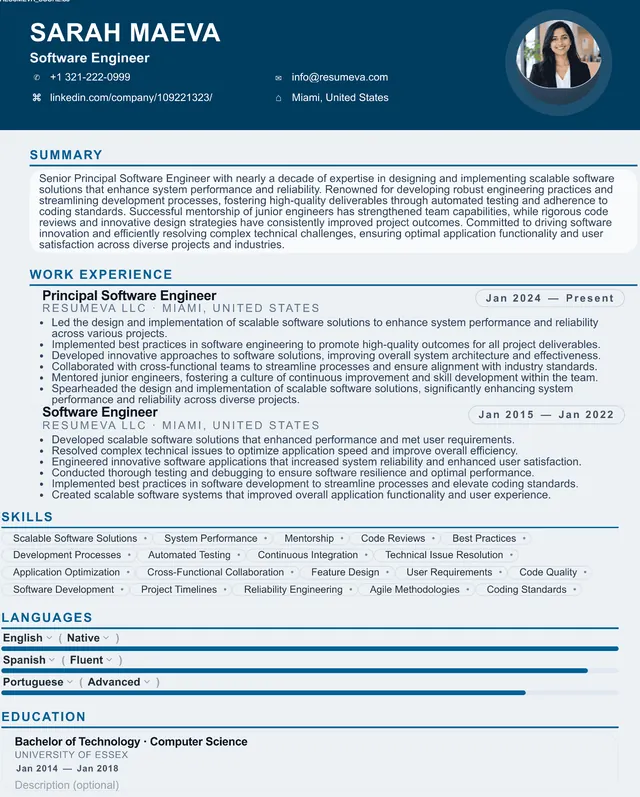
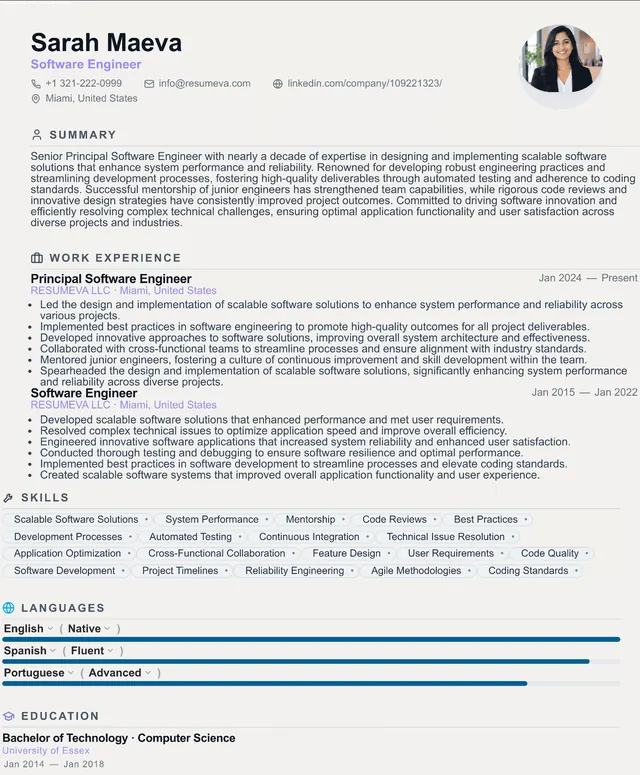
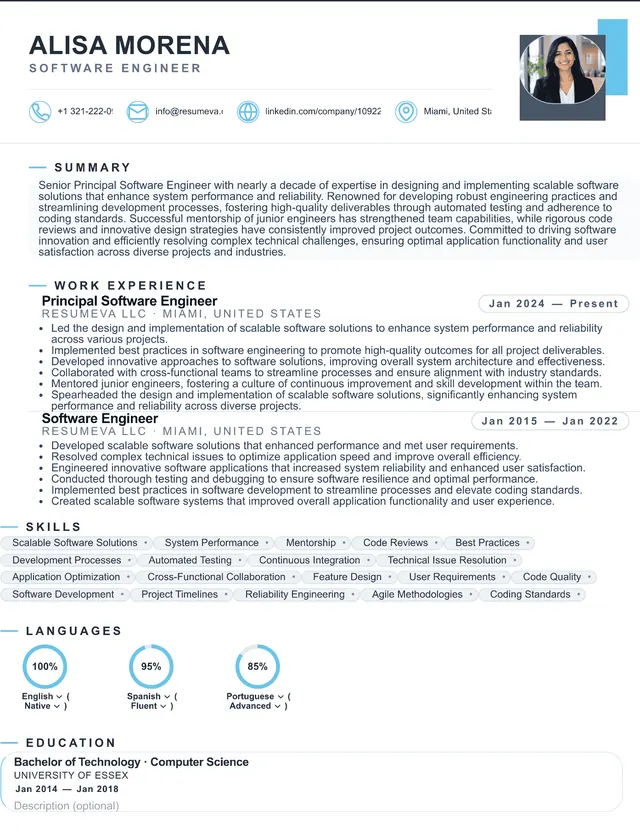
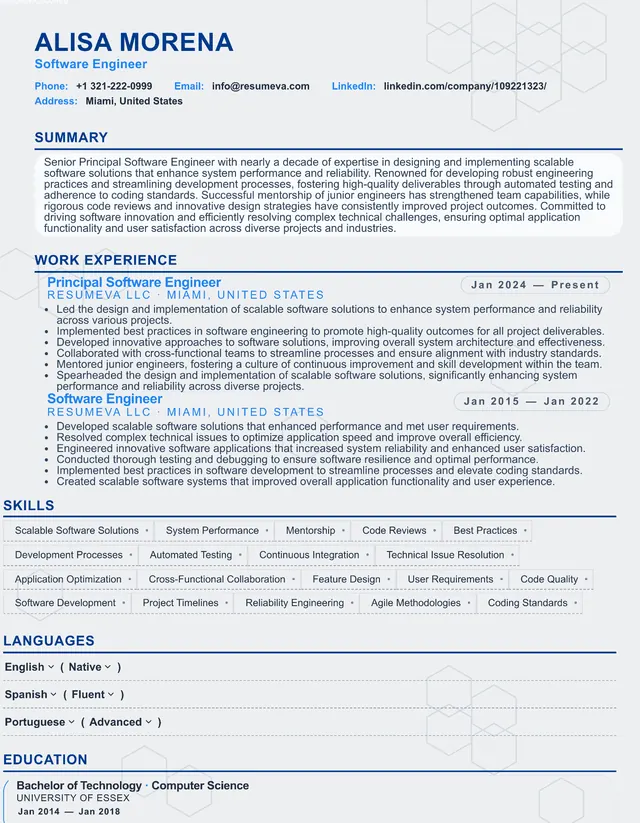
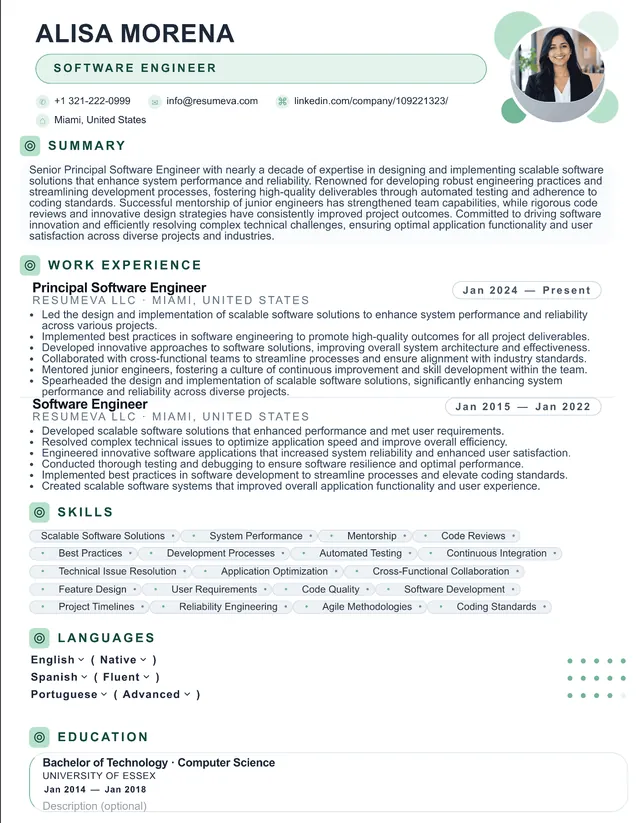
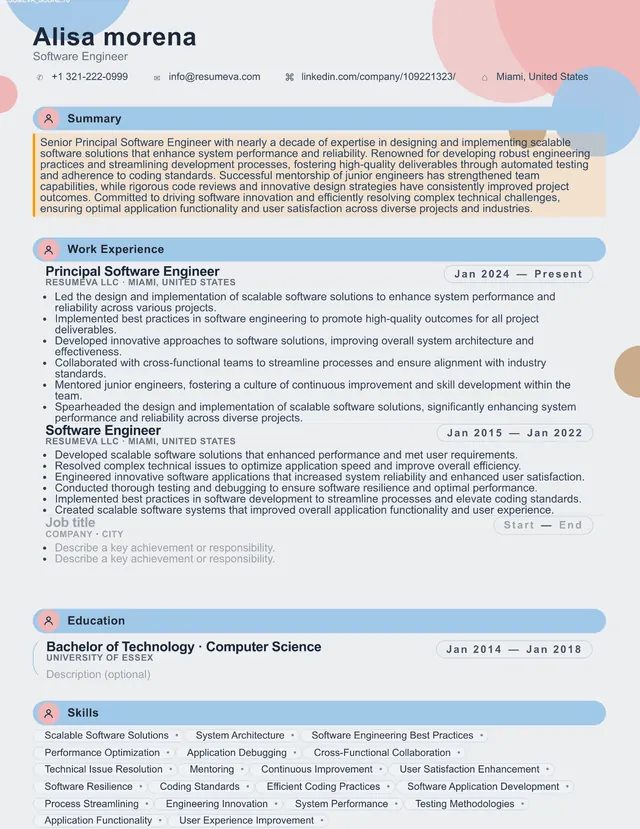
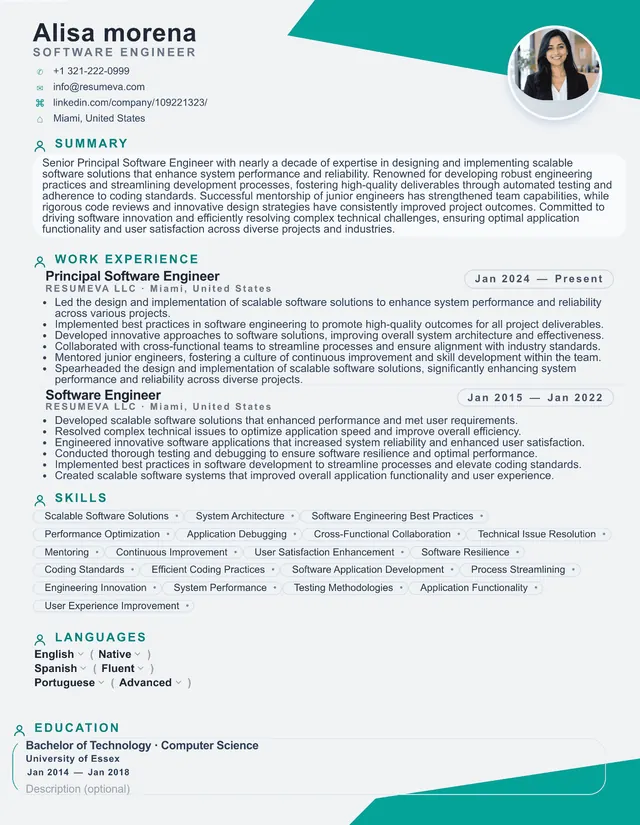
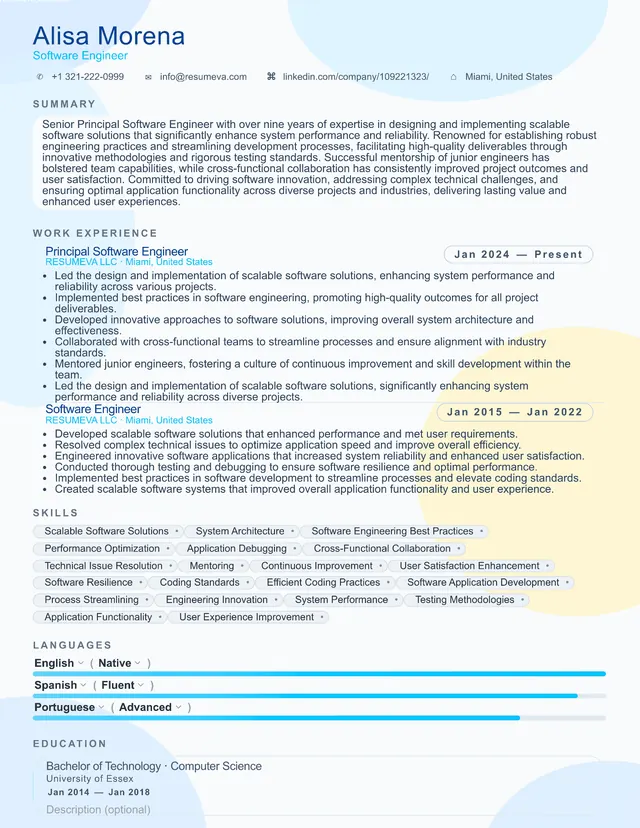
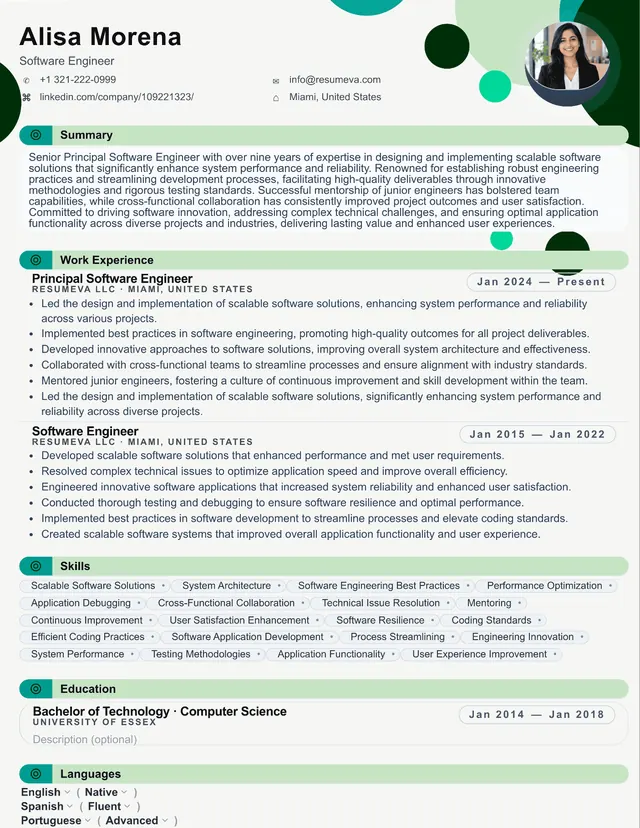
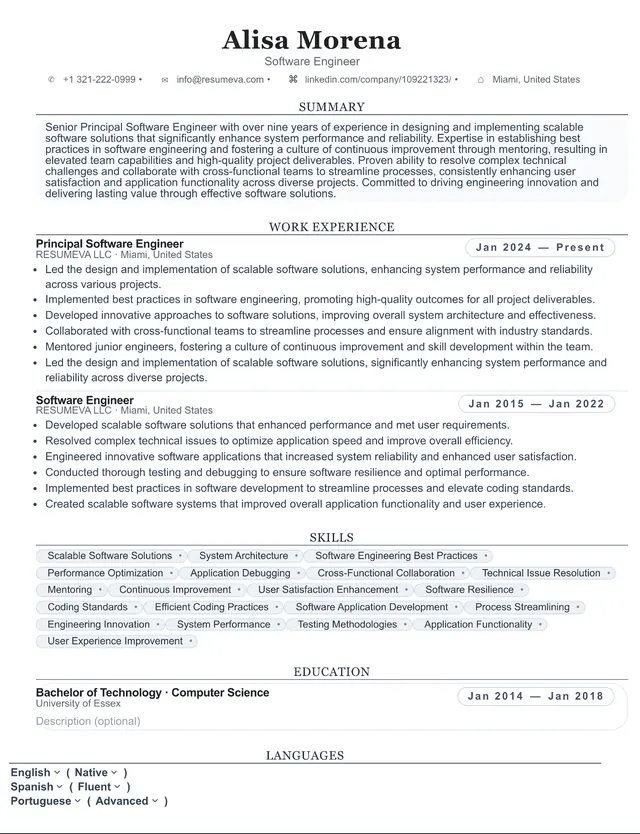
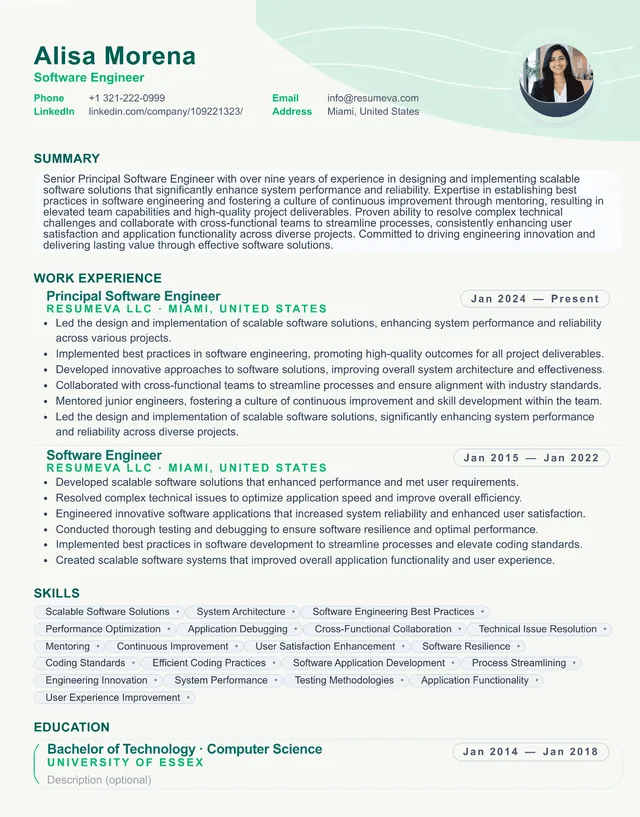
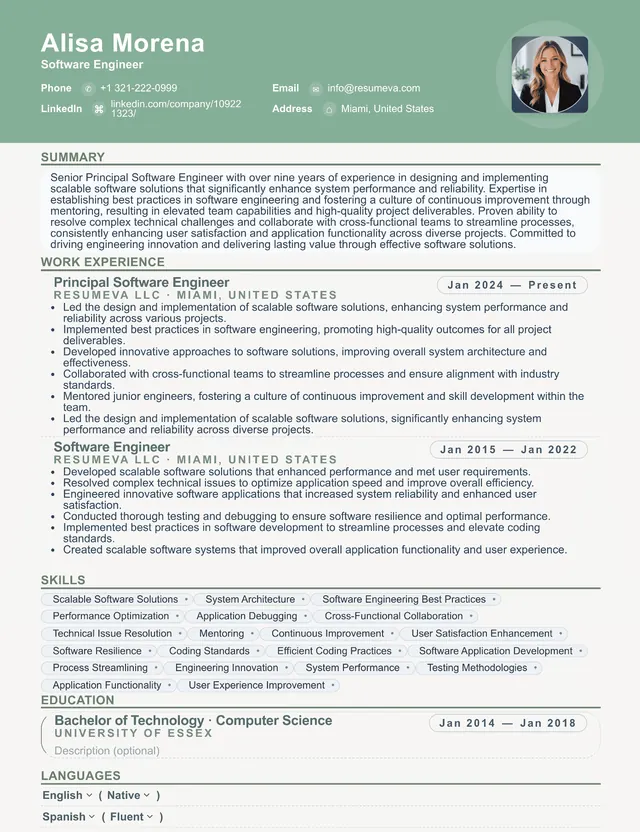
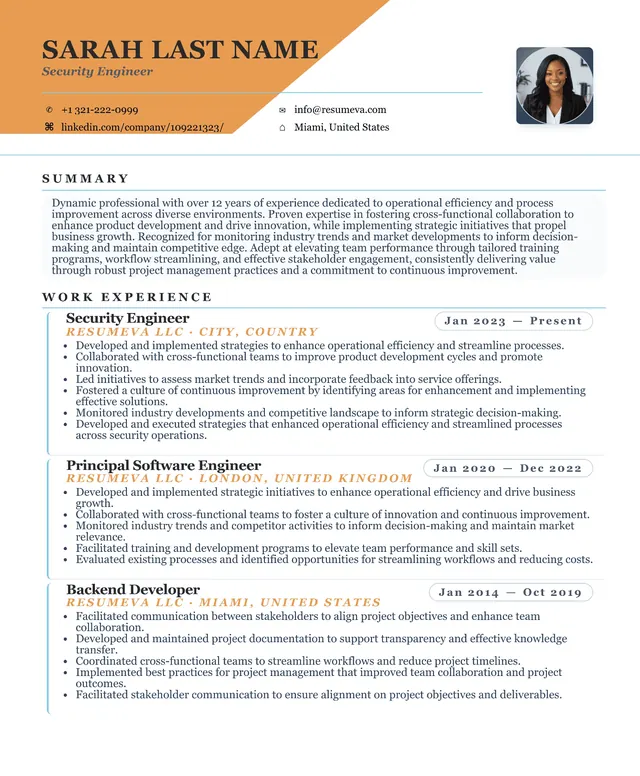
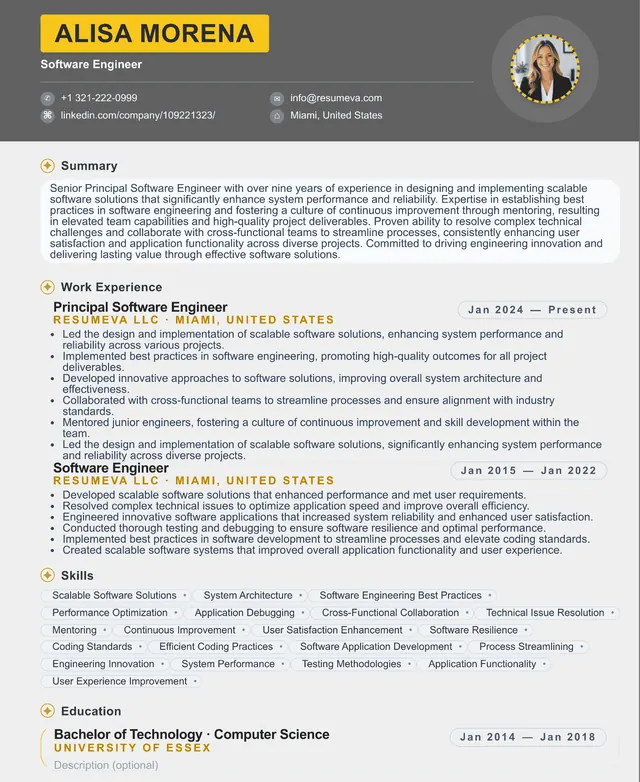
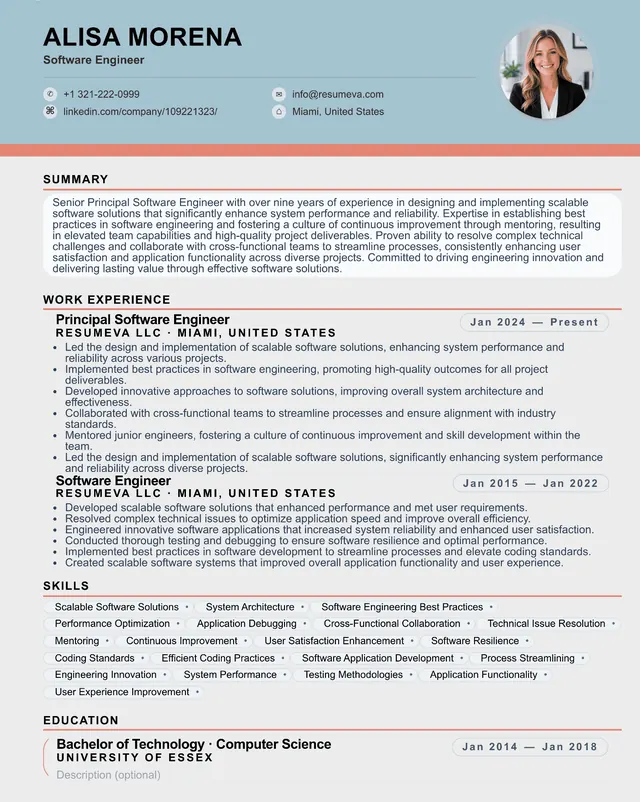
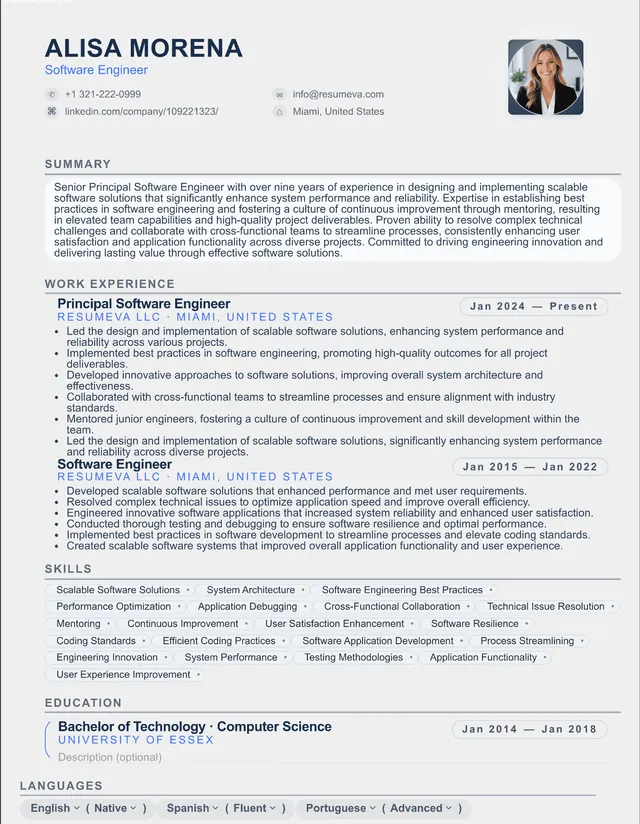
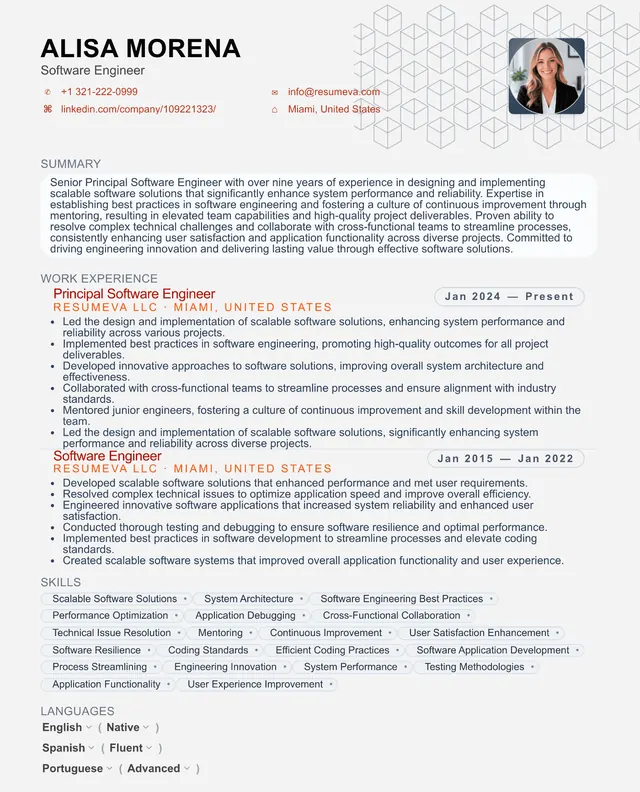
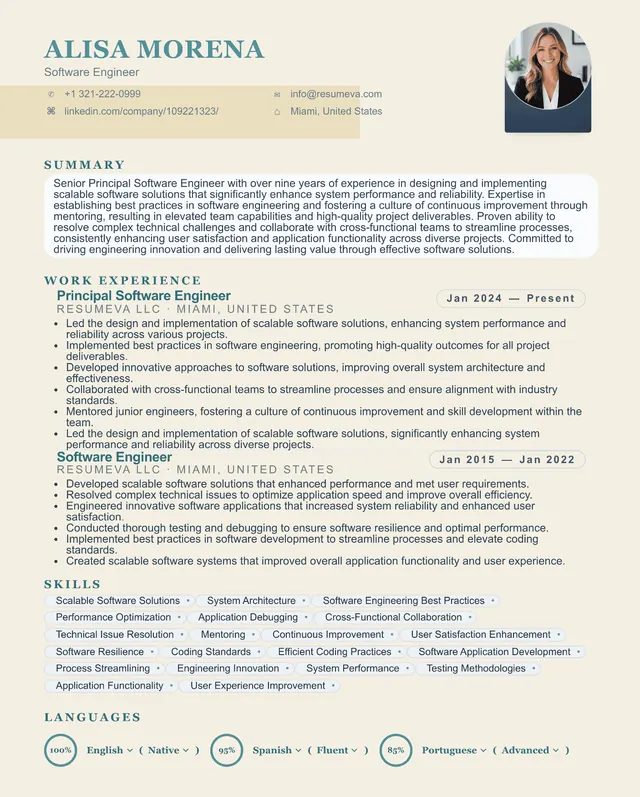
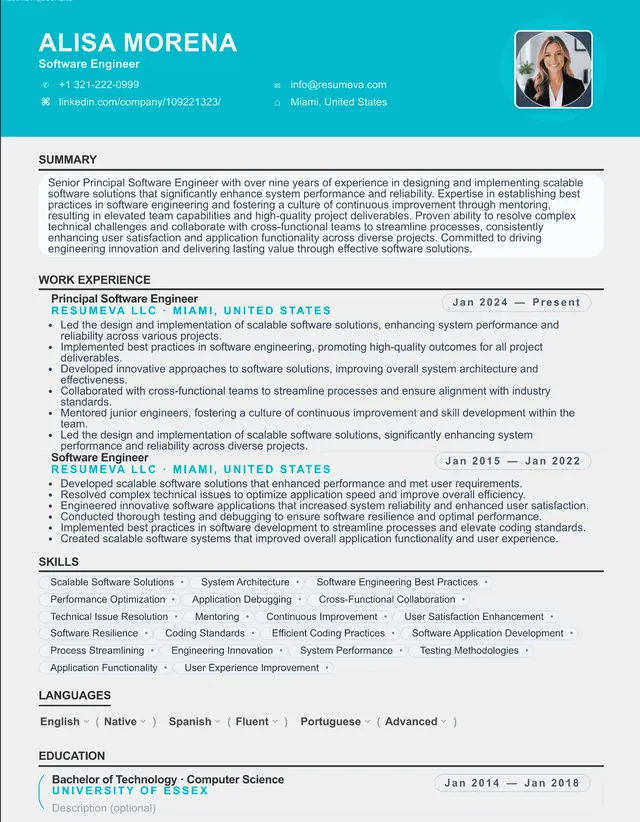
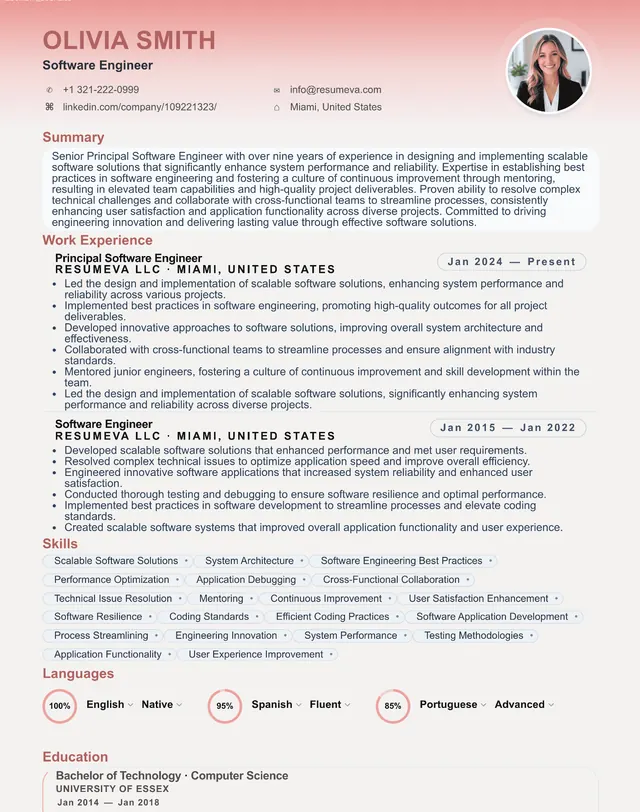
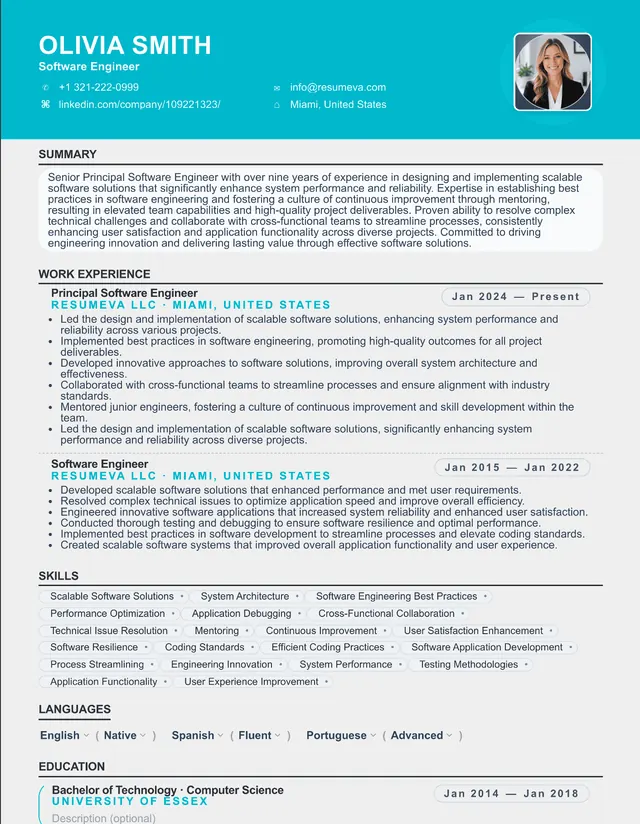
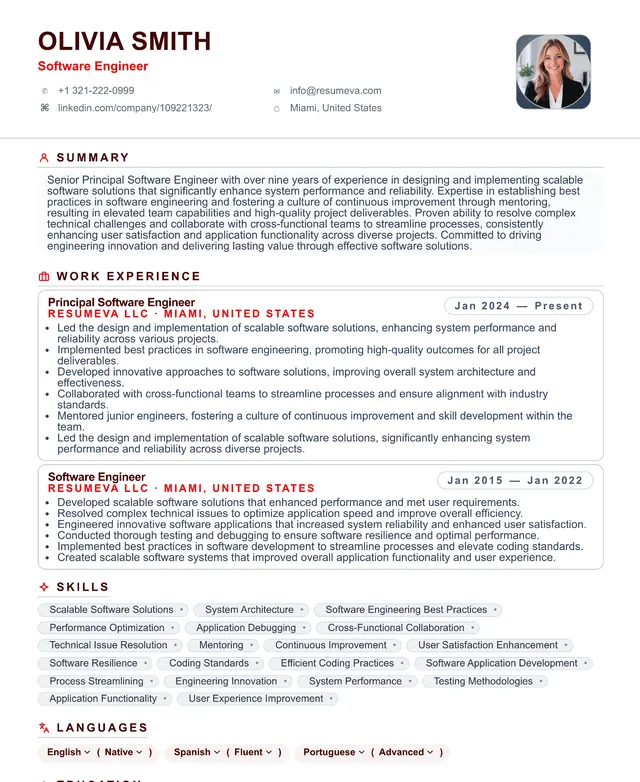
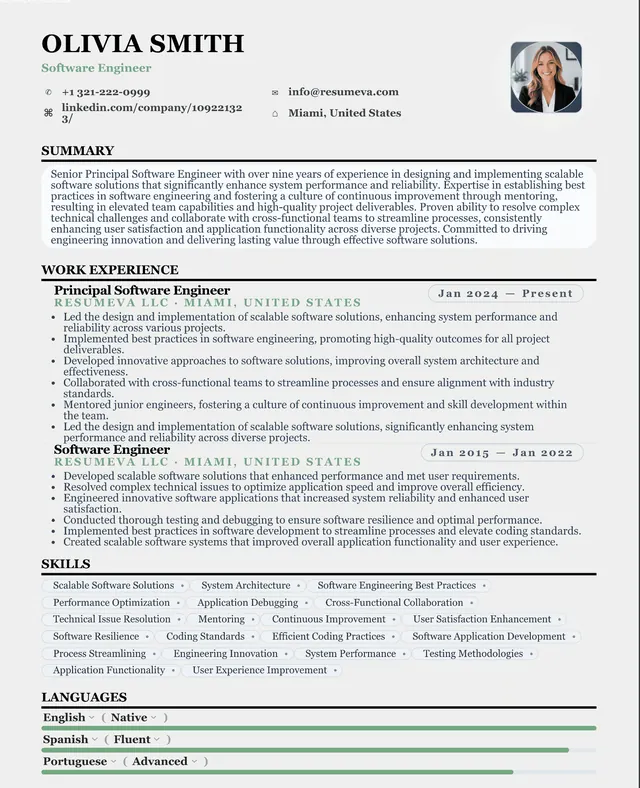
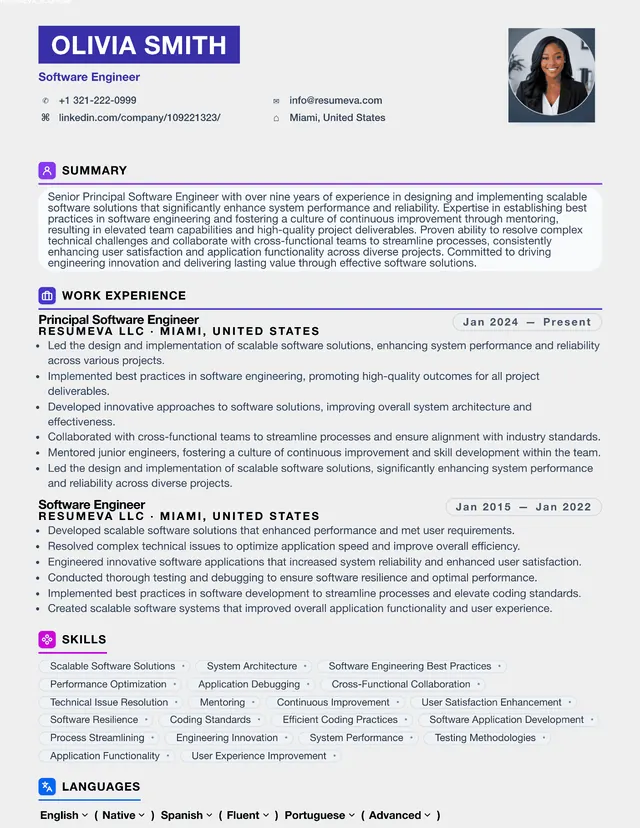
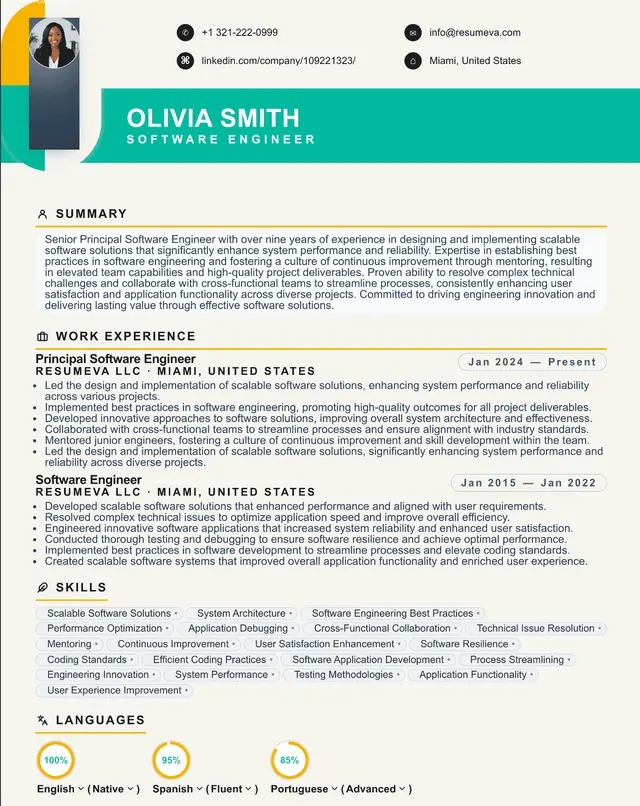
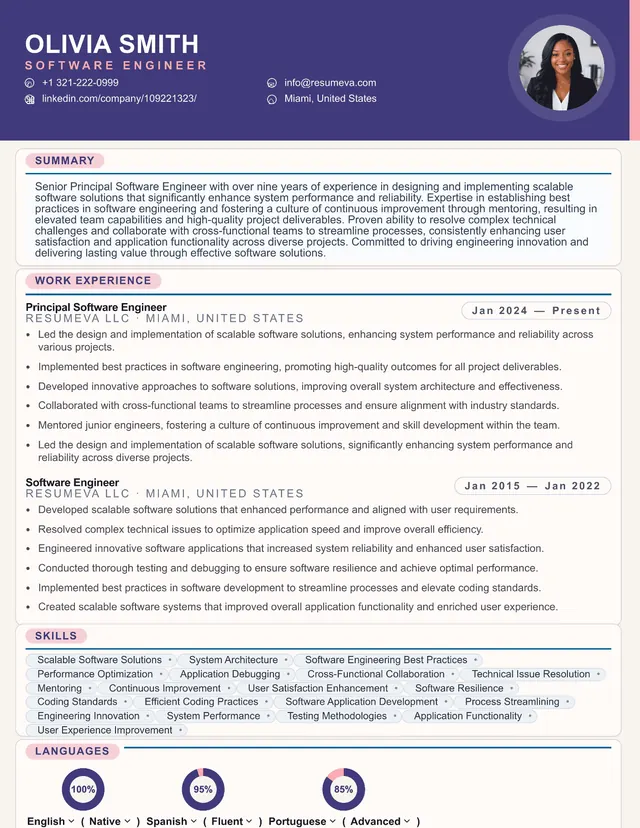
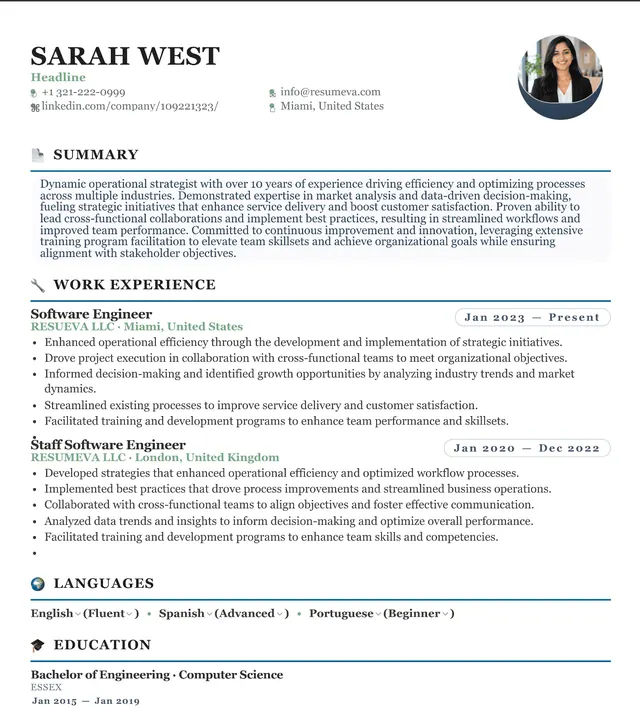
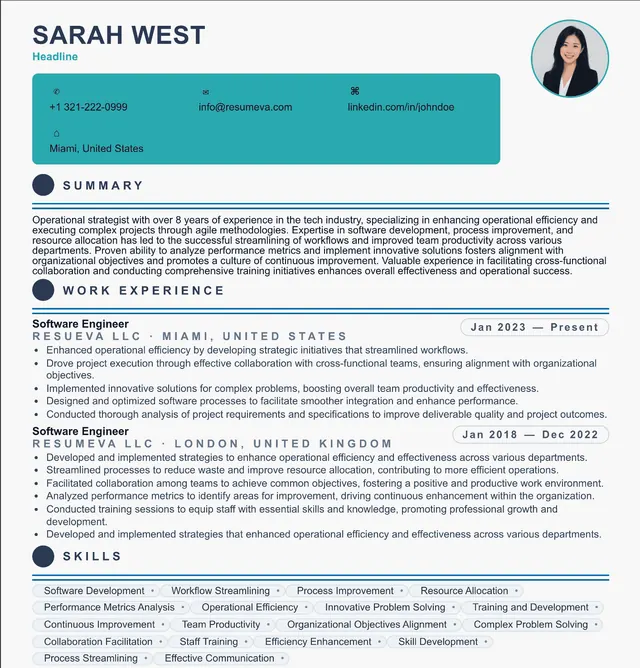
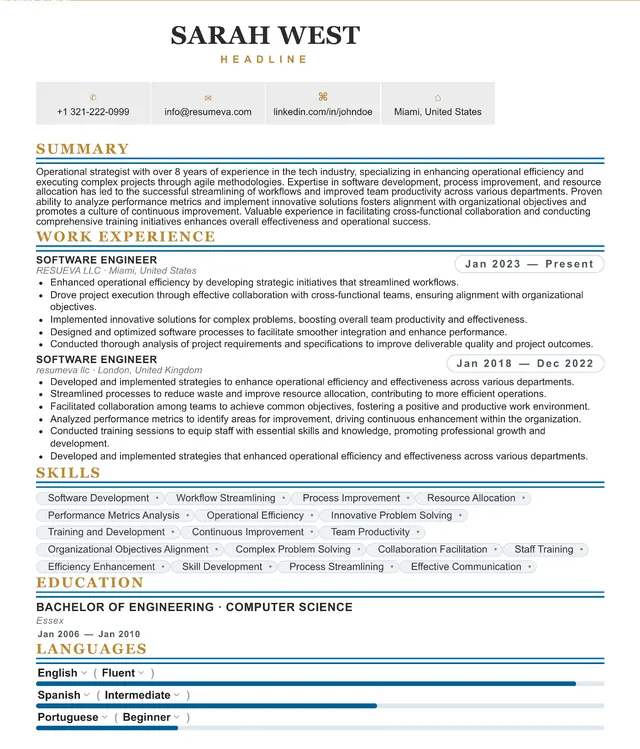
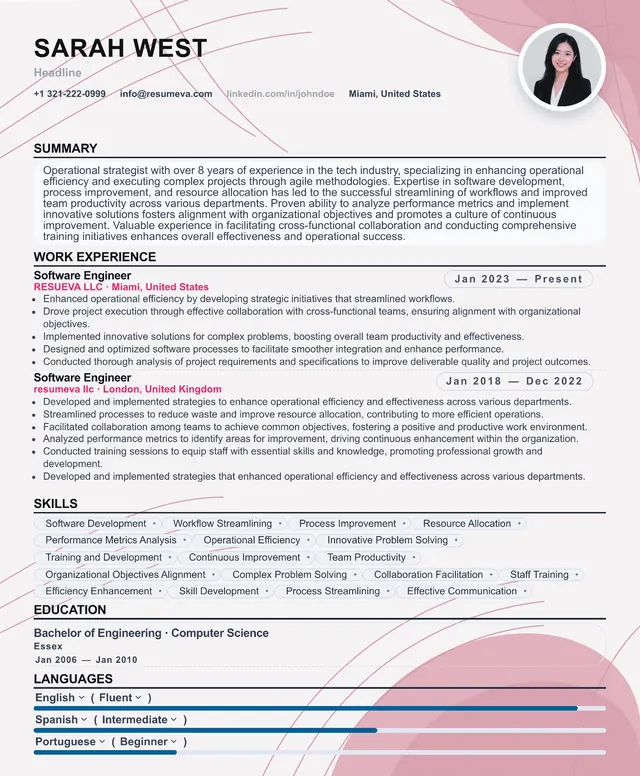
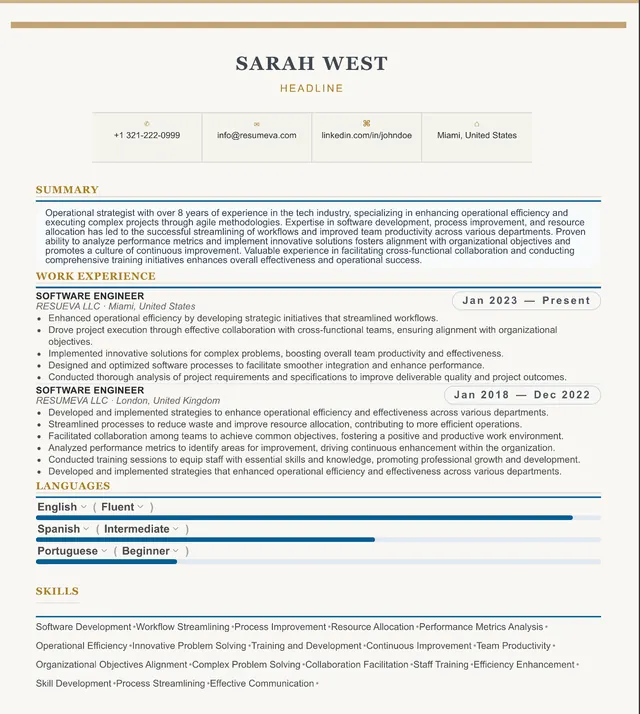
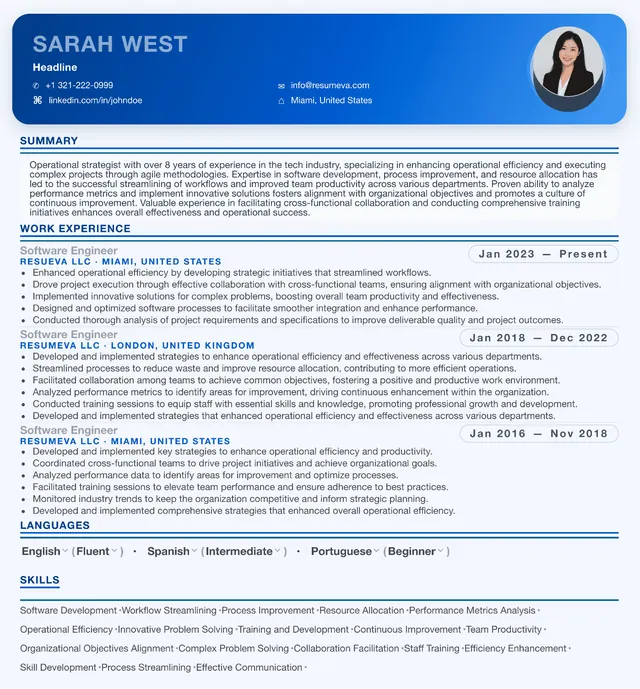
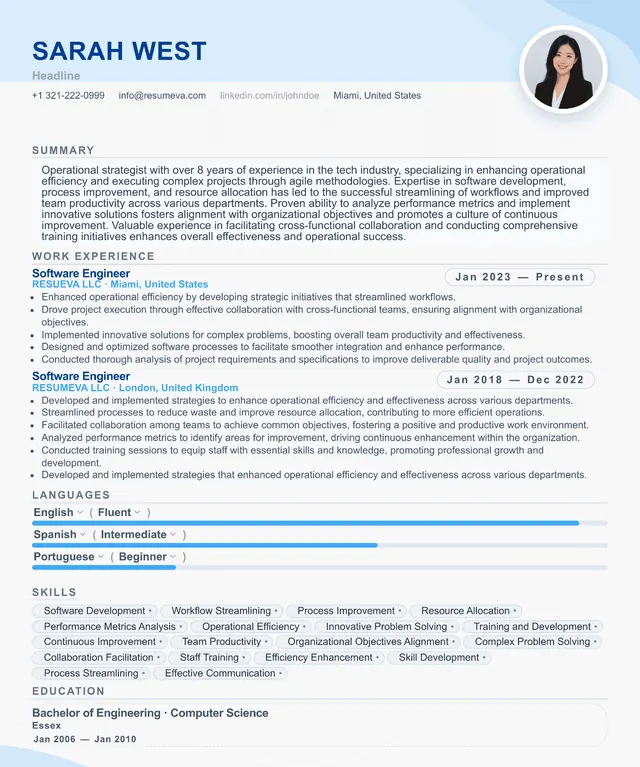
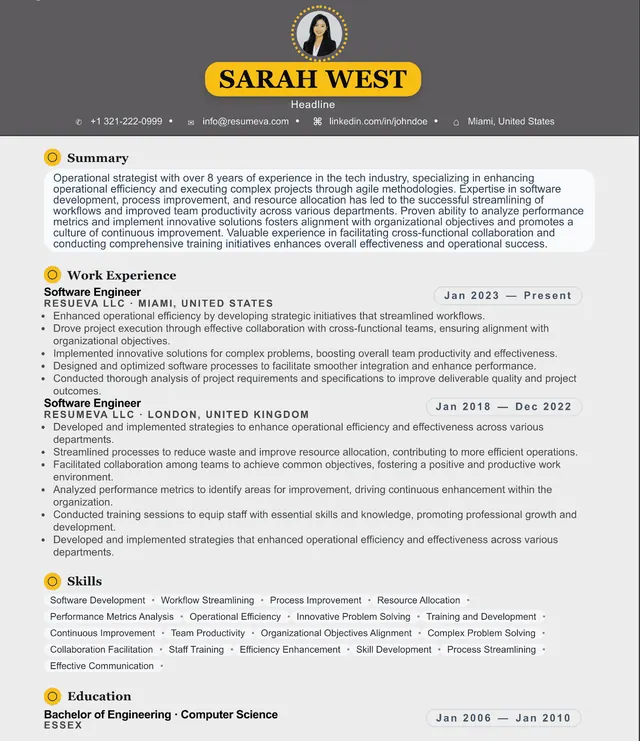
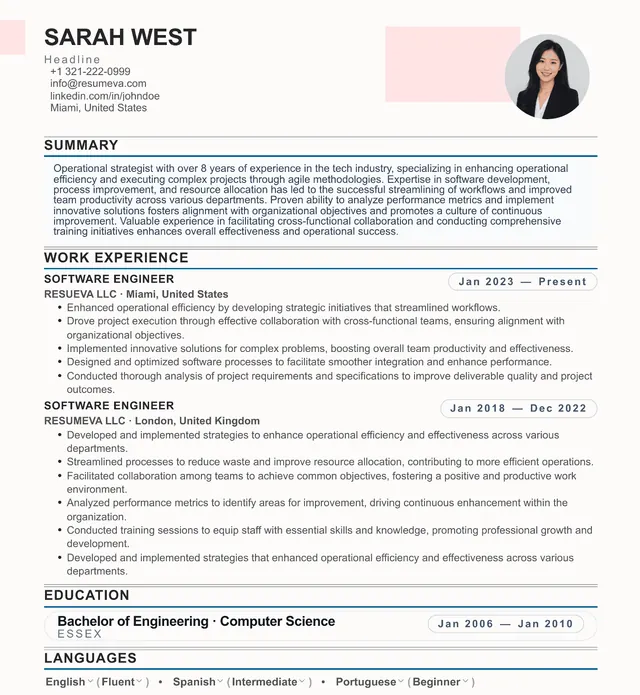
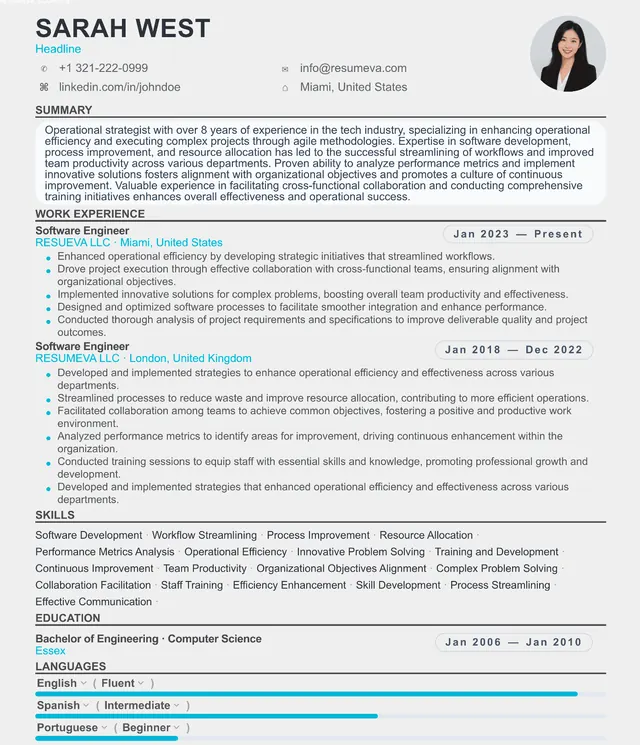
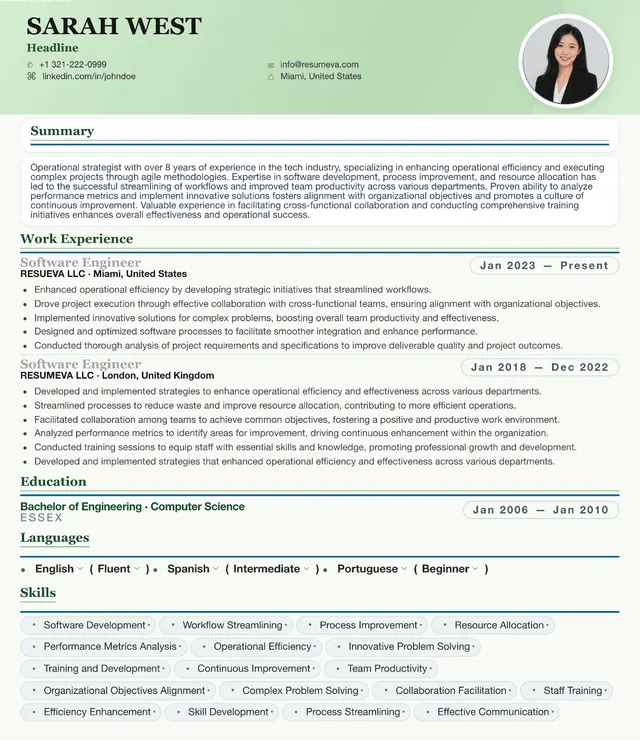
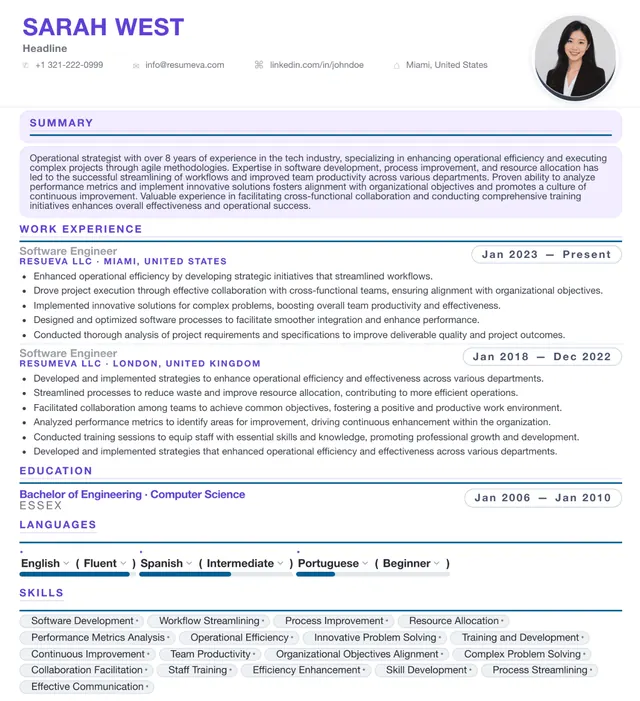
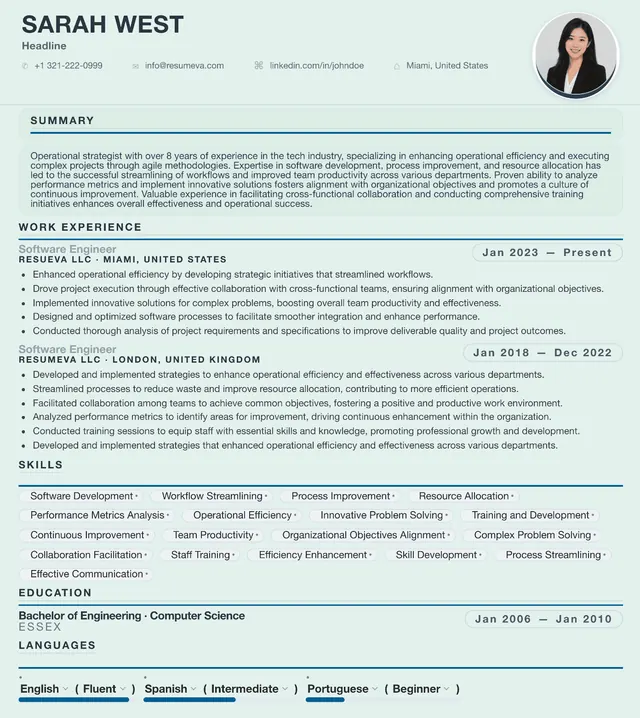
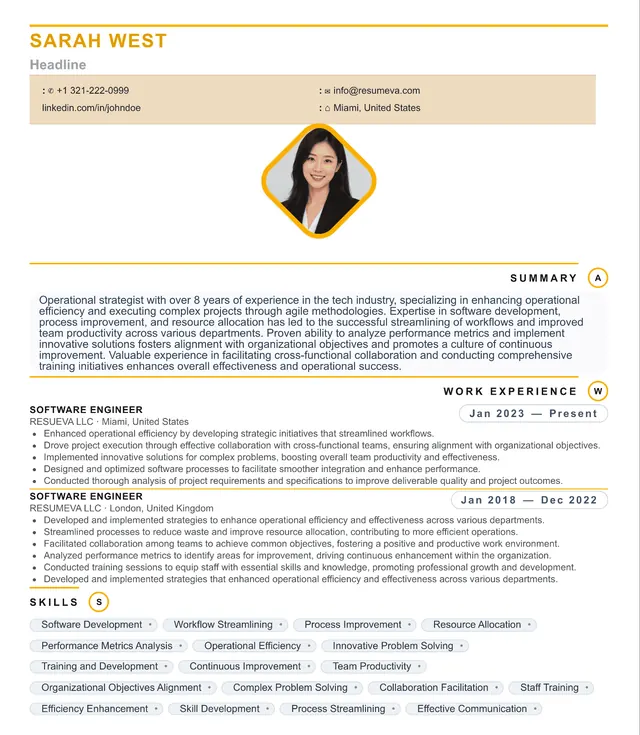
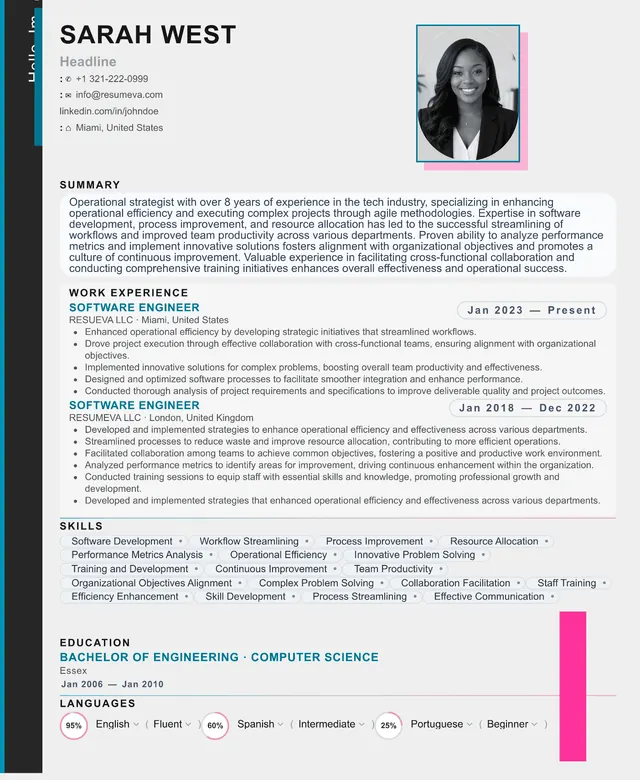
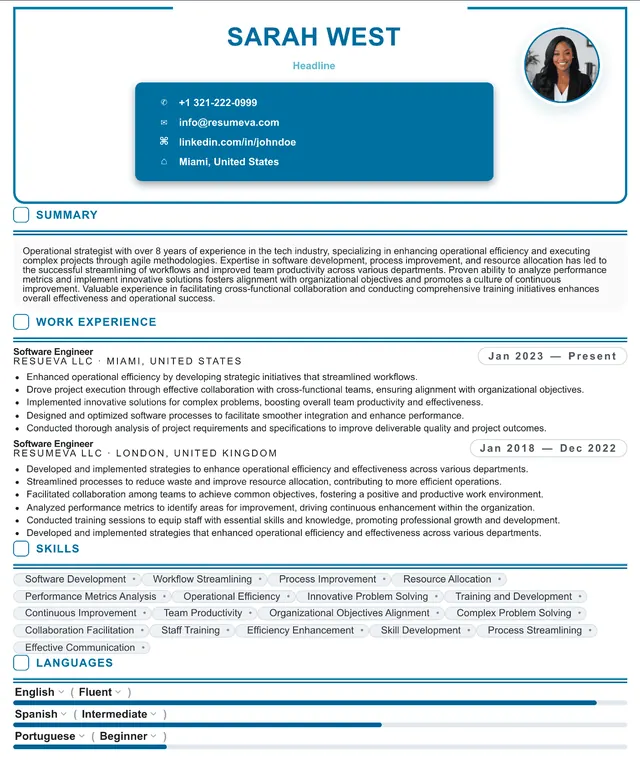
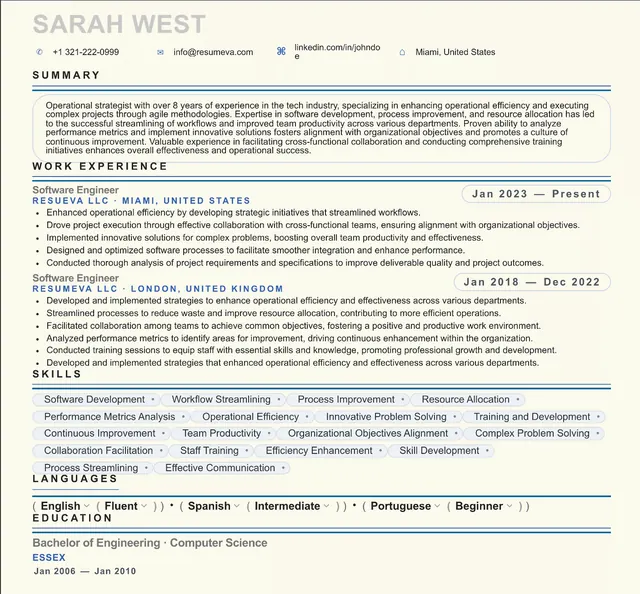
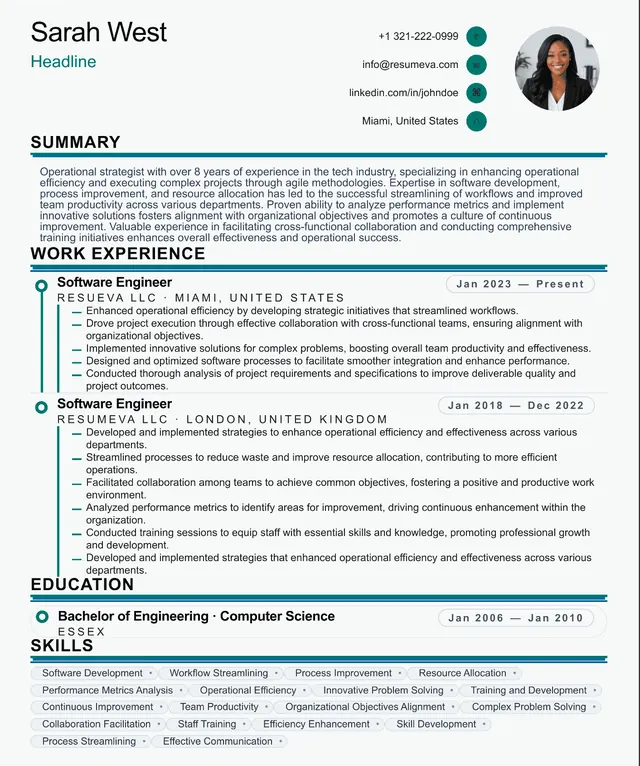
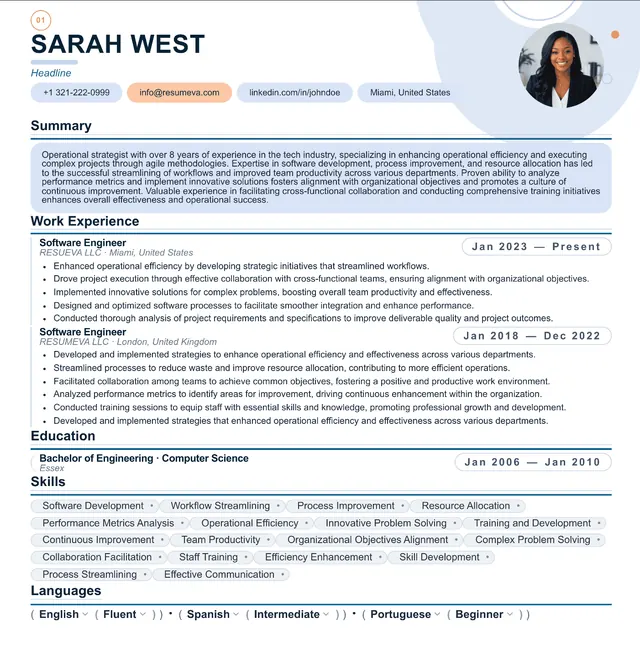
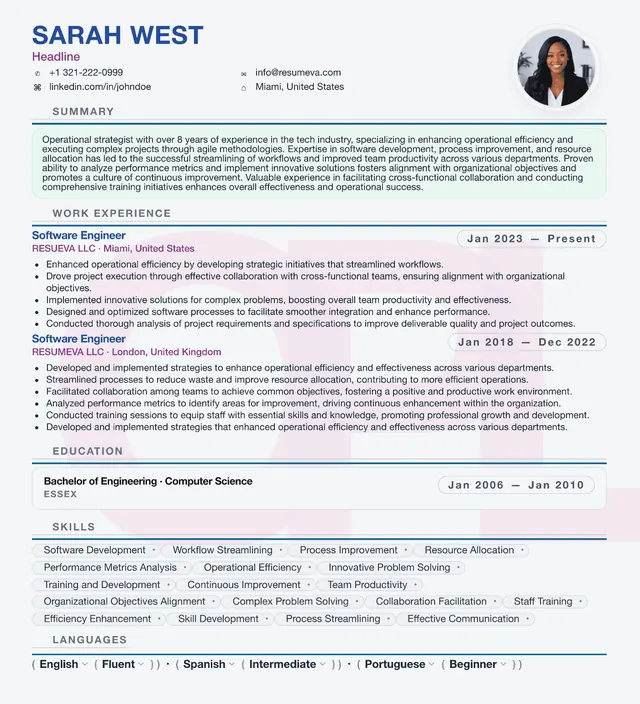
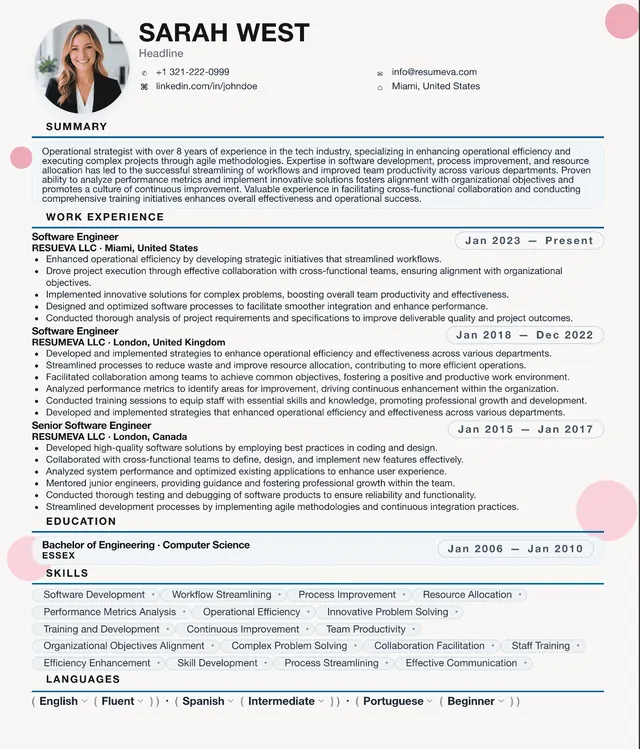
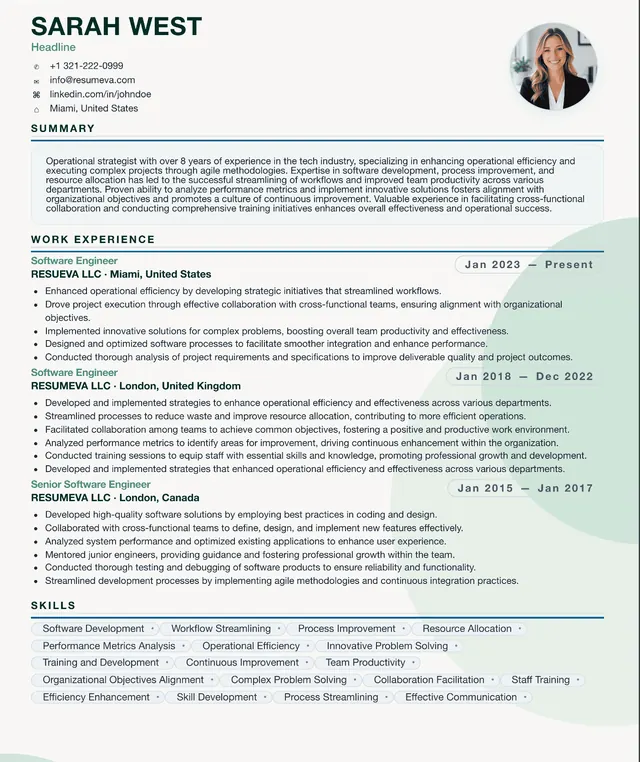
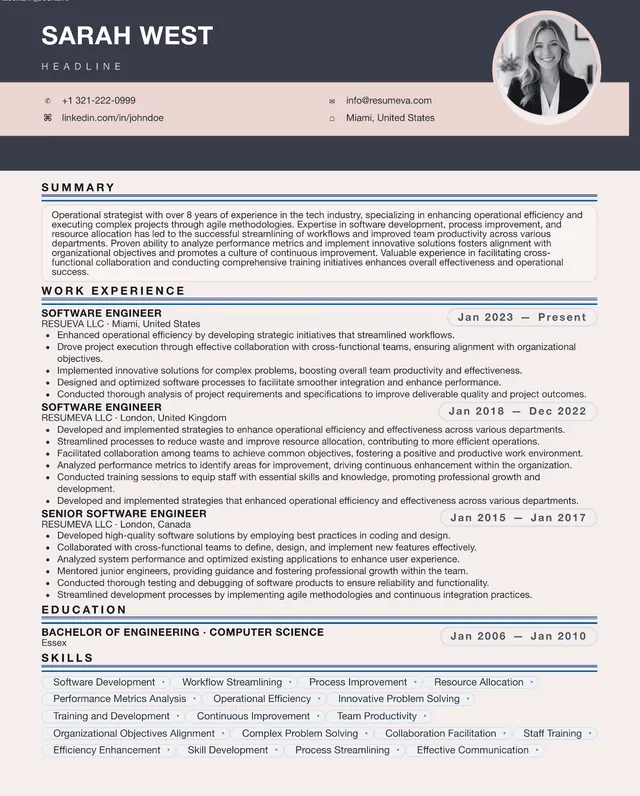
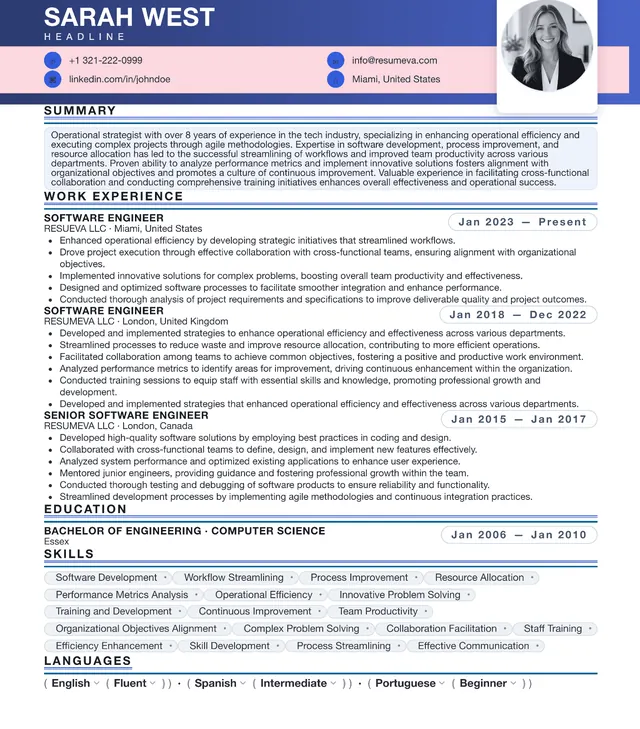
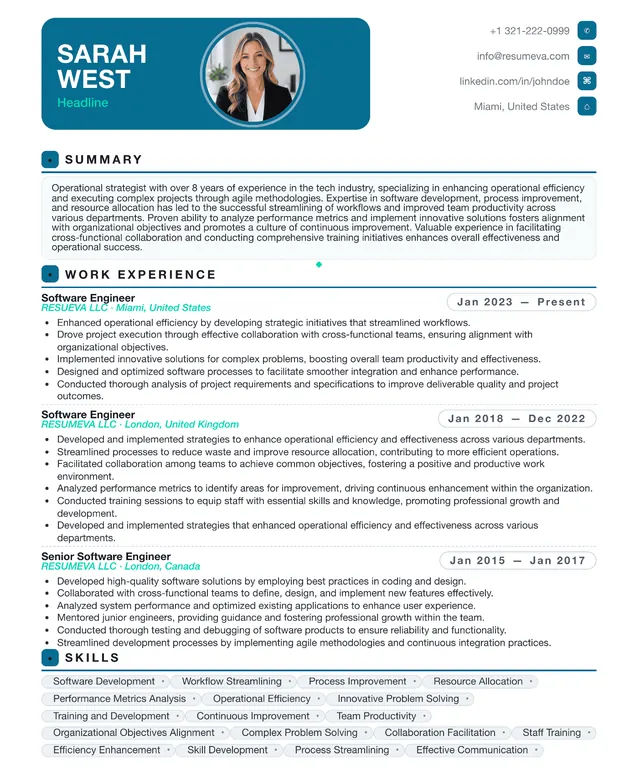
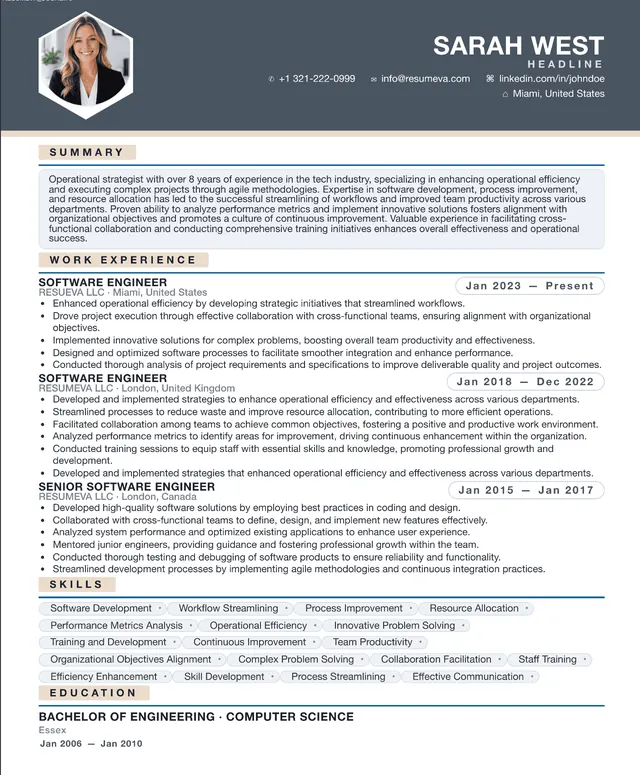
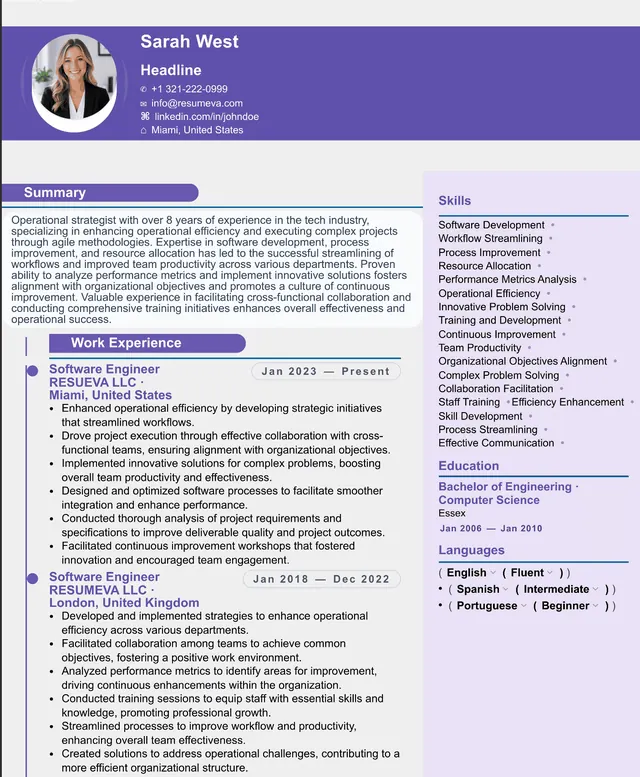
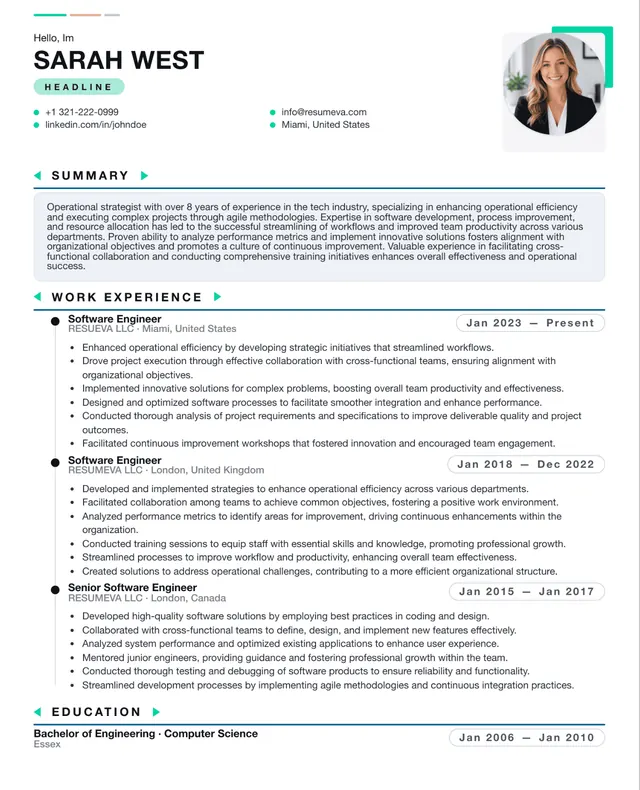
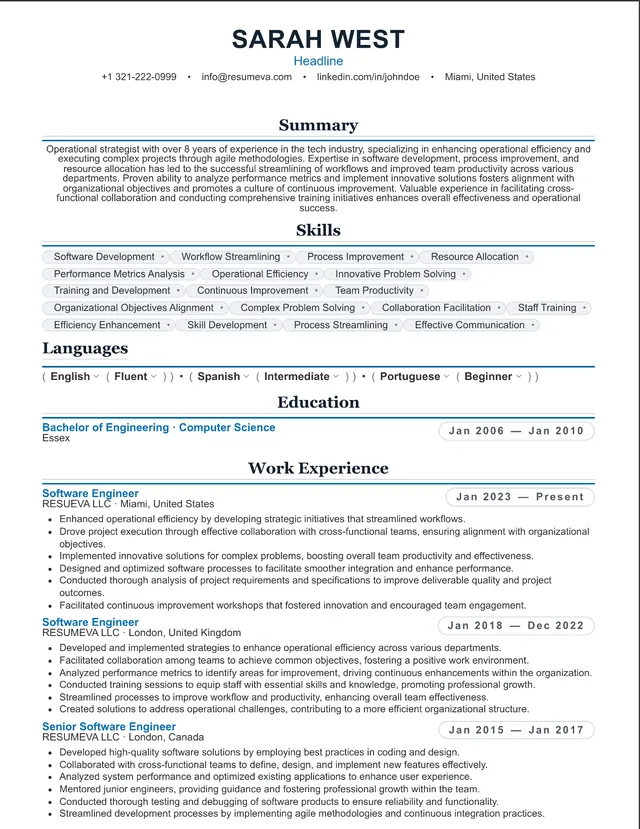
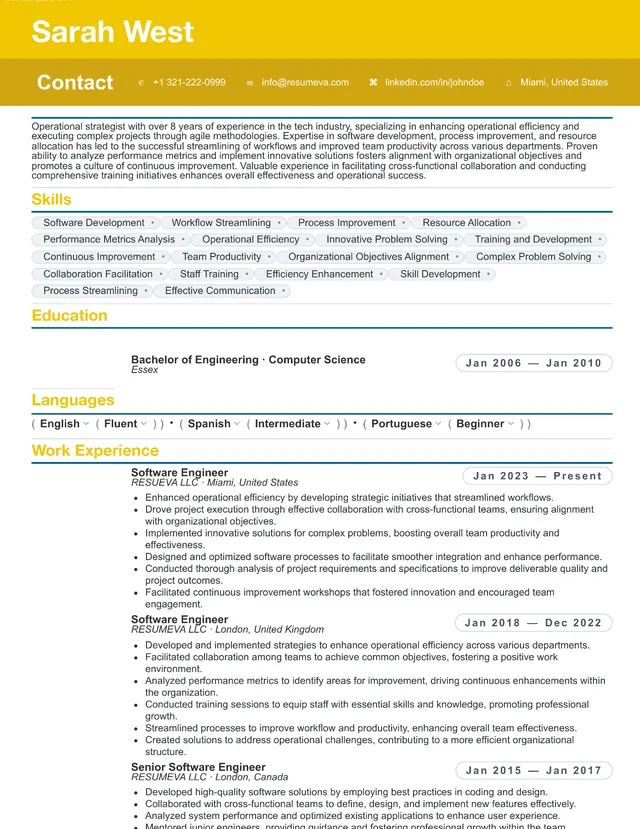
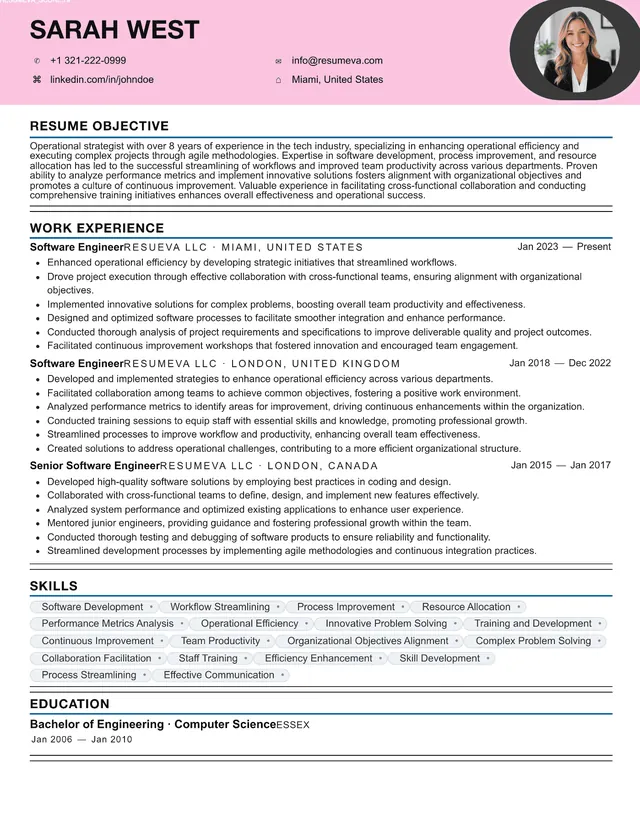
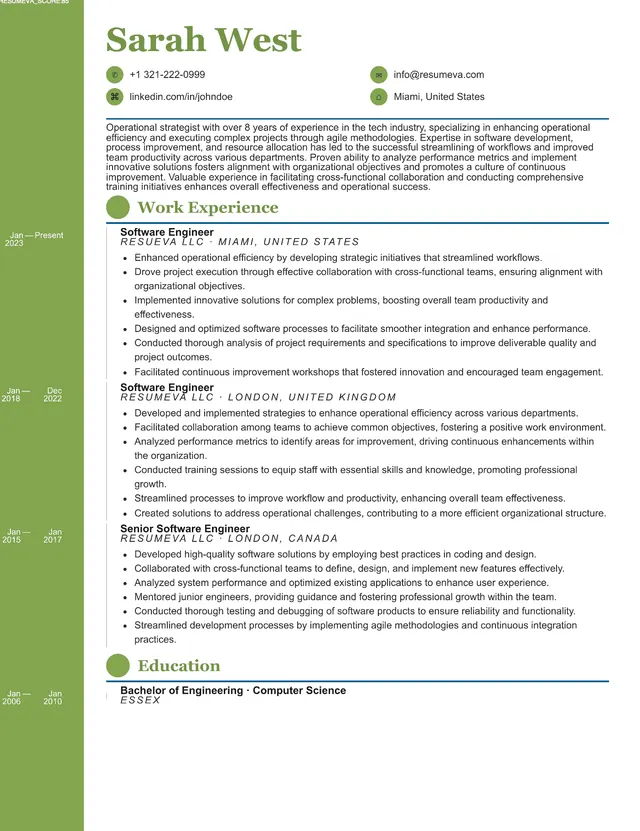
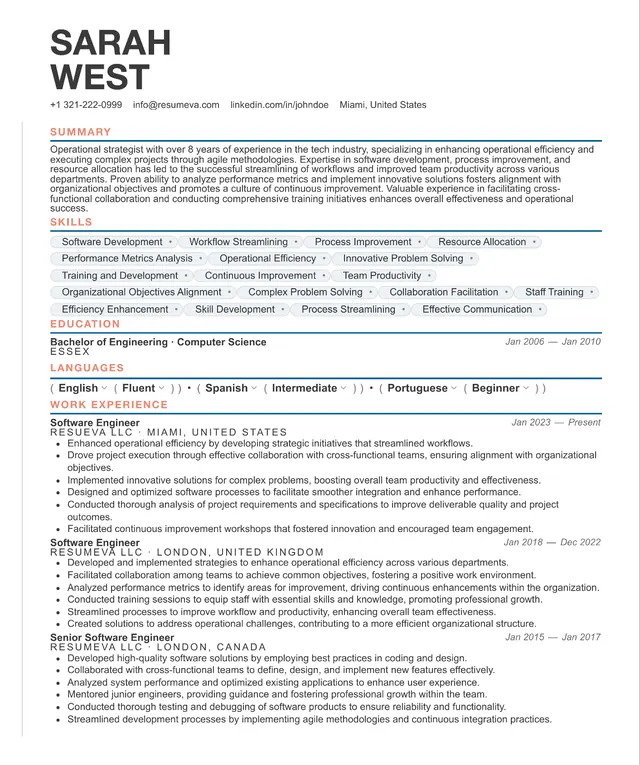
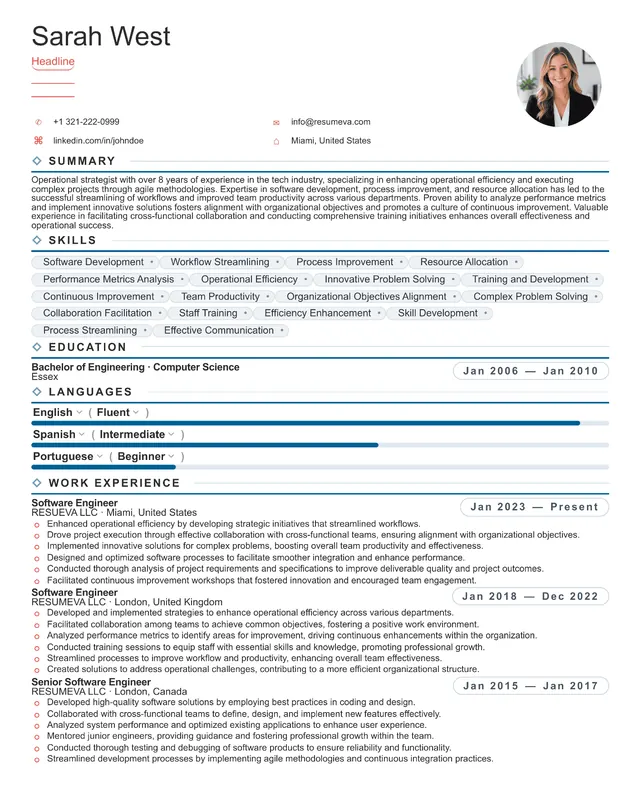
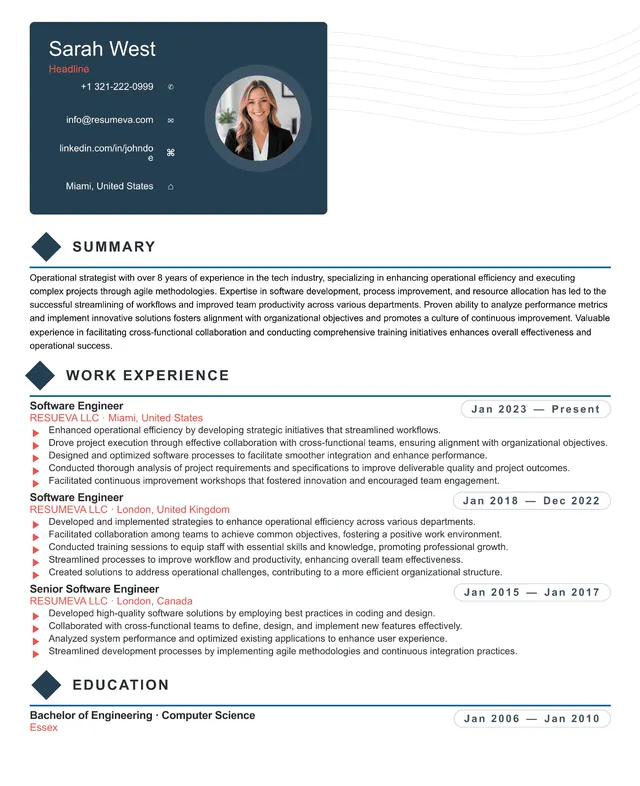
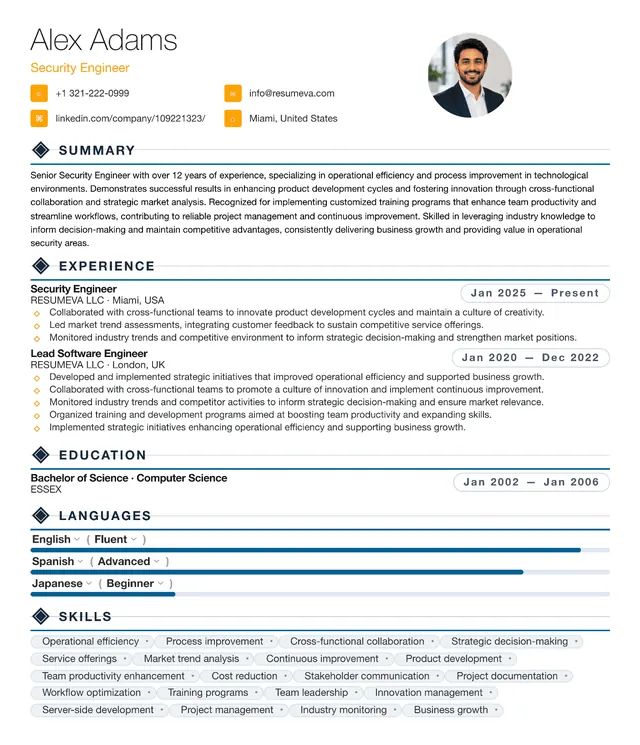
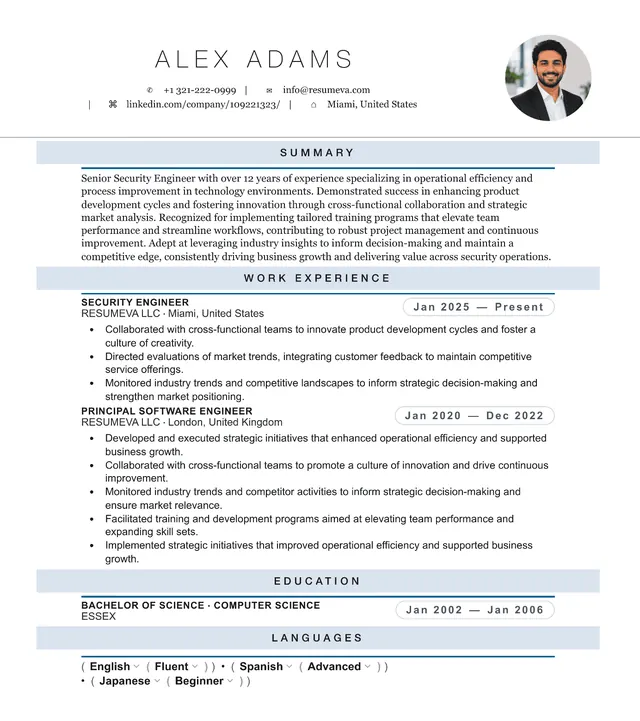
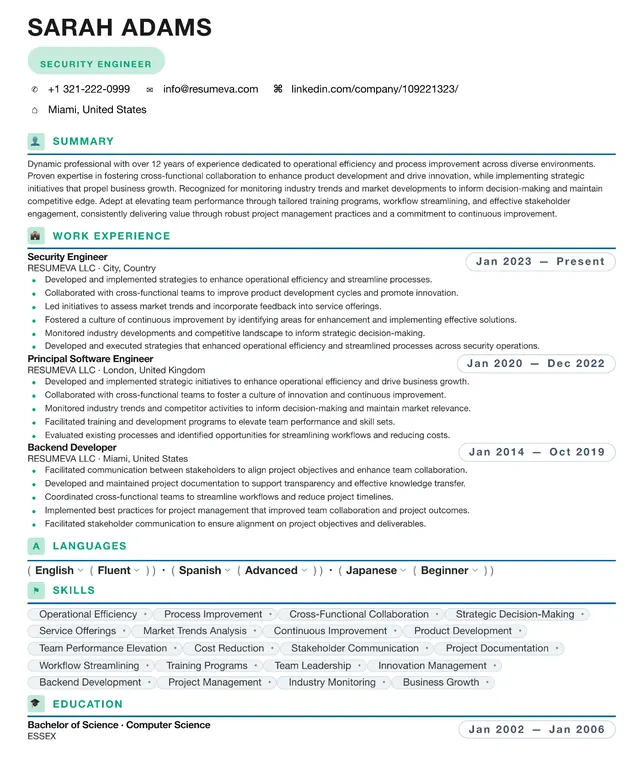
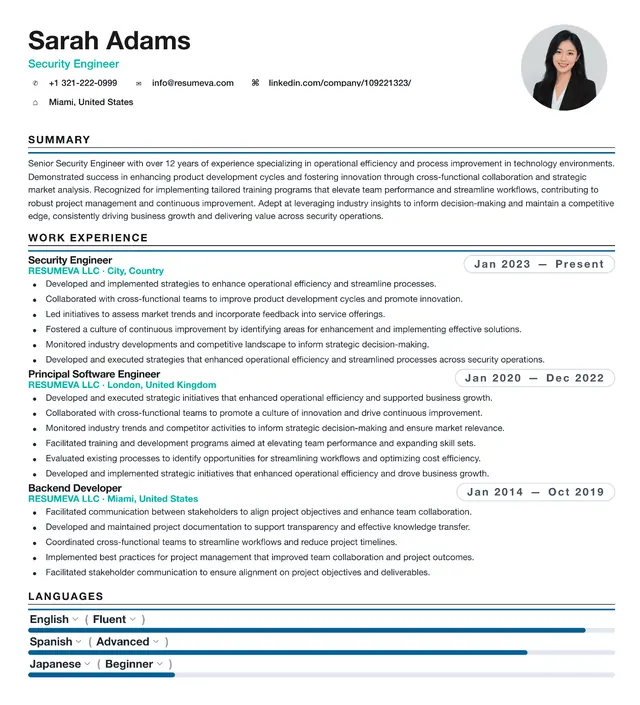
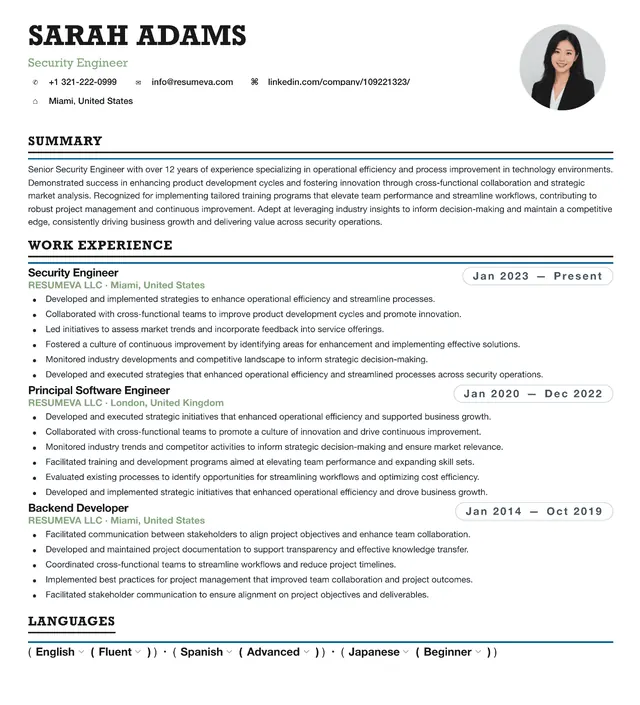
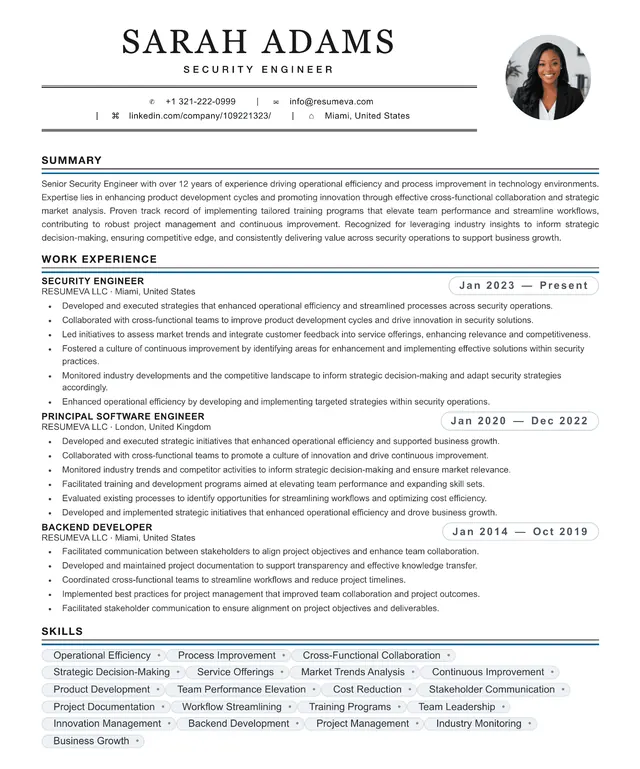
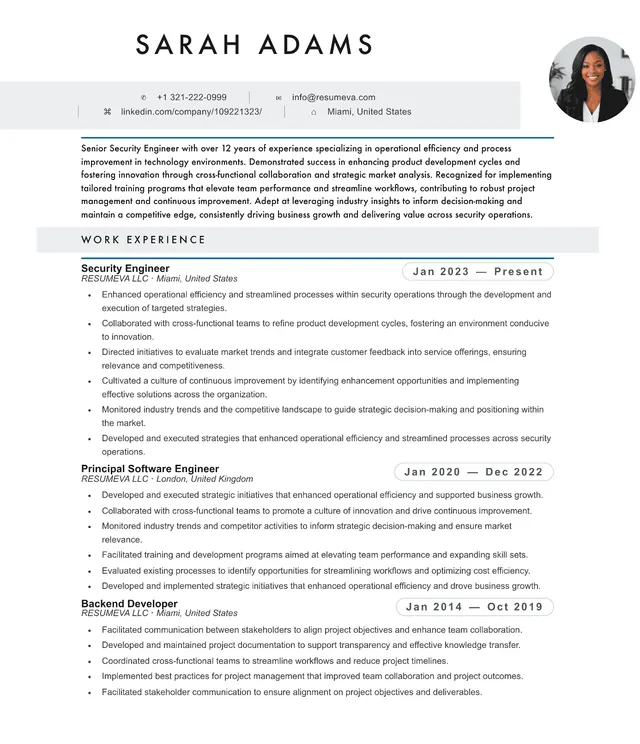
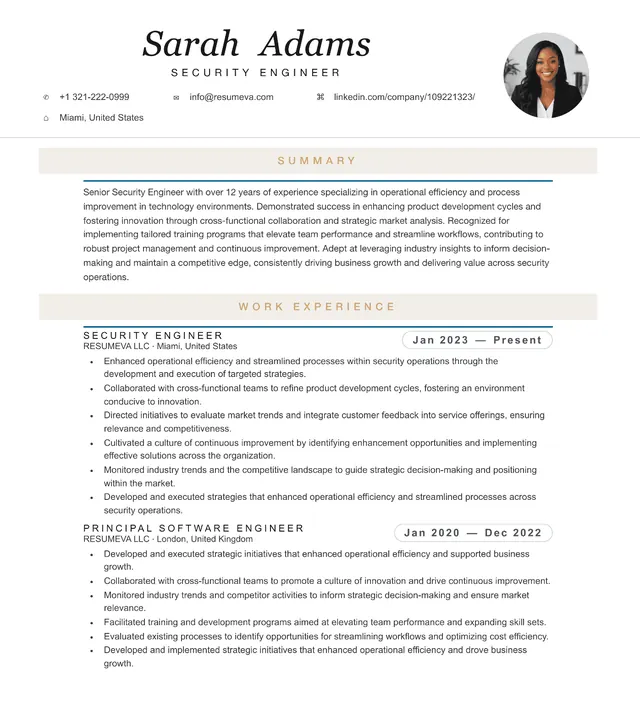
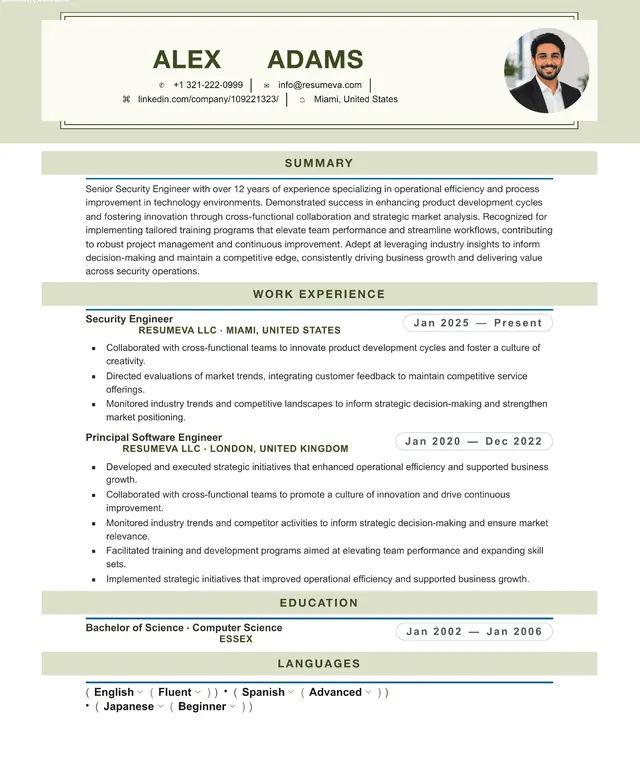
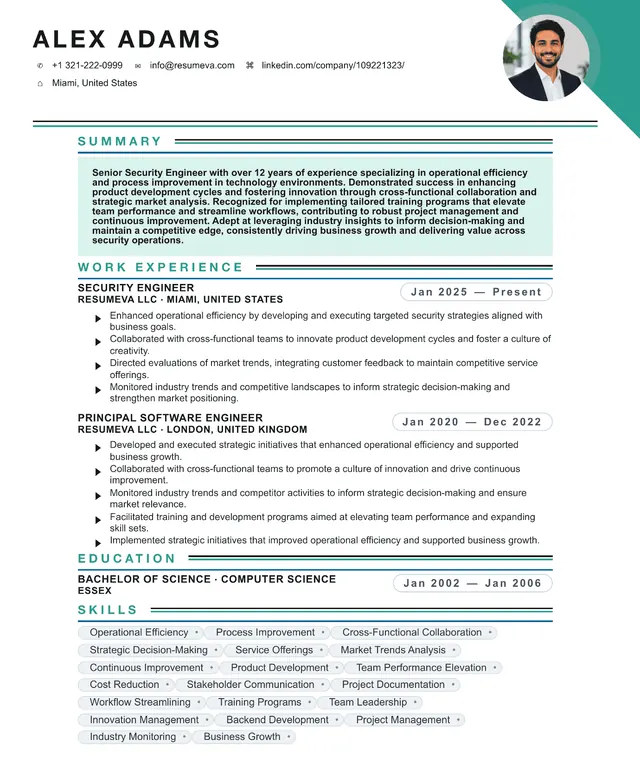
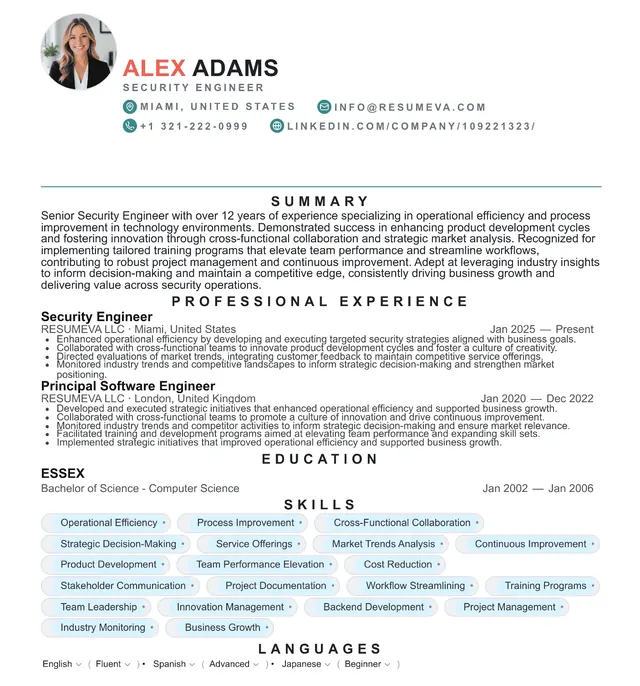
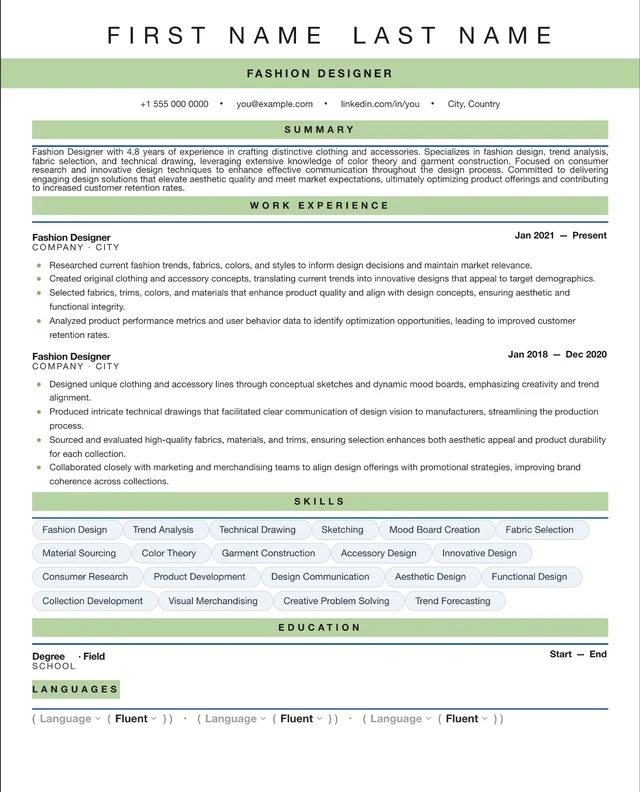
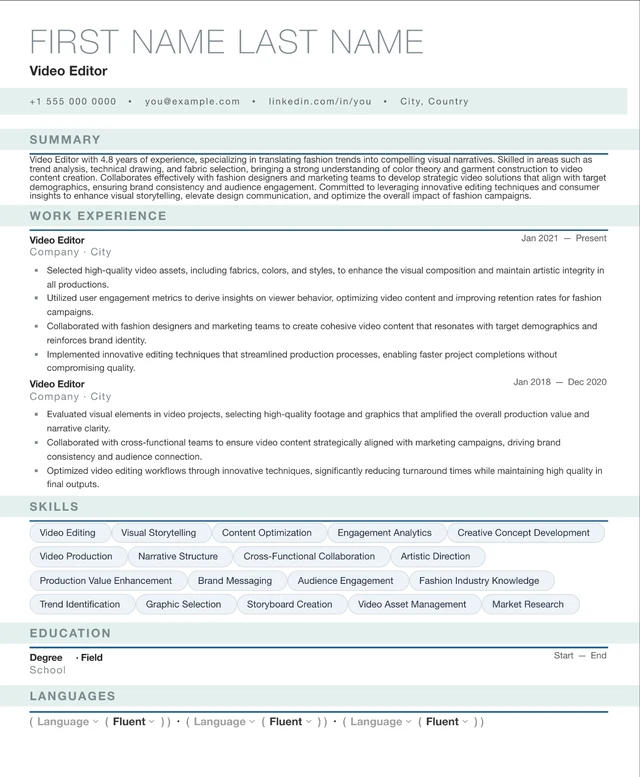
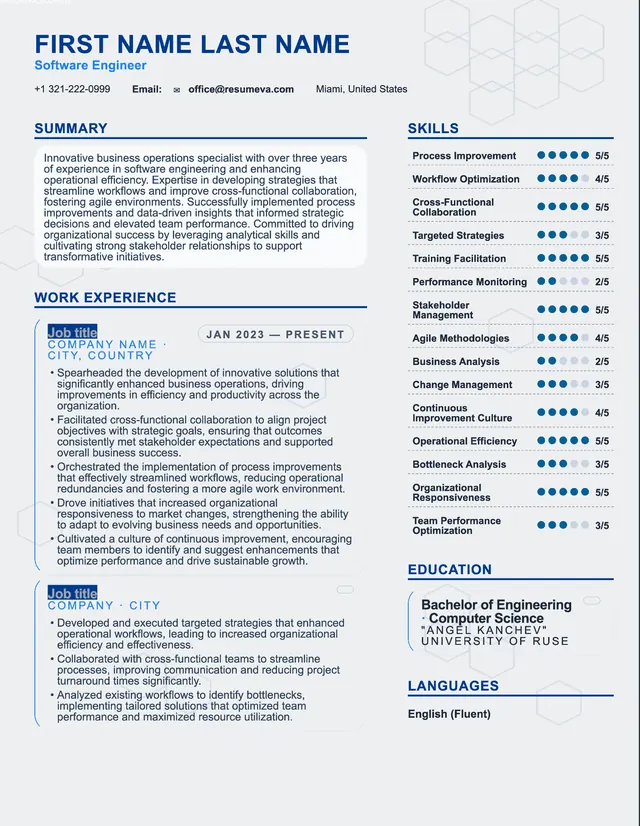
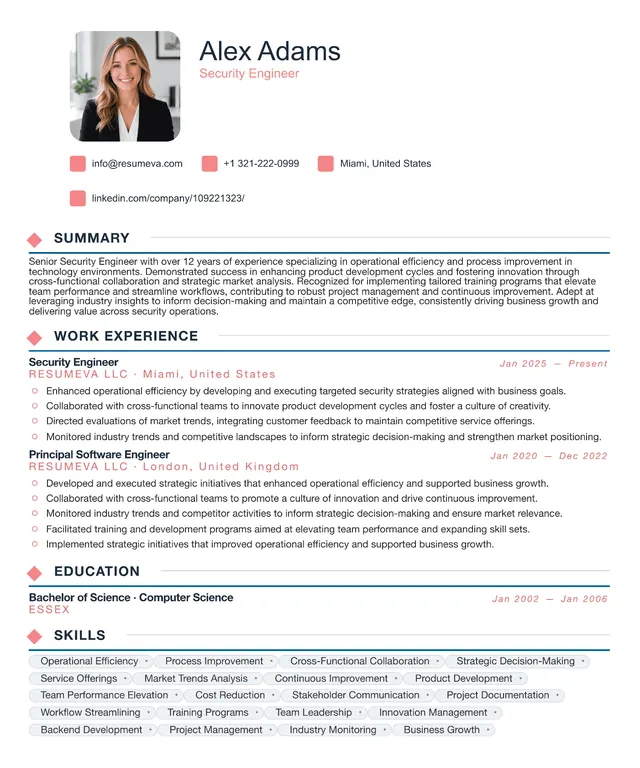
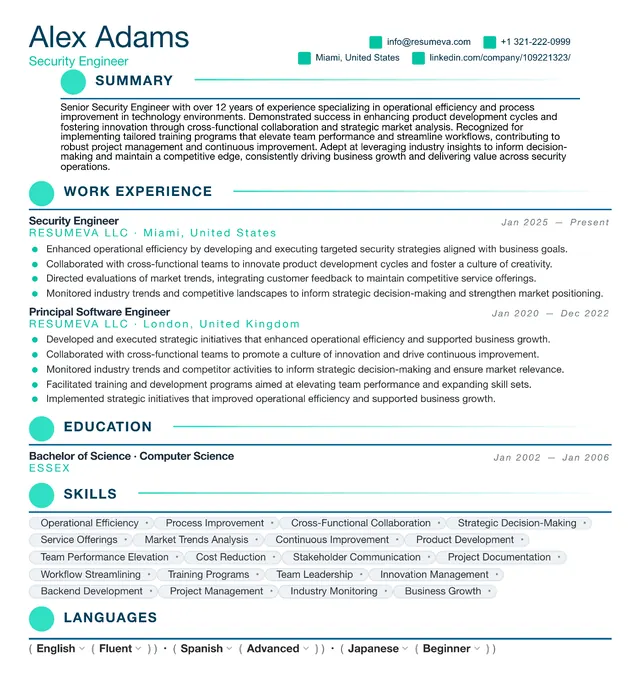
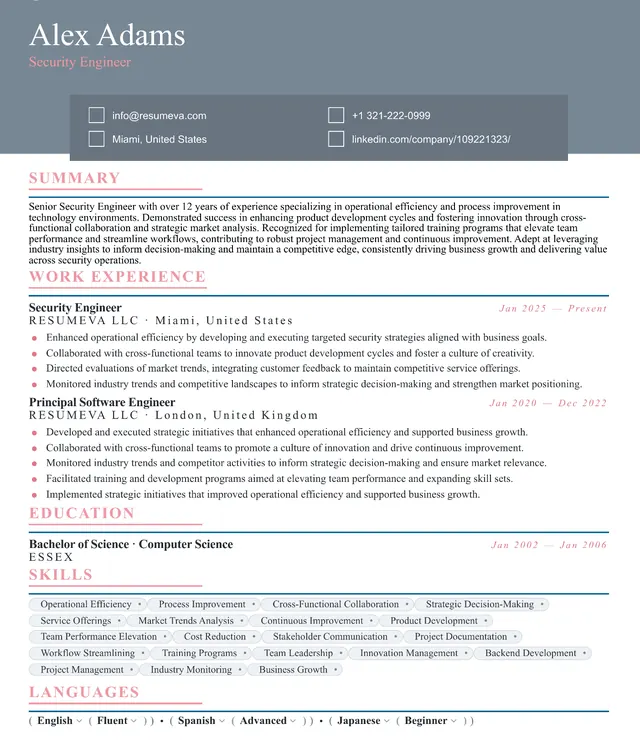
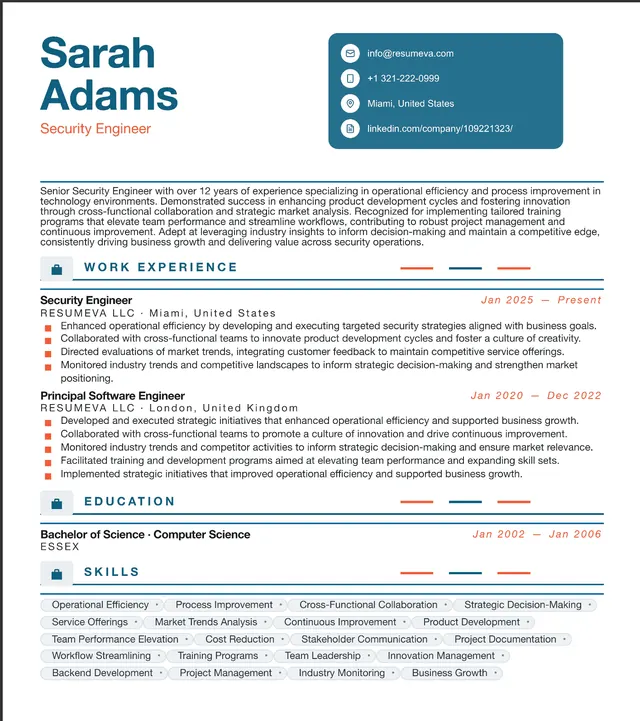
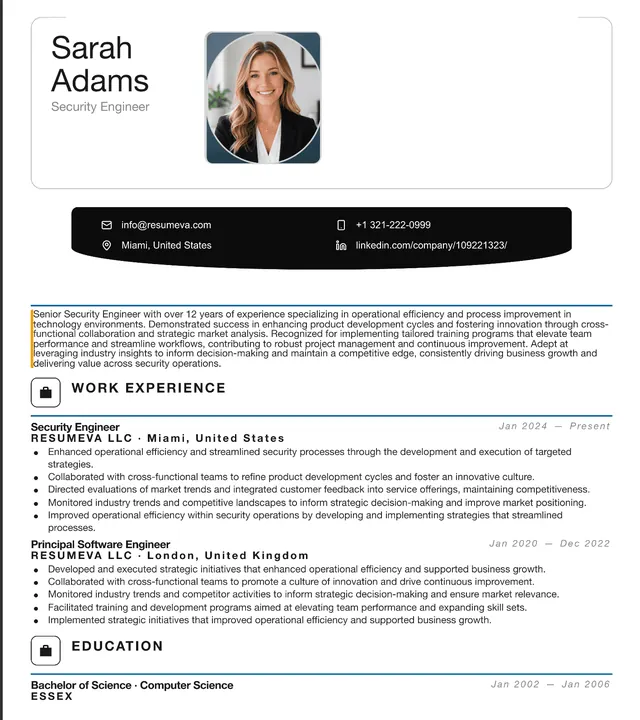
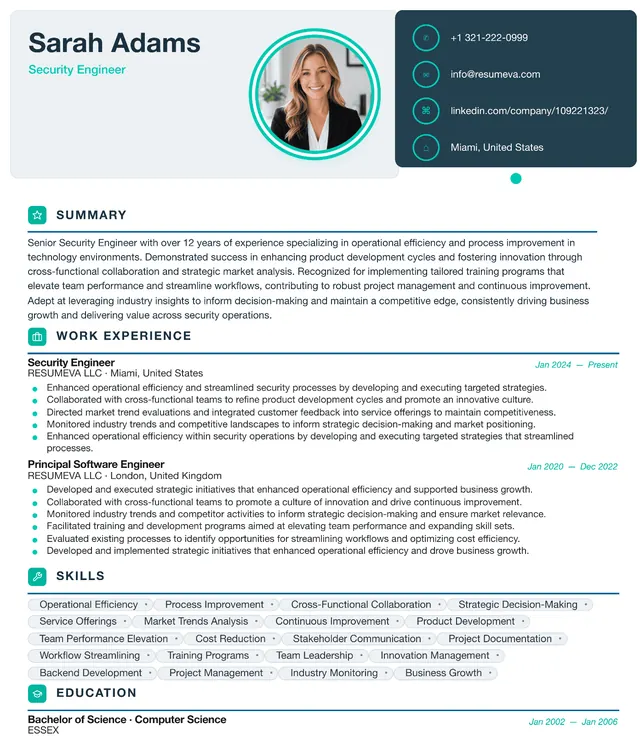
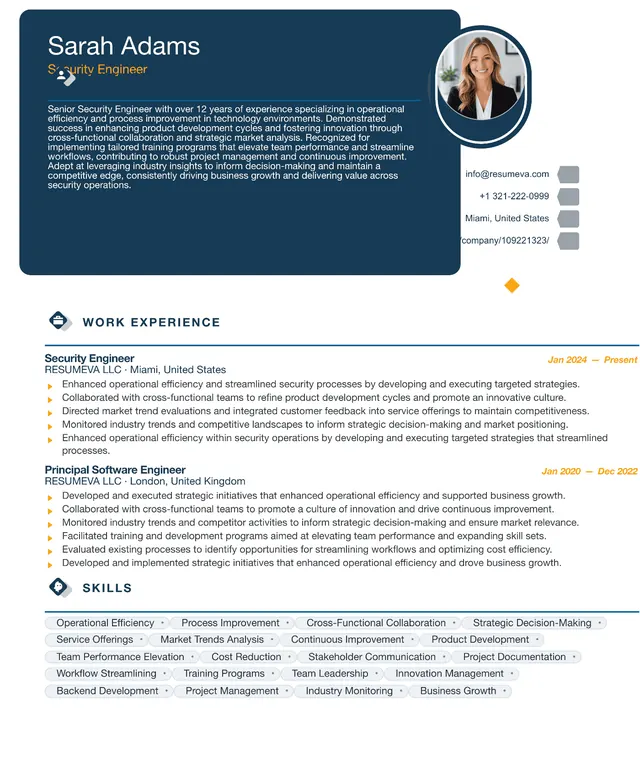
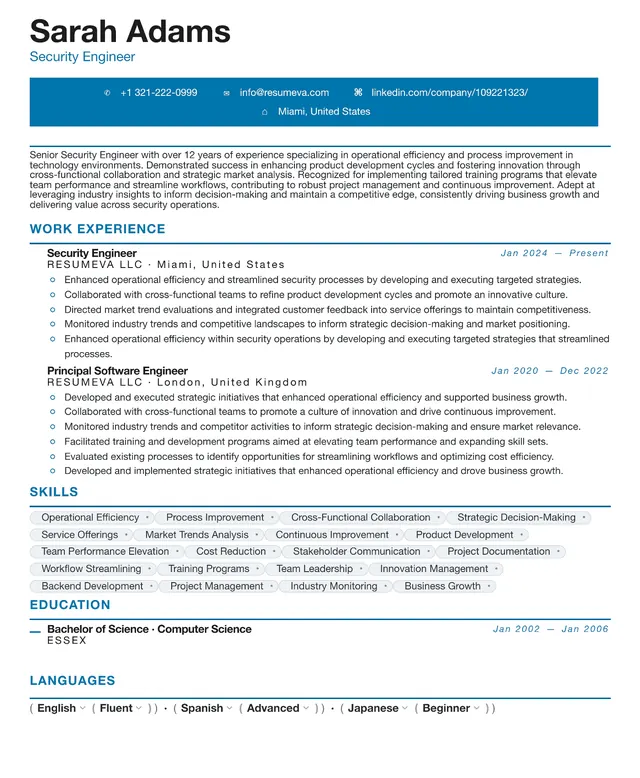
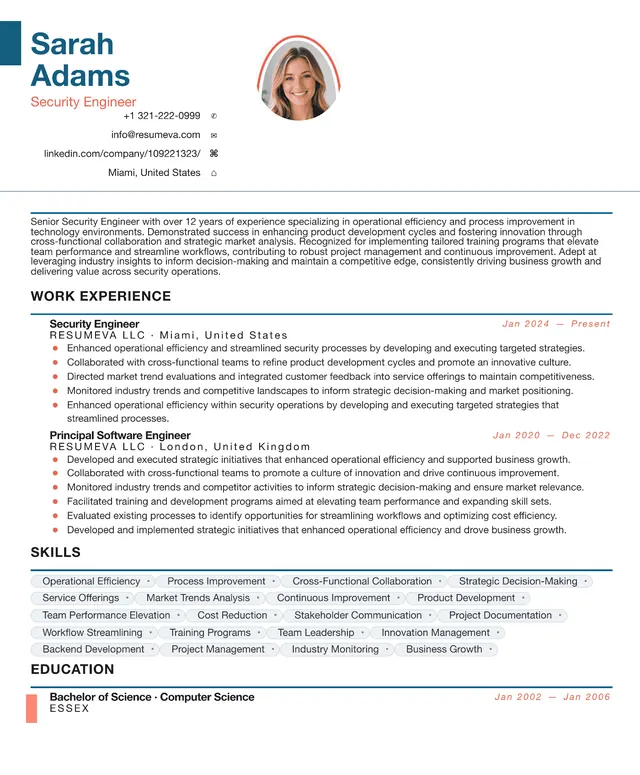
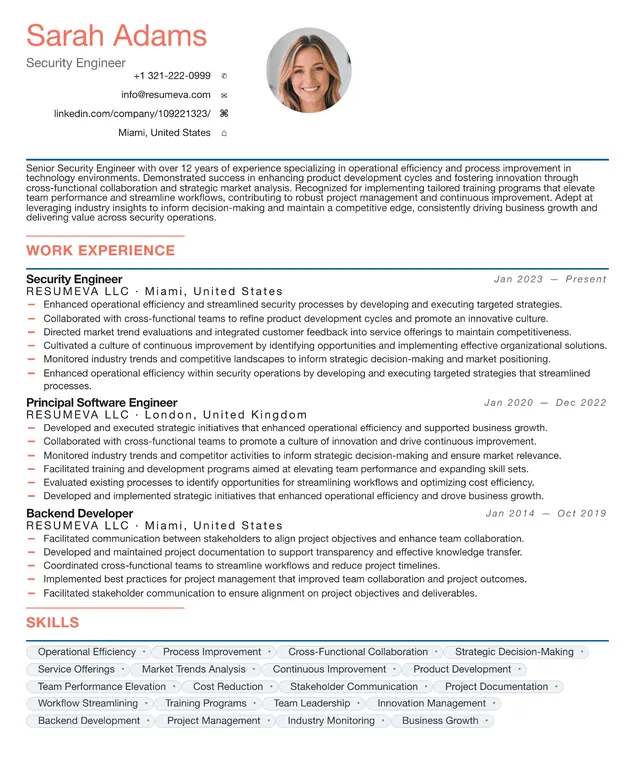
Preview content is fictional. Choosing a template starts a blank resume.
“Popular recently” identifies up to six templates by distinct customers with a saved resume using that template updated during the previous 30 days; it appears only when six templates and at least 20 counted customer-template uses are available. “Featured” is an editorial label, not a popularity ranking.
Creative resume templates are intended for roles where presentation is relevant to the work. They use color, typography, and spacing to create a distinctive page while keeping standard resume sections clear.
Choose a portfolio-forward layout when visual presentation matters, or a simpler single-column option when the employer's upload requirements are unclear. Always review the exported file and follow the instructions in the job application.
Who this template is for
- Designers, art directors, and illustrators applying to studios or agencies where visual taste is part of the brief.
- Marketers, brand strategists, and content creators who want a portfolio-adjacent first impression.
- Writers, photographers, and videographers presenting alongside link-rich work samples.
- Career-changers moving into a creative role who want their resume to signal craft instantly.
Pros & cons
Pros
- More visual personality for roles where presentation is relevant to the work.
- Layouts pair well with portfolio links — the resume sets the tone, the portfolio carries the proof.
- Color and typography systems are pre-paired so nothing clashes.
- Hierarchy guides the reader's eye to your strongest work first.
Cons
- Extra visual elements can complicate the reading order if you over-customize.
- A creative layout may be less conventional for finance, law, or government applications.
- Color choices can lose contrast when the document is printed in grayscale.
- Heavier typography means you fit fewer bullets on the page; you must edit ruthlessly.
ATS formatting guidance
Layout profile: More visual complexity
These notes describe common document-structure practices, not certification by or a guarantee for any applicant-tracking system. Always follow the employer's file requirements.
- Single-column variants use a simpler reading order than multi-column layouts.
- Decorative icons are kept separate from the section text so the written content remains selectable.
- Avoid converting headings to images, dropping text into shapes, or replacing standard section names with creative synonyms (use 'Experience', not 'My Journey').
- Run Resumeva's ATS check before exporting to review the document structure and any issues it can identify. Other systems may read the same file differently.
Common uses
Design & Branding
A visual layout can complement a design portfolio and related work samples.
Advertising & Marketing
A more expressive layout can complement a portfolio or campaign-focused application.
Media & Publishing
Editorial layouts feel native to the industry.
Fashion & Lifestyle
Color and typography choices double as a style cue.
Architecture & Interiors
Layout discipline reads as design discipline.
Example use cases
Senior designer moving agencies
Pair the creative template with a tight 4-project highlight reel and link out to a full case-study portfolio.
Brand marketer applying to a DTC startup
Use the color block layout to mirror the brand world startups already live in.
Freelancer pitching long-term retainers
A creative resume next to invoices and case studies signals that you treat your own brand seriously.
Continue with this style
Start a blank resume with Graphic DesignerFrequently asked questions
Will a creative template hurt my chances in ATS screening?
No template can guarantee how every applicant-tracking system will read a file. Keeping text selectable, using standard section labels, and choosing a single-column layout can reduce common parsing problems.
Is a creative resume right for non-creative roles?
It depends on the role and employer. A traditional or simple layout is often a more conservative choice for finance, legal, consulting, or government applications.
How do I keep a creative resume to one page?
Prioritize relevant evidence instead of forcing a fixed page count. Resumeva's current guidance is 4–6 focused bullets for recent roles and 2–3 for older roles; much older, less relevant experience can be condensed into a short Earlier Experience entry.
Can I add my portfolio link to a creative template?
Yes. Add a short, readable portfolio URL in the contact area and confirm it remains selectable in the exported file.